
In today's digital age, social media platforms like Facebook, Instagram, and Threads are integral parts of our lives. However, concerns about data privacy, digital addiction, and the political stances of tech giants like Meta (formerly Facebook) have prompted many users to reconsider their online presence. If you've decided to take control of your digital footprint and leave the Meta ecosystem for good, this guide will walk you through the steps to delete your Meta accounts, including Facebook, Instagram, and Threads. We'll also discuss important preparatory steps, the consequences of deletion, and alternatives to consider.

Why Delete Your Meta Account?
Before diving into the deletion process, it's crucial to understand why someone might choose to leave Meta's platforms. Here are some common reasons:
- Data Privacy Concerns: Meta has faced numerous controversies regarding its handling of user data. If you feel uncomfortable with the idea of your personal information being collected, analyzed, and potentially shared, deleting your account might be the best option.
- Breaking Free from Digital Addiction: Social media can be addictive and time-consuming. Deleting your accounts can help you regain focus, reduce screen time, and improve your mental well-being.
- Political and Ethical Reasons: Meta's CEO, Mark Zuckerberg, has faced criticism for aligning the company with certain political ideologies. If you disagree with Meta's direction, leaving the platform might feel like a principled stand.
- Loss of Trust: Repeated scandals, such as the Cambridge Analytica data breach, have eroded trust in Meta. If you no longer feel comfortable using its services, deleting your account is a way to sever ties.
- Professional or Personal Reasons: Some users might find that social media no longer serves a purpose in their lives, or they may wish to distance themselves from online drama and negativity.
Preparation: Backing Up Your Data
Before deleting your Meta accounts, it's essential to back up your data. Once you delete your account, all your photos, videos, messages, and other content will be permanently lost. Here's how to download your data from Facebook and Instagram:
Steps to Download Your Data:
- Log in to your account: Open Facebook or Instagram and log in using your credentials.
- Access Settings:
- On Facebook: Click your profile picture in the top right corner, then go to Settings & Privacy > Settings.
- On Instagram: Go to your profile, click the menu icon (three horizontal lines), and select Settings.
- Download Your Information:
- On Facebook: Scroll down to Your Information and click Download Your Information.
- On Instagram: Click Security, then select Download Data.
- Select Data and Format:
- Choose the data you want to download (e.g., photos, videos, messages, posts).
- Select the format (HTML or JSON) and media quality (high, medium, low).
- Submit Request: Click Submit Request or Request Download. You'll receive a notification when your data is ready to download.

How to Permanently Delete Your Meta Accounts
Once you've backed up your data, you can proceed with deleting your accounts. Here are the steps for Facebook, Instagram, and Threads.
Facebook Account:
- Log in to Facebook: Go to Facebook.com and log in to your account.
- Access Settings:
- Click your profile picture in the top right corner.
- Go to Settings & Privacy > Settings.
- Account Ownership and Control:
- Go to Your Facebook Information.
- Select Account Ownership and Control.
- Delete Account:
- Choose Deactivate or Delete.
- Select Delete Account and follow the on-screen instructions.
- Confirm Deletion: Facebook will ask you to confirm your decision. Once confirmed, your account deletion will be scheduled.

Instagram Account:
- Log in to Instagram: Open the Instagram app or website and log in.
- Access Settings:
- Go to your profile and click the menu icon (three horizontal lines).
- Select Settings.
- Delete Account:
- Go to Account > Delete Account.
- Follow the prompts to confirm your decision.
- Confirm Deletion: Instagram will ask you to provide a reason for leaving and confirm your password. Once confirmed, your account will be deleted.
Threads:
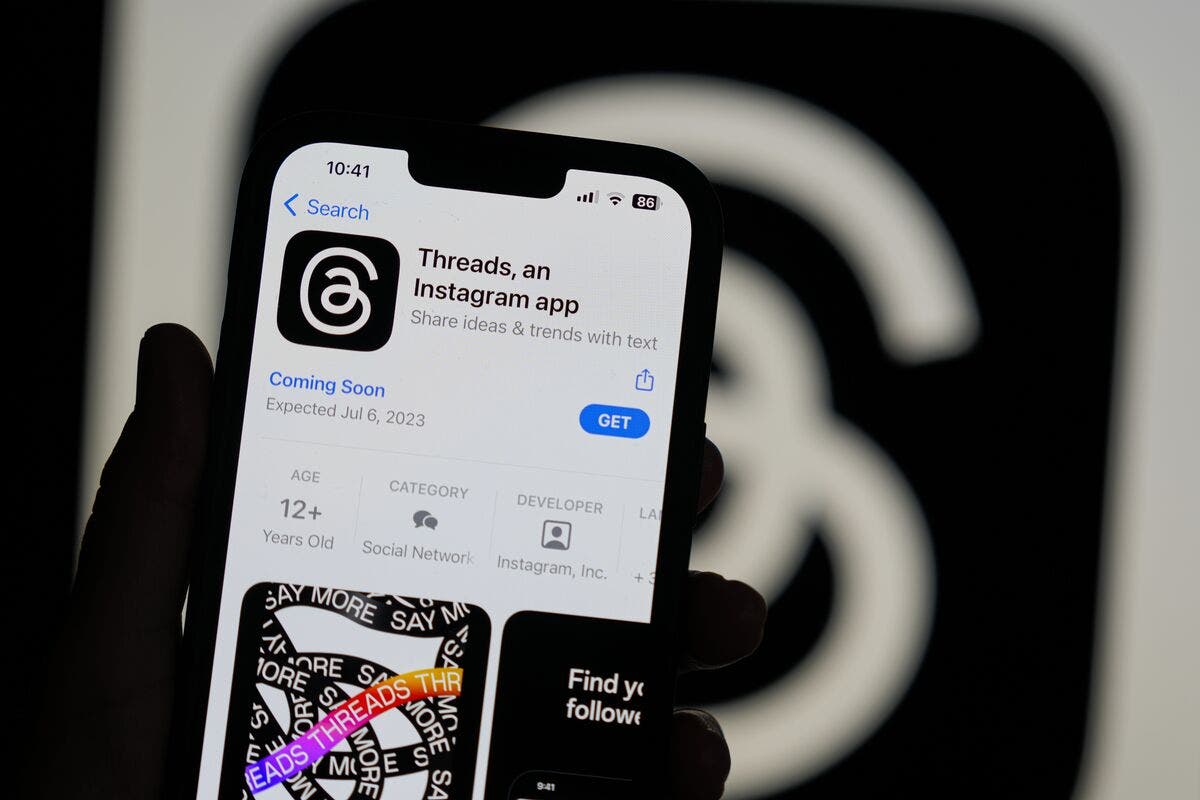
Threads is linked to your Instagram account, so deleting Instagram will automatically delete your Threads account. If you only want to delete Threads, you will need to deactivate or delete your Instagram account.
Important Notes on Deletion
Before proceeding, keep the following in mind:
- 30-Day Grace Period: After initiating the deletion process, you have 30 days to change your mind. If you log in during this period, your account will be reactivated.
- Permanent Data Loss: Once your account is deleted, all your content—photos, videos, messages, posts—will be permanently erased.
- Linked Apps and Services: If you use Facebook or Instagram to log in to other apps or services, you will lose access to those accounts. Be sure to update your login credentials elsewhere.
- Messenger Access: Deleting your Facebook account will also disable access to Facebook Messenger.
- Meta Quest: If you use Meta Quest (formerly Oculus), you will lose your purchases and achievements.
- Legal Backups: Meta may retain backups of your data for up to 90 days due to legal obligations.
Alternative: Deactivating Your Account
If you're unsure about permanently deleting your accounts, you can temporarily deactivate them instead. Deactivation allows you to take a break from social media without losing your data.
Benefits of Deactivation:
- Your profile and content will be hidden from others.
- You can reactivate your account anytime.
- Messenger remains available on Facebook.
- Linked apps and services continue to function.
How to Deactivate:
- Follow the same deletion steps but choose Deactivate Account instead of Delete Account.
Conclusion
Deleting your Meta accounts is a significant step that requires careful consideration. It can help eliminate data privacy concerns and excessive screen time. However, it also means losing years of photos, chats, and professional connections. Be sure to save your data, inform your friends, and change your login details for other applications first. If you are determined to do so, use the steps outlined in this guide to permanently remove your Facebook, Instagram, and Threads accounts. Or, you can simply turn off your accounts for a while. Regardless of your choice, know that taking control of your online life is a powerful step toward a healthier, more technology-conscious relationship.
- 👉🏻 Understand the reasons for deleting a Meta account.
- 👉🏻 The importance of backing up data before deletion.
- 👉🏻 Steps to delete Facebook, Instagram, and Threads accounts.
- 👉🏻 Important notes about the deletion process and its consequences.
- 👉🏻 The option of deactivating your account as an alternative to permanent deletion.
We hope this guide has been helpful in making the right decision regarding your Meta accounts. We always advise you to assess your internet and social media usage and manage your personal data optimally.
Post a Comment