
4 Secret Samsung Galaxy S26 Ultra Camera Upgrades You Need to Know
Samsung has officially raised the bar for mobile photography with the release of the Galaxy S26 Ultra. While the headlines focus on major hardware changes—specifically the wider apertures for the 200MP primary sensor and the 50MP telephoto lens—there is much more happening under the hood. By allowing more light to hit the sensors, Samsung has ensured that low-light "Nightography" is cleaner and sharper than ever. However, the true magic lies in several hidden software and processing improvements that the tech giant didn't spend much time highlighting during the launch.

- ✨ Enhanced 200MP High-Res Imaging: New multi-frame HDR processing makes full-resolution shots clearer and more vibrant.
- ✨ Integrated Virtual Aperture: Adjust background bokeh directly within the stock camera's Portrait Mode.
- ✨ New 24MP AI Fusion Mode: A perfect balance of 12MP light sensitivity and 50MP detail.
- ✨ Smart Motion Photos: An "Auto" toggle that only records motion clips when movement is actually detected.
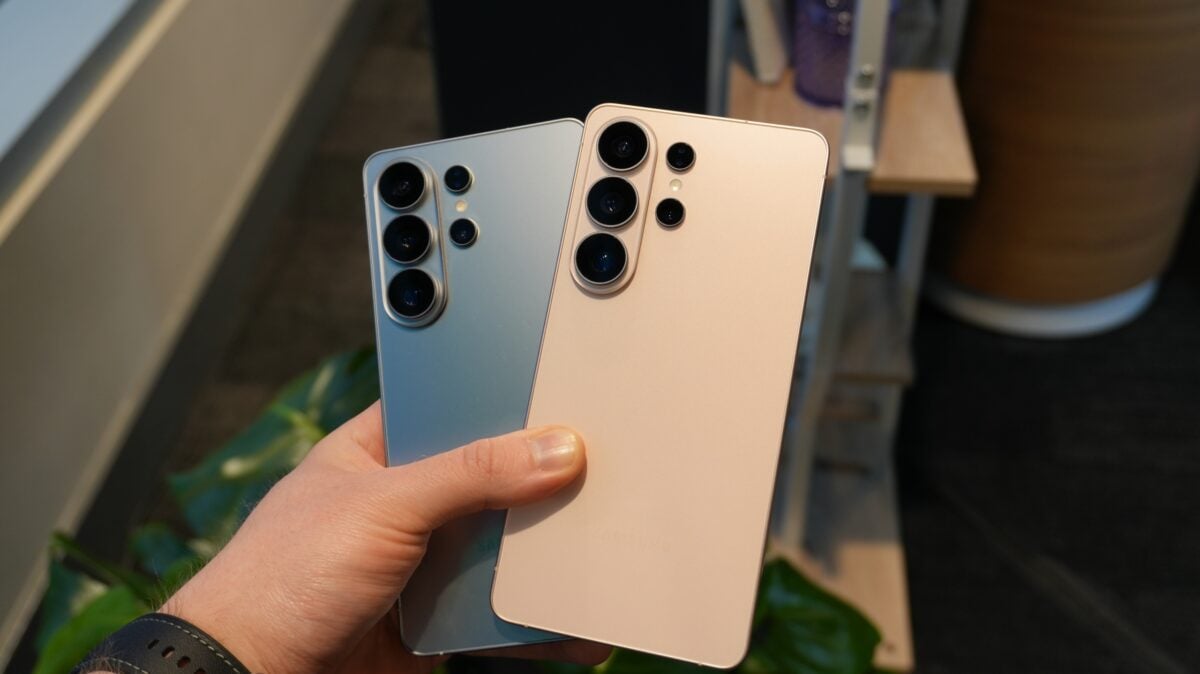
The heart of these improvements is the incredible Snapdragon 8 Elite Gen 5 for Galaxy. This custom processor provides the computational power necessary to push the existing sensors to their absolute limit. Even though the hardware sensors remain similar to the previous generation, the way the phone "thinks" about an image has changed fundamentally, leading to four specific upgrades that every enthusiast should explore.
1. Refined 200MP Ultra-High Resolution Photography
Samsung has featured a 200MP sensor for several years, but users often found that the 12MP binned photos looked better due to superior HDR and noise reduction. With the Galaxy S26 Ultra, that gap is closing. Samsung has implemented advanced multi-frame HDR processing specifically for the 200MP mode. This means that when you take a full-resolution shot, the phone captures multiple frames to balance shadows and highlights, resulting in images that are not just large, but professional in quality with a significantly wider dynamic range.
2. Virtual Aperture Control in Portrait Mode
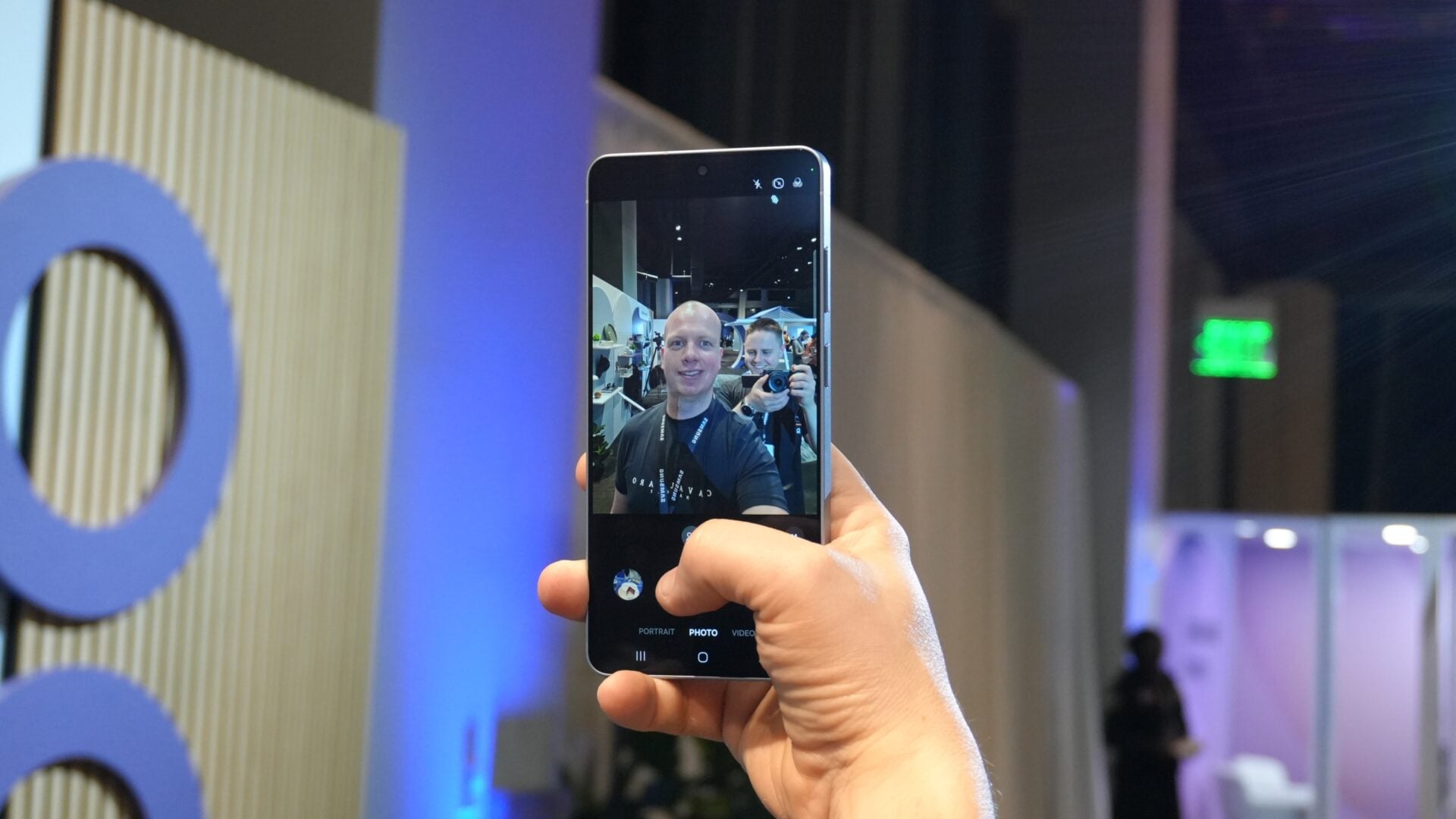
While the phone lacks a physical moving iris, it now offers a "Virtual Aperture" feature. Previously tucked away in the Expert RAW app for enthusiasts, this tool is now part of the standard Portrait Mode in the stock Camera app. It allows users to digitally simulate the depth of field, giving you precise control over how blurry or sharp the background appears when photographing people or pets. This makes the One UI 8.5 camera experience feel much more like using a dedicated DSLR.
3. The 24MP AI Fusion Shooting Mode
In the past, users had to choose between the 12MP mode (great colors, less detail) and the 50MP mode (great detail, less dynamic range). The Galaxy S26 Ultra introduces a "sweet spot" with a new 24MP resolution option. Using a technique called AI Fusion, the camera captures a 12MP multi-frame image and merges it with a 50MP high-detail frame. The result is a 24MP photo that offers the best of both worlds. Note that this feature must be enabled via the Camera Assistant app, which is available for download on the Galaxy Store.
4. Intelligent Auto-Detection for Motion Photos
Motion Photo is a beloved feature that captures a few seconds of video with every still image. However, it can quickly consume storage space with useless clips of static objects. The Galaxy S26 Ultra solves this with a new "Auto" mode. When enabled, the software detects if there is actual movement in the frame. If you are taking a picture of a moving car, it saves the video; if you are photographing a still landscape, it only saves the photo, keeping your storage clean and efficient.

How does the new 24MP mode improve photo quality?
The 24MP mode uses AI Fusion technology to combine the high dynamic range and color accuracy of a 12MP image with the sharp details of a 50MP shot. This provides a more balanced photograph that looks great on large screens without sacrificing the vibrant look Samsung is known for.
Is the Virtual Aperture feature the same as a physical aperture?
No, the Galaxy S26 Ultra uses a fixed physical aperture. However, the Virtual Aperture feature uses advanced software algorithms and the power of the Snapdragon 8 Elite processor to simulate the optical characteristics of different aperture settings, allowing you to control the blur (bokeh) in your portraits.
Why isn't the 24MP mode available by default?
Samsung currently offers this as an advanced feature within the Camera Assistant app. This allows the stock camera app to remain simple for casual users while giving photography enthusiasts the option to enable more complex processing modes through the Galaxy Store plugin.
Will the Auto Motion Photo feature save storage?
Yes, significantly. By only recording video clips when the camera detects movement, it prevents the phone from saving thousands of tiny video files for static shots, ensuring that your storage is only used for meaningful, moving memories.
🔎 In conclusion, while the hardware improvements on the Galaxy S26 Ultra are impressive, it is the sophisticated software layer that truly defines the new experience. From the intelligent storage management of Motion Photos to the professional-grade AI Fusion in the 24MP mode, Samsung has focused on making the camera smarter, not just bigger. These hidden features ensure that whether you are a point-and-shoot user or a professional creator, the S26 Ultra provides the tools necessary to capture every moment with absolute precision.
Post a Comment