
Android Update: How to Automatically Sync Your phone Downloads to Google Drive
Managing local files on mobile devices has often been a manual and tedious process, but a significant change is coming to the Android ecosystem. Google has officially introduced a streamlined way to ensure your important documents and downloads are safe, specifically targeting the Samsung Galaxy devices and other Android smartphones with a new integration for cloud storage.
- ✨ Automatic Backups: The new feature simplifies the process of saving local downloads directly to the cloud.
- ✨ System Integration: Part of the February Play System update, making it available for most modern Android phones.
- ✨ Specific Targeting: Focuses specifically on the "Downloads" folder rather than the entire internal storage.
- ✨ Peace of Mind: Provides an immediate safety net for files received via WhatsApp, email, or browsers.
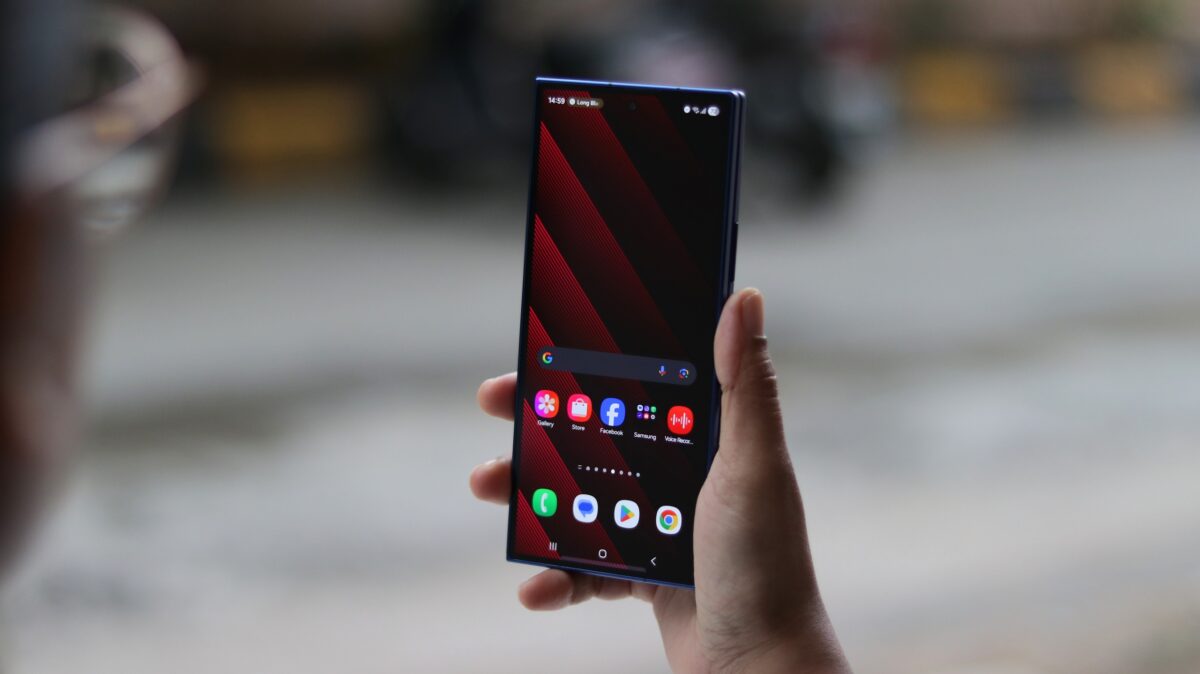
The February Play System update has confirmed that the Google Drive backup feature for local files is now rolling out to users globally. This development follows months of anticipation after the feature was initially hinted at late last year, promising to bridge the gap between local file management and cloud security.
The Arrival of Seamless Downloads Integration
This feature was first identified by industry observers several months ago, highlighting Google's intent to make Android system updates more functional for everyday users. The tool provides a dedicated backup toggle specifically for the "Downloads" directory on your phone. This means that any PDF, document, or media file saved from apps like WhatsApp, Google Chrome, or your email client will be instantly eligible for cloud synchronization.


It is important to note that this functionality is designed for the Downloads folder specifically. It does not act as a full-device mirror for all internal folders. This targeted approach ensures that your primary storage remains organized while your most frequently accessed new files are protected in Google Drive.
One technical detail users should be aware of is that these are "static" backups. When you download a file, it is uploaded to the cloud immediately. However, if you subsequently edit that specific file on your phone, the changes will not automatically sync to the version stored on Drive, and vice versa. It serves primarily as an archival safety net rather than a real-time collaborative sync tool.
For many Samsung Galaxy users, this removes the friction of having to manually upload important receipts or work documents to the cloud. Having the feature enabled provides the peace of mind that a copy of your file exists online the moment it hits your device storage.
The server-side rollout is expected to reach all compatible devices within the coming days. Users are encouraged to check their system update settings to ensure they are running the latest version of the Play System to access this new utility.
Which folders will be backed up by this new feature?
The feature specifically targets the "/Downloads" folder on your Android device. It does not automatically back up the entire internal storage, but rather focuses on files you save from the web, messaging apps, and email attachments.
Will edits I make to a file on my phone sync to Google Drive?
No, these are static backups. The file is uploaded once upon download. If you modify the PDF or document on your local device later, you will need to manually upload the updated version if you want it reflected in the cloud.
How can I get this feature on my Samsung Galaxy phone?
This feature is being delivered through the February Play System update. You can check for this by going to Settings > Security & Privacy > Updates > Google Play system update.
Does this work with files from WhatsApp and Gmail?
Yes, as long as those apps save their files into the standard Downloads directory of your phone, the Google Drive backup tool will recognize and upload them automatically.
🔎 This update represents a major step forward in making Android feel more cohesive and secure. By automating the backup of the Downloads folder, Google is addressing a common pain point for users who often forget to secure their most recent files. As the rollout continues, Galaxy users can look forward to a more resilient mobile experience where important data is never more than a click away in the cloud.
Post a Comment