
Experience the Future: How to Test Samsung Galaxy S26 Features on Your Current Smartphone
The tech world is buzzing following Samsung’s recent unveiling of its latest flagship lineup, the Galaxy S26 series. This new generation of non-foldable powerhouses includes the standard Galaxy S26, the larger Galaxy S26+, and the top-tier Galaxy S26 Ultra. For those eager to get a feel for these cutting-edge devices before committing to a purchase—and who might prefer to skip a trip to the physical retail store—Samsung has provided an innovative digital solution that brings the experience directly to your current device.
- ✨ Test Galaxy S26 features immediately without needing to buy new hardware.
- ✨ Full compatibility with both Android smartphones and Apple iPhones.
- ✨ Interactive exploration of Galaxy AI and the new Privacy Display technology.
- ✨ Easy setup through a simple web-based shortcut on your home screen.
How to Access the "Try Galaxy" Simulation
Samsung has officially updated its Try Galaxy tool, a specialized web application designed to mirror the interface of the Galaxy S26 Ultra. This tool is accessible regardless of whether you are currently using an Android device or an iPhone. To begin your virtual hands-on, simply navigate to the Try Galaxy website. Once there, tap the "Try now!" prompt and follow the on-screen instructions to save the app to your home screen. Upon launching it, you will be greeted by the authentic One UI interface found on the latest flagship.
Explore Exclusive Features and Galaxy AI
The simulation is surprisingly robust, allowing users to swipe through home screens, interact with the notification shade, access quick settings, and browse the app drawer. You can even dive into the system settings to see how Samsung has organized its latest software. While not every single function is active, the primary goal is to showcase the headline innovations. Users can specifically test the new Privacy Display settings and the advanced capabilities of Samsung Galaxy AI, which are the cornerstones of this year's releas
Pricing and Availability
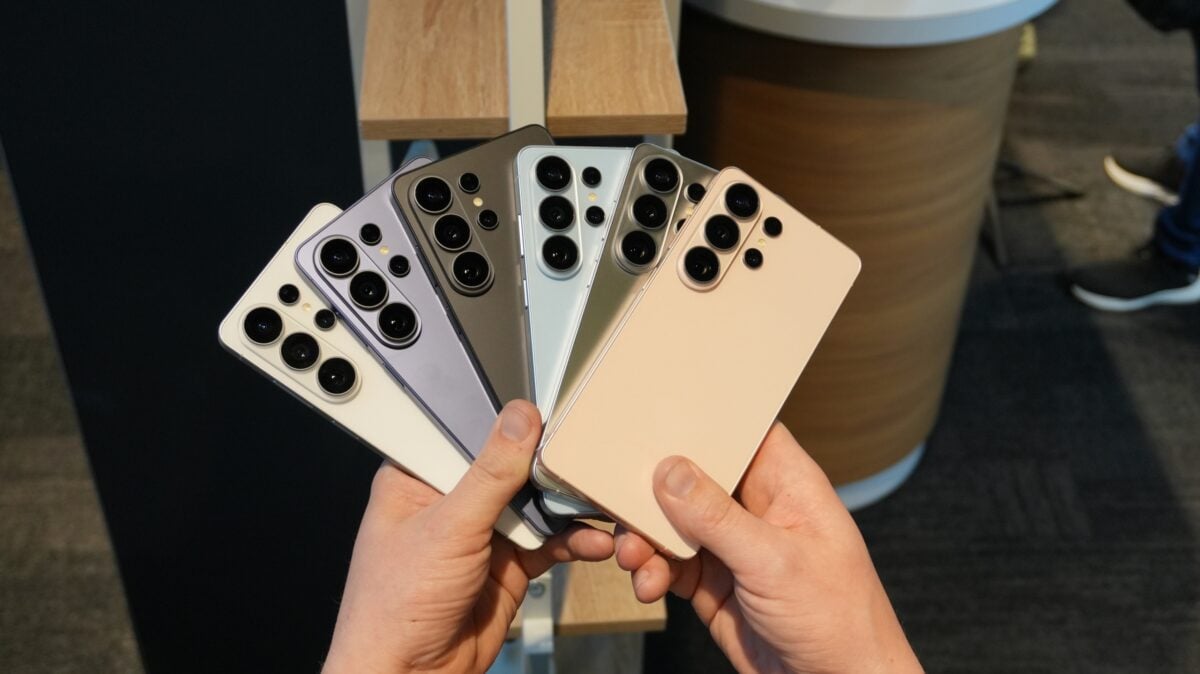
If your experience with the Try Galaxy tool leads you to a purchase decision, it is worth noting that pre-orders are live right now. Securing your device early often comes with significant perks, such as trade-in bonuses or accessory credits. You can find a detailed breakdown of the Galaxy S26 pricing to see which model fits your budget. For a more visual look at the hardware, you can also view the hands-on demonstration below.
Can I use Try Galaxy on any smartphone?
Yes, the tool is designed to work on most modern smartphones. It requires a web browser (like Safari on iOS or Chrome on Android) and asks you to add the page to your home screen to function as a web app.
What specific S26 features can I test?
The simulation focuses on the One UI 8.0 experience, specifically highlighting the Galaxy AI tools, the new Privacy Display settings, and the general navigation flow of the Galaxy S26 Ultra.
Do I need to download an app from the Play Store or App Store?
No, you do not need to download a traditional app. It is a web-based experience that you "install" by using the "Add to Home Screen" feature in your mobile browser.
Is there a cost associated with the Try Galaxy tool?
The Try Galaxy experience is completely free to use and is provided by Samsung as a marketing tool to help users transition from other devices to the Galaxy ecosystem.
Will using this tool change my phone's actual settings?
No, the tool runs entirely within its own environment. It does not modify your existing phone’s operating system, settings, or data in any way.
🔎 In conclusion, Samsung’s updated Try Galaxy tool remains one of the most clever marketing strategies in the mobile industry. By allowing users to virtually "own" a Galaxy S26 for a few minutes, the brand effectively lowers the barrier to entry and showcases its software prowess. Whether you are a long-time fan or an iPhone user curious about the latest Android innovations, this simulation provides a risk-free way to see if the Galaxy S26 series is the right upgrade for you.
Post a Comment