
Samsung Boosts Security for Galaxy Tab S10 Series with February 2026 Update
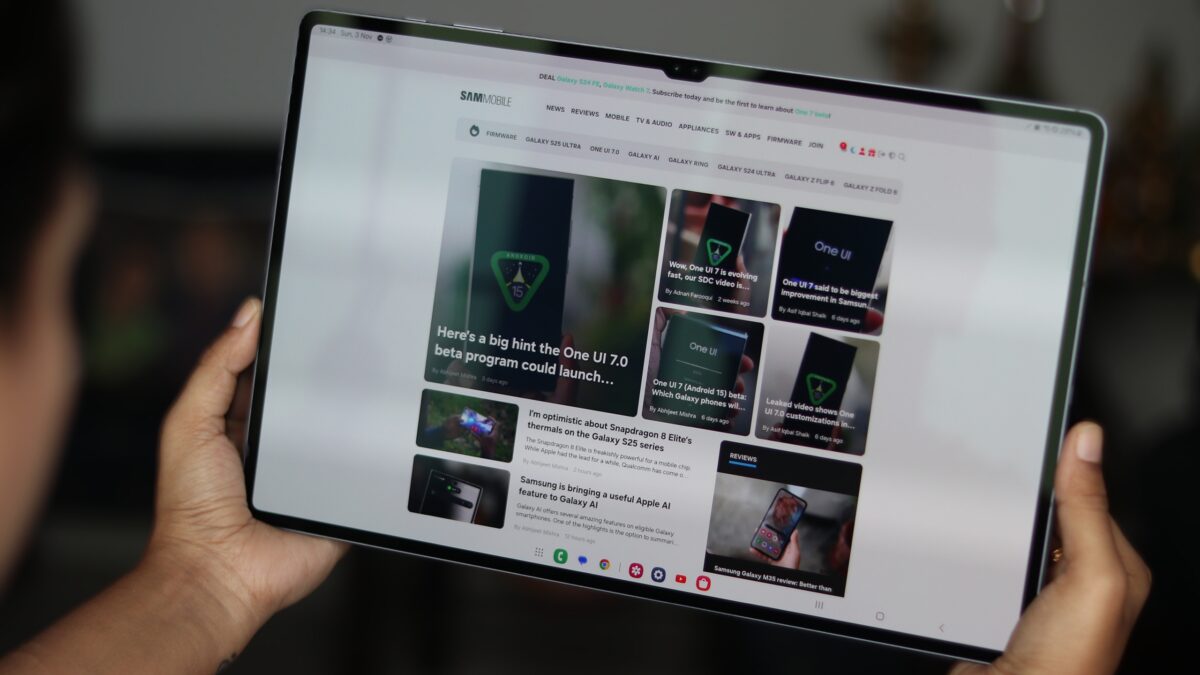
Samsung has officially initiated the distribution of a fresh software update for its flagship tablet series from 2024. Owners of the Galaxy Tab S10+ and the Galaxy Tab S10 Ultra are now receiving the February 2026 security patch, reinforcing the brand's commitment to device longevity and user safety. This update is specifically designed to harden the system against modern digital threats, ensuring that these high-performance devices remain reliable for professional and personal use.
- ✨ New security patch released for the Galaxy Tab S10+ and S10 Ultra.
- ✨ The update addresses 37 critical and high-risk security vulnerabilities.
- ✨ Initial rollout has commenced for users in South Korea.
- ✨ Preparation for the upcoming major One UI 8.5 (Android 16) transition.
Enhanced Protection with the February 2026 Security Patch
The latest software package is more than just a routine update; it is a comprehensive shield for your hardware. By addressing 37 security issues found in previous software versions, Samsung ensures that the Galaxy Tab S10 ecosystem remains one of the most secure tablet platforms on the market. These fixes cover various layers of the operating system, protecting user data from potential exploits and unauthorized access.
Currently, the update is being deployed to units within South Korea. Samsung is making the update available simultaneously for both Wi-Fi only and 5G-enabled cellular models. This phased rollout ensures stability before the software reaches a global audience. Users can identify the update by the following specific firmware versions:
Global Rollout and How to Update Your Device
While the initial release is limited to South Korea, the tech giant is expected to expand the reach of this update to Europe, North America, and other Asian markets within the coming days. If you haven't received a notification yet, you can manually trigger the check. To do this, navigate to your tablet's Settings, select Software update, and then tap Download and install.
Staying updated is crucial, especially as these tablets are currently eligible for One UI 8.5 (based on Android 16 QPR2). This upcoming major update promises a refreshed user interface and several new productivity features designed to maximize the massive screen real estate of the Ultra model. You can witness the potential of the next software generation in the hands-on video below:
For those looking to explore the full technical details of the security improvements, you can visit the official documentation or check the latest firmware database below.
Which tablets are currently receiving the February 2026 security update?
The update is currently rolling out for the Samsung Galaxy Tab S10+ and the Galaxy Tab S10 Ultra, including both their Wi-Fi and cellular (5G) variants.
What specific vulnerabilities does this patch address?
The February 2026 security patch fixes a total of 37 security vulnerabilities that were identified in the previous software version, enhancing the overall safety of the device.
Is this update available outside of South Korea?
As of now, the rollout has started in South Korea. However, it is expected to reach other global regions and markets within the next few days.
Will these tablets receive the One UI 8.5 update?
Yes, both the Galaxy Tab S10+ and the Galaxy Tab S10 Ultra are eligible to receive the One UI 8.5 update, which is based on Android 16 QPR2, bringing new UI elements and features.
How can I manually check for the update on my Galaxy Tab?
You can check for the update by going to Settings, selecting Software update, and tapping on the Download and install option to see if the patch is available for your region.
🔎 In conclusion, Samsung’s proactive approach to security with the February 2026 update ensures that the Galaxy Tab S10 series remains a top choice for users who value both performance and data protection. As we await the broader release of One UI 8.5, these security patches serve as an essential foundation for the future of the Android tablet experience.
Post a Comment