
Samsung Creative Studio: The Evolution of Galaxy AI Art Tools in One UI 8.5
Drawing Assist has long been one of the most engaging features within the Galaxy AI ecosystem, providing users with a fun and intuitive way to generate art. As technology progresses, so does Samsung's commitment to refining these tools. With the highly anticipated debut of the Galaxy S26 series, Samsung is introducing a significant overhaul to its generative drawing suite, starting with a completely new identity: Creative Studio.
- ✨ Drawing Assist has been rebranded as Creative Studio, featuring a more robust and professional interface.
- ✨ New creative presets allow users to instantly generate stickers, wallpapers, and personalized greeting cards.
- ✨ The tool is now deeply integrated into Samsung Notes for a more streamlined creative workflow.
- ✨ Creative Studio debuts with One UI 8.5, specifically optimized for the latest flagship hardware.
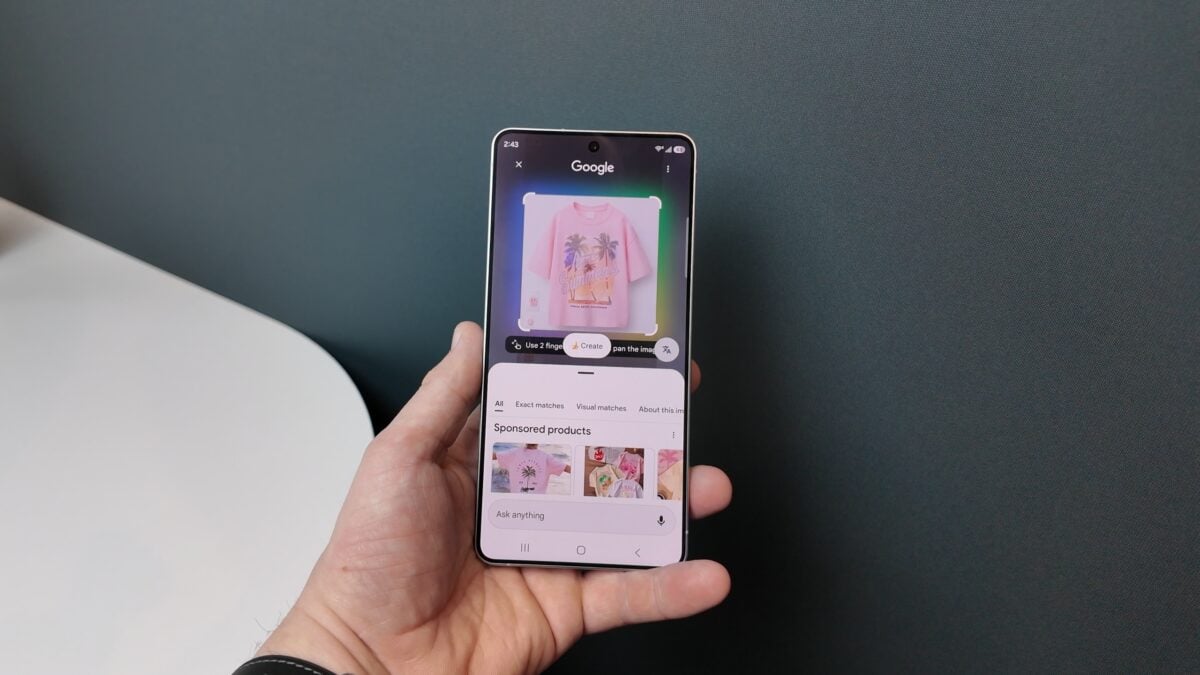
This rebranding is not merely cosmetic; it signifies a shift toward a more comprehensive creative suite. Creative Studio brings a host of upgraded tools, quality-of-life enhancements, diverse art styles, and a modern user interface designed to inspire both casual users and digital artists alike.
The history of this tool reflects Samsung's rapid pace of innovation in artificial intelligence. It was originally launched in early 2024 under the name "Sketch to Image" alongside the Galaxy S24. Later, it was refined and renamed "Drawing Assist." Now, entering its third major phase, Creative Studio represents the most polished version of Samsung's vision for mobile AI art.
What is New in Creative Studio for Galaxy S26 and One UI 8.5?
The most immediate change users will notice when launching Creative Studio on the Galaxy S26 is the redesigned user interface. Moving away from the traditional "empty canvas" approach, the app now welcomes users with a series of presets and a gallery of past projects, making it easier to pick up where you left off or start a new creation with a specific goal in mind.
Creative Studio has expanded its functional range significantly. It is no longer just for free-hand drawing; it can now intelligently generate custom stickers, high-resolution wallpapers, greeting cards, professional profile cards, and formal invitations. This makes the tool useful for social media, personalization, and even professional communication.
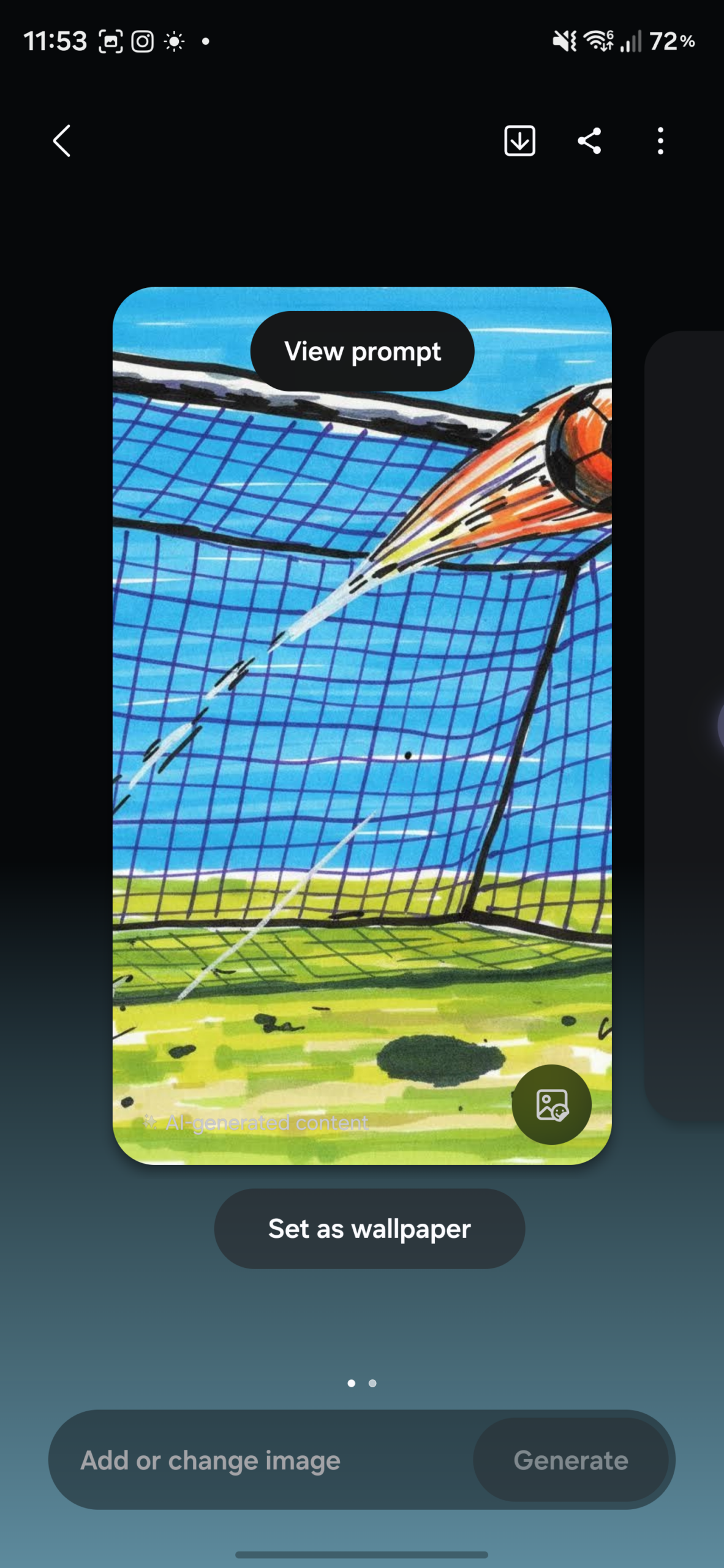
For those who love customizing their devices, wallpapers now support various aspect ratios and are designed to fill the entire screen perfectly. A major convenience feature is the ability to set these AI-generated wallpapers directly from the Creative Studio app without needing to navigate through the system settings.
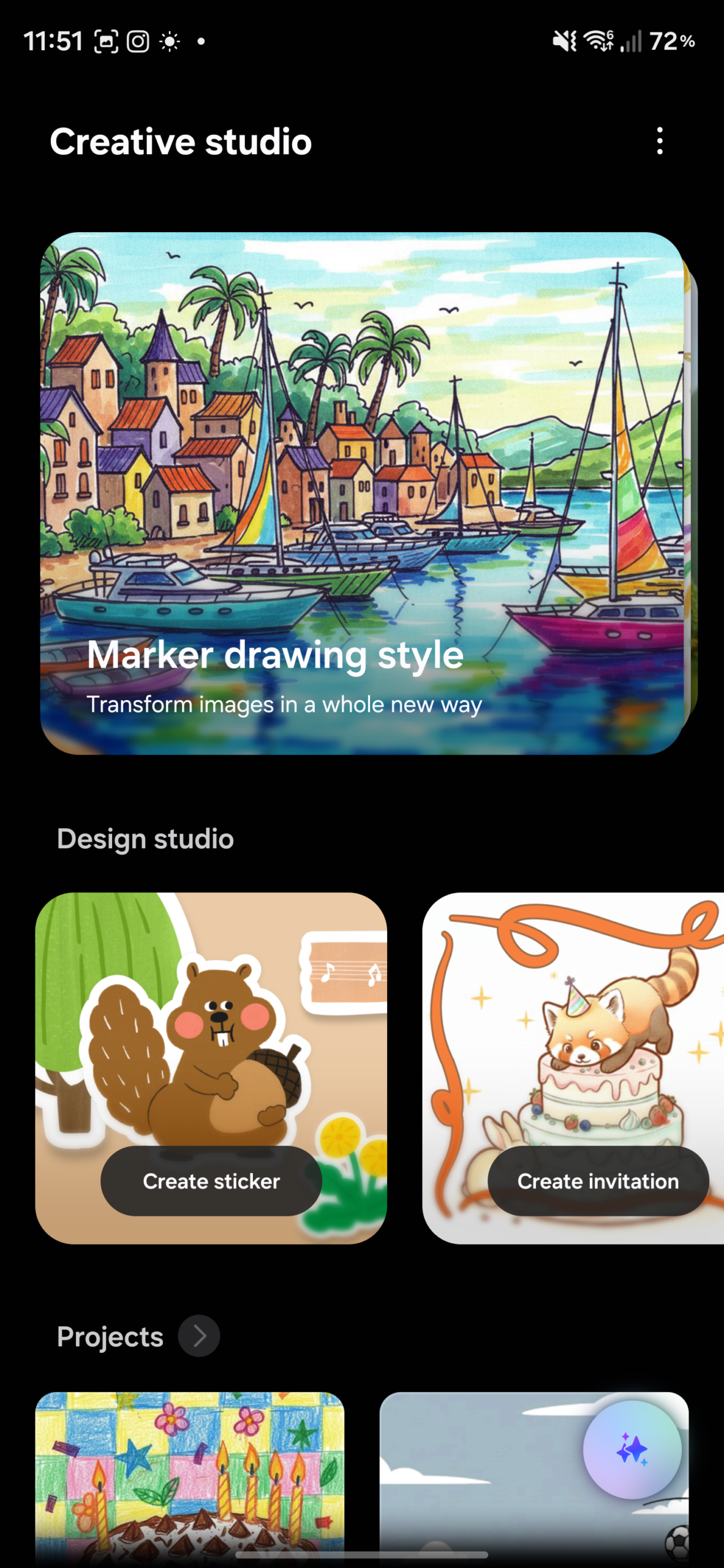
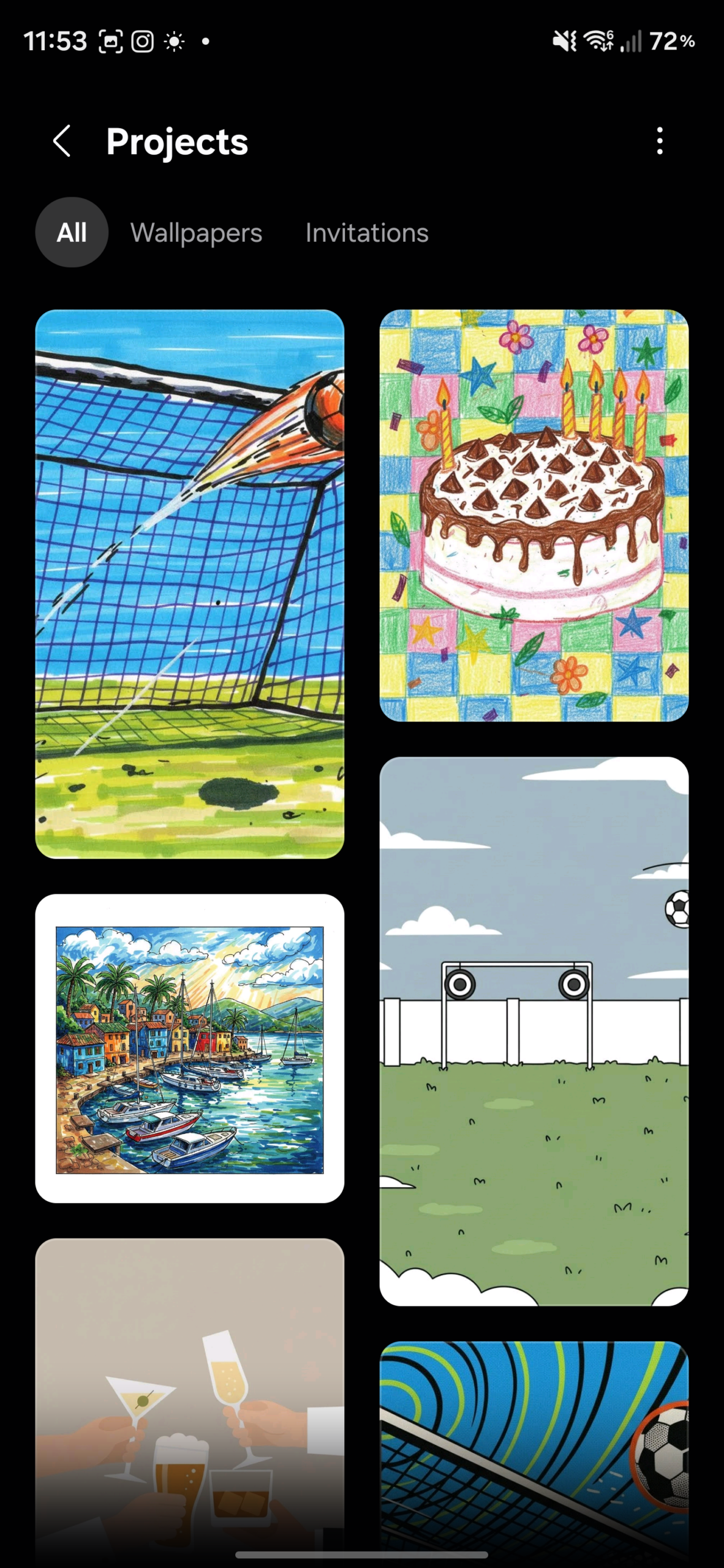
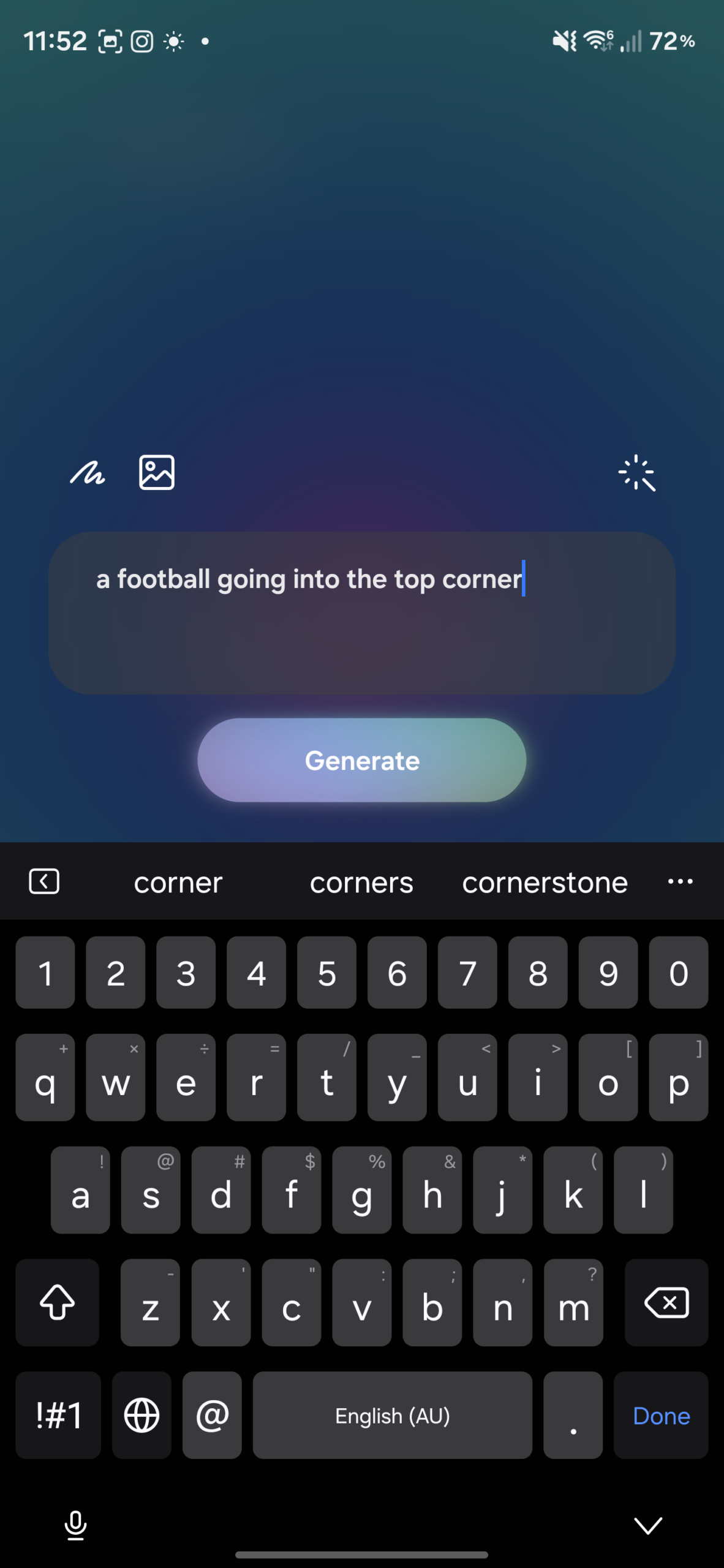
Artistic variety has also seen a boost. The update introduces several new art styles, including the charming "Childhood Sketch" style. Furthermore, the process of blending hand-drawn sketches with existing photographs and text prompts has been streamlined, allowing for more complex and visually stunning results with less effort.
Samsung has also focused on cross-app synergy. Creative Studio can now be accessed directly within Samsung Notes. By simply tapping the generative AI button while editing a note, users can create a sticker or an invitation on the fly and have it instantly embedded into their document. This integration makes One UI 8.5 a powerhouse for productivity and creativity.
While Creative Studio is a headline feature of One UI 8.5, its availability may vary. Historically, not every device that receives a One UI update gets the full suite of Galaxy AI features. For instance, when One UI 8.0 reached the Galaxy S22 series, it lacked Drawing Assist, keeping the older Sketch to Image tool instead.
Currently, it is not confirmed which older Galaxy phones and tablets will receive Creative Studio. However, for those looking to utilize the most advanced Galaxy AI capabilities immediately, the Galaxy S26 series remains the premier choice. The new flagship lineup is currently available for pre-order, offering the most optimized experience for these creative tools.
What is the main difference between Drawing Assist and Creative Studio?
Creative Studio is a more advanced evolution of Drawing Assist. It features a completely redesigned user interface that focuses on presets like stickers, wallpapers, and greeting cards, rather than just starting with a blank canvas. It also offers better integration with other Samsung apps like Notes.
Will my older Galaxy device get Creative Studio with the One UI 8.5 update?
While One UI 8.5 will roll out to many devices, Samsung has not yet confirmed which specific models will support Creative Studio. Some older flagships might retain the older Sketch to Image or Drawing Assist tools due to hardware processing limitations.
Can I create professional wallpapers using this tool?
Yes, Creative Studio allows you to generate high-quality AI wallpapers in various aspect ratios. You can even set them as your device background directly from within the app interface.
How does the Samsung Notes integration work?
Users can access Creative Studio features directly while editing a note by tapping the generative AI icon. This allows you to create custom visual elements, such as invitations or stickers, and embed them immediately into your digital notes.
What is the "Childhood Sketch" style?
Childhood Sketch is one of the new art styles introduced in Creative Studio. It applies a specific aesthetic to your AI-generated images, mimicking the nostalgic and creative look of hand-drawn art from a younger perspective.
🔎 In conclusion, Creative Studio marks a significant milestone in Samsung's journey to make generative AI accessible and useful for everyone. By moving beyond simple sketches and providing a structured, preset-driven environment, Samsung has created a tool that is as practical as it is entertaining. Whether you are looking to design a custom wallpaper or add a creative flair to your digital notes, Creative Studio on the Galaxy S26 and One UI 8.5 sets a new standard for mobile creativity.
Post a Comment