
Android XR Glasses: How You'll Control the Future of AI Wearables
The future of wearable technology is rapidly evolving, and Samsung is at the forefront of this revolution. Recent developments have confirmed that Samsung is collaborating with major fashion eyewear brands to develop sophisticated AI glasses. These smart devices, powered by Google's Android XR platform, are designed to blend seamless style with cutting-edge artificial intelligence. As anticipation builds, new design documentation has surfaced, offering a detailed look at the intuitive control mechanisms and user interface that will define the Samsung Galaxy Glasses experience.
- ✨ Discover the dual-tier approach: Standard AI Glasses and advanced Display AI Glasses.
- ✨ Learn about the physical controls, including dedicated camera buttons and dual touchpads.
- ✨ Explore the integration of Google Gemini for hands-free assistance.
- ✨ Understand the innovative UI design guidelines optimized for AR power efficiency.
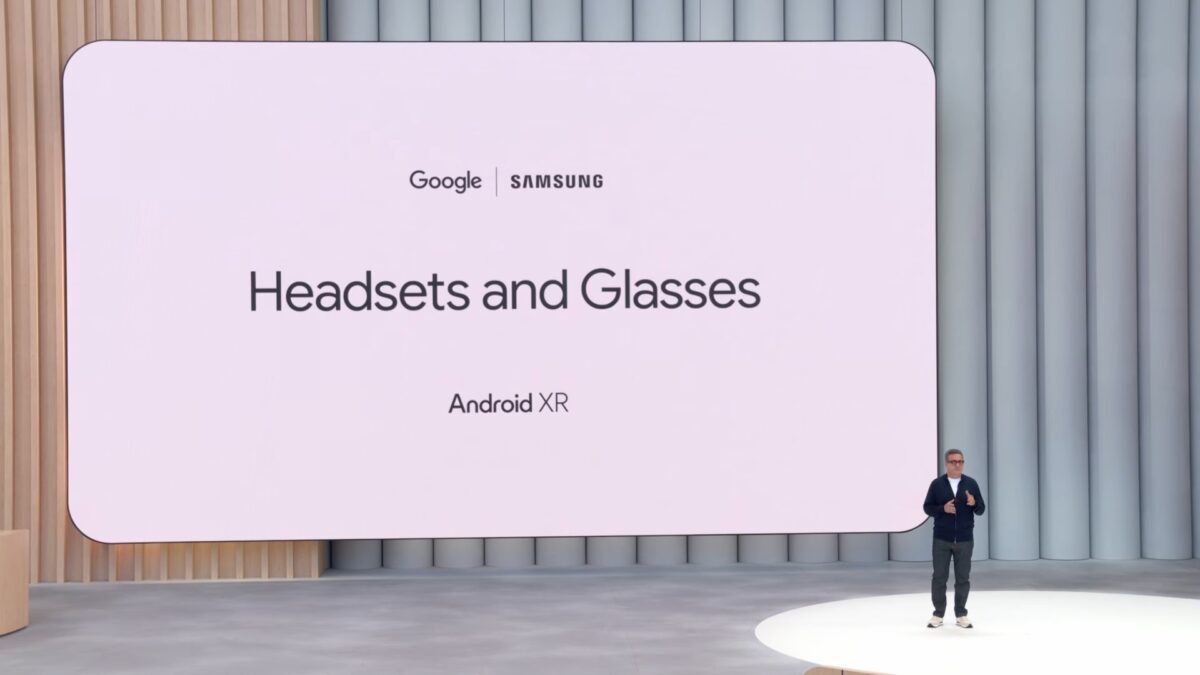
The Evolution of Android XR Smart Glasses
Google’s framework for Android XR currently categorizes smart glasses into two distinct hardware profiles: AI Glasses and Display AI Glasses. The standard AI Glasses are equipped with microphones, speakers, and a camera, focusing on audio-based interactions and capturing content. The more advanced Display AI Glasses feature an augmented reality (AR) heads-up display—which may be monocular or binocular—enhancing the user experience with visual overlays. Reports suggest that Samsung is planning a staggered release, potentially debuting the standard AI Glasses later this year, followed by the high-tech Display AI models in 2027.
Intuitive Physical Controls and Gestures
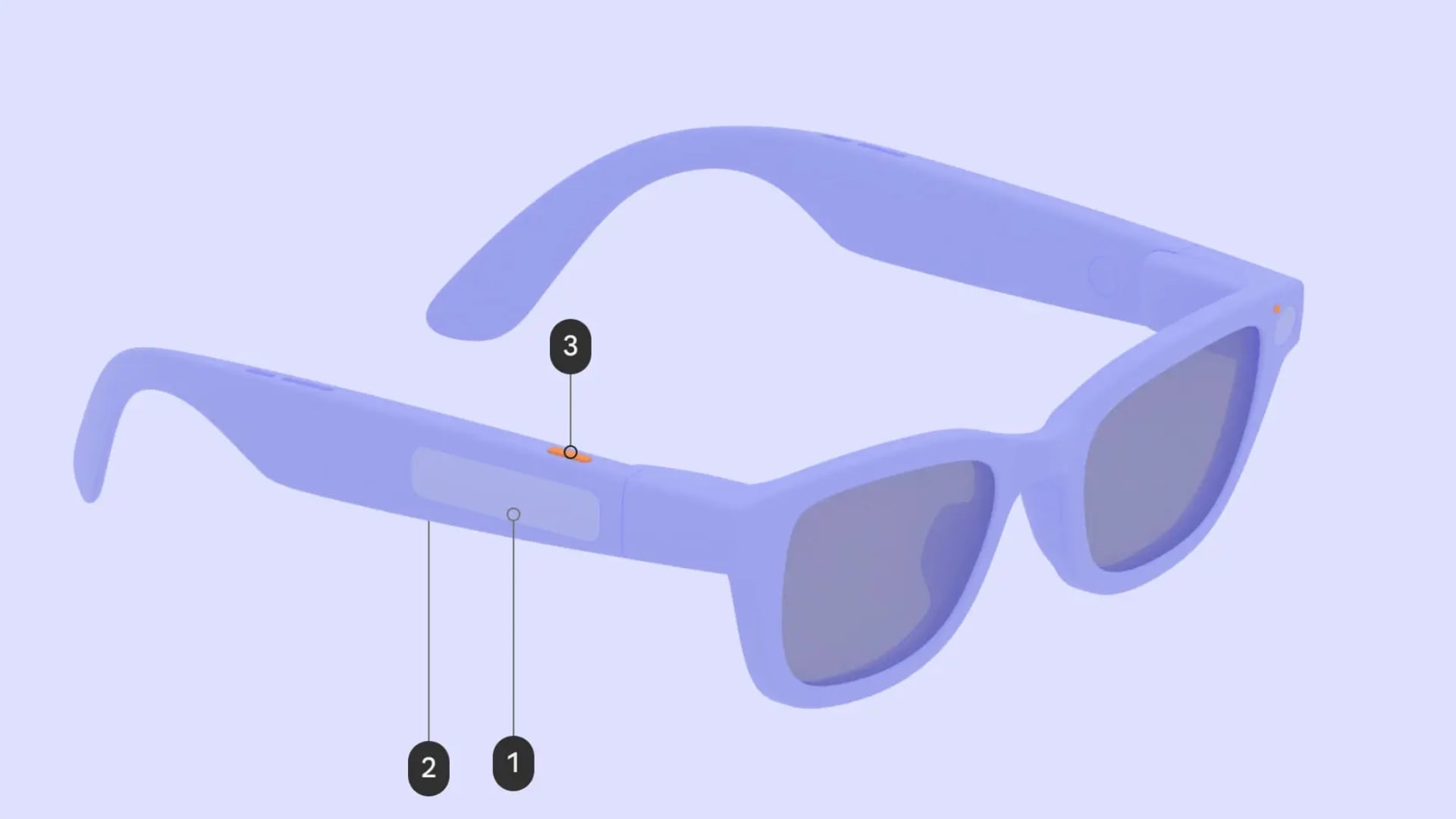
To ensure a natural user experience, every model of the Galaxy Glasses will feature a streamlined set of physical controls. This includes a dedicated camera button, a power button, and a primary touchpad. For models featuring an AR display, a secondary touchpad is added to the temple to facilitate complex interface navigation.
- Camera Button: A double-press quickly launches the camera application, while a single press captures a still image. For video enthusiasts, pressing and holding the button initiates recording, and a final single press stops the capture.
- LED Indicators: Transparency is key; two LED lights are integrated into the frame. One provides status feedback to the wearer, while the other alerts the public that recording is active.
- Primary Touchpad: This serves as the main interaction hub. A single tap handles play/pause functions or confirms selections. A long press summons the Google Gemini assistant, and swiping motions allow for precise volume adjustment.
- Secondary Touchpad: Exclusive to display-equipped models, this allows users to scroll through digital content, shift focus between interface elements, or return to previous screens with a downward swipe.

A User Interface Designed for the Real World
Google has provided comprehensive guidelines for developers to ensure that apps on the Display AI Glasses are both functional and efficient. Because AR displays consume varying amounts of power based on color usage, developers are encouraged to use specific palettes that minimize heat generation. The UI is anchored by an "always-visible" System Bar at the bottom, which displays critical information like alerts, the Gemini assistant, time, and weather. Above this bar, users will find "glanceable" information and multitasking controls designed to be unobtrusive yet accessible.


Notifications on these glasses are designed to be minimal, appearing as compact, pill-shaped chips. When a user selects a notification, it expands to reveal more detail, allowing for quick actions such as voice-to-text replies. This ecosystem ensures that users stay connected without being overwhelmed by a traditional screen interface.
What are the two types of Samsung AI glasses?
Samsung is expected to release standard AI Glasses, which focus on audio and camera features, and Display AI Glasses, which include an augmented reality heads-up display for visual information.
How do the touchpads on the Galaxy Glasses work?
The primary touchpad handles media playback, volume, and summoning Google Gemini. The secondary touchpad, found on display models, is used for scrolling through on-screen menus and navigating the interface.
Will people know if I am recording video with the glasses?
Yes, the design includes an external LED indicator that lights up specifically to signal to those around you that the camera is currently recording.
When can we expect these glasses to launch?
Standard AI Glasses are rumored for a late 2026 release, while the more advanced Display AI Glasses with AR capabilities are projected for 2027.
How does the AI assistant work on these glasses?
By touching and holding the primary touchpad, users can activate Google Gemini, allowing them to ask questions, control smart home devices, or manage tasks using voice commands.
🔎 The emergence of detailed design documentation for Samsung’s AI glasses signals a major shift in how we will interact with technology in our daily lives. By moving away from handheld screens and toward intuitive, glanceable AR interfaces, Samsung and Google are creating a more natural way to stay connected. As we wait for the official hardware reveal, these insights suggest a future where our eyewear is just as smart as our smartphones, yet far more integrated into the world around us.
Post a Comment