
Samsung Galaxy S25 Good Lock Update: New LockStar Features and One UI 8.5 Enhancements
Samsung has officially started rolling out a significant update for the Good Lock LockStar module, bringing a fresh wave of customization options to its latest flagship devices. This update is specifically designed to enhance the user interface experience for those running the newest software versions, ensuring that Galaxy users have more control over their device's aesthetics than ever before.
- ✨ Official release of LockStar version 8.5.00.10.
- ✨ Introduction of the stylish "Swirl" screen unlock animation.
- ✨ Optimized manual brightness controls for Full Screen AOD.
- ✨ Enhanced status bar visibility within the animation editor.
- ✨ Exclusive compatibility with One UI 8.5 and Android 16 QPR2.
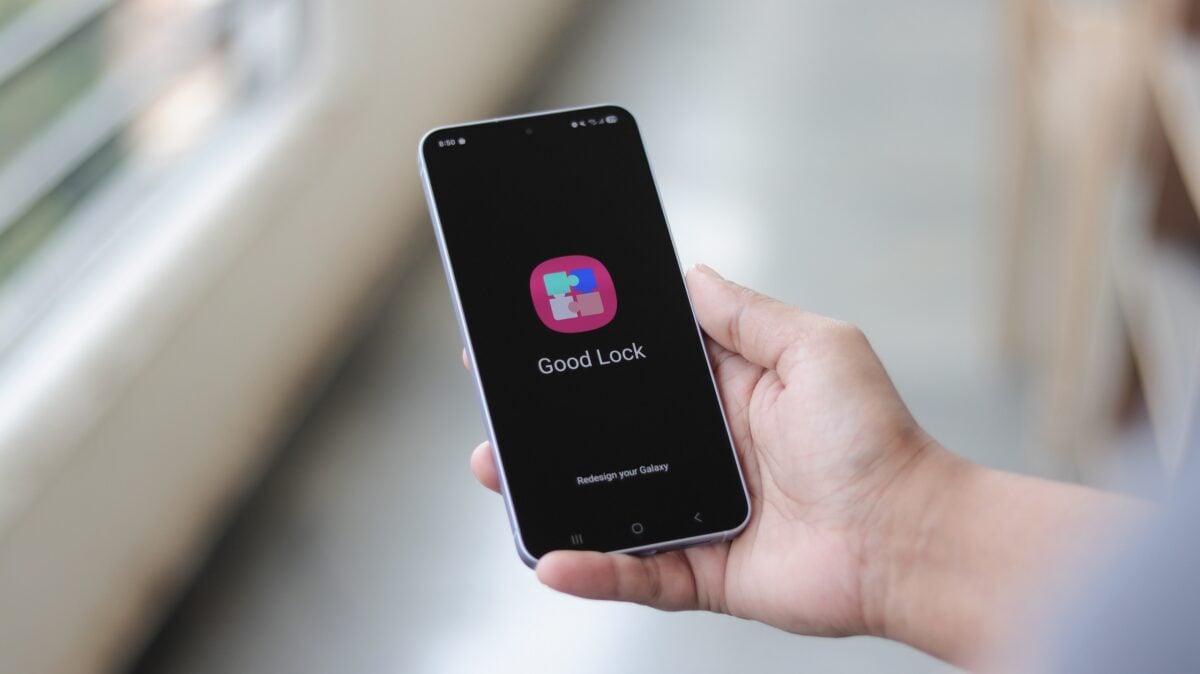
LockStar Version 8.5.00.10: What is New?
The latest iteration of the LockStar module, carrying version number 8.5.00.10, is currently landing on devices equipped with One UI 8.5 (Android 16 QPR2). As of now, this primarily includes the Galaxy S25, Galaxy S25+, and the top-tier Galaxy S25 Ultra. These updates are part of Samsung's broader effort to refine the transition effects and visibility settings that define the modern Galaxy experience.
The standout feature in this release is the addition of a brand-new screen unlock animation known as Swirl. When this option is enabled, the lock screen performs a fluid, circular motion before gracefully revealing the home screen. This adds a layer of dynamic visual flair that complements the high-refresh-rate displays found on the S25 series.

Improved Full Screen AOD and Status Bar Visibility
Beyond the visual animations, Samsung has focused on functional refinements. The update adjusts the manual brightness range specifically for the Full Screen Always On Display (AOD) mode. This ensures that users can achieve better legibility in bright environments or a more comfortable dimness in dark rooms without sacrificing battery efficiency.
Furthermore, the developers have improved the "status bar visibility" within the Unlock animation edit screen. This fix addresses previous feedback where UI elements would overlap or become difficult to see while users were trying to customize their lock screen transitions. These small but meaningful changes contribute to a much more polished Samsung Customization utility.
As Samsung continues to iterate on its software, we expect more Good Lock modules to receive similar updates to match the capabilities of Android 16. The LockStar update is currently being distributed through the Galaxy Store, so users are encouraged to check for updates manually if they haven't received a notification yet.
What is the new Swirl animation in the LockStar update?
The Swirl animation is a new visual transition effect that makes the lock screen rotate or "swirl" into the home screen when the device is unlocked, providing a more dynamic user experience.
Which Samsung devices are compatible with LockStar version 8.5.00.10?
This specific update is designed for devices running One UI 8.5 based on Android 16 QPR2, which currently includes the Galaxy S25, Galaxy S25+, and Galaxy S25 Ultra.
How does the update affect the Always On Display (AOD)?
The update specifically adjusts the manual brightness range for the Full Screen AOD, allowing for more precise control over how bright or dim the screen remains while in standby mode.
Where can I download the latest LockStar update?
You can download the update directly from the Samsung Galaxy Store by searching for "LockStar" or by checking the "Updates" section within the Good Lock application.
What other improvements were included in this release?
Samsung also improved the visibility of the status bar when users are in the "Unlock animation edit screen," making it easier to see system icons while customizing the interface.
🔎 The latest Good Lock LockStar update demonstrates Samsung's commitment to providing granular customization options that allow users to truly make their devices their own. By combining aesthetic additions like the Swirl animation with practical fixes for brightness and visibility, Samsung ensures that the Galaxy S25 series remains at the forefront of the Android user experience. As One UI 8.5 continues to roll out, we expect to see even more innovative features added to the Good Lock ecosystem.
Post a Comment