
Android Watch Update: Google Messages Makes Clearing Notifications Effortless
Managing notifications on a smartwatch can often feel like a cluttered experience, especially when dealing with a high volume of texts. However, Samsung users are in for a treat as Google Messages, the primary communication hub for the **Galaxy Watch** series, introduces a streamlined way to handle incoming alerts. This latest enhancement aims to reduce friction, allowing users to stay organized directly from their wrists without having to dive deep into mobile applications.
- ✨ **New "Mark as Read" button added to Wear OS notifications.**
- ✨ **Available in the latest Google Messages beta update for smartwatches.**
- ✨ **Allows users to clear threads instantly from the notification shade.**
- ✨ **Designed to improve the user experience on Samsung and Wear OS devices.**
- ✨ **Signals Google's commitment to feature parity between mobile and wearable platforms.**
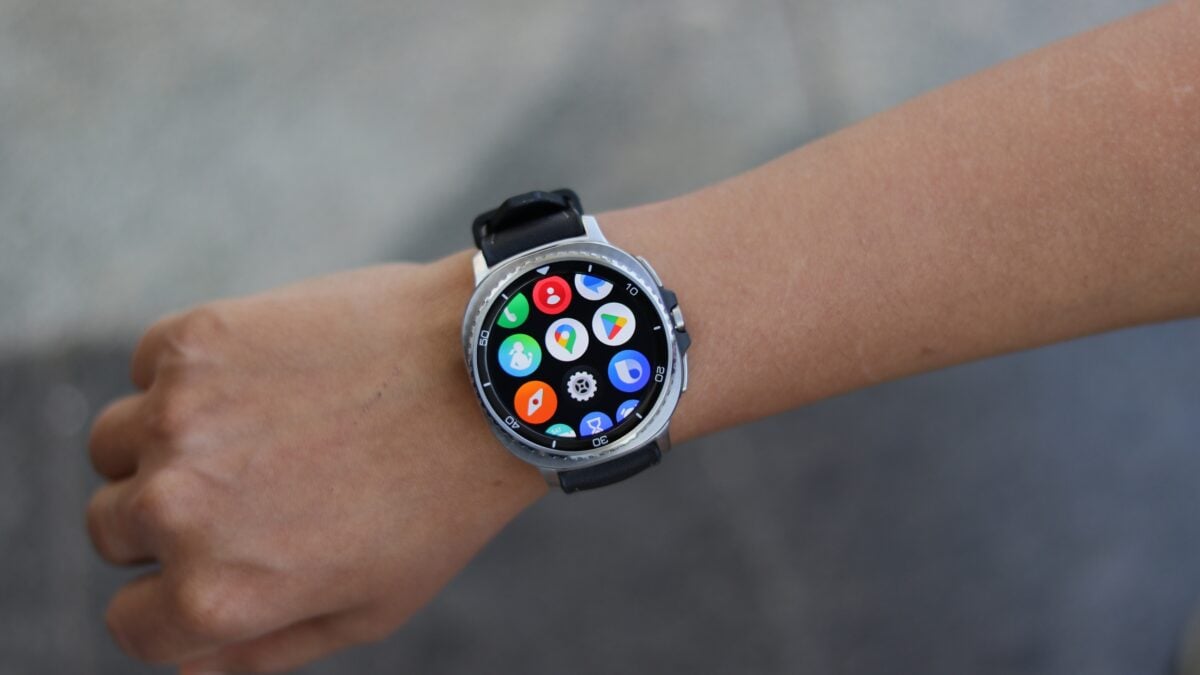
Streamlining the Messaging Experience on Wear OS
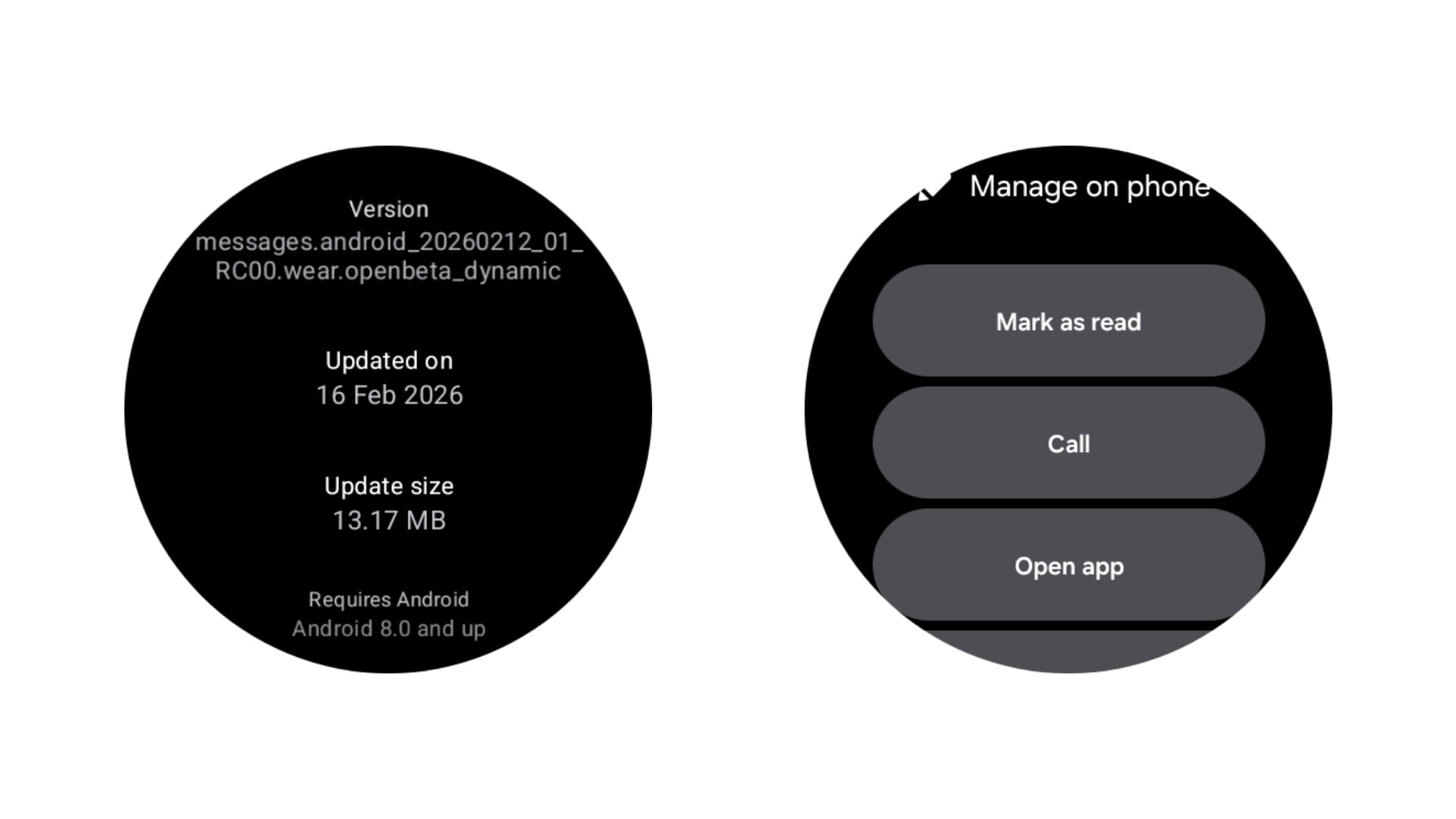
The **Google Messages** app, serving as the native messaging solution for modern Samsung wearables, has officially begun rolling out a highly requested feature: the ability to mark messages as read directly from the notification. This update is specifically designed to help users clear their notification tray efficiently while ensuring the message status is synced across all connected devices.
The latest software build, identified as version messages.android_20260212_01.RC00.wear.openbeta_dynamic, introduces a dedicated "Mark as Read" button on incoming message alerts. By selecting this option, users can instantly acknowledge a thread, removing it from the watch's active notifications without needing to open the full conversation or wake their smartphone. This small but impactful change significantly enhances the utility of the **Wear OS** ecosystem.
Understanding the Limitations and Availability
While this feature is a welcome addition, there is a specific operational nuance users should be aware of. The "Mark as Read" action currently appears only when a notification initially arrives on the display. If a user misses the immediate pop-up and navigates to the notification history later, the button may not be available for certain older messages in that specific instance. Users are encouraged to keep their apps updated via the Google Play Store on their **Galaxy Watch** to ensure they have the latest refinements.
This move is part of a broader effort by Google to polish its messaging suite. Recent updates have brought partial message copying to Android tablets and phones, and the tech giant is moving toward better RCS integration with Apple's iPhone. For more details on the technical rollout, you can visit the following resource:
How do I get the "Mark as Read" button on my Galaxy Watch?
To access this feature, you must update Google Messages to the latest beta version. Open the Play Store on your watch, scroll down to "Manage Apps" or "Updates," and ensure Google Messages is running the February 2026 build or newer.
Does this feature work for all messaging apps?
Currently, this specific "Mark as Read" implementation is exclusive to the Google Messages app on Wear OS. Other third-party apps may have their own notification actions, but they are managed independently by their respective developers.
Will marking a message as read on my watch reflect on my phone?
Yes, because Google Messages syncs across the cloud and Bluetooth, marking a message as read on your Galaxy Watch will automatically update the status of that message on your Android smartphone and tablet.
Is this feature available for older Galaxy Watch models?
This feature is available for any Galaxy Watch running Wear OS (Galaxy Watch 4 and newer) that supports the latest version of the Google Messages application.
What happens if I miss the initial notification pop-up?
In the current beta version, the "Mark as Read" button is most prominent when the notification first appears. If you miss it, you may need to open the message thread normally to clear the unread status, though Google may refine this behavior in future stable releases.
🔎 Ultimately, the introduction of a "Mark as Read" button for Google Messages on the Galaxy Watch is a significant step toward a more mature and user-friendly wearable experience. By allowing users to manage their digital lives with fewer taps, Samsung and Google are proving that the future of smartwatches lies in these small, thoughtful efficiency gains. As RCS continues to evolve and cross-platform communication becomes more seamless, the Galaxy Watch remains at the forefront of the wearable revolution.
Post a Comment