
Seamless Migration: How Apple's New iOS Update Simplifies Switching to Samsung Galaxy
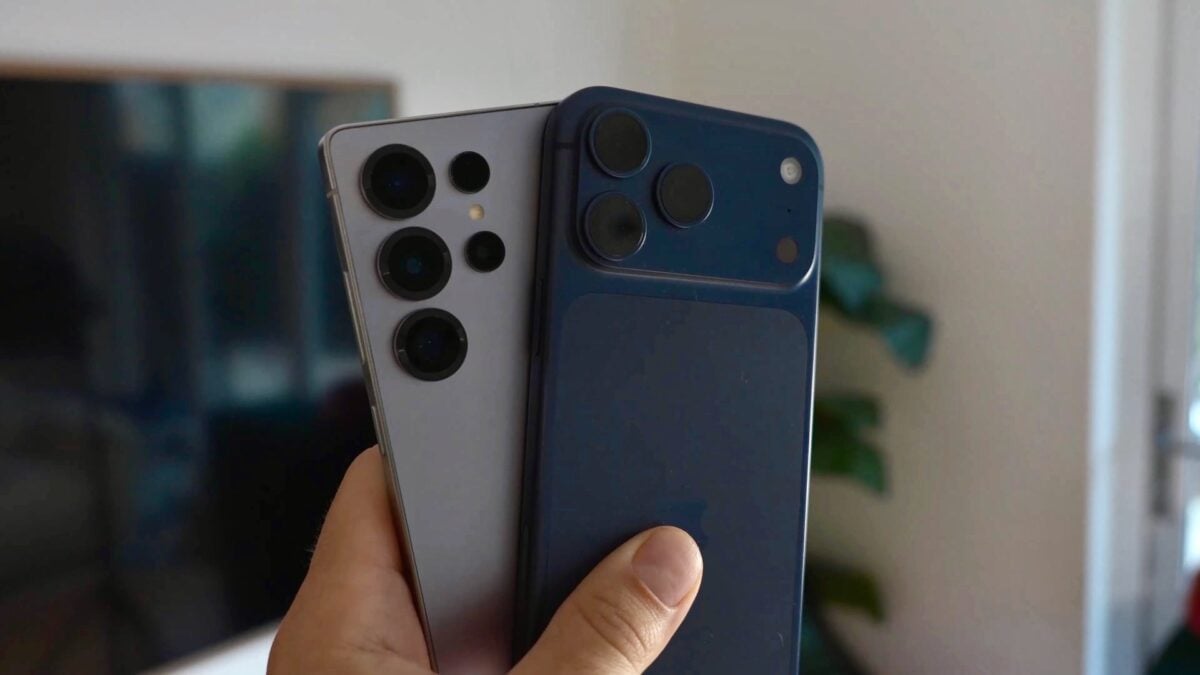
For years, the transition between iOS and Android has been a point of friction for users looking to switch ecosystems. While Apple and Google have made incremental steps to facilitate Switching from iPhone to Galaxy, the process often felt clunky or required specific hardware states. However, the landscape is changing significantly with Apple's latest software release, finally streamlining the path for users moving their digital lives from an iPhone to a Samsung Galaxy device.
- ✨ iOS 26.3 introduces a native "Transfer to Android" option directly within the Settings menu.
- ✨ Users can now migrate apps, Live Photos, messages, and passwords without a factory reset.
- ✨ The new method utilizes a secure QR code system for instant proximity-based pairing.
- ✨ Apple is expanding interoperability, including future support for non-Apple smartwatch notifications.
The iOS 26.3 Update: Breaking Down the Walled Garden
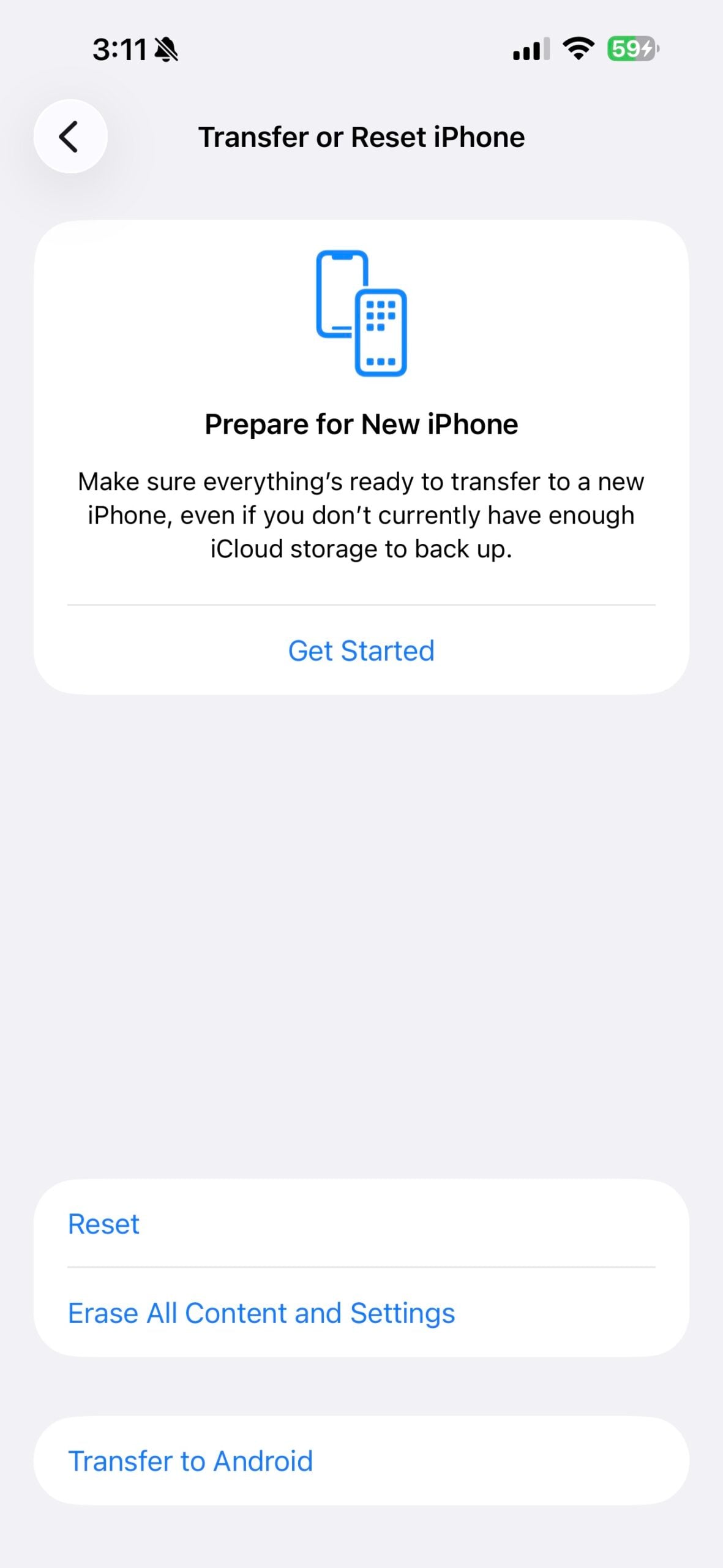
Apple has officially rolled out the iOS 26.3 update for compatible iPhones, and it brings a feature many never expected to see so prominently displayed. A new "Transfer to Android" option has been integrated into the Settings app, designed to act as a primary gateway for data migration. This move indicates a shift in Apple's strategy, likely influenced by global regulatory pressures and a desire to improve the user experience for those moving to Android phones.
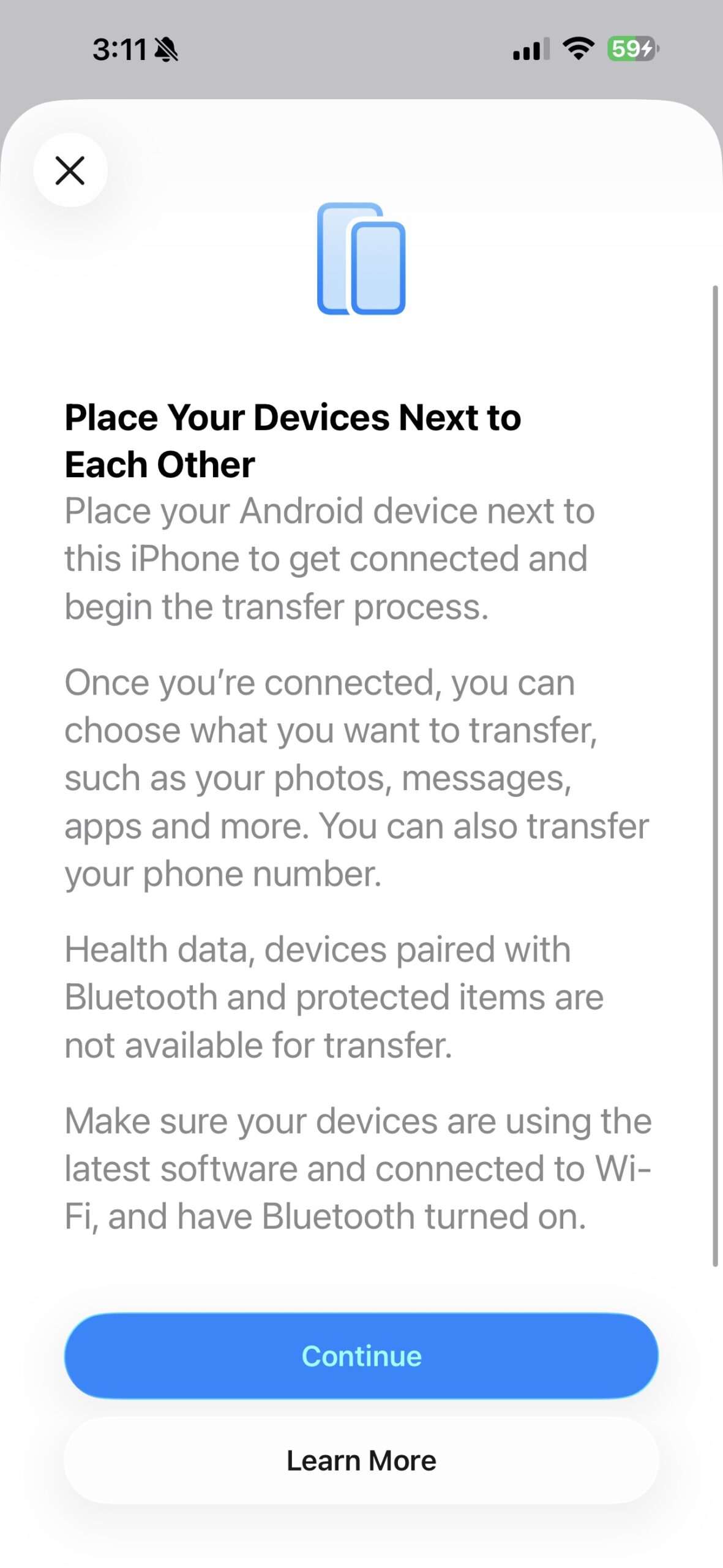
Once the process is initiated, the system allows for the comprehensive transfer of vital data. This includes your library of apps, Live Photos, text messages, personal notes, saved passwords, phone numbers, and standard photos. It is important to note, however, that certain elements remain excluded from this automated process, specifically paired Bluetooth devices, sensitive health data, and items protected by DRM or specific security protocols.
How the New Transfer System Works
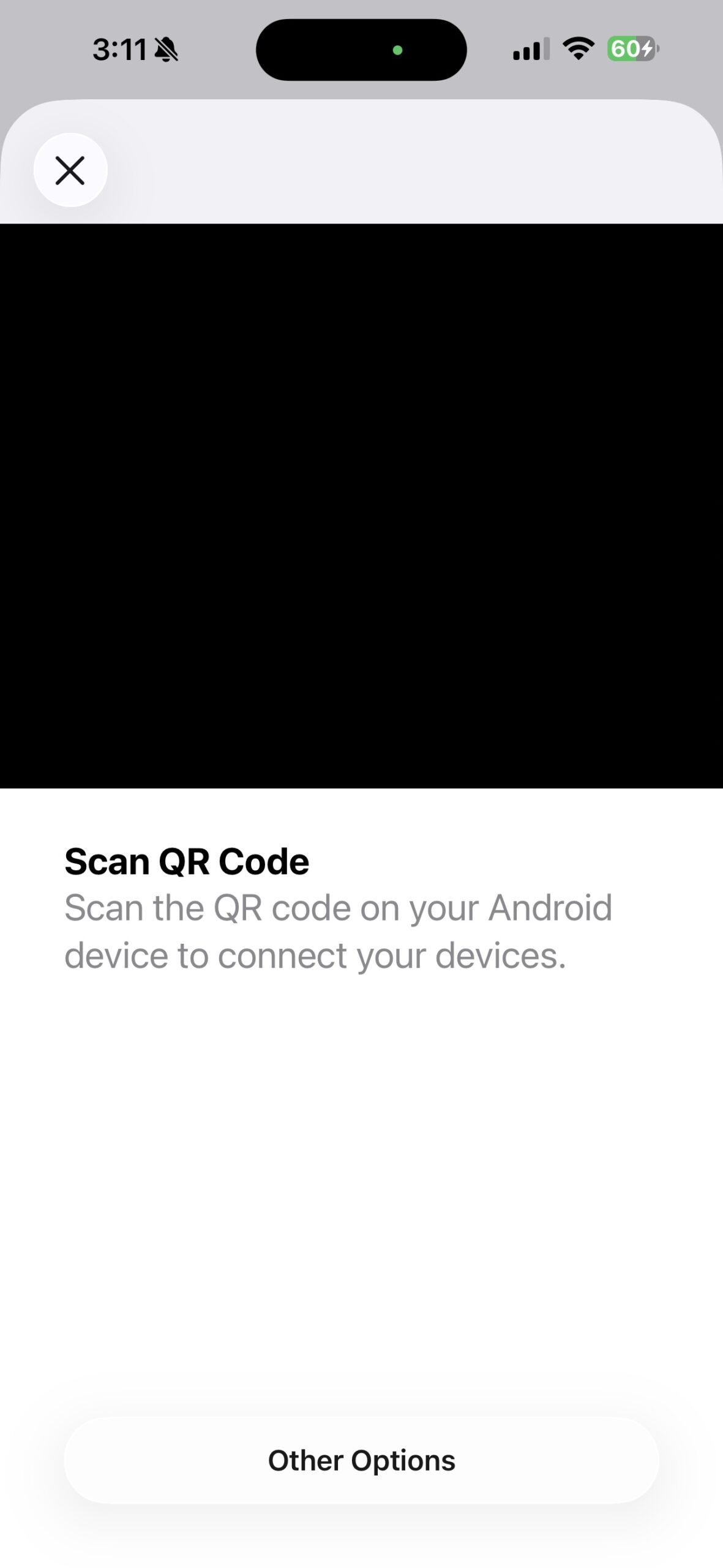
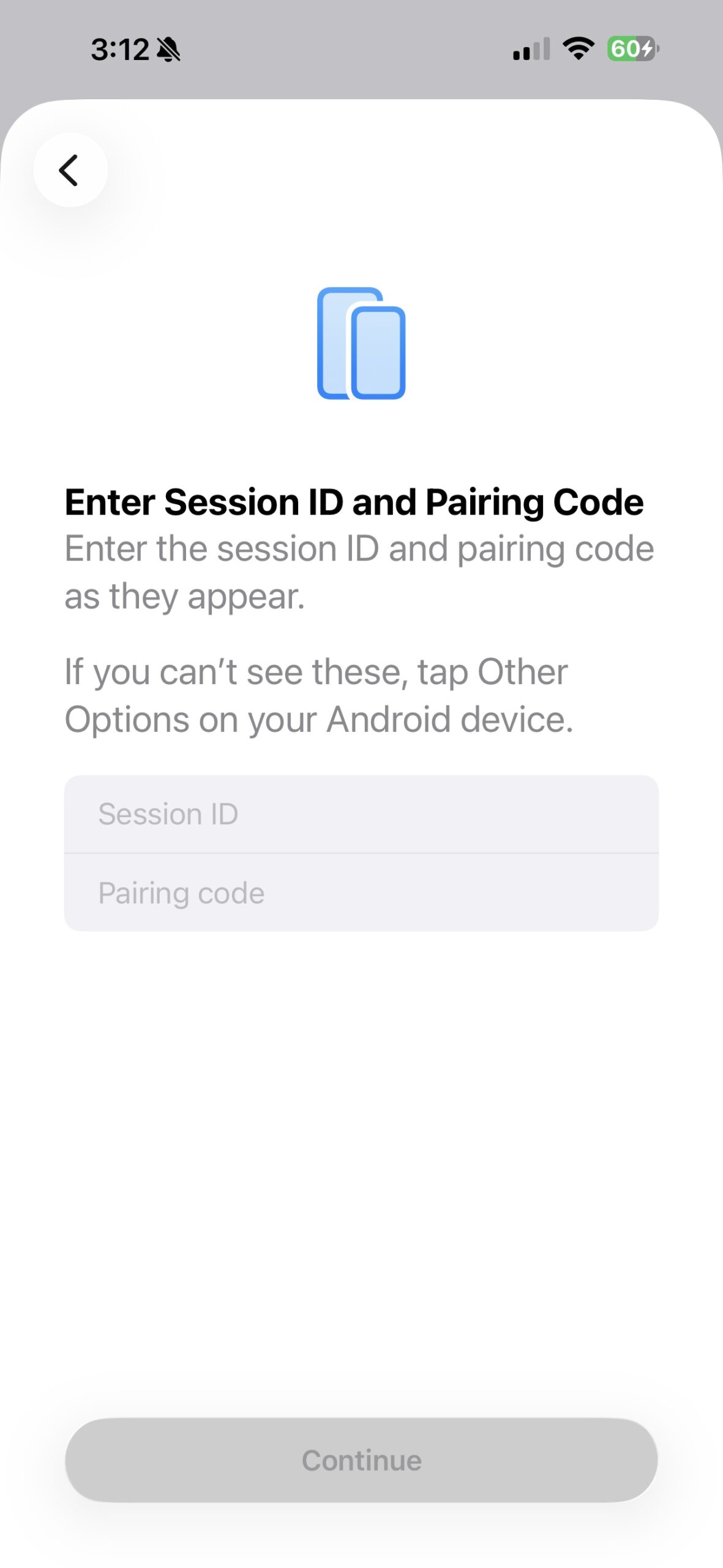
The technical barrier to entry has been significantly lowered. To begin the migration, you simply need to place your iPhone and your new Samsung Galaxy device side by side. The iPhone will generate a unique QR code which, when scanned by the Android device, establishes a secure direct connection. After entering the displayed session credentials, the data begins to flow.
The most significant improvement is that neither phone needs to be in "setup mode" or a factory-fresh state for the transfer to work. In previous iterations, users often had to reset their new Android phone to trigger the migration tool during the initial boot sequence. This new implementation allows for a much more flexible, "anytime" transfer experience.
A Future of Better Interoperability
This update is part of a broader trend toward better cross-platform compatibility. Beyond just data transfer, Apple is reportedly working on features that will allow non-Apple smartwatches—such as the Galaxy Watch series—to display notifications more reliably when paired with an iPhone. For those currently moving from an iPhone to a Galaxy device, the process is now more intuitive and less restrictive than it has ever been in the history of the two operating systems.
What version of iOS do I need to use the new transfer tool?
You must have your iPhone updated to at least iOS 26.3 to access the "Transfer to Android" option directly within the Settings menu.
Can I transfer my data without factory resetting my new Samsung phone?
Yes, the new update allows you to initiate the transfer at any time without requiring either device to be in its initial out-of-the-box setup mode.
What specific data types can be moved using this method?
The tool supports the migration of apps, Live Photos, messages, notes, passwords, phone numbers, and standard photos.
Are there any items that cannot be transferred?
Currently, the system does not support transferring paired Bluetooth device settings, health data, or items with digital rights management (DRM) protection.
Does this make it easier to use a Galaxy Watch with an iPhone?
While this specific tool is for data migration when switching phones, Apple is also working on separate features to improve how notifications work on non-Apple smartwatches.
🔎 The arrival of iOS 26.3 marks a pivotal moment for mobile users who value flexibility over ecosystem lock-in. By providing a native, user-friendly bridge for data migration, Apple is acknowledging the reality of a multi-platform world. Whether you are a long-time iPhone user curious about the latest Galaxy innovations or simply need a more reliable way to move your digital life, these changes represent a significant win for consumer choice and technological interoperability.
Post a Comment