
Fresh Performance Boost: Samsung Galaxy Watch 4 Receives Critical February 2026 Update
The journey for the Samsung Galaxy Watch 4 has been an eventful one lately. Just three months ago, users began transitioning to the Wear OS 6-based One UI 8 Watch update, a significant milestone that unfortunately arrived with its fair share of performance hurdles and software bugs. Recognizing these challenges, Samsung has been diligent in releasing incremental patches to refine the experience. Following a previous security rollout, the tech giant is now pushing a brand-new software update designed to further stabilize the wearable and protect it against modern vulnerabilities.
Quick Summary:
Samsung has launched a new firmware update for the Galaxy Watch 4, upgrading the security patch to February 2026. This update specifically targets system reliability and stability, addressing lingering issues from the previous One UI 8 transition.
- ✨ Official introduction of the February 2026 security patch level.
- ✨ Firmware version R870XXU2JZC2 specifically for Wi-Fi variants.
- ✨ Significant improvements to overall system stability and reliability.
- ✨ Initial rollout confirmed for users located in South Korea.
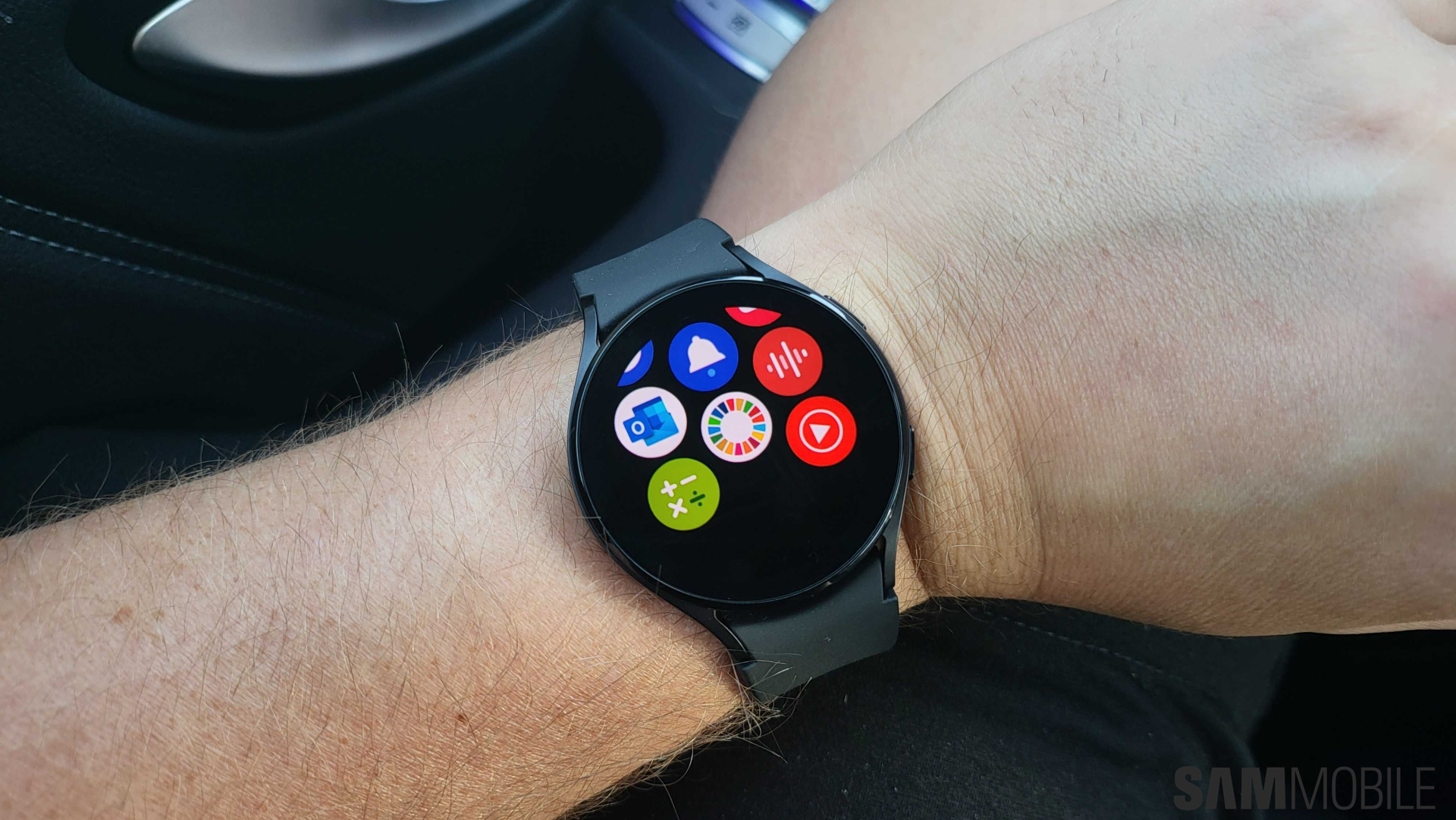
Enhanced Stability and Security for the Galaxy Watch 4
The latest software package, identified by firmware version R870XXU2JZC2, is currently making its way to devices in South Korea. This update is a direct successor to the January 2026 patch, ensuring that the One UI Watch ecosystem remains secure. Beyond the security enhancements, the official changelog highlights a focus on reliability. This is particularly important for Galaxy Watch 4 owners who may have experienced lag or inconsistent behavior following the major Wear OS 6 upgrade. By fine-tuning the background processes, Samsung aims to restore the smooth, responsive experience users expect from their hardware.
Currently, the distribution is limited to the Wi-Fi-only models of the smartwatch. However, history suggests that the cellular (LTE) versions will not be far behind. Users in other regions should also expect the notification to appear on their devices within the coming weeks as Samsung completes its phased global rollout.
How to Update Your Galaxy Watch 4
If you are located in the initial rollout region or want to check if the update has reached your local market, the process is straightforward. Ensure your watch is connected to your smartphone and carries sufficient battery life before beginning the installation. Following a Samsung Update is the best way to keep your wearable running at peak performance.
To manually check for the update, open the Galaxy Wearable application on your paired smartphone. Navigate to Watch Settings, then select Watch software update. From there, simply tap Download and install. The device will handle the rest, rebooting once the new firmware has been successfully applied.
What is the specific firmware version for this Galaxy Watch 4 update?
The new update carries the firmware version R870XXU2JZC2.
Which security patch is included in this rollout?
This update upgrades the device to the February 2026 security patch level, improving upon the previous January version.
Are all Galaxy Watch 4 models receiving the update simultaneously?
Currently, the update is available for the Wi-Fi-only variants. The LTE (cellular) models are expected to receive the update in the near future.
Does this update fix the bugs found in Wear OS 6?
While the security patch is the primary focus, the official changelog specifically mentions improved system stability and reliability to address performance issues.
Where has the update been released so far?
The initial rollout has been confirmed for users in South Korea, with a global release expected to follow shortly.
🔎 This latest software release demonstrates Samsung's commitment to supporting its older wearable hardware, ensuring that the Galaxy Watch 4 remains a viable and secure option for fans of the ecosystem. By addressing stability concerns and providing the latest security definitions, Samsung is helping users move past the initial growing pains of the Wear OS 6 transition. Whether you use your watch for fitness tracking or daily notifications, staying updated is essential for maintaining a seamless digital experience.
Post a Comment