
Samsung Browser for Windows: Stable Global Release with Advanced AI Features
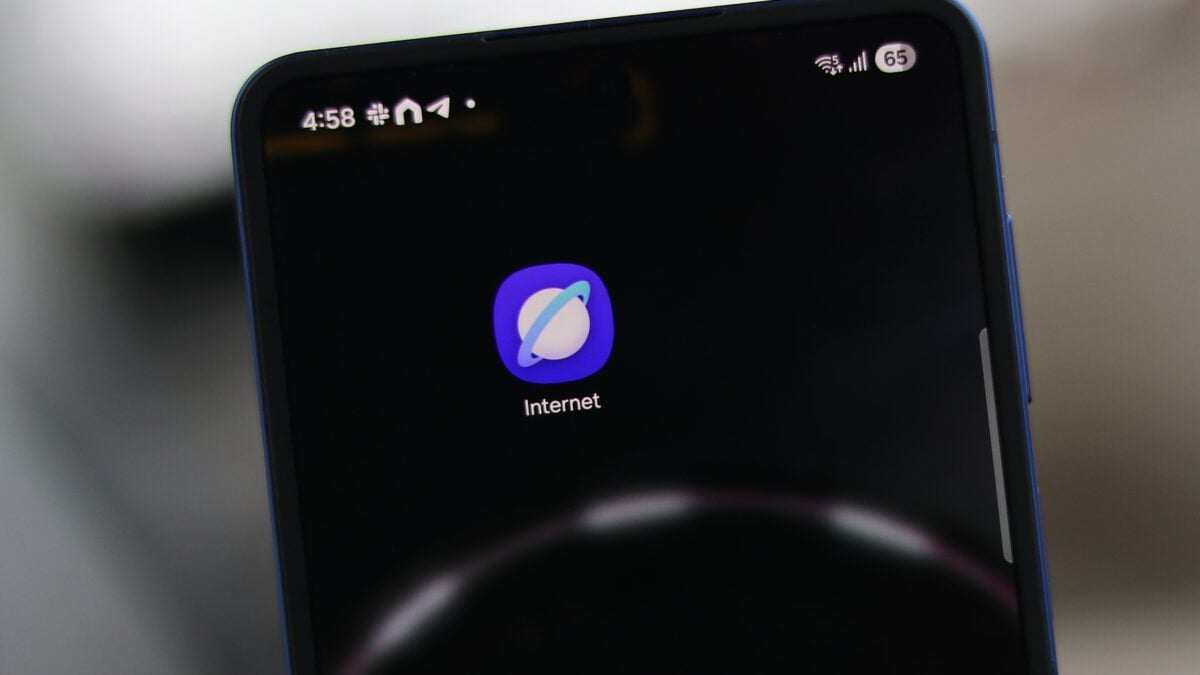
Samsung has officially transitioned its web browser from a beta project to a fully stable release on the Windows platform. Following the recent rebranding of the application from "Samsung Internet" to Samsung Browser on Galaxy mobile devices, the tech giant has now brought this consistent naming and robust functionality to desktop users worldwide. This move signifies a major step in Samsung's strategy to create a more unified ecosystem between mobile devices and personal computers.
Article Quick Summary:
- ✨ Samsung Browser for Windows is now out of beta and available globally.
- ✨ Supports seamless sync for bookmarks, history, and open tabs across Galaxy devices.
- ✨ Introduces "Agentic AI" features powered by Perplexity integration.
- ✨ Compatible with Windows 10 (version 1809+) and Windows 11.
- ✨ Includes Samsung Pass for secure credential and payment autofill.
Global Availability and System Compatibility
The latest update, version 30.0.0.95, marks the end of a five-month beta testing period. Unlike the beta version, which was restricted to specific regions, the stable release of Samsung Browser is now available to users across the globe. The application can be installed on any PC running Windows 10 (version 1809 or later) or the latest Windows 11, making it accessible to a vast majority of desktop users.
One of the primary draws of the browser is its deep integration with the Galaxy ecosystem. By signing in with a Samsung account, users can enjoy cross-device continuity. This means if you are reading an article on your Galaxy smartphone, you can instantly pick up where you left off on your Windows laptop. The browser also synchronizes bookmarks, browsing history, and saved pages, ensuring a fluid transition between mobile and desktop environments.
Harnessing the Power of Agentic AI
A standout feature of the new Samsung Browser is the integration of Perplexity, which brings sophisticated "Agentic AI" capabilities directly into the browsing experience. This AI can understand natural language, allowing it to assist with complex tasks. For example, users can ask the browser to compile a travel itinerary based on open tabs or summarize long-form articles into concise points.
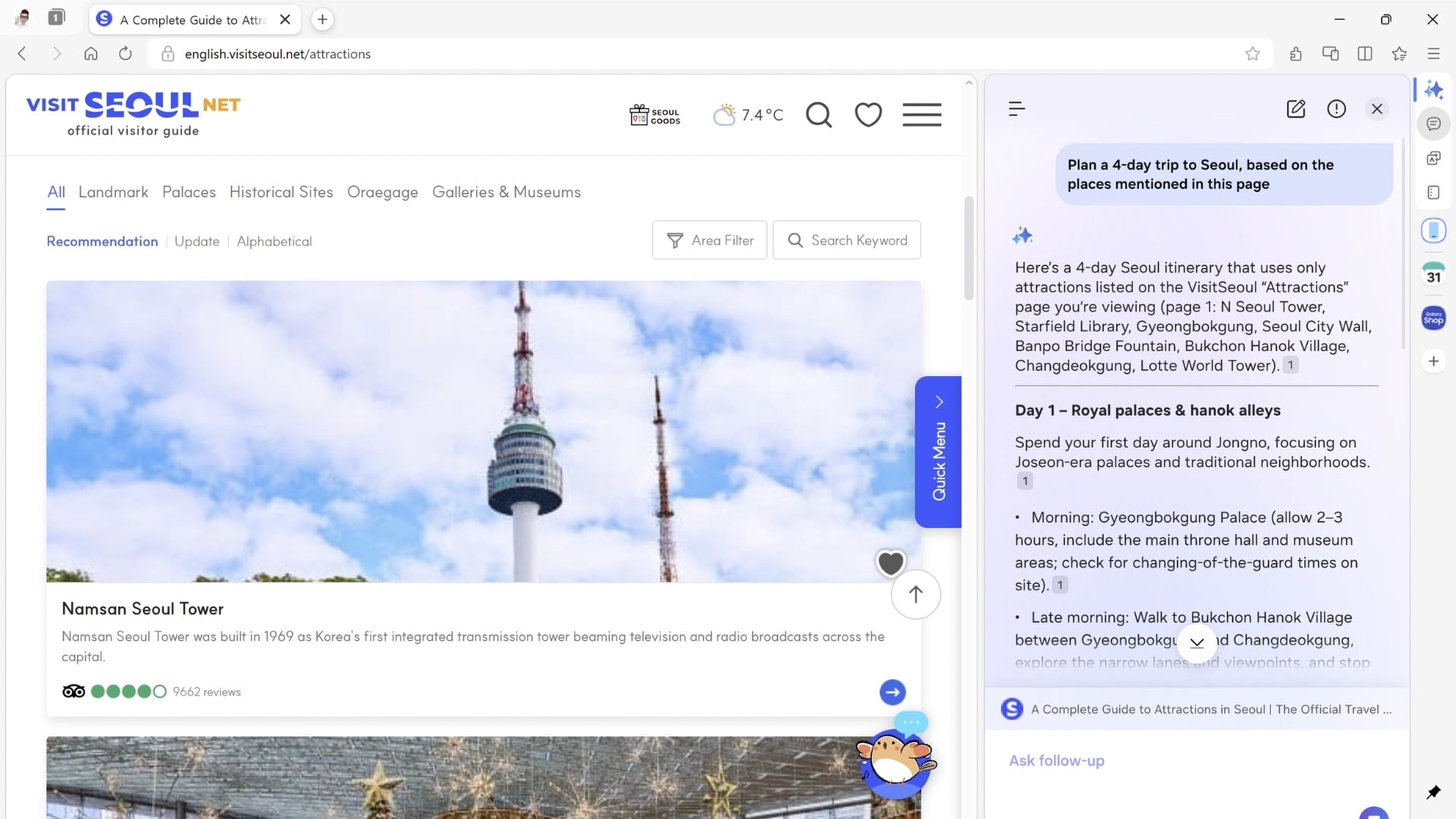
These AI features also extend to video content. Samsung claims the browser can understand the context of videos, enabling users to search for specific segments or jump to relevant parts without manual scrubbing. While these advanced AI tools are currently limited to users in South Korea and the USA, Samsung has indicated plans to expand these capabilities to more countries in the near future.
Enhanced Security and Productivity Tools
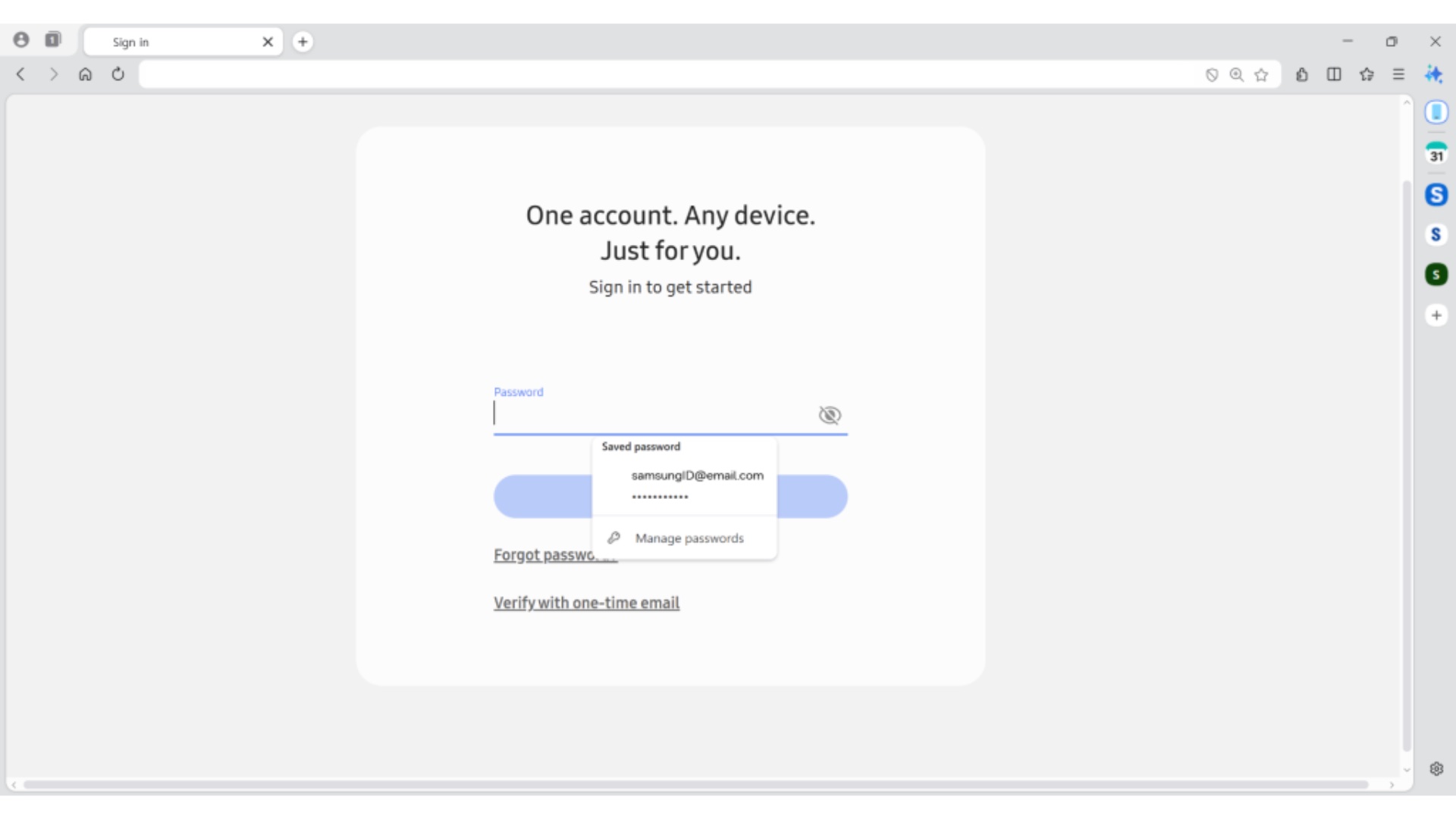
Productivity is further bolstered by the inclusion of Samsung Notes integration, allowing users to quickly clip information and save it to their cloud-synced notes. For security and convenience, the browser features Samsung Pass integration. This allows for the secure autofilling of login credentials and payment information, such as credit card details, across various websites.
For those looking to upgrade their hardware to match this new software experience, there are excellent opportunities to explore the latest Samsung laptops.
Is Samsung Browser for Windows free to use?
Yes, the browser is completely free to download and install. It is available through the Microsoft Store and Samsung's official developer channels for all compatible Windows PCs.
Do I need a Samsung phone to use this browser on my PC?
No, you do not need a Samsung phone to use the browser. However, having a Galaxy device allows you to take advantage of the synchronization features like shared history, bookmarks, and tab continuity.
What are the specific AI features included in the stable release?
The browser includes webpage summarization, real-time translation, natural language history search, and video context understanding. Most of these are powered by the Perplexity AI integration.
Which versions of Windows are supported?
Samsung Browser for Windows supports Windows 10 (version 1809 and later) and all versions of Windows 11.
Can I use my saved passwords from my phone on the Windows version?
Yes, thanks to Samsung Pass integration, the credentials you have saved on your Galaxy phone or tablet will be available for autofill on your Windows PC once you sign in with your Samsung account.
🔎 The launch of Samsung Browser for Windows as a stable, global application marks a significant milestone for users who value a cohesive digital experience. By bridging the gap between mobile and desktop with advanced AI tools and seamless synchronization, Samsung is providing a compelling alternative to established browsers. As AI features continue to roll out to more regions, the browser is set to become an even more essential tool for the modern Galaxy user.
Post a Comment