
Samsung Enhances Galaxy Personalization with New Good Lock LockStar Update
Samsung continues to refine its software ecosystem by providing users with deeper control over their device aesthetics. The tech giant has officially rolled out a significant update for the LockStar module, a fan-favorite component of the Good Lock suite. This update focuses on stability and resolving persistent bugs that affected the Always On Display (AOD) and system migration tools, ensuring a smoother experience for Samsung Updates enthusiasts.
- ✨ Version 8.5.00.17 addresses critical clock setting errors on the lock screen and AOD.
- ✨ Improved compatibility with Smart Switch and GTS to prevent data migration errors.
- ✨ Resolved manual brightness malfunctions specifically for non-Full screen AOD devices.
- ✨ Enhanced support for upcoming Galaxy S26 series features via the Good Lock ecosystem.
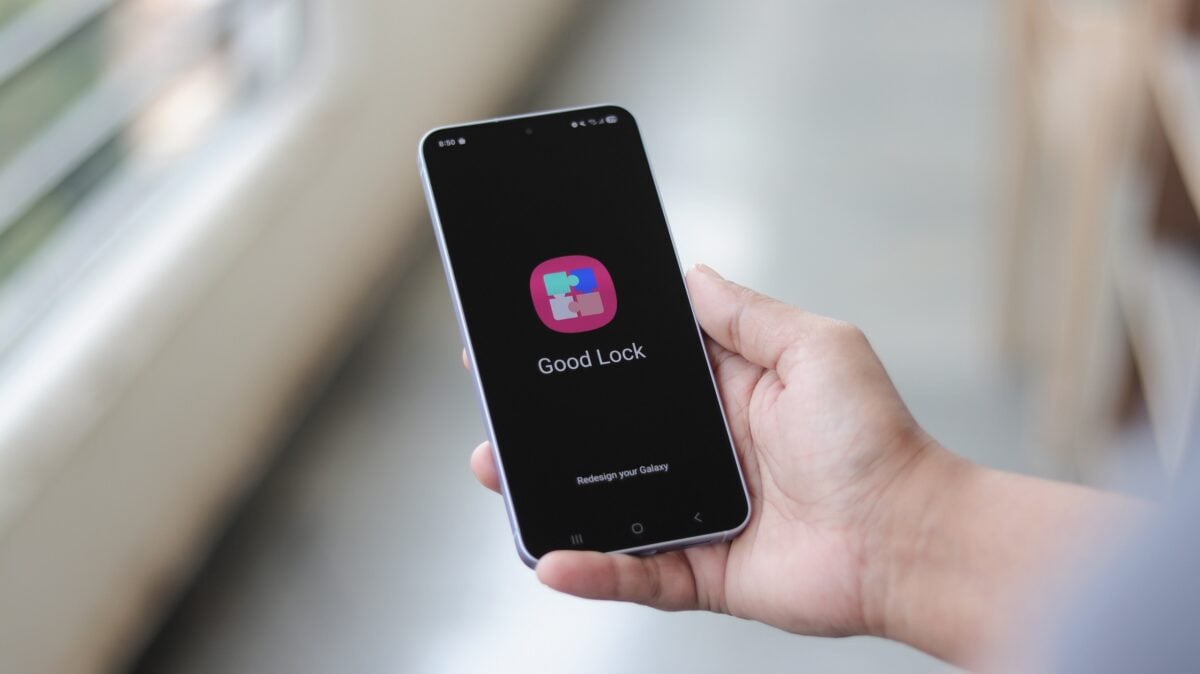
What is New in LockStar Version 8.5.00.17?
The latest iteration of LockStar, identified as version 8.5.00.17, is not just about adding new features but perfecting existing ones. Customization is at the heart of Galaxy Customization, and this update ensures that users can modify their lock screens without facing technical glitches. One of the primary fixes involves the clock settings for both the lock screen and the Always On Display, which previously suffered from intermittent display errors.
Furthermore, Samsung has addressed backend issues that occurred during device setup and data transfers. Errors related to Smart Switch and GTS (Global Testing Service) have been mitigated, making it easier for users to move their personalized settings from one device to another. For those using older or non-flagship devices that do not support Full-screen AOD, a specific fix for manual brightness control has been implemented to ensure consistent visibility.
Integrating with the Future: Galaxy S26 Ultra Support
This update arrives alongside broader changes within the Good Lock environment. Just recently, Samsung updated the One Hand Operation + module to include support for the Galaxy S26 Ultra's new Privacy Display technology. It is highly anticipated that LockStar and other modules will soon see deeper integration with this hardware feature, allowing users to tailor their privacy settings directly from the customization interface.
To ensure your device is running the latest version, users should navigate to the Galaxy Store. By accessing the update menu, you can download the LockStar patch and enjoy a more stable Samsung Good Lock experience. You can also directly access the module via the button below:
How do I update the LockStar module on my Samsung phone?
To update LockStar, open the Galaxy Store app, tap the menu (three horizontal lines), select "Updates," and locate LockStar in the list. Alternatively, you can open the Good Lock app and tap on the LockStar module to see if an update prompt appears.
What specific bugs were fixed in version 8.5.00.17?
This update primarily fixes clock setting errors on the lock screen and AOD, resolves malfunctions with manual brightness on certain AOD devices, and eliminates errors that previously occurred when using Smart Switch or GTS.
Does this update include support for the Galaxy S26 Ultra?
While this specific update focuses on bug fixes, it lays the groundwork for future integration with the Galaxy S26 series. Other Good Lock modules, like One Hand Operation +, have already begun adding support for S26-exclusive features like the Privacy Display.
Why isn't the manual brightness working on my AOD?
If you are using a device without a Full-screen AOD, there was a known bug in previous versions of LockStar. Installing version 8.5.00.17 should resolve this malfunction and allow you to control brightness manually again.
🔎 In conclusion, Samsung's dedication to the Good Lock ecosystem remains a key reason why Galaxy devices are considered the gold standard for Android customization. By quickly addressing bugs in the LockStar module and preparing for the arrival of the Galaxy S26 Ultra, Samsung ensures that its most loyal users always have access to a stable, highly personalizable mobile experience. Keeping your modules updated is essential for maintaining both the functionality and the aesthetic appeal of your smartphone.
Post a Comment