
Samsung Galaxy S25 Receives One UI 8.5 Beta 7 Update: New Features and Bug Fixes
Samsung continues to refine its software experience for the Galaxy S25 lineup. While many users were anticipating the final stable release, the tech giant has instead rolled out the seventh beta iteration of One UI 8.5. This update focuses heavily on system stability and addressing various glitches reported by earlier testers, ensuring the device is ready for its official public debut soon.
- ✨ Seventh beta update specifically for the Galaxy S25 series.
- ✨ Firmware version ending in ZZC7 featuring the February 2026 security patch.
- ✨ Extensive bug fixes for the Gallery, Wi-Fi connectivity, and System UI.
- ✨ Currently available for enrolled beta testers in South Korea.
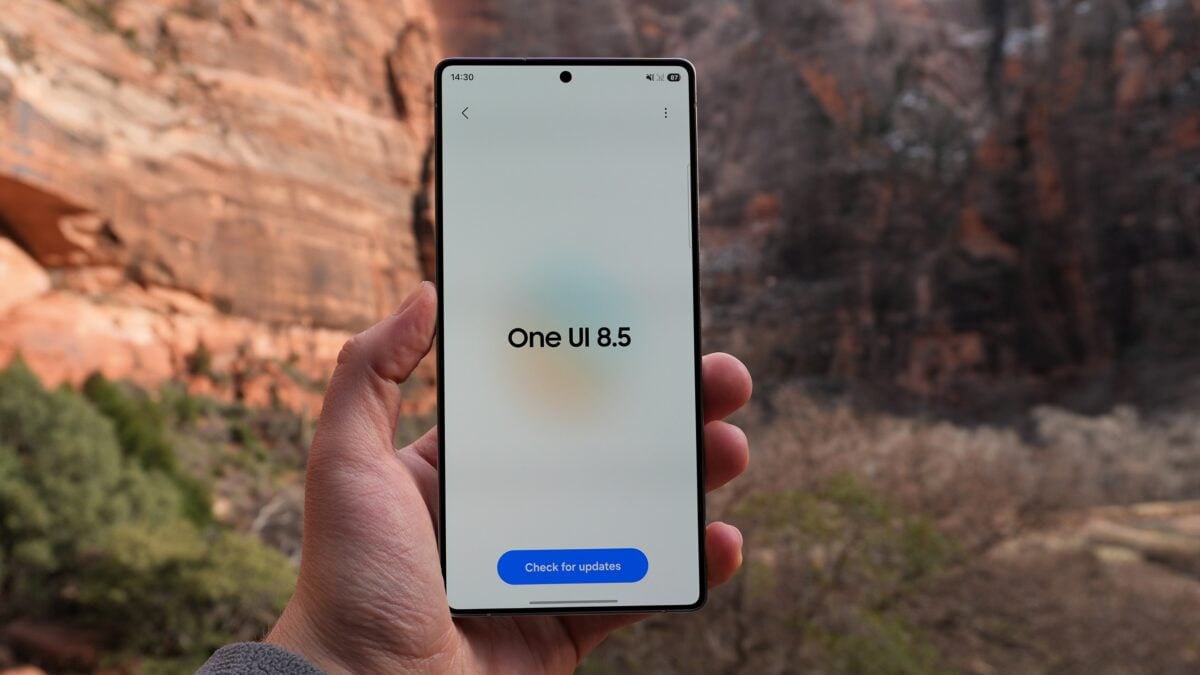
Details of the One UI 8.5 Beta 7 Rollout
The latest One UI 8.5 Beta 7 update is now live for users of the Galaxy S25, Galaxy S25+, and the Galaxy S25 Ultra in South Korea. The update carries a firmware version ending in ZZC7 and requires a substantial download of approximately 965.84MB. Interestingly, this build includes the February 2026 security patch, rather than the most current monthly update, suggesting a focus on core software stability over the very latest security definitions.
Comprehensive Changelog: What has Changed?
Samsung has addressed a wide array of issues in this build. Below is the detailed list of improvements included in this version:
| Category | Improvement / Fix |
|---|---|
| Communication | Fixed error switching to video calls during voice calls. |
| System UI | Resolved GMS app color palette issues in Secure Folder. |
| Apps | Improved Gmail search bar visibility in Dark Mode. |
| Gallery | Fixed forced shutdowns when starting new projects and private album export failures. |
| Connectivity | Resolved Wi-Fi recovery and roaming scanning issues (MBSSID). |
| Performance | Fixed stuttering/freezing in the Samsung Messages unread box. |
Additional fixes include resolving the absence of "Toast" pop-up notifications during high-heat situations while using Samsung DeX and fixing notification display issues under specific conditions. For users on the KT network, a specific compatibility issue with the 'Huhu' service has also been rectified.
How to Install the New Beta Update
If your device is already part of the Beta Program, you can download the update manually. Simply navigate to Settings, select Software update, and tap on Download and install. After the 965MB file is downloaded, clicking Install now will begin the process, which typically includes a device restart. To learn more about the beta process, you can Click Here for the full guide.
Which Samsung models are currently receiving the Beta 7 update?
The update is currently rolling out to the Galaxy S25, Galaxy S25+, and Galaxy S25 Ultra models that are enrolled in the official beta testing program.
What is the size of the One UI 8.5 Beta 7 download?
The update is roughly 965.84MB, so it is recommended to use a stable Wi-Fi connection for the download to avoid data charges or interruptions.
Does this update include the latest security enhancements?
This specific build includes the February 2026 security patch. While not the very latest, it provides significant security groundwork for the beta software.
When will the stable version of One UI 8.5 be released?
While Samsung hasn't given an exact date, the fact that Beta 7 focuses almost entirely on bug fixes suggests that the stable release for the S25 series is imminent.
🔎 In conclusion, the release of One UI 8.5 Beta 7 indicates that Samsung is in the final stages of polishing the software for its flagship series. By addressing niche bugs in the Gallery, DeX, and network roaming, the company is ensuring a smooth transition for all users once the stable version finally arrives. Owners of the Galaxy S25 series should keep a close eye on their update notifications over the coming weeks.
Post a Comment