
Samsung Galaxy S26 AI Revolution: Google Gemini Now Powers Samsung Gallery in One UI 8.5
The evolution of artificial intelligence on Samsung devices has taken a significant leap forward. While previous updates introduced foundational AI tools, the latest software iteration is bringing much deeper integration into the core apps users rely on daily. With the rollout of the Galaxy S26 series, Samsung and Google are strengthening their partnership by weaving the Gemini AI assistant directly into the fabric of the One UI experience, moving beyond simple chatbots to functional, system-level assistants.
Article Summary:
- ✨ One UI 8.5 introduces Google Gemini integration for the native Samsung Gallery app.
- ✨ Users can now search for specific photos and videos using natural language commands.
- ✨ The feature is currently exclusive to the stable version of One UI 8.5 on the **Galaxy S26** series.
- ✨ Future updates aim to bring "Agentic AI" capabilities to more Samsung stock applications.
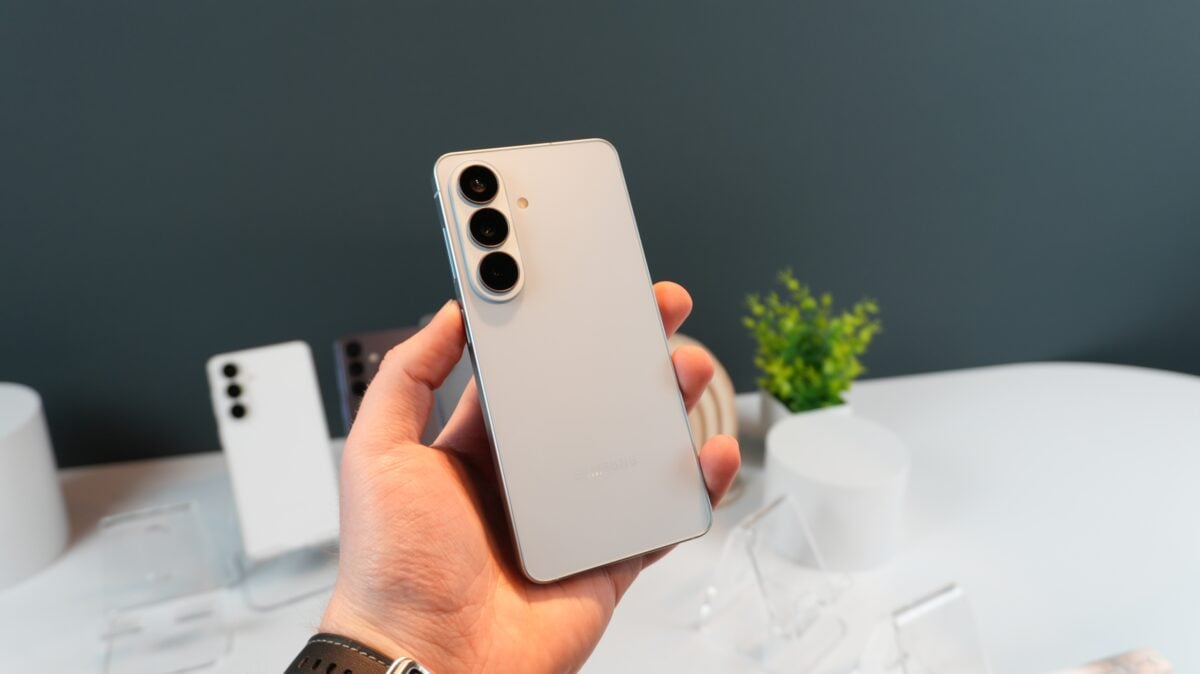
When Samsung released the One UI 7.0 update, it marked the beginning of a new era for AI integration. At that time, Google Gemini was connected to three primary stock applications: Calendar, Notes, and Reminder. This allowed users to organize their lives with simple voice or text prompts. However, with the launch of the **Galaxy S26** series, Samsung has expanded this ecosystem. The latest **One UI 8.5** update now officially includes the Samsung Gallery app in the Gemini integration list.
Smart Photo Discovery with Gemini AI
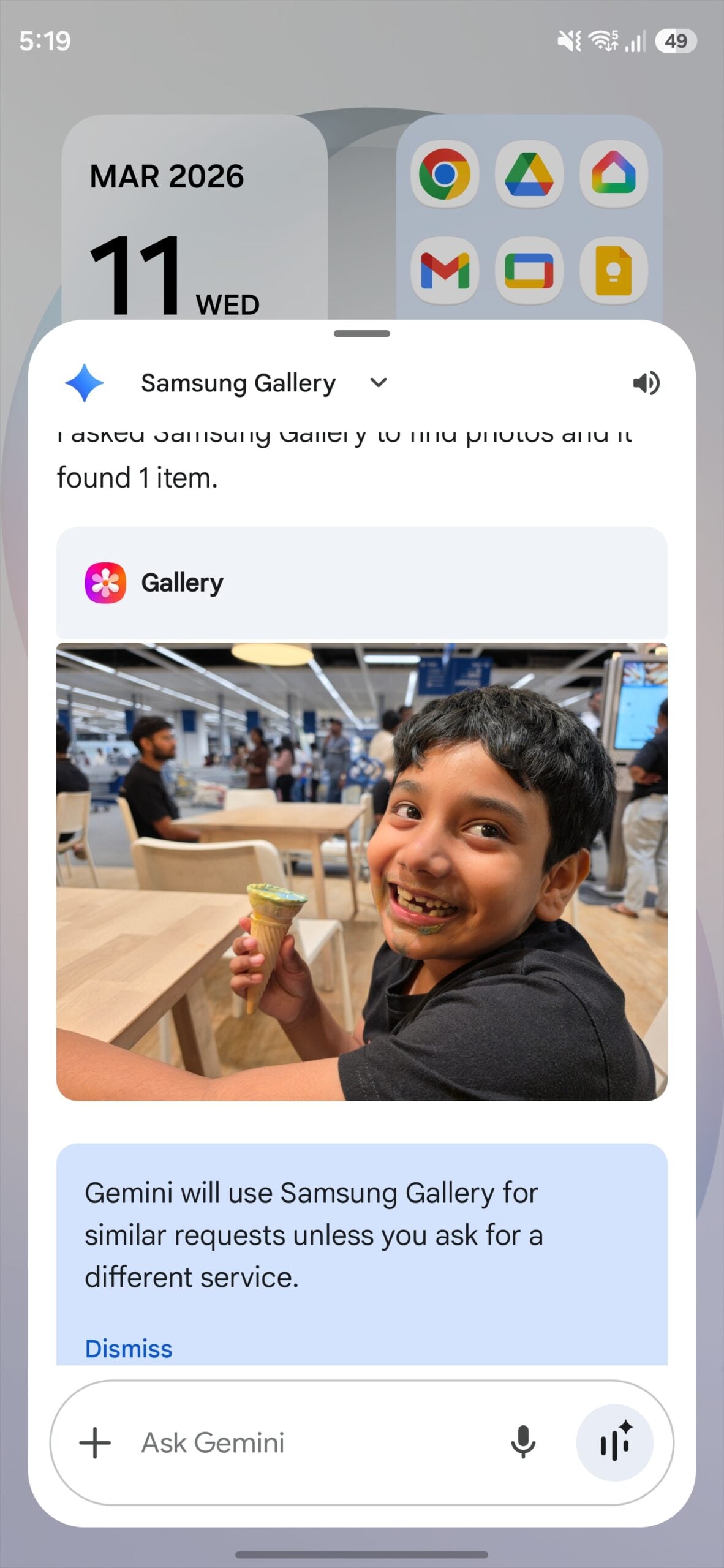
On our **Galaxy S26 Ultra**, we have explored how this new integration changes the way we interact with our memories. Gemini now features a dedicated option to connect with the Samsung Gallery, enabling a powerful natural language search engine for your media library. Instead of scrolling through thousands of images, you can simply ask Gemini to do the heavy lifting. For instance, you can say, "Find photos of me with my dog from this summer," and the AI will accurately filter and display every matching image instantly.
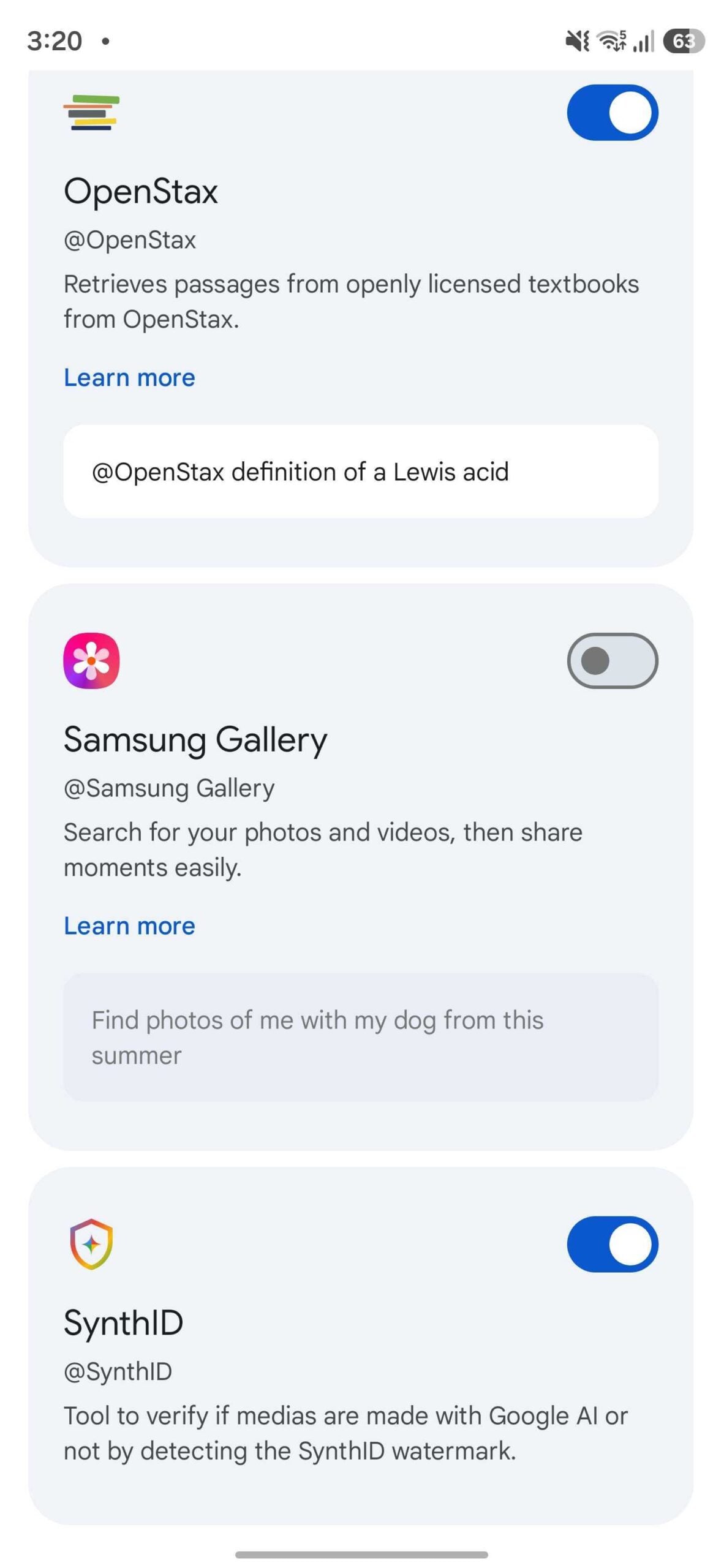
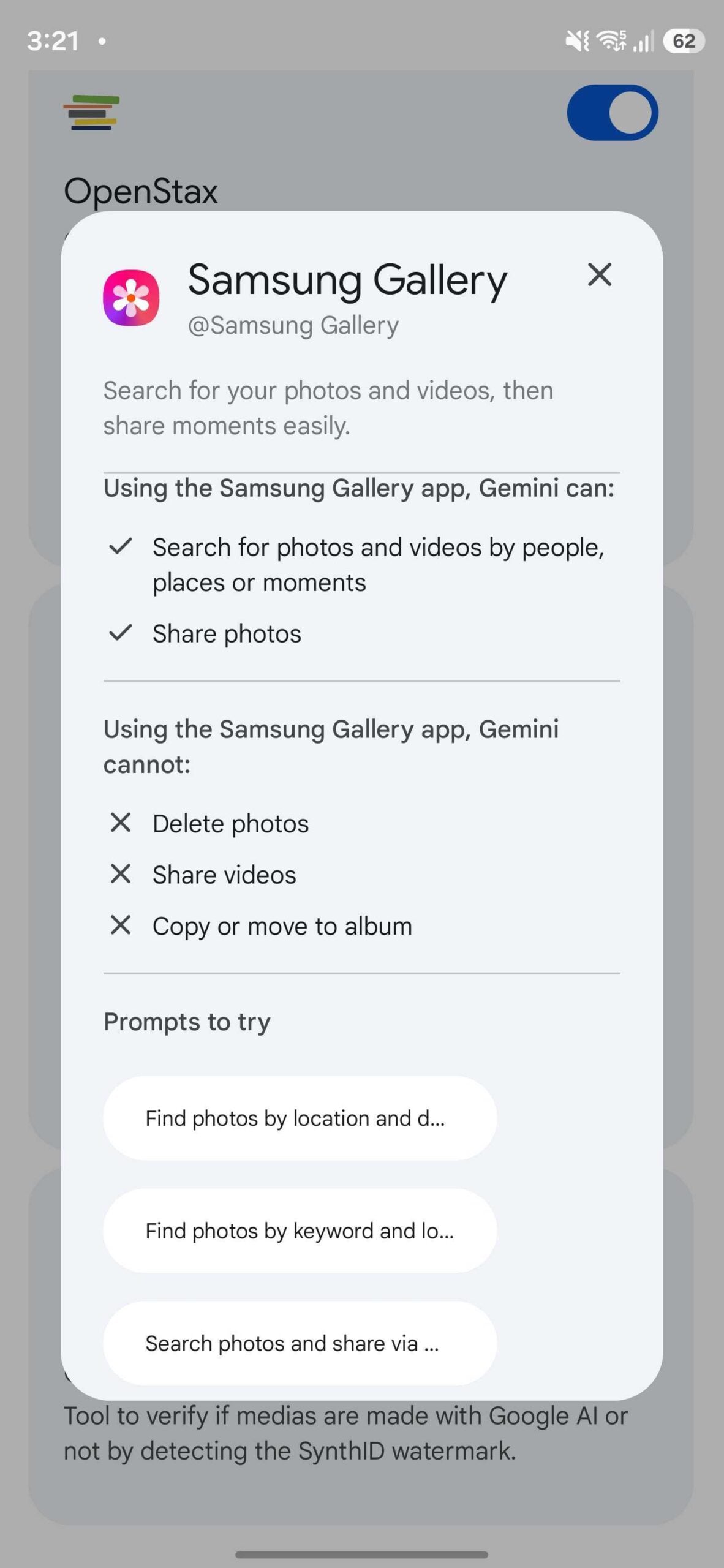
This integration goes beyond simple keyword matching. It understands context, locations, and timeframes. Here are some of the most effective ways to utilize this new tool:
- ✨ Locating specific photos based on a precise location and date.
- ✨ Filtering your library using complex combinations of keywords and geographic data.
- ✨ Directly sending photos of a specific subject from a certain event to a contact in your list.
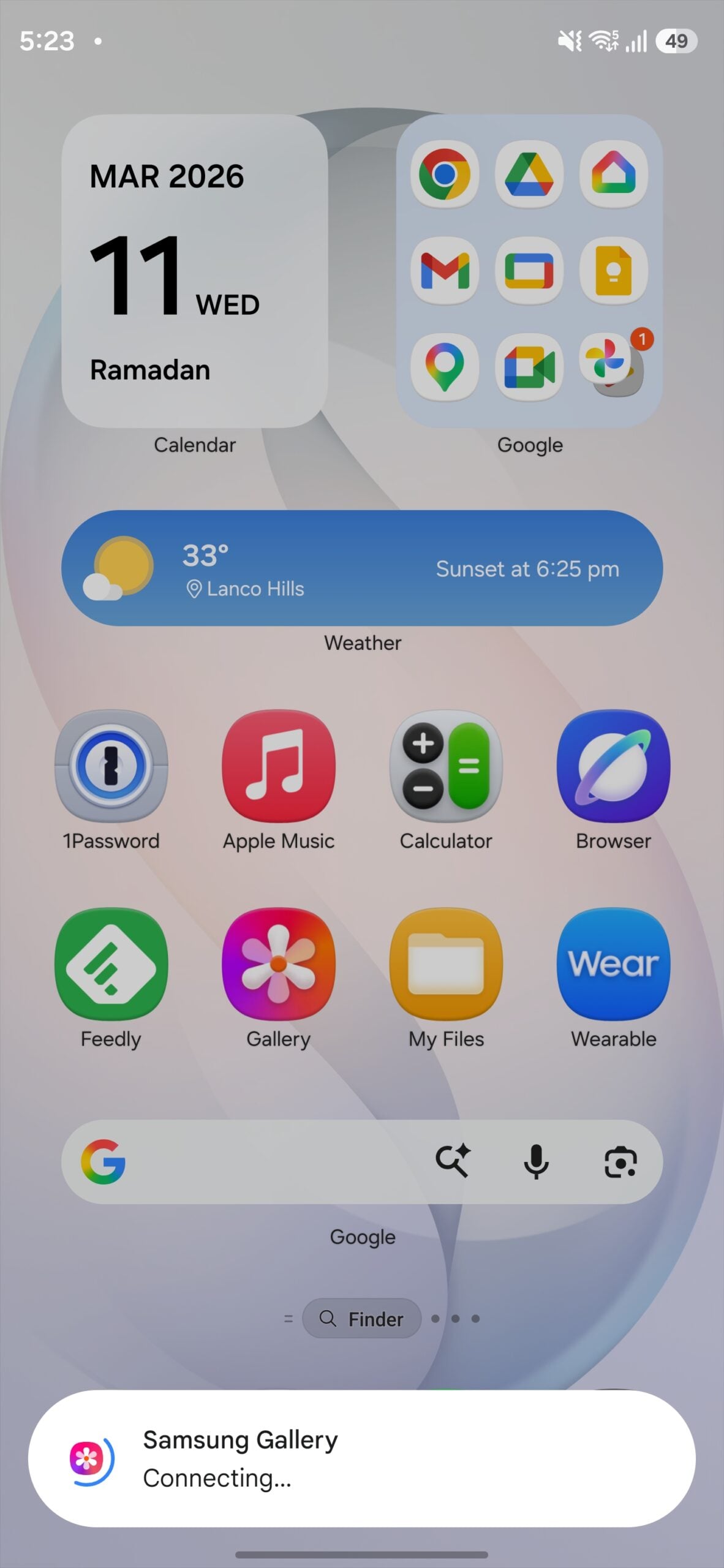
Capabilities and Current Limitations
While the search functionality is incredibly robust, there are still boundaries to what the AI can perform within the Gallery app. You can ask Gemini to share photos through various messaging or social media apps. However, for security and privacy reasons, Gemini currently cannot delete photos or videos. Furthermore, advanced file management tasks—such as moving videos, copying files between albums, or batch renaming—are not yet supported via the AI interface.
Interestingly, users on the Galaxy S25 series participating in the **One UI 8.5** beta have noted that this specific Gemini integration is missing. This indicates that Samsung is keeping the feature exclusive to the stable release of One UI 8.5, which is currently only available on the Galaxy S26 lineup.
The Future: Agentic AI and Beyond
The collaboration between Google and Samsung is far from over. Rumors suggest that future updates will bring Gemini's intelligence to even more native apps, including Samsung Browser, Samsung Health, and the SmartThings smart home ecosystem. During the Galaxy Unpacked 2026 event, both companies showcased "Agentic AI" capabilities. This refers to an AI that doesn't just answer questions but can take proactive actions across various apps to complete complex tasks for the user.
As we move forward, the Galaxy S26 series remains the flagship vehicle for these innovations, serving as a preview for the future of the Android operating system and the One UI experience.
Which Samsung apps currently support Google Gemini integration?
With the latest update, Gemini integrates with four major stock Samsung apps: Gallery, Calendar, Notes, and Reminder. This allows for cross-app functionality and smarter data retrieval.
Can I use Gemini to find specific people in my photos?
Yes, the integration with Samsung Gallery allows you to search for people, pets, and specific objects combined with timeframes or locations, such as "Find photos of me at the beach last year."
Is it possible for Gemini to delete unwanted photos from my phone?
No, currently Gemini does not have the permission to delete media or perform destructive actions within the Samsung Gallery app to prevent accidental data loss.
Why don't I see the Gallery integration on my Galaxy S25?
The feature is currently tied to the stable version of One UI 8.5. If you are on an older device or a beta version of the software, the integration may not be active yet.
What is "Agentic AI" mentioned for the Galaxy S26?
Agentic AI refers to a more advanced form of artificial intelligence that can act as a personal agent, performing multi-step tasks across different apps autonomously based on a single user request.
🔎 The integration of Google Gemini into the Samsung Gallery app is a clear signal that the future of smartphones lies in seamless AI assistance. By allowing users to navigate their vast digital lives with simple, conversational commands, Samsung is making technology feel more human and accessible. As we look toward future updates, the potential for a truly "Agentic" experience—where the phone anticipates and acts on our needs—is no longer a distant dream but a rapidly approaching reality for Galaxy users worldwide.
Post a Comment