
Samsung Galaxy S26 and Older Models Get New 'Inactivity Restart' Security Feature: How to Enable It
Samsung is taking mobile security to the next level by rolling out a clever new safeguard originally introduced by Google. The feature, known as "Inactivity Restart," is designed to protect your sensitive data if your phone is ever lost or stolen. It is currently making its way to Galaxy S26 users in Korea, likely bundled with the February 2026 security patch that Samsung recently began distributing to its latest flagship devices.
- ✨ Automatic Protection: Your phone will now reboot automatically after 72 hours of inactivity to lock down your data.
- ✨ Device Compatibility: Rolling out to the Galaxy S26, S25 series, and the Galaxy Z Fold 7.
- ✨ BFU Security State: A reboot forces the device into a "Before First Unlock" state, disabling biometrics for maximum safety.
- ✨ Easy Activation: Users can manually toggle this feature within the enhanced security settings menu.
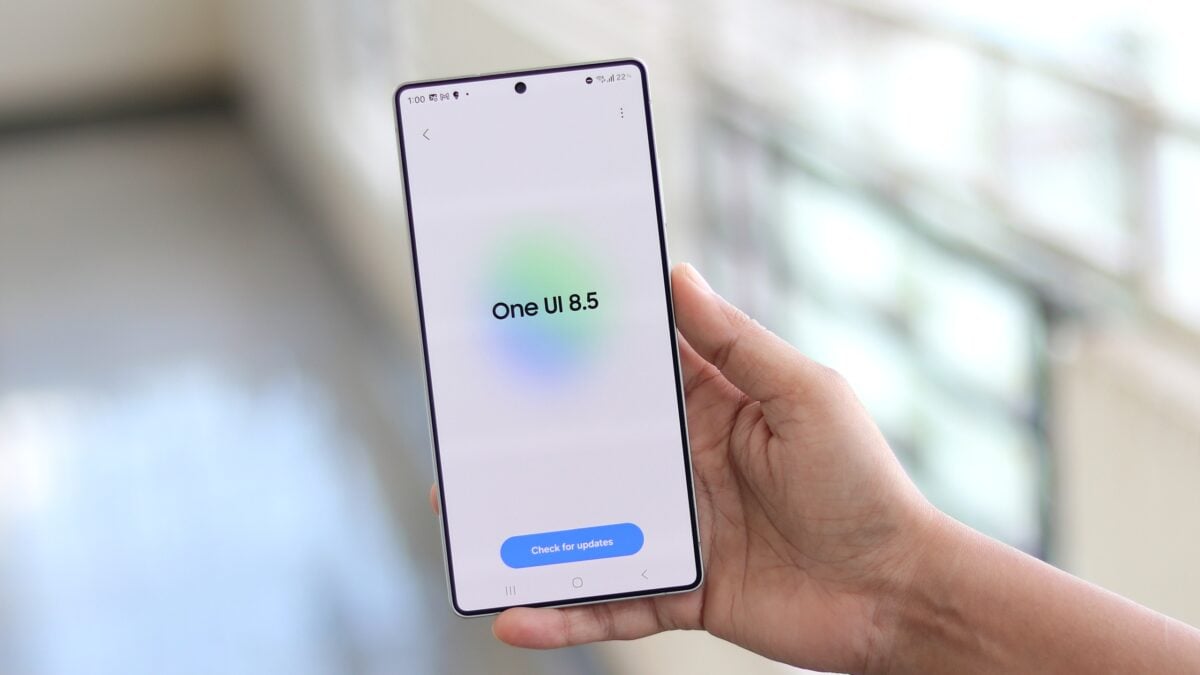
The rollout of Inactivity Restart isn't limited to just the newest flagships. Galaxy Z Fold 7 users running One UI 8 with the February 2026 patch have already spotted the tool. Additionally, those participating in the One UI 8.5 beta on the Galaxy S25 series have had access since November 2025. This indicates that while the February update is a primary carrier for the feature, Samsung is working to ensure a broad range of devices benefit from this added layer of privacy.
It is worth noting that the feature might also be enabled through Google Play system updates rather than just firmware patches. For Galaxy S26 owners in Korea, this option appeared immediately following their first major software update. We expect this security enhancement to reach international models and a wider variety of Galaxy smartphones in the coming weeks.
Where to Find and Enable Inactivity Restart
If you want to ensure your device is protected, you can find the toggle by navigating through your device settings. Follow this path once you have the latest update: Settings > Security and Privacy > More security settings. Inside this menu, you will find the Inactivity Restart toggle which you can switch to the ON position.


If the option is currently missing from your Galaxy phone, don't panic. Check for any pending One UI updates or Google Play system updates. If your software is fully up to date and the feature still hasn't appeared, it simply means Samsung hasn't activated it for your specific region or model yet. Keep checking your updates regularly as the rollout is ongoing.
How Does Inactivity Restart Actually Work?
The mechanics of the feature are straightforward but highly effective. Once enabled, your smartphone monitors the time elapsed since it was last unlocked. If the device remains locked and unused for a continuous period of 72 hours, it will automatically perform a reboot. The countdown is refreshed every time you successfully unlock your phone, so it will never restart while you are actively using it over several days.
The real security benefit happens after the reboot. When a Samsung phone restarts, it enters a state called BFU (Before First Unlock). In this state, the encryption keys are not yet loaded into the active memory, which means biometrics like fingerprint scanning or face recognition are completely disabled. The only way to access the phone is by entering the primary PIN, pattern, or password.
While some experts suggest this isn't a "massive" security overhaul, it provides essential peace of mind. If your phone is lost in a public place or falls into the wrong hands, the 72-hour reboot ensures that even sophisticated attempts to bypass biometric security will fail, keeping your personal photos, messages, and banking apps safe from prying eyes.
What exactly is the Inactivity Restart feature?
It is a security function that automatically reboots your Samsung Galaxy phone if it has not been unlocked for 72 consecutive hours. This ensures the device enters a high-security state where only a password or PIN can grant access.
Does this feature delete any of my data?
No, the feature only performs a standard system restart. All your apps, photos, and files remain exactly as they were; you will simply need to enter your manual unlock code instead of using your fingerprint the first time you use it after the reboot.
Which Samsung devices support Inactivity Restart?
Currently, the feature is appearing on the Galaxy S26 series, Galaxy S25 series (via One UI 8.5), and the Galaxy Z Fold 7. It is expected to arrive on more devices that receive the February 2026 security patch or newer Android 16-based updates.
Can I change the 72-hour time limit?
At this time, the 72-hour window is a hardcoded security standard set by the system. There is currently no option in the One UI settings to shorten or lengthen this specific duration.
Will the phone restart while I am using it?
No. The 72-hour timer only runs while the phone is locked. Every time you unlock your phone to check a message or use an app, the timer resets back to zero. The restart only occurs if the phone sits completely untouched for three full days.
🔎 In conclusion, Samsung's introduction of Inactivity Restart is a welcome addition to the Galaxy ecosystem's already robust security suite. By bridging the gap between convenience and hardcore data protection, Samsung ensures that even if a device is forgotten or stolen, the user's private life remains encrypted and inaccessible. As we move further into 2026, expect these "silent" security features to become the standard, keeping our digital identities safer than ever before.
Post a Comment