
Samsung Galaxy S26 Gaming Revolution: New Good Lock Game Booster+ Update Revealed
Samsung is officially rolling out a significant update to one of its most popular Good Lock modules, Game Booster+. This latest release, which transitions the app to version 2.0.00.23, introduces a suite of advanced features designed to push the boundaries of mobile gaming performance. While the update is reaching users globally, the most groundbreaking additions appear specifically tailored for the next generation of flagship hardware.
The Game Booster+ v2.0.00.23 update introduces Gamepad Touch Mapping, AP clock limitation, and a Game Intro Fast-Forward feature, primarily optimized for the upcoming Galaxy S26 series to enhance control and thermal management.
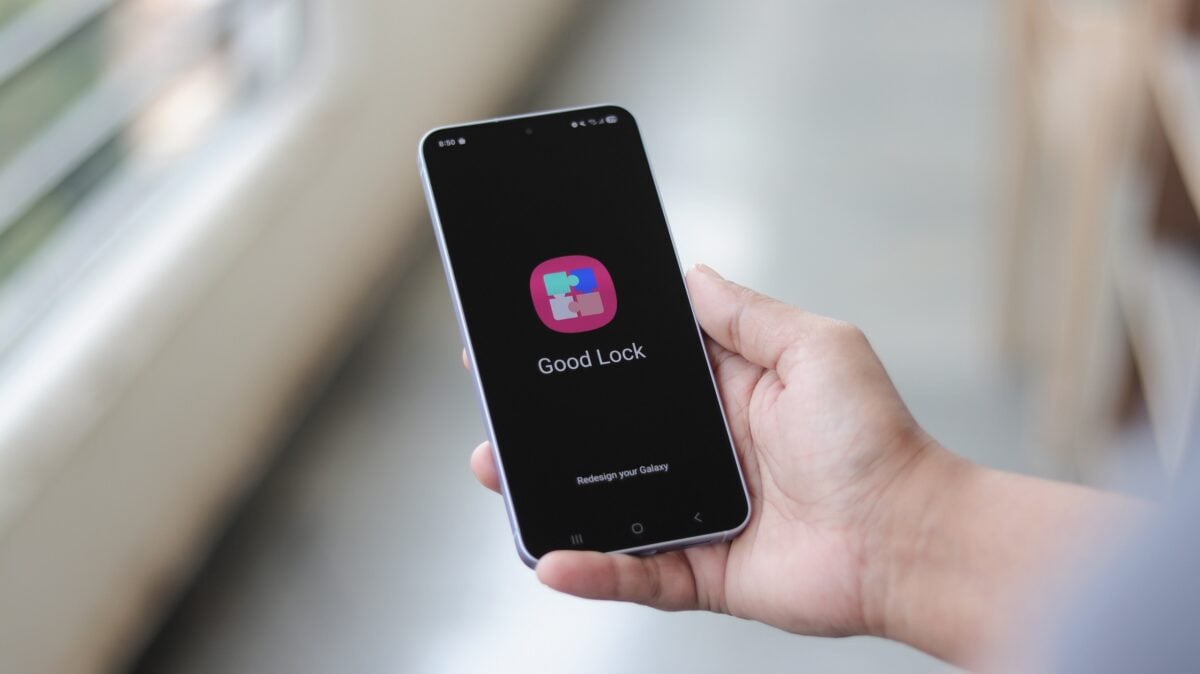
- ✨ Introduction of Gamepad Touch Mapping for superior physical controller integration.
- ✨ New AP clock limitation settings to balance high-end performance with battery efficiency.
- ✨ Game Intro Fast-Forward functionality to bypass loading sequences and cinematics.
- ✨ Global availability through the Galaxy Store and Good Lock plugin menu.
Advanced Gaming Features for the Galaxy S26 Series
The highlight of this update is the "S26 Pilot Feature Release." This specialized set of tools is aimed at the Galaxy S26 lineup, providing enthusiasts with granular control over their hardware. The AP clock limitation feature is particularly noteworthy, as it allows gamers to manually cap the processor's frequency to prevent overheating during extended sessions, ensuring a stable frame rate without the dreaded thermal throttling.
Furthermore, the Gamepad Touch Mapping tool addresses a long-standing request from the community. It allows users to map physical controller buttons to specific on-screen touch areas, making games that lack native controller support fully playable with external peripherals. To complement the speed of modern mobile chips, the Game Intro Fast-Forward feature helps players skip past repetitive studio logos and intro videos.
Official Update Changelog
According to the technical documentation provided with the 2.0.00.23 build, the primary changes focus on the pilot program for upcoming devices:
- S26 Pilot Feature Release: Added Gamepad Touch Mapping, AP clock limitation, and Game Intro Fast-Forward features.
How to Install the Latest Game Booster+ Update
Samsung is deploying this update through its standard distribution channels. Users can check for the update by navigating to Good Lock > Plugins and selecting the update icon next to the Game Booster+ entry. Alternatively, the update can be found in the Galaxy Store under the Menu > Updates section. Keeping these modules updated is crucial for maintaining compatibility with the latest One UI 8.5 features.
This release follows a wave of updates for other critical Good Lock components, such as Home Up, One Hand Operation +, Routines +, Theme Park, Quick Star, and LockStar. It appears Samsung is aggressively preparing its software ecosystem for the arrival of the next generation of Galaxy devices and the eventual transition to One UI 8.5.
What is the specific version number for this Game Booster+ update?
The latest update shifts the Game Booster+ module to version 2.0.00.23.
Which smartphones are eligible for the new pilot features?
The new features, including AP clock limitation and Gamepad Touch Mapping, are currently designated as pilot features for the Galaxy S26 series.
How does the AP clock limitation feature benefit gamers?
It allows users to limit the processor's maximum speed, which helps in reducing heat generation and preserving battery life during long gaming sessions.
Can I use a controller with games that don't support them natively?
Yes, with the new Gamepad Touch Mapping feature, you can map physical buttons to on-screen touch controls for virtually any game.
Where can I download the update?
The update is available globally via the Samsung Galaxy Store or directly through the Good Lock app's plugin menu.
🔎 In conclusion, Samsung continues to demonstrate its commitment to the gaming community by providing professional-grade tools through the Good Lock ecosystem. By introducing features like AP clock management and touch mapping ahead of the Galaxy S26 launch, the company is ensuring that its users have the most customizable and powerful mobile gaming experience available on the market. As One UI 8.5 approaches, we expect even more modules to receive these high-performance enhancements.
Post a Comment