
Samsung Galaxy S26 Ultra: Revolutionary Video Features for Professional Creators
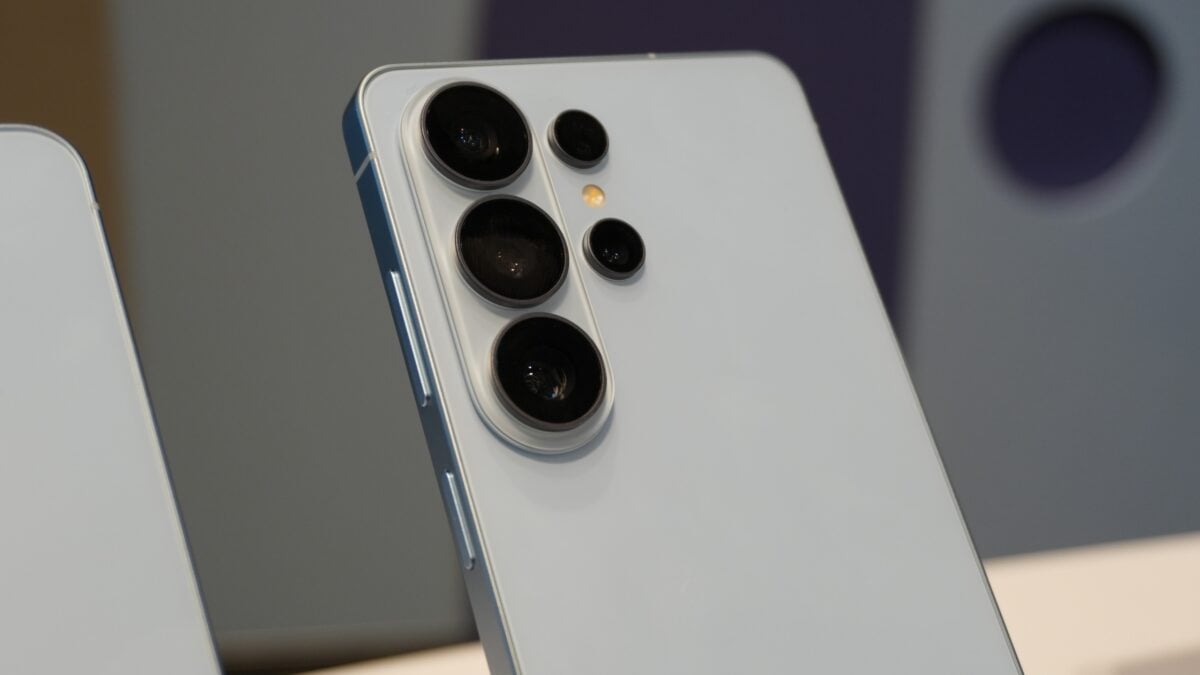
Samsung has consistently pushed the boundaries of mobile photography, but with the launch of the Galaxy S26 Ultra, the focus has shifted significantly toward professional-grade cinematography. While the hardware remains a pinnacle of engineering, the real magic lies in the new software capabilities. These features are specifically designed to empower content creators, vloggers, and filmmakers to capture, edit, and produce high-quality cinematic content directly from their smartphones.
- ✨ Support for the world-first Advanced Professional Video (APV) codec for near-lossless quality.
- ✨ Real-time LUT previews during Log recording to visualize final color grading instantly.
- ✨ Integrated cinematic LUT profiles including "Blockbuster" and "Thriller" genres.
- ✨ Enhanced 8K 30fps and 4K 120fps recording capabilities with intra-frame encoding.
- ✨ Seamless workflow integration with professional editing apps like DaVinci Resolve.
1. Advanced Professional Video (APV) Codec: A Game Changer for Quality
The Galaxy S26 Ultra makes history as the first smartphone to support the Advanced Professional Video (APV) codec. This industry-leading format allows creators to record near-lossless HDR video at staggering resolutions, including 8K at 30fps and 4K at 120fps. Unlike standard compressed formats, APV is designed to maintain the highest visual integrity while being optimized for mobile efficiency.
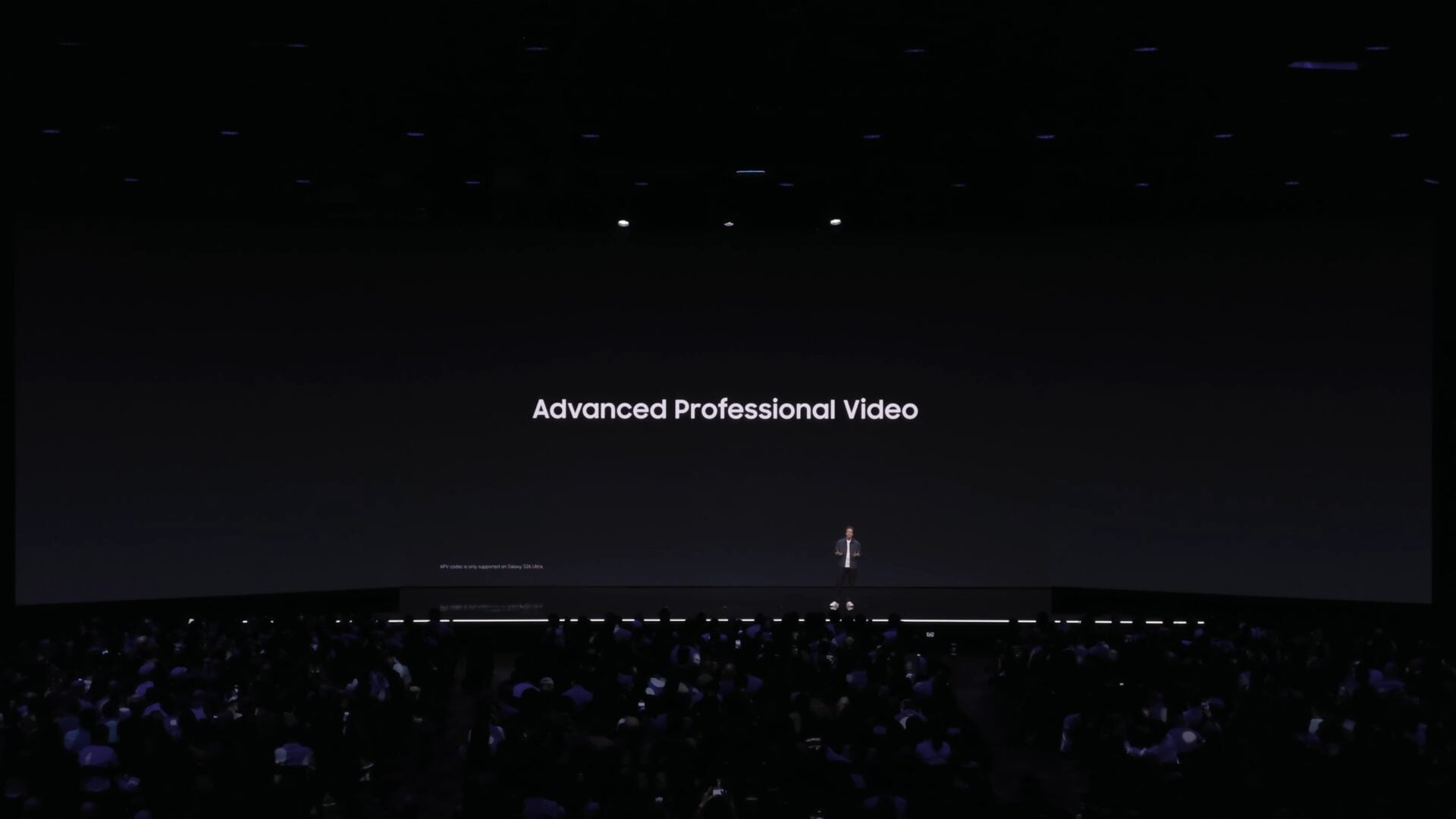
When compared to the traditional HEVC format, APV files are tailor-made for professional post-production. This intra-frame codec ensures that every single frame is encoded independently. This results in much smoother scrubbing and editing, significantly reducing latency during the creative process. Creators can now utilize Samsung camera features to produce content that is ready for high-end editing suites.

Furthermore, the APV format supports HDR10 and HDR10+ with 10-bit and 12-bit color gamuts. This ensures that even after multiple rounds of exporting and editing, the video quality remains virtually identical to the original capture. With hardware-level support from the Snapdragon 8 Elite Gen 5 and Exynos 2600, the Galaxy S26 Ultra is truly a mobile production studio.
2. Real-Time LUT Previews: Direct Visual Control
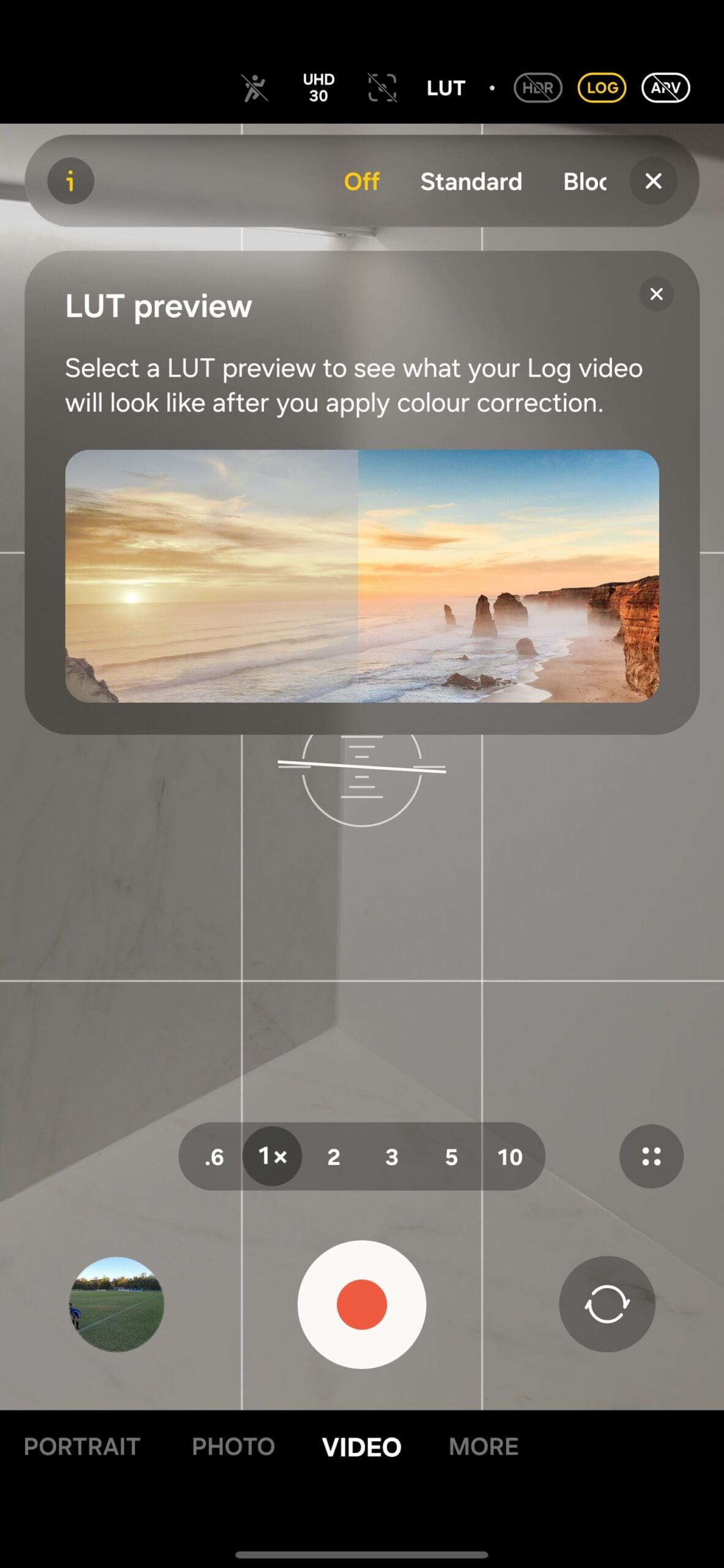
One of the most requested features by professional vloggers was the ability to see how their footage would look after color grading while they were still filming. Samsung has answered this with Real-time LUT previews for Log video recording. Previously, recording in "Samsung Log" meant looking at a flat, washed-out image on the screen, requiring guesswork regarding exposure and color.
With the Galaxy S26 Ultra, you can now apply a Look-Up Table (LUT) in real time. This allows you to see the vibrant, graded version of your video on the viewfinder while the phone continues to record the high-dynamic-range Log data in the background. This feature ensures you get the lighting and composition perfect the first time.
3. Cinematic LUT Profiles: Professional Styles at Your Fingertips
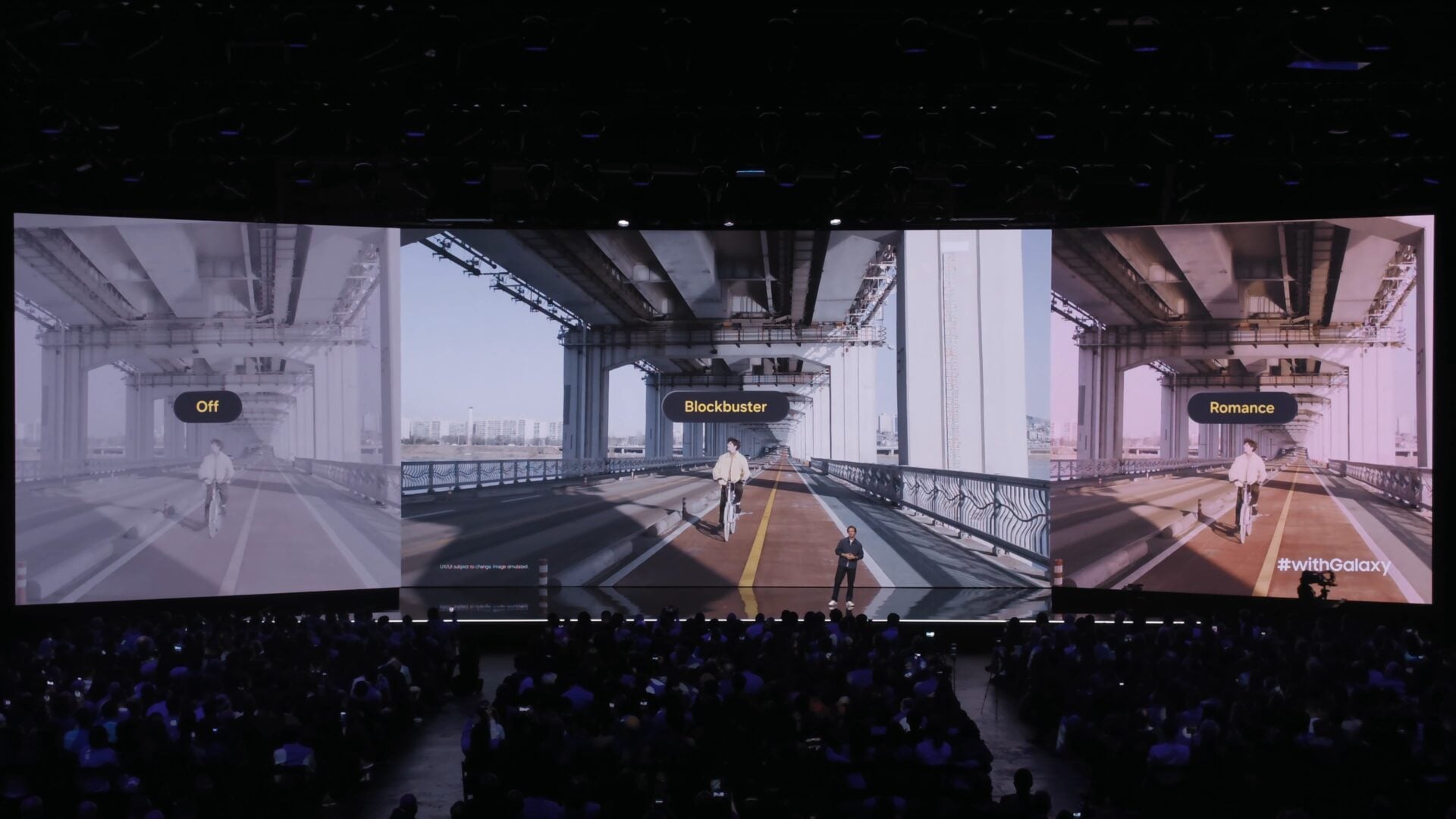
To make professional color grading accessible to everyone, Samsung has introduced a suite of built-in Cinematic LUT profiles. These presets are curated to give your videos a specific "movie look" instantly. The categories include:
- Basic: Focused on natural colors and balanced exposure.
- Blockbuster: High contrast and teal-and-orange aesthetics.
- Romance: Soft tones and warm highlights.
- Thriller: Moody, desaturated, and high-tension visuals.
- Coming of Age: Nostalgic and vibrant color palettes.
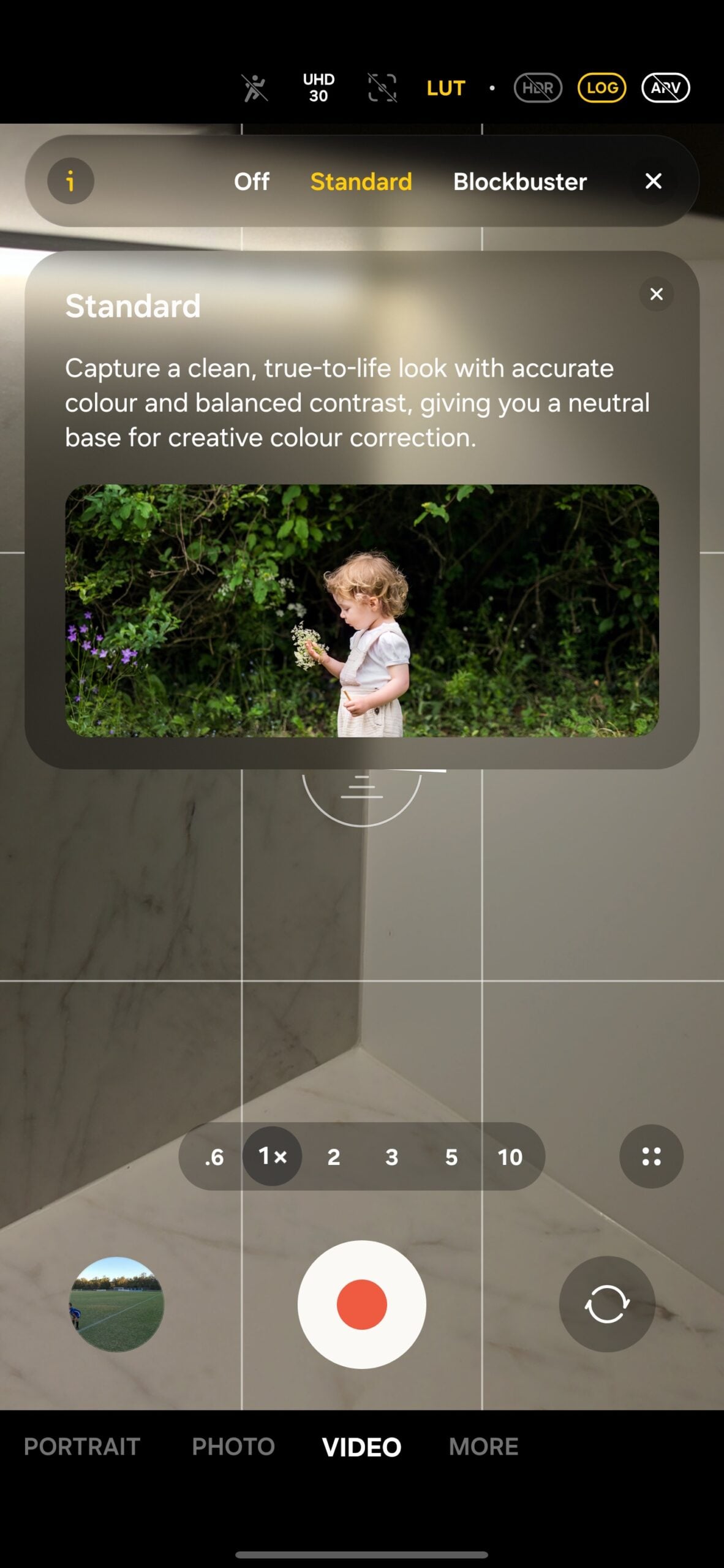
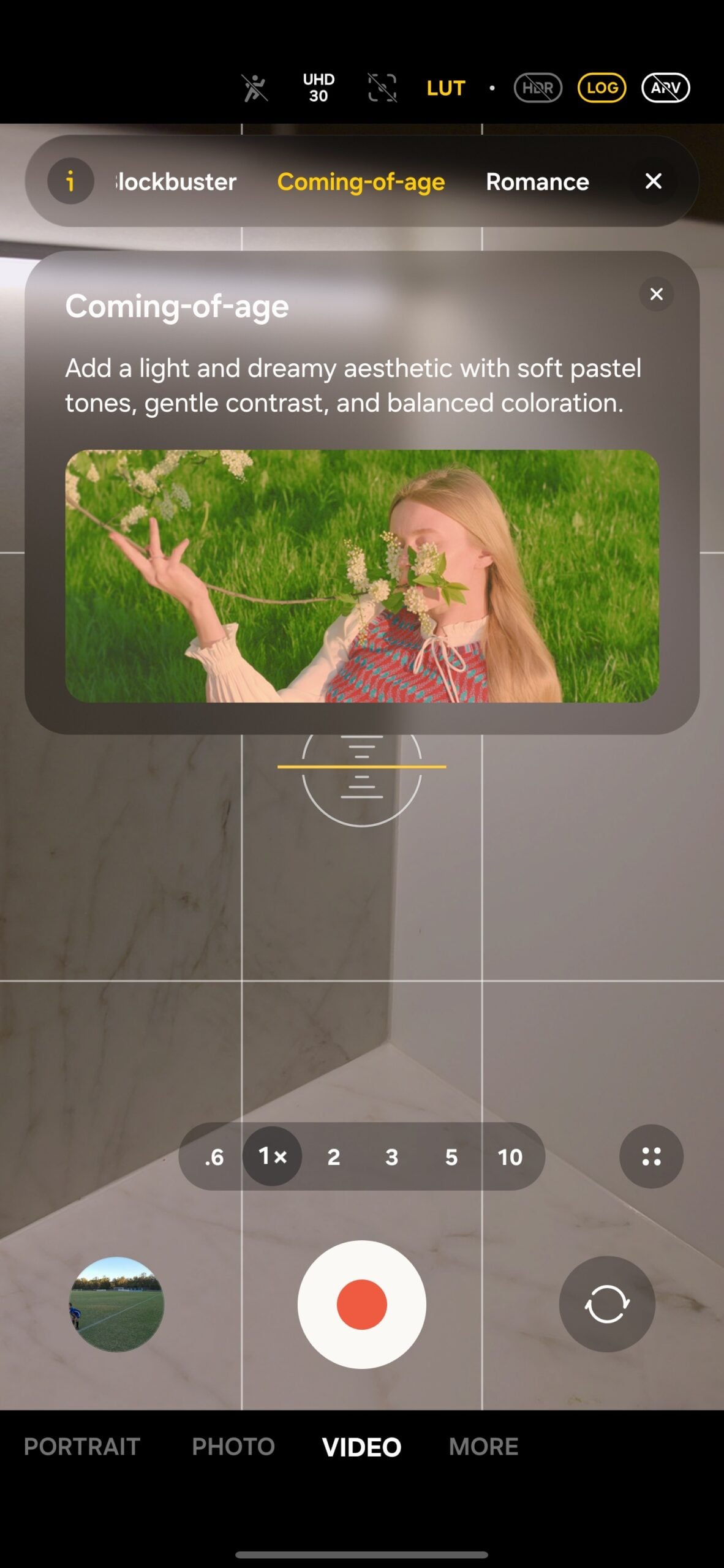
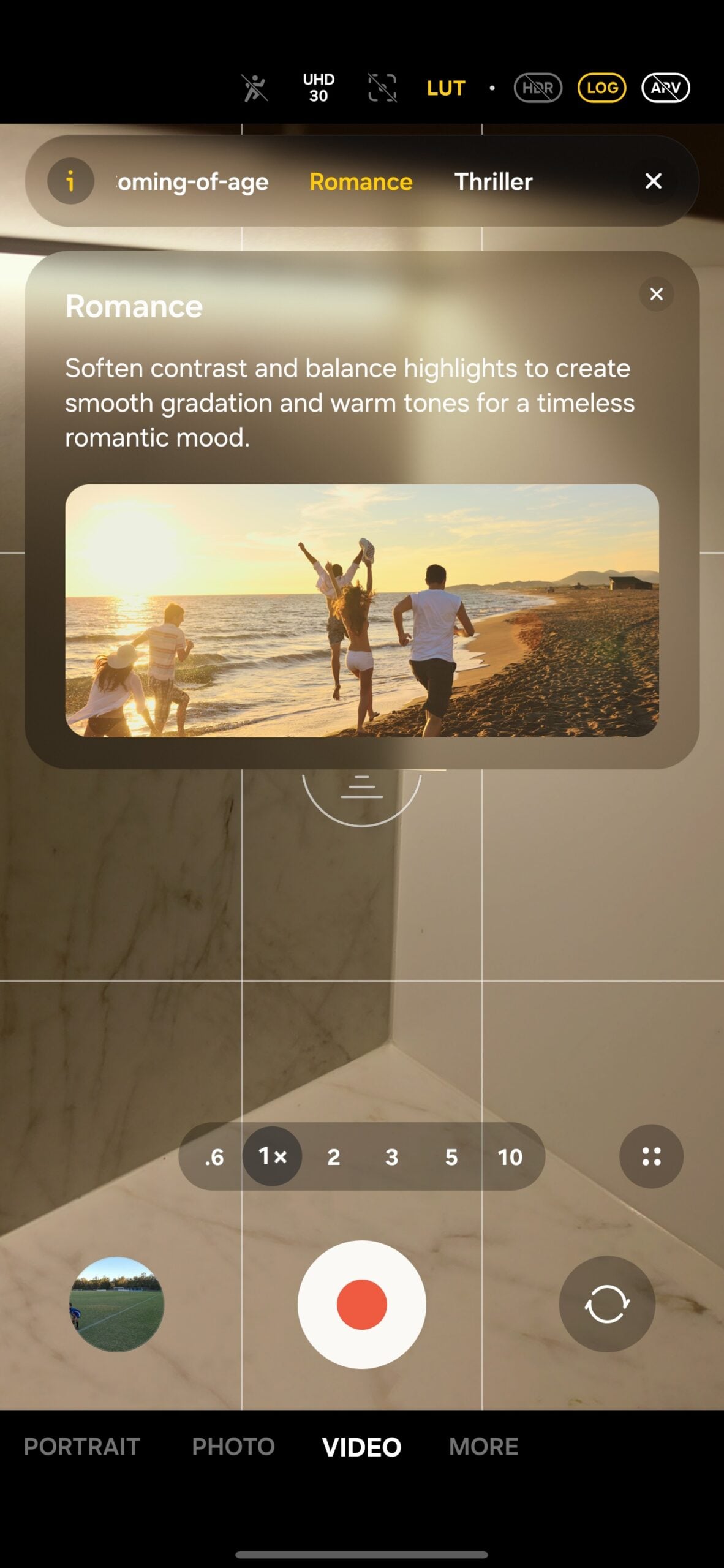
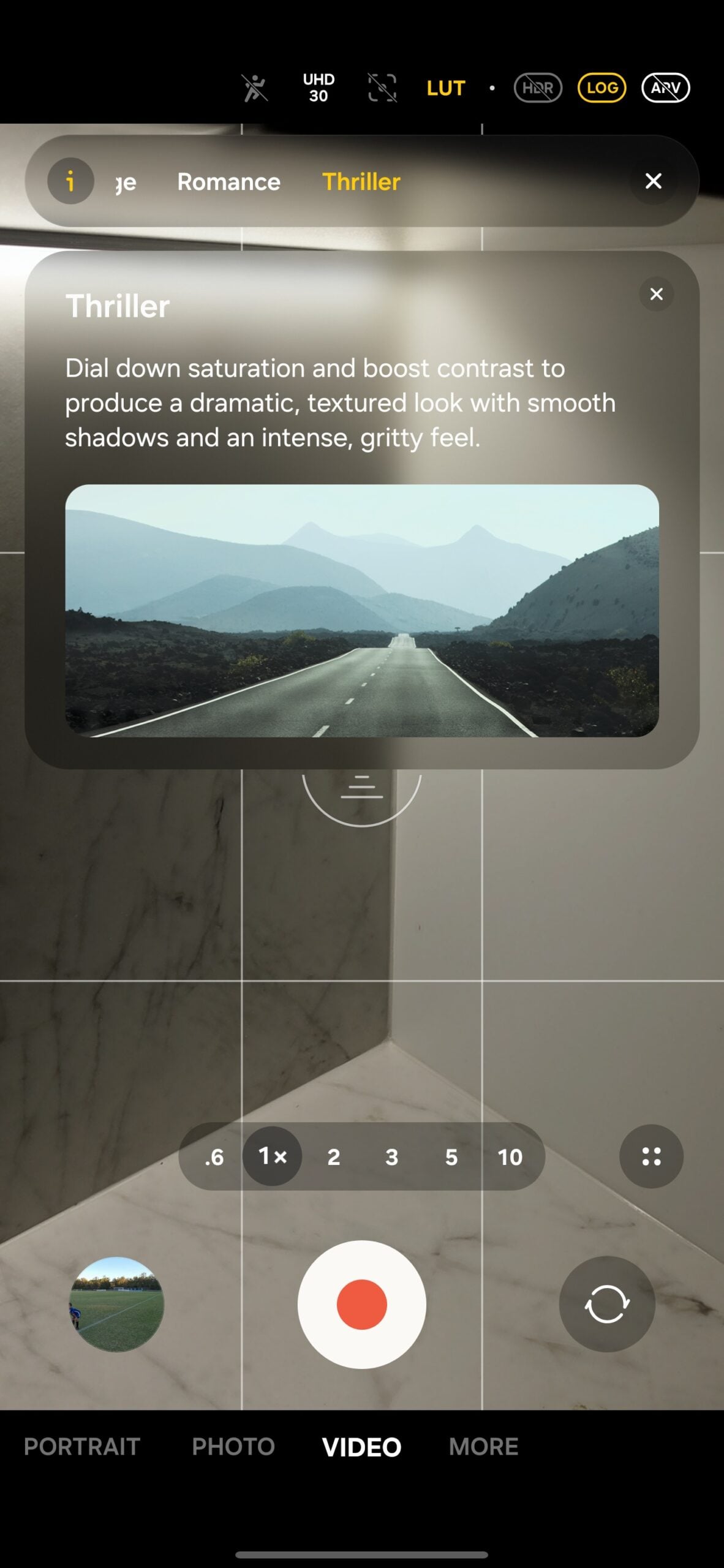
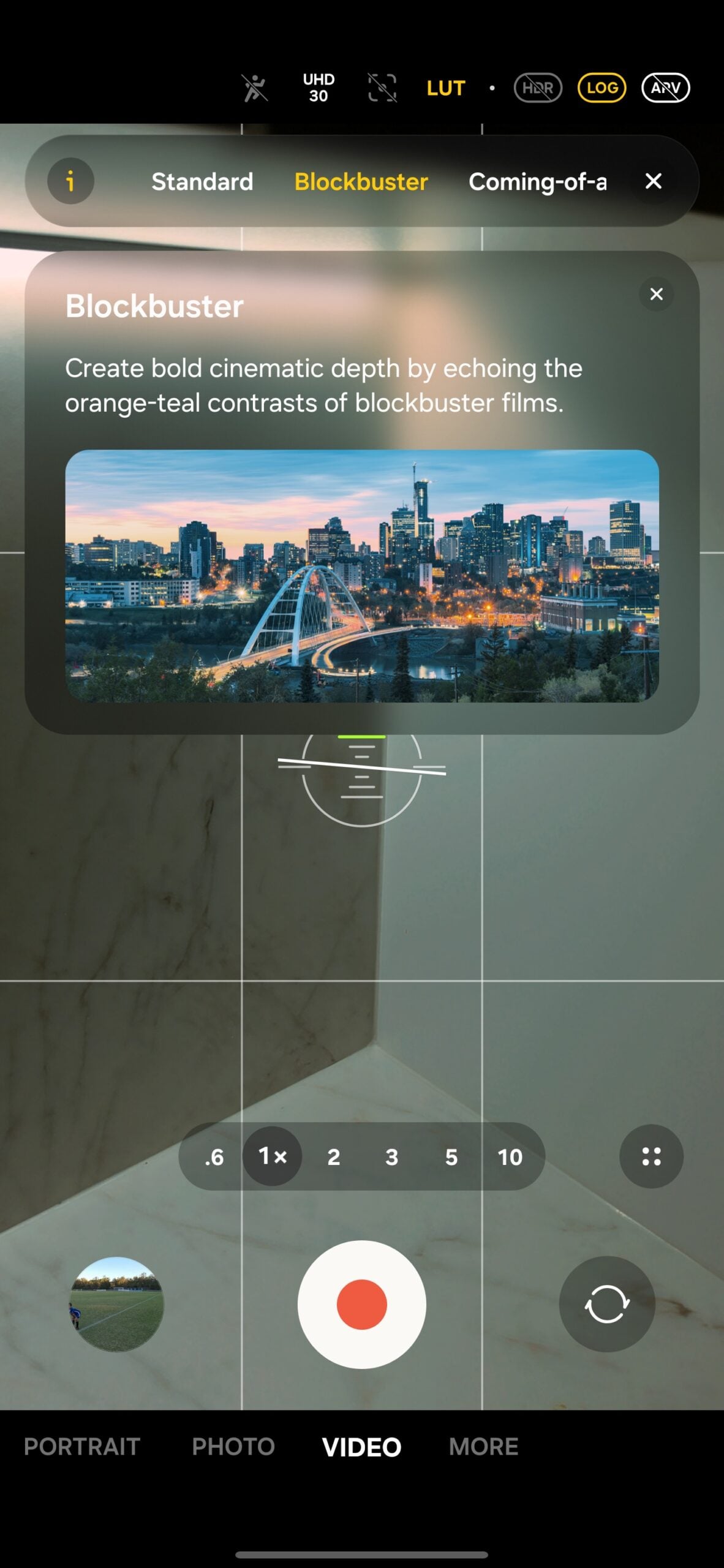
Each of these categories offers three specific variations to fine-tune the mood of your scene. Additionally, the Galaxy S26 Ultra allows for direct recording to external SSD storage via the USB-C port, a feature that is essential when working with the large file sizes generated by the APV codec and 8K workflows.
What is the Advanced Professional Video (APV) codec?
APV is a professional-grade intra-frame codec that captures video with near-lossless quality. It is designed for high-end editing workflows, allowing for smoother performance in apps like DaVinci Resolve compared to standard compressed formats like HEVC.
Can I see the color-graded look while recording in Log mode?
Yes, the Galaxy S26 Ultra introduces real-time LUT previews. This allows you to apply a color profile to the viewfinder so you can see the final intended look of the shot while the phone records the raw, high-detail Log footage for later editing.
Are there built-in cinematic filters for video?
Samsung has included several cinematic LUT categories such as Blockbuster, Romance, and Thriller. Each category has multiple variations to help creators achieve a specific atmospheric look without needing extensive manual color grading knowledge.
Does the Galaxy S26 Ultra support recording to an external SSD?
Absolutely. Building on the foundation of previous models, the S26 Ultra fully supports recording high-bitrate video directly to a connected external SSD, which is critical for managing the large file sizes of 8K and APV recordings.
Which editing apps support the new S26 Ultra video formats?
The APV codec and Log footage from the S26 Ultra are compatible with major professional editing applications including CapCut, LumaFusion, DaVinci Resolve, and the Blackmagic Camera app for Android.
🔎 In summary, the Galaxy S26 Ultra represents a massive leap forward for mobile creators. By integrating professional codecs like APV and providing real-time visual feedback through LUT previews, Samsung has turned the smartphone into a legitimate tool for high-end cinematography. Whether you are a professional filmmaker or a social media influencer, these new features offer the flexibility and quality needed to tell your stories with unprecedented clarity and style.
Post a Comment