
Samsung Galaxy Watch Spotify Update: A New Immersive Music Experience
Samsung continues to push the boundaries of wearable technology, and the latest software enhancement for the Galaxy Watch ecosystem is a testament to that. Users of Wear OS-based devices are receiving a significant upgrade to their music streaming experience. This latest Spotify app update focuses on visual immersion and streamlined navigation, making it easier than ever to enjoy your favorite tunes directly from your wrist.
- ✨ **Visual Overhaul:** A new design that puts album art front and center for a truly immersive look.
- ✨ **Gesture-Based Controls:** Simplified playback management using intuitive taps and swipes.
- ✨ **High-Fidelity Streaming:** Support for audio quality up to 320kbps for crystal-clear sound.
- ✨ **Smoother Performance:** Enhanced UI responsiveness for seamless navigation between playlists and settings.
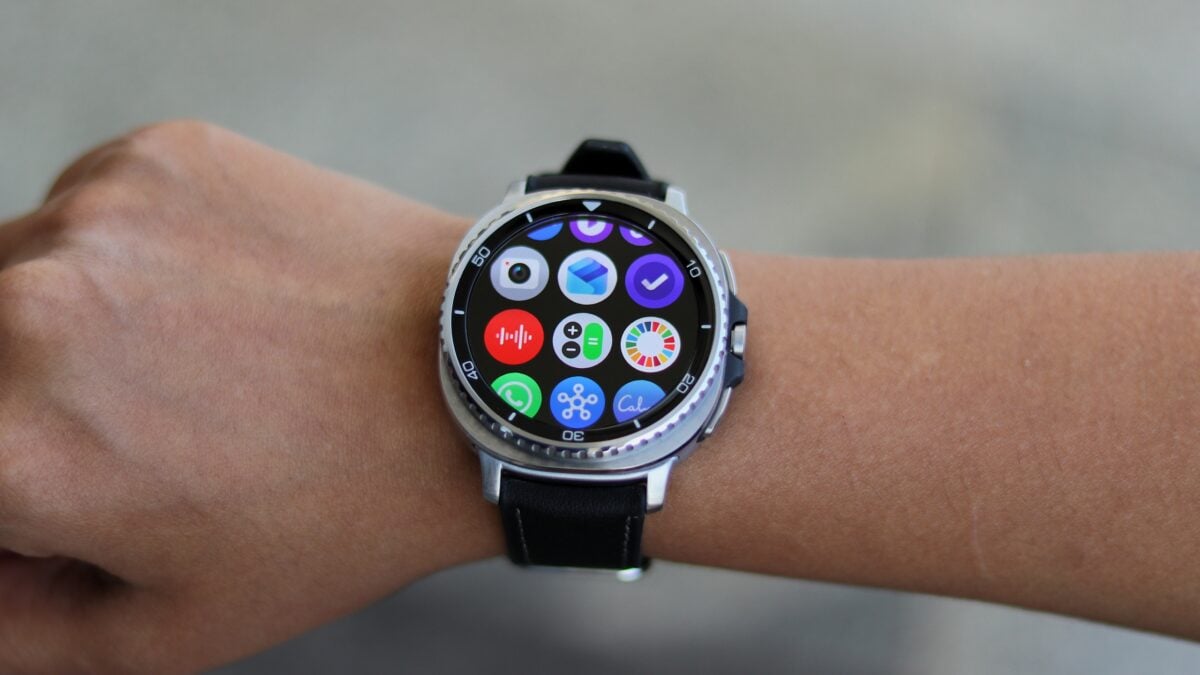
Redesigning the Wear OS Music Interface
Spotify is currently rolling out a major update for its Wear OS application. If you own a modern Galaxy Watch, you can now head over to the Google Play Store to download the latest version. The primary focus of this update is a complete redesign of the interface, which now prioritizes high-resolution album art, providing a much more modern and aesthetically pleasing user experience compared to previous versions.
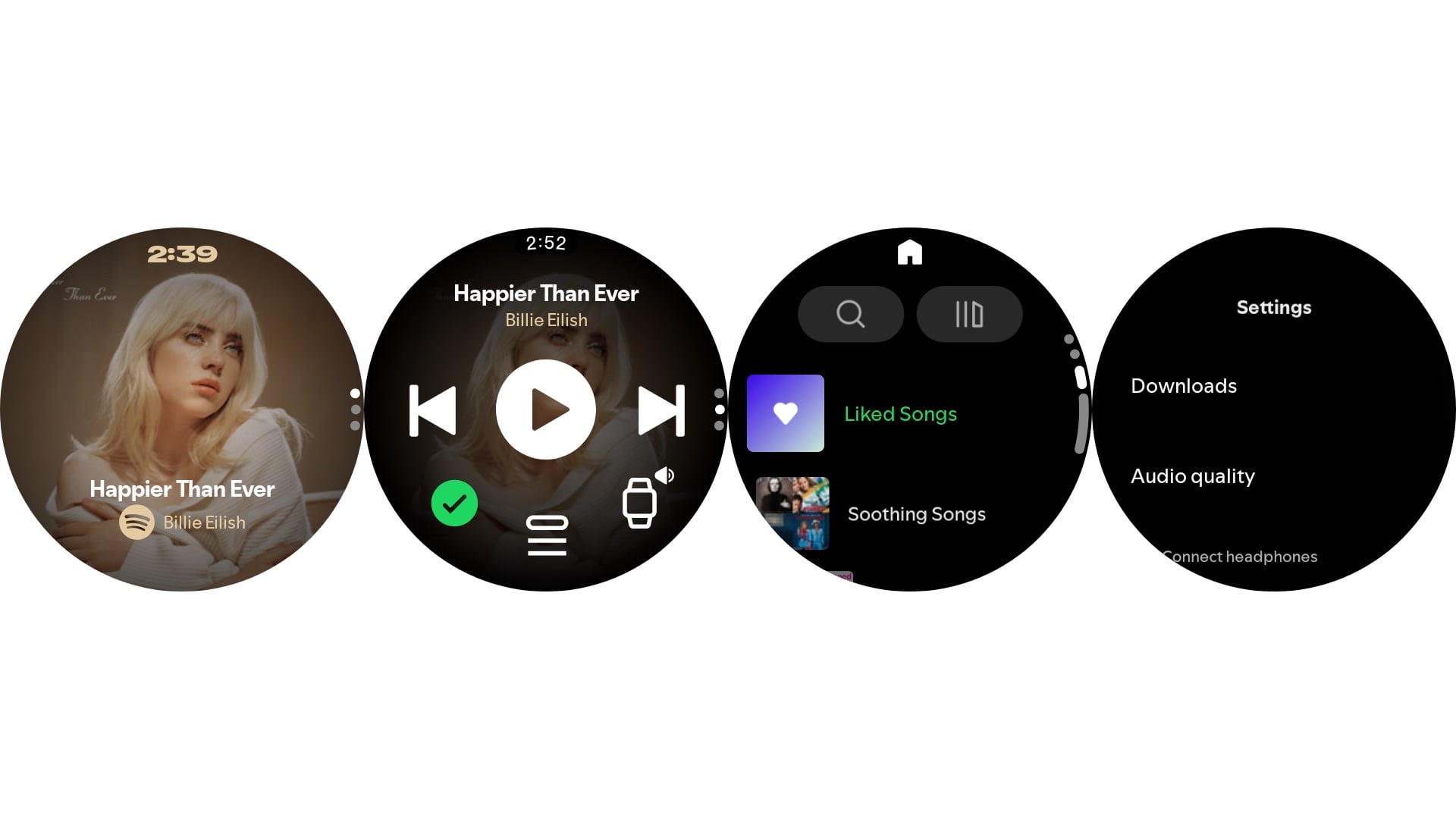
The most striking change is the new "Now Playing" screen. By default, it prominently displays the album cover of the current track without the clutter of visible playback buttons. This creates a clean, minimalist look that makes the most of the circular display on Samsung's wearables. Despite the lack of visible buttons, controlling your music remains incredibly easy through a series of smart gestures.
Intuitive Controls and Deep Settings
While the main screen is minimalist, functionality hasn't been sacrificed. A single tap on the screen will play or pause your music. If you want to navigate your tracks, a double tap on the left side of the screen takes you back to the previous song, while a double tap on the right side skips forward to the next track. For those who prefer traditional controls, a simple swipe up reveals the standard buttons for play, pause, shuffle, and even the "add to queue" option.
Swiping up further grants access to the Home view. Here, you will find convenient shortcuts for searching new music, accessing your library, and jumping back into recently played playlists. For power users, scrolling to the bottom opens the Settings menu. This section allows for granular control over downloads, the ability to adjust audio quality up to a "Very High" setting (320kbps), and easy management of connected Bluetooth peripherals like the Galaxy Buds.
The "Your Library" page has also seen improvements, neatly organizing your downloads, podcasts, artists, and liked albums. Across the board, the app feels significantly more optimized, with smoother transitions and faster loading times that make the daily experience of streaming music on a smartwatch feel like a premium feature rather than an afterthought.
How do I access the new playback controls in the Spotify update?
The new interface uses gestures to keep the screen clean. You can tap once to play or pause, and double-tap the sides of the screen to skip or go back. To see the traditional buttons like "Shuffle" or "Repeat," simply swipe up from the bottom of the Now Playing screen.
Can I improve the sound quality of music on my Galaxy Watch?
Yes, the new update allows you to go into the Spotify settings on your watch and adjust the audio quality. You can set it to "Very High," which streams at 320kbps, providing much better sound when connected to high-quality earbuds.
Is this update available for all Samsung smartwatches?
This update is specifically for Samsung Galaxy Watches running on the Wear OS platform, which includes the Galaxy Watch 4, Watch 5, Watch 6, Watch 7, and the latest Watch 8 series. Older Tizen-based watches may not receive these specific UI changes.
Does the update make the app run faster?
Users have reported that the app feels noticeably smoother. The navigation between the home screen, your library, and the playback window is more responsive, reducing the lag often associated with wearable applications.
🔎 This latest update from Spotify transforms the Galaxy Watch from a simple remote control into a powerful, immersive standalone music player. By focusing on high-quality visuals and intuitive gestures, Spotify has significantly improved the user experience for millions of Wear OS users. Whether you're at the gym or on a commute, the refined interface and high-fidelity audio options ensure that your favorite music is always just a beautiful tap away.
Post a Comment