
Samsung Galaxy Watch Ultra February 2026 Security Update: Key Improvements and Installation Guide
Samsung has officially extended its latest security enhancements to its premium rugged wearable, the Galaxy Watch Ultra. Earlier this month, the tech giant began distributing the February 2026 security patch to various models, including the Galaxy Watch 8, Galaxy Watch 7, and Galaxy Watch 6. While the Ultra variant was initially waiting, the update is now rolling out to ensure all flagship users benefit from the latest protections.
- ✨ The February 2026 security patch is now available for the Galaxy Watch Ultra.
- ✨ This update addresses 37 critical security vulnerabilities.
- ✨ Initial rollout has been confirmed in India, with other regions following soon.
- ✨ Includes firmware version L705FXXU3BZB4 with system stability improvements.
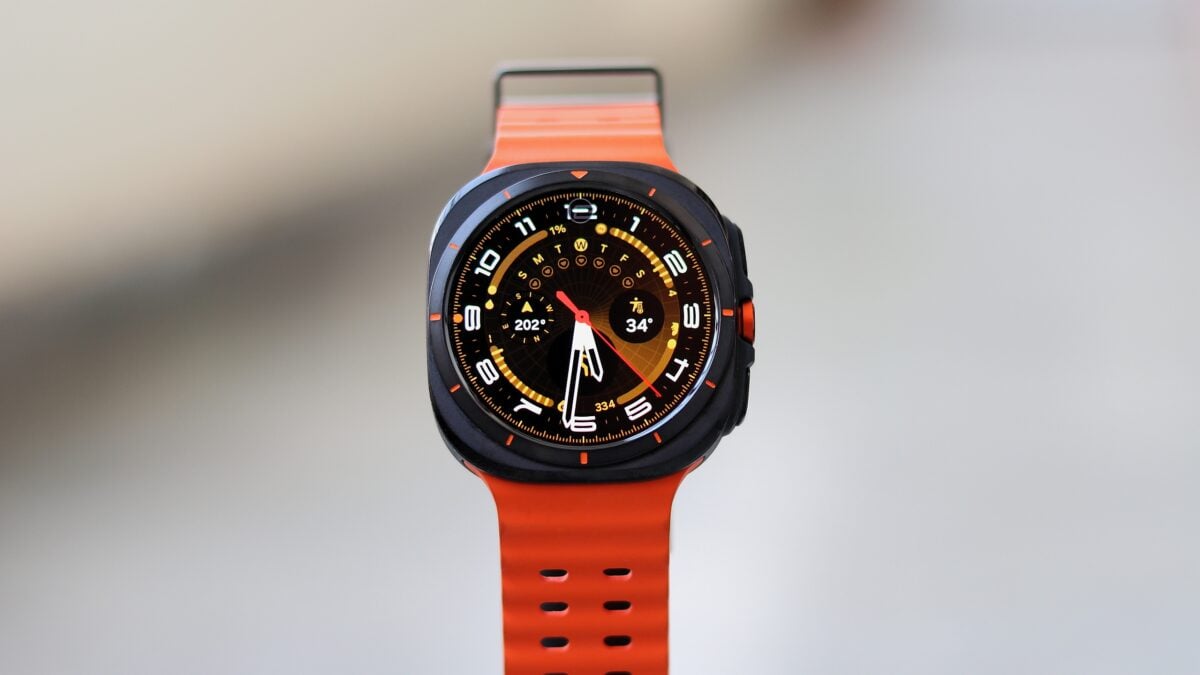
Enhanced Security and System Performance
The primary focus of this software release is the integration of the February 2026 security patch. This patch is vital as it fixes 37 documented security issues, significantly hardening the smartwatch against potential exploits. Beyond security, the official changelog notes that "Device behaviour has been improved," suggesting that Samsung has fine-tuned the background processes for a smoother user experience on the Samsung security updates platform.
The update is currently being reported by users in India, carrying the firmware version L705FXXU3BZB4. Given Samsung's typical release patterns, it is expected that the update will reach European, North American, and other Asian markets within the coming days. The file size for this package is approximately 432.87MB, which is relatively substantial for a security update, hinting at underlying optimizations.
How to Update Your Galaxy Watch Ultra
To ensure your device is running the safest and most efficient software, you should check for the update manually. You can do this by opening the Galaxy Wearable app on your paired smartphone. Navigate to Watch settings, then select Watch software update, and finally tap Download and install. Ensure your watch has at least 30% battery or is connected to its charger during the process.
While Samsung has already shared details regarding the upcoming March 2026 security patch, it is important to note that smartwatches usually receive these updates after smartphones and tablets. Therefore, the Galaxy Watch Ultra is likely to stay on the February patch for several weeks. In the meantime, those interested in the future of Samsung's flagship ecosystem can explore the latest insights regarding the next generation of mobile devices.
What is the firmware version for the latest Galaxy Watch Ultra update?
The latest update for the Galaxy Watch Ultra carries the firmware version L705FXXU3BZB4.
How many security vulnerabilities does the February 2026 patch fix?
The February 2026 security update addresses exactly 37 security issues to improve the overall safety of the device.
What is the file size of the new software update?
The update package is approximately 432.87MB in size, so a stable Wi-Fi connection is recommended for downloading.
Where has the update been released so far?
The rollout has been confirmed to start in India, with a wider global release expected to follow shortly.
Does this update bring any new features to the smartwatch?
While it doesn't introduce major new features, it does improve general device behavior and system stability alongside the security fixes.
🔎 Keeping your wearable technology updated is the best way to safeguard your personal data and ensure the longevity of your hardware. Samsung’s commitment to regular security cycles for the Galaxy Watch Ultra demonstrates its dedication to the premium user experience. Make sure to check your Galaxy Wearable app today to see if the February 2026 patch is ready for your wrist.
Post a Comment