
Samsung Galaxy Z Flip 7 One UI 8.5 Beta Update: Everything You Need to Know
Samsung has officially kicked off the next phase of its software evolution by opening the One UI 8.5 Beta Program for the Galaxy Z Flip 7. Following the successful launch of the Galaxy S26 series, the South Korean tech giant is rapidly expanding its latest software features to its premium foldable lineup. This update brings a host of optimizations and new capabilities specifically designed to enhance the foldable user experience, ensuring that the Galaxy Z Flip 7 remains at the cutting edge of mobile technology.
- ✨ The Beta program is currently live for users in India, South Korea, and the UK.
- ✨ The update includes a substantial 4.1GB download featuring the February 2026 security patch.
- ✨ Users can enroll via the official Samsung Members application.
- ✨ Global firmware version is identified as F766BXXU8ZZC5.
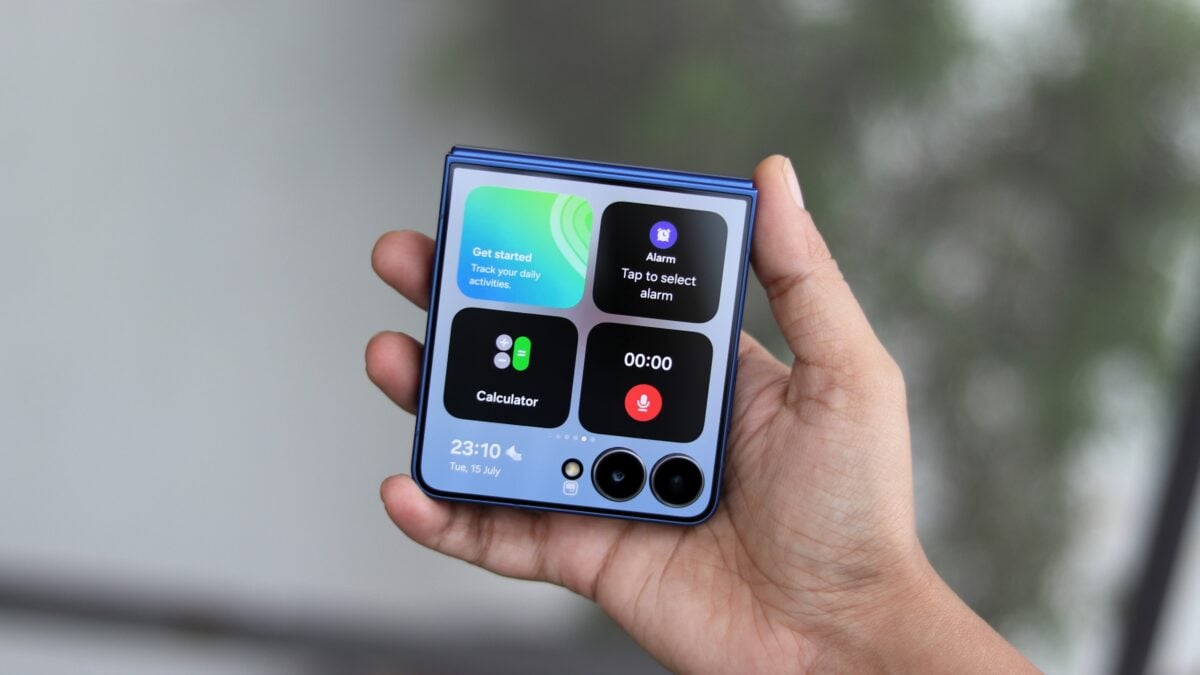
The release of the One UI 8.5 beta isn't limited to just the flip-style foldable; Samsung has also simultaneously pushed the update to the Galaxy Z Fold 7. This suggests that Samsung is accelerating its development cycle to provide a unified and polished experience across its entire foldable ecosystem. As the company refines its software, users can expect deeper integration of AI-driven features and better multitasking capabilities tailored for unique form factors.
Regional Availability and Firmware Details
The initial wave of the One UI 8.5 beta for the Galaxy Z Flip 7 is rolling out in three key markets: India, South Korea, and the United Kingdom. For those located in South Korea, the update is identified by firmware version F766NKSU8ZZC5. Meanwhile, international users in the UK and India will see version F766BXXU8ZZC5. The package is quite heavy, weighing in at approximately 4,172.36MB, which indicates a significant overhaul of system files and features. Interestingly, the build comes bundled with the February 2026 security patch, providing a robust layer of protection against modern vulnerabilities.
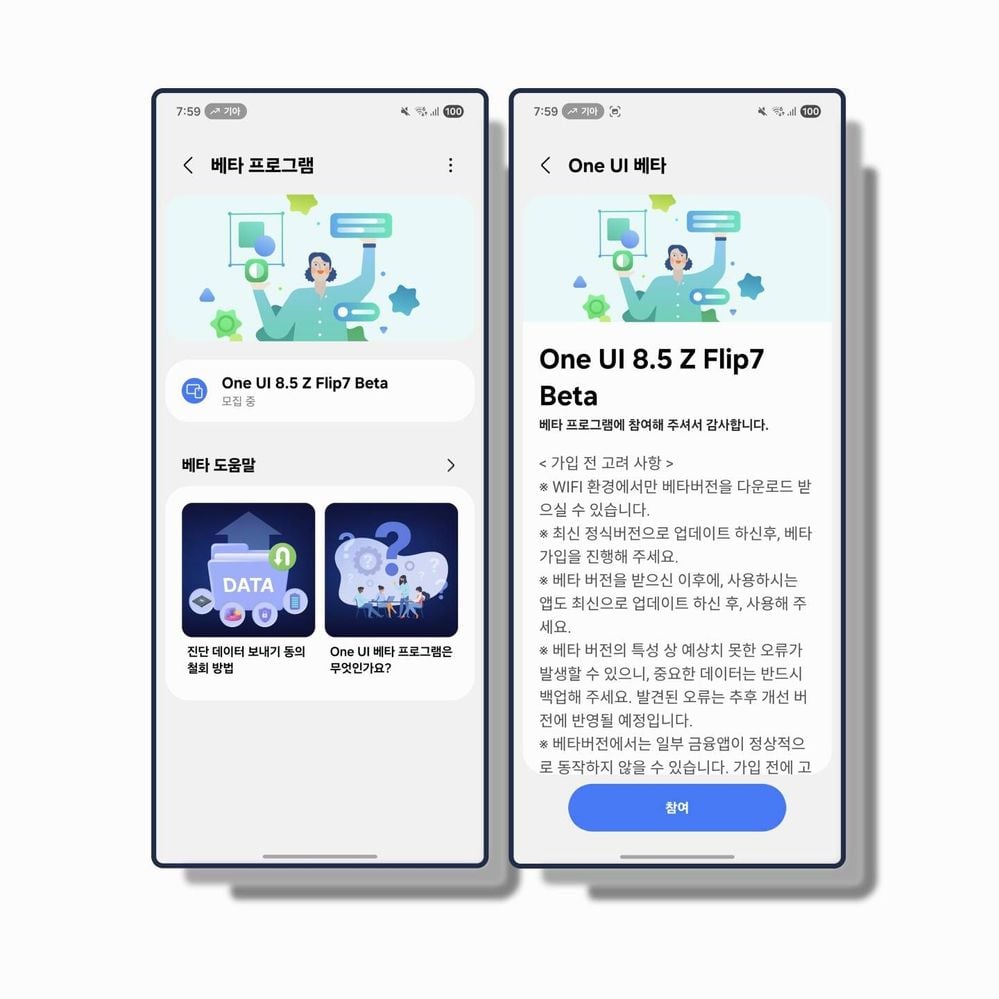
How to Enroll in the Beta Program
If you are eager to test the latest features before the general public, you must manually enroll your device. To begin, ensure you have the Samsung Members app installed on your phone. Log in with the same Samsung Account used for your device setup. Look for the "One UI 8.5 Beta Program" registration banner within the app's home screen or notices section. After tapping the banner and completing the enrollment, the system will process your request.
Once your registration is confirmed, navigate to Settings > Software update and select Download and install. Once the 4GB file is fully downloaded, tap Install now. Your Galaxy Z Flip 7 will restart and begin the installation process, which typically takes a few minutes to complete.
Important Considerations for Beta Users
As with any pre-release software, this beta update may contain bugs, performance hitches, or compatibility issues with certain apps. It is highly recommended that you back up your essential data before proceeding. If your Samsung Galaxy device is your primary tool for work or critical daily activities, you might want to wait for the stable release. Samsung is expected to roll out several incremental beta builds over the coming weeks to iron out these issues before the final, stable version of One UI 8.5 is released to the public.
Which countries can currently access the One UI 8.5 beta for the Galaxy Z Flip 7?
The beta program is currently available to users located in India, South Korea, and the United Kingdom.
What is the download size of the new update?
The update is quite large, requiring approximately 4,172.36MB of storage space, so a stable Wi-Fi connection is recommended for downloading.
Does the beta update include the latest security patch?
Yes, the update includes the February 2026 security patch to ensure device safety during the testing phase.
How do I join the beta if I live in a supported region?
You must open the Samsung Members app, log in to your Samsung account, and click on the One UI 8.5 Beta Program banner to register your device.
Can I go back to the stable version if the beta is too buggy?
Yes, but it usually requires a factory reset and using Samsung Smart Switch on a PC to roll back to the previous stable firmware version.
🔎 The launch of the One UI 8.5 Beta Program marks an exciting milestone for Galaxy Z Flip 7 owners, offering a first look at the future of Samsung's software innovation. While the large file size and potential for bugs require a cautious approach, the inclusion of the latest security patches and foldable-specific optimizations makes it a tempting upgrade for tech enthusiasts. As Samsung continues to refine the experience through user feedback, the upcoming stable release promises to set a new standard for foldable smartphone functionality.
Post a Comment