
Samsung One UI 8.5 Revolutionizes Galaxy Productivity with Enhanced Linux Terminal Support
Recent reports indicate that Samsung’s latest flagship devices are receiving a significant boost in professional utility. It was suggested last year that Samsung might empower users to run a full-scale Linux Terminal environment directly on their handhelds. Following in the footsteps of Google’s Pixel series, which integrated this functionality into the core Android experience, Samsung has successfully brought this powerful tool to the Samsung Galaxy ecosystem through the highly anticipated One UI 8.5 update.
- ✨ Full support for graphical Linux applications through a new interface.
- ✨ Expanded storage access allows the Terminal to interact with all shared device folders.
- ✨ Built upon the robust Android 16 QPR2 firmware architecture.
- ✨ Optimized specifically for Exynos-powered Galaxy flagship hardware.
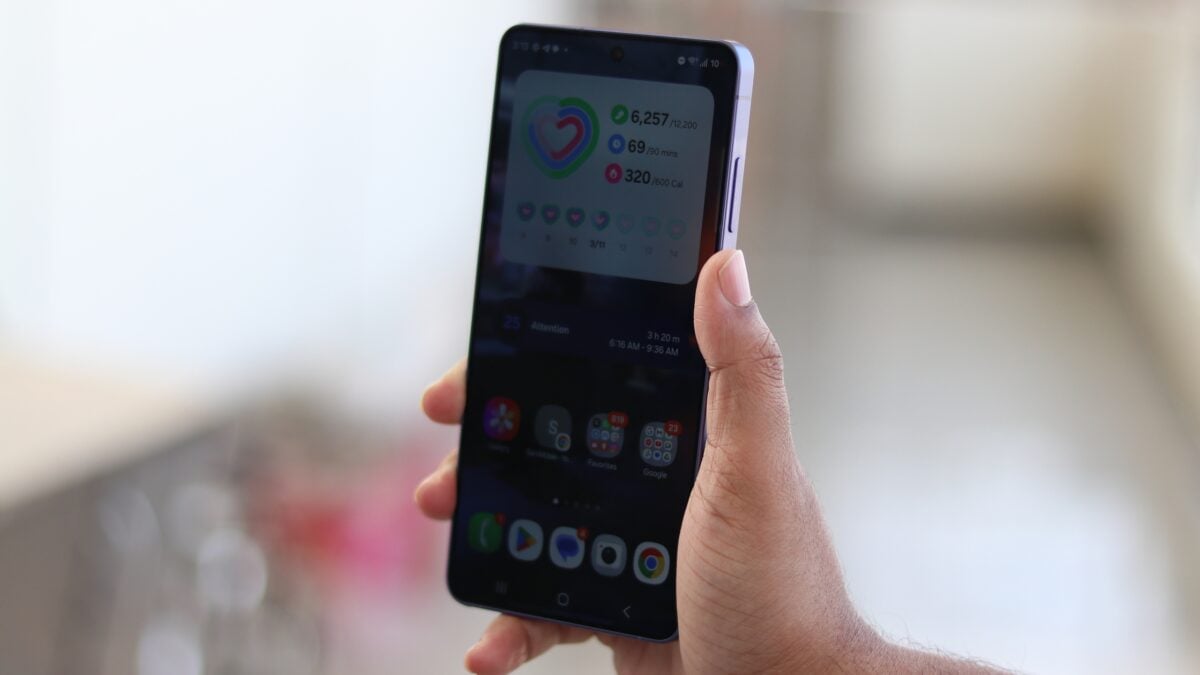
Elevating the Terminal Experience in One UI 8.5
The transition to One UI 8.5 marks a turning point for power users. Based on the Android 16 QPR2 release, this update introduces features that were previously exclusive to desktop environments. Specifically, Exynos-powered One UI update versions now support graphical applications and expanded storage protocols, making the mobile Linux experience more seamless than ever before.
One of the most striking additions is the support for GUI (Graphical User Interface) apps within the Terminal. Users can now move beyond simple command-line entries. By selecting the dedicated display icon located in the top-right corner of the Terminal window, users can launch visual programs, drastically increasing the versatility of the device for developers and tech enthusiasts alike.
Total Storage Integration and System Access
Storage management has also seen a major overhaul. In previous iterations like One UI 8, users had to manually allocate a specific portion of storage via a slider. With One UI 8.5, the Linux Terminal gains comprehensive access to all shared storage directories. This includes critical folders like DCIM, Movies, and the Android system folders, allowing for much more complex file manipulation and project management.
However, there is a small trade-off for these advanced features. The update has removed the ability to search for Terminal settings within the developer options menu. This means that enabling Terminal access now requires the use of ADB (Android Debug Bridge) commands. While this adds a layer of complexity, it is a small price to pay for the desktop-class power now available in the palm of your hand.
Which Samsung devices are compatible with the new Linux Terminal upgrades?
Currently, these advanced Linux Terminal features in One UI 8.5 are primarily available on flagship Galaxy devices powered by Exynos processors, as the firmware is specifically optimized for this architecture.
Can I run visual software like photo editors or web browsers in the Terminal?
Yes! With the new graphical app support, you are no longer limited to text-based commands. You can launch GUI applications by tapping the display icon in the Terminal window.
Is it still necessary to manually set aside storage space for Linux?
No, the manual slider from One UI 8 has been replaced. The Terminal now has direct access to all shared storage on your device, including your photos and media folders.
How do I enable the Linux Terminal if I can't find it in settings?
In One UI 8.5, the search option in developer settings has been removed for this feature. You must now use ADB commands from a computer to activate the Terminal environment on your phone.
Is this update based on the latest version of Android?
Yes, One UI 8.5 is built upon the Android 16 QPR2 framework, which includes the foundational code necessary for these enhanced virtualization capabilities.
🔎 In conclusion, the arrival of One UI 8.5 represents a bold step forward for Samsung in bridging the gap between mobile and desktop computing. By enabling graphical Linux applications and providing unrestricted storage access, Samsung is catering to a niche but vital demographic of developers and power users. While the requirement of ADB commands for activation might slightly raise the barrier to entry, the sheer potential of having a fully functional Linux environment on a Galaxy device is an exciting prospect for the future of mobile productivity.
Post a Comment