
Samsung Rebrands its Web Browser: Everything You Need to Know About the Shift to 'Samsung Browser'
Samsung is once again refining its software identity, making subtle yet significant changes to its native application suite. The latest victim—or beneficiary—of this rebranding effort is the company's highly-regarded web browsing tool. Historically known to millions of users as Samsung Internet, the app is undergoing a name change that aligns it more closely with modern design philosophies and user expectations within the Galaxy ecosystem.
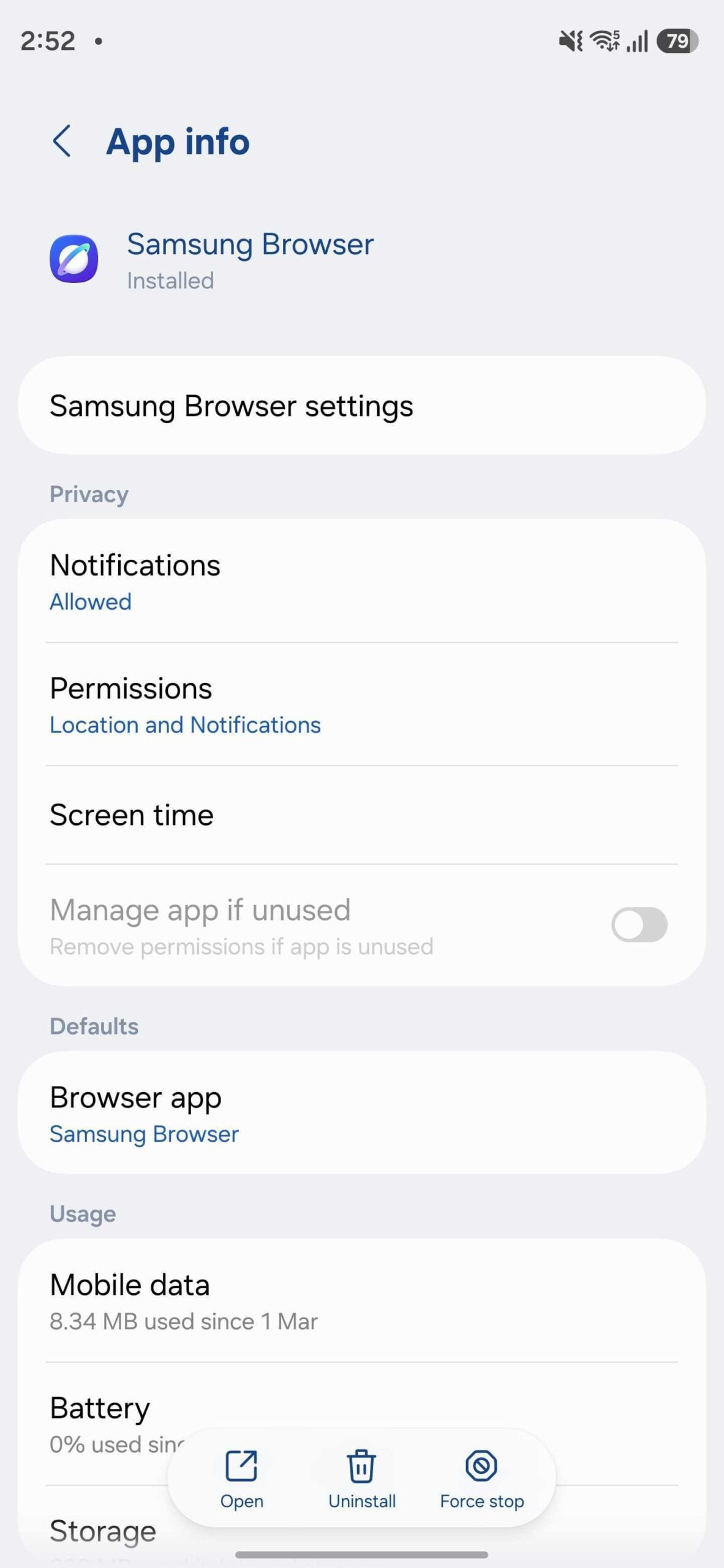
- ✨ Samsung Internet has been officially renamed to Samsung Browser in the latest software release.
- ✨ The rebranding is currently visible on flagship devices running the stable version of One UI 8.5.
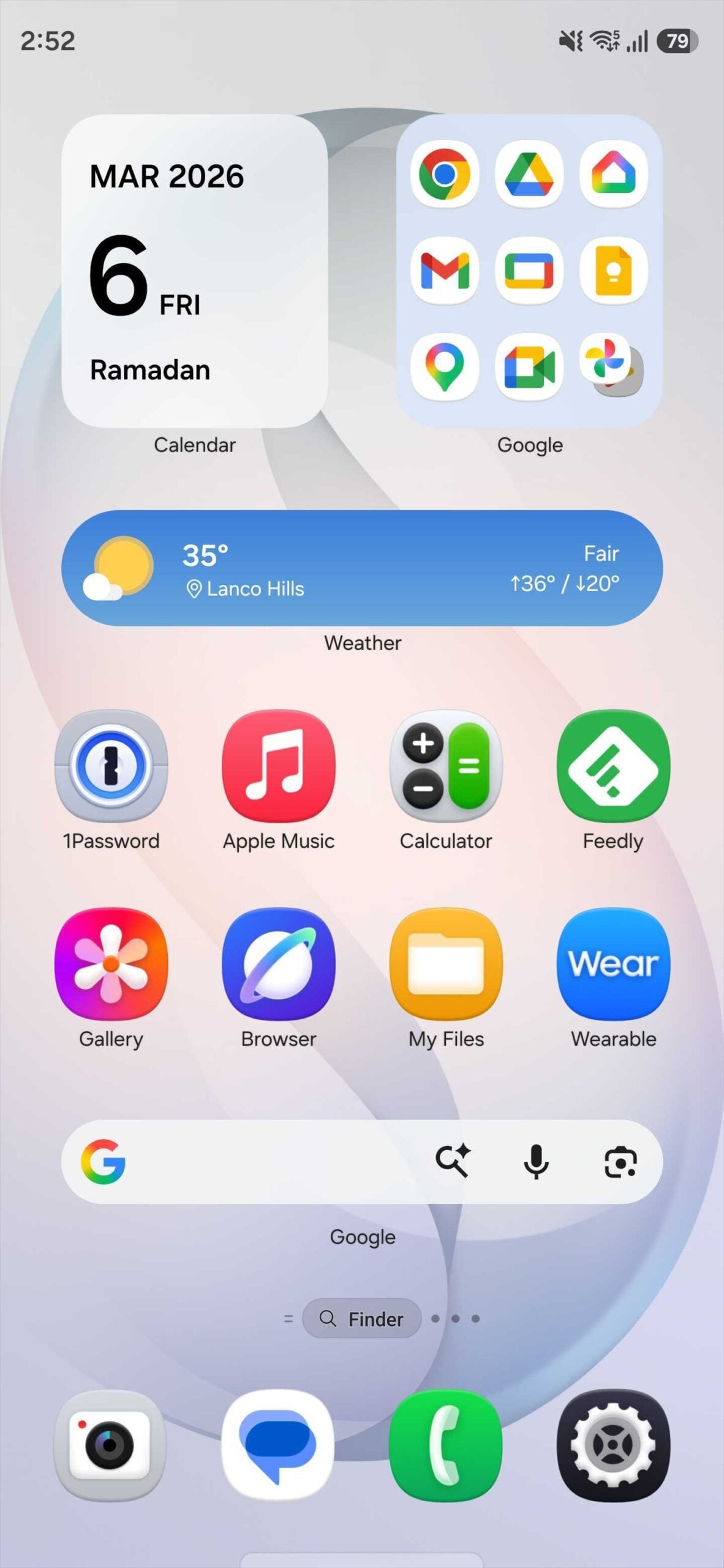
- ✨ In the app drawer, the branding is further simplified to just "Browser" for a cleaner visual aesthetic.
- ✨ This change is expected to roll out to more Galaxy devices and the PC version in the coming months.
The Evolution of the Samsung Browser in One UI 8.5
The transition from "Samsung Internet" to Samsung Browser was first spotted on the new Galaxy S26 Ultra. This shift isn't just about the name; it’s part of a broader strategy that began with One UI 7.0, where Samsung started removing its own name from the labels of stock applications in the app drawer. For instance, "Samsung Notes" became "Notes," and "Samsung Gallery" became "Gallery." By renaming the browser app itself, Samsung is choosing a more logical and universally understood term for its web navigation tool.
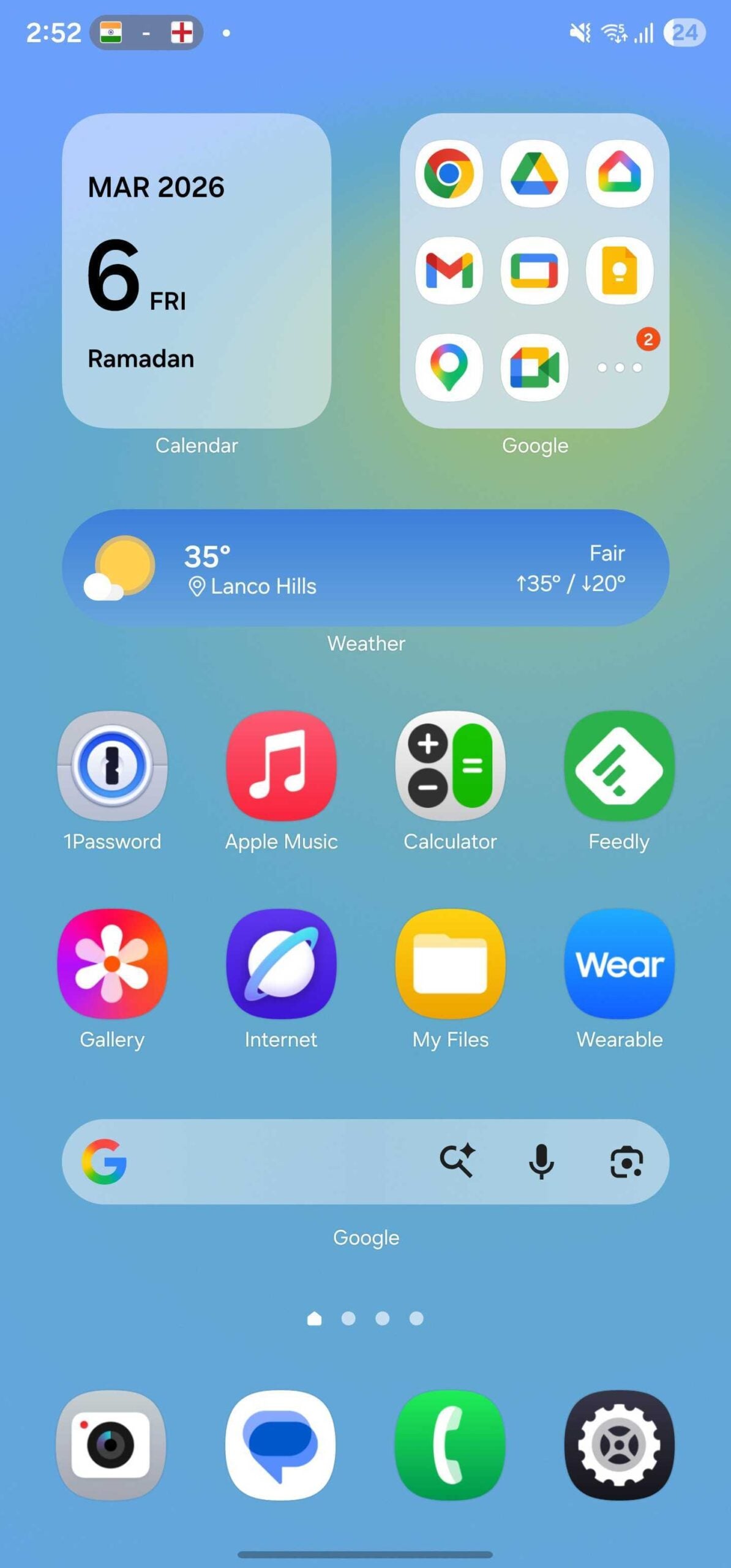
Interestingly, this change is specific to the stable build of One UI 8.5. Users currently running One UI 8.0 or the beta versions of One UI 8.5 will still see the familiar "Samsung Internet" branding. This suggests that the final naming convention is a very recent decision intended for the latest hardware and software cycle.
Availability and Version Details
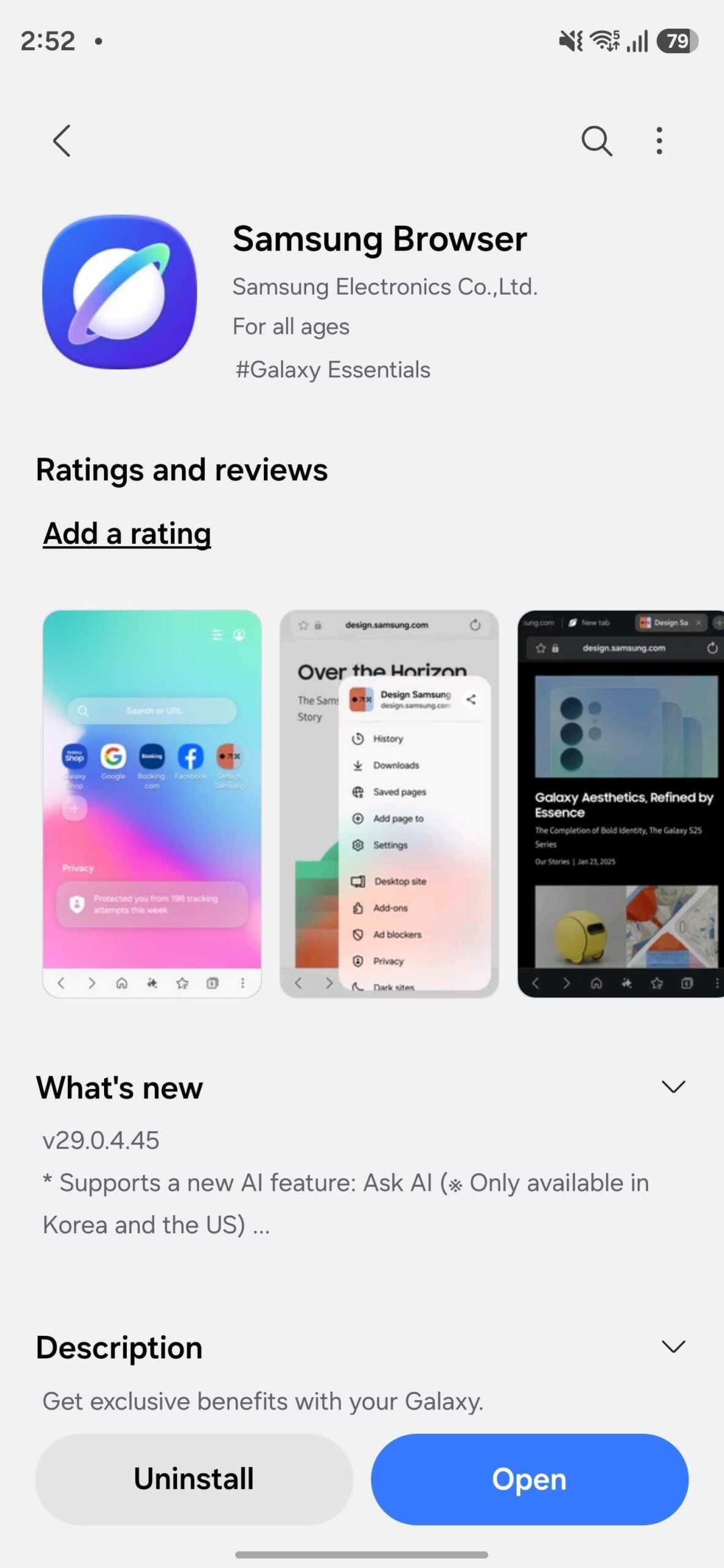
The rebranding appears to be tied to version 29.0.4.45 of the application. While the Galaxy S26 series comes pre-installed with this version, older flagships like the Galaxy S23 Ultra (currently on One UI 8.0) are still utilizing version 29.0.1.12, which maintains the "Samsung Internet Browser" listing. As Samsung pushes more updates to its older lineup, we expect the Galaxy Store listings to harmonize across all supported devices.
For those curious about the user interface, it is important to note that the changes are purely cosmetic in terms of branding. There are no reported modifications to the UI layout, engine performance, or feature set in this specific update. The app remains the fast, efficient, and feature-packed tool that users have come to love over the years.
What is the new name of the Samsung Internet app?
The app has been officially renamed to Samsung Browser. In the Android app drawer, it is displayed simply as "Browser" to match the simplified naming convention of other Samsung stock apps.
Which devices currently show the new 'Samsung Browser' name?
Currently, the rebranding is live on the Galaxy S26 Ultra and other devices running the stable version of One UI 8.5. Older devices on One UI 8.0 still show the previous name.
Are there any new features included with the name change?
No, the update (version 29.0.4.45) appears to be focused entirely on branding and label consistency. The core functionality and user interface remain identical to the previous version.
Will the PC version of the app also be renamed?
While not yet confirmed, it is highly likely that Samsung will bring this branding change to the Windows version of the app to ensure a consistent experience across the entire Galaxy ecosystem.
🔎 In conclusion, while the loss of the "Internet" moniker might feel like the end of an era for long-time Galaxy fans, the shift to Samsung Browser is a practical move. It simplifies the user experience, makes the app easier to identify for new users, and brings a sense of cohesion to the One UI software suite. As Samsung continues to polish its interface, these small changes contribute to a much more refined and professional-feeling ecosystem.
Post a Comment