
Samsung Wallet Upgrade: Seamlessly Add American Airlines Boarding Passes and Track Luggage
Samsung has officially announced a significant update for travelers, revealing that American Airlines passengers can now integrate their digital boarding passes directly into the Samsung Wallet app on Galaxy smartphones. This new feature aims to simplify the airport experience by centralizing travel documents. Beyond just holding passes, the integration allows users to track their luggage in real-time by linking a Galaxy SmartTag to their boarding pass, providing an extra layer of security and peace of mind during transit.
- ✨ Direct support for American Airlines digital boarding passes within Samsung Wallet.
- ✨ Integrated luggage tracking using Galaxy SmartTag technology.
- ✨ Real-time flight updates including gate changes and seat assignments via push notifications.
- ✨ Seamless synchronization with Samsung Calendar and the One UI Now Bar.
Enhanced Travel Notifications and Real-Time Updates
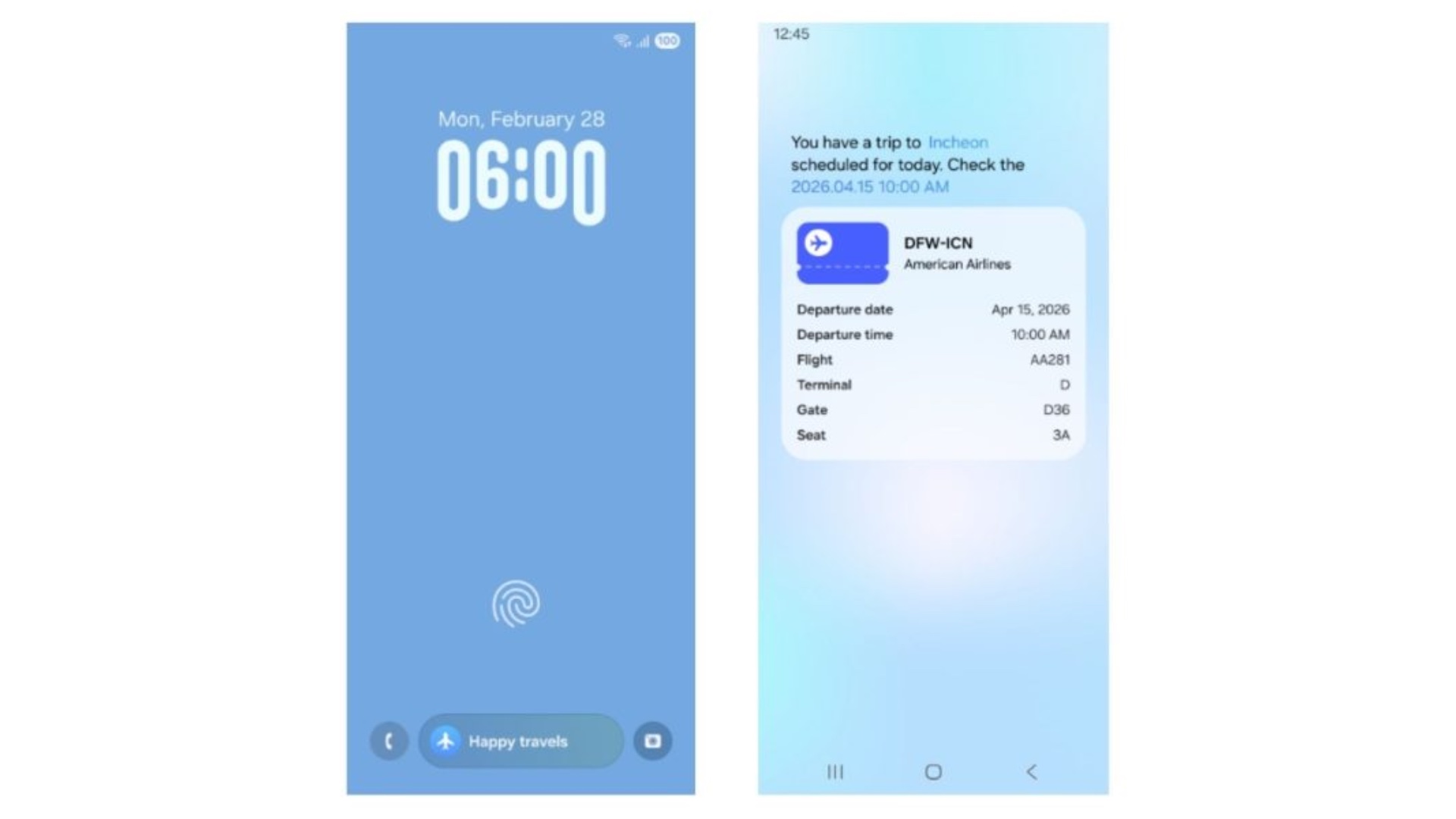
The utility of Samsung Wallet extends far beyond simple storage. The app now serves as a personal travel assistant, delivering critical flight details such as departure times, flight numbers, airport terminals, and specific gate information. These updates are pushed directly to Galaxy smartphones and Galaxy Watches, ensuring that travelers have the most current information at a glance without needing to manually refresh an app or check airport monitors.
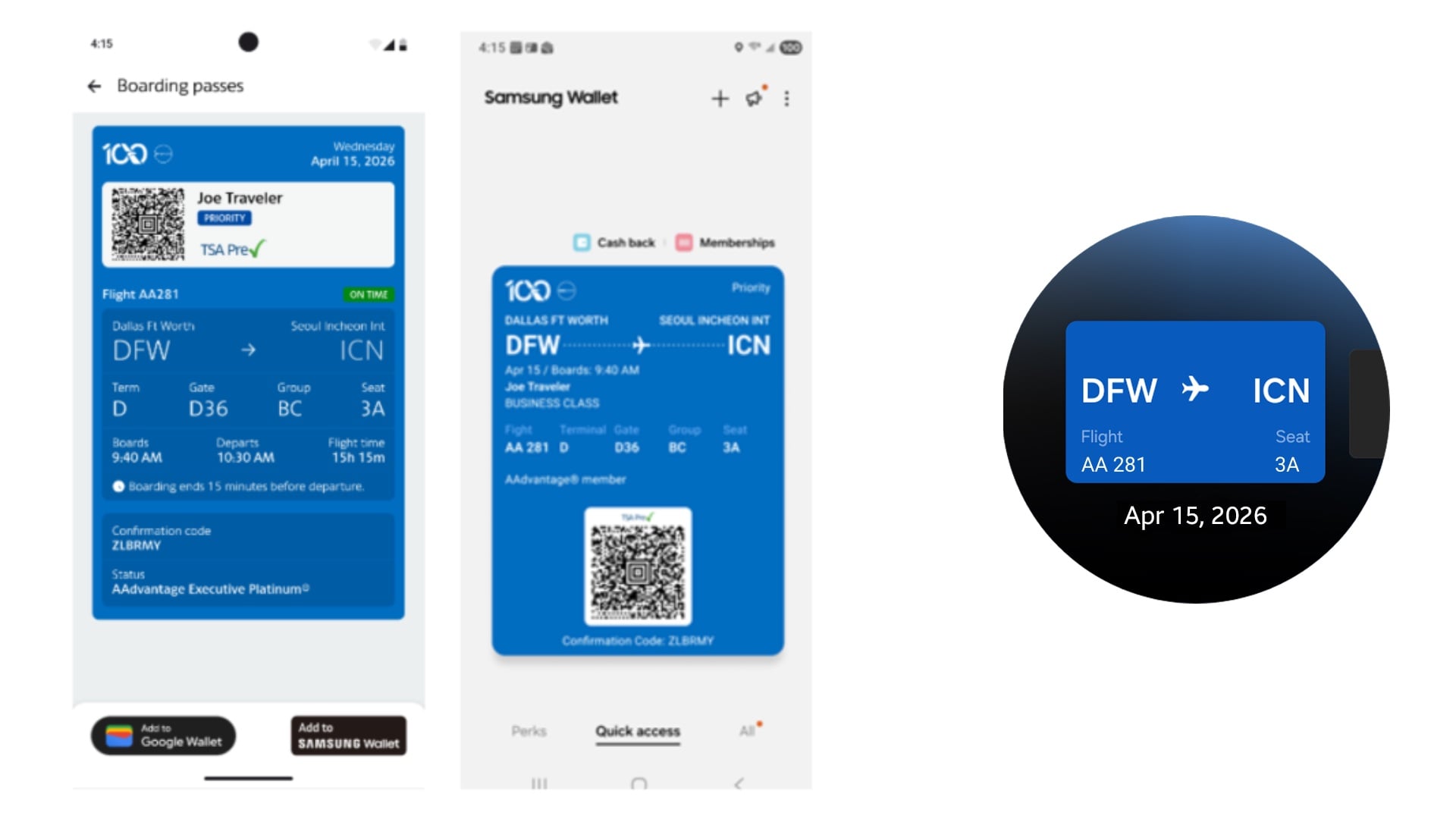
Adding a pass is remarkably straightforward. When viewing a boarding pass within the American Airlines mobile application on a Galaxy device, users will see a dedicated "Add to Samsung Wallet" button. Once tapped, the pass is instantly moved to the Boarding Passes section of the wallet, making it accessible even when offline. This functionality is supported across a wide range of compatible Galaxy smartphones and wearable devices.
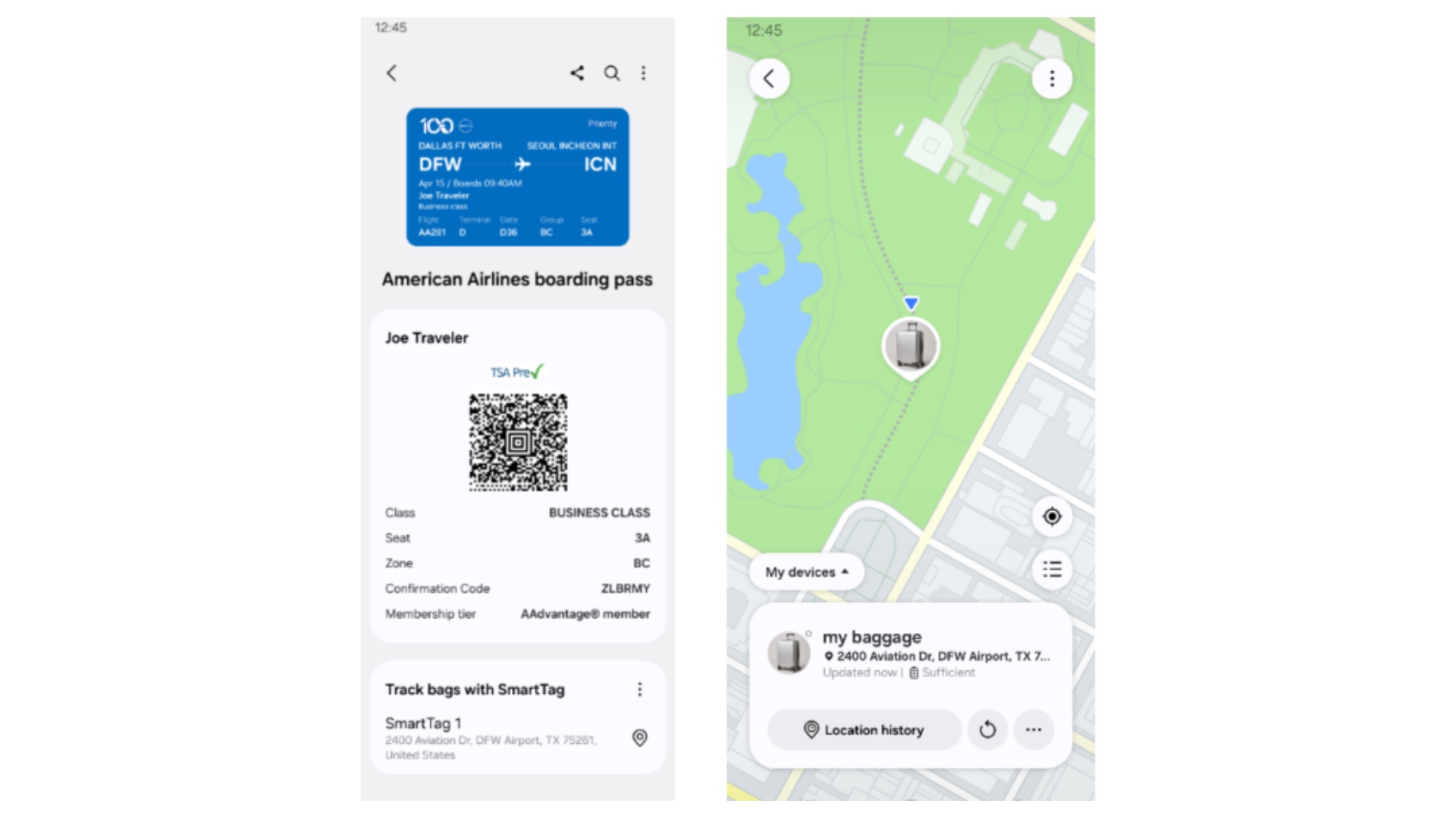
Smart Integration with One UI and Smart Home Features
For those running the latest software, the experience is even more integrated. On devices equipped with One UI 8.0 or later, flight updates are prominently featured in the "Now Bar" and "Now Brief" sections. Furthermore, flight schedules can be automatically synced with the Samsung Calendar, helping users manage their entire itinerary from a single location.
This travel update follows closely on the heels of another major Samsung Wallet announcement. Just recently, Samsung revealed that Galaxy users can now add Digital Home Keys for Matter-compatible smart door locks. This allows for a seamless transition from the airport to the front door, using the same secure platform to unlock homes as they do to board planes
How do I add my American Airlines boarding pass to Samsung Wallet?
To add your pass, open the American Airlines app on your Galaxy phone and navigate to your boarding pass. Look for the "Add to Samsung Wallet" button and tap it. The pass will then be automatically stored in the Boarding Passes section of your Samsung Wallet app.
Can I track my checked bags through the Samsung Wallet app?
Yes, if you have a Galaxy SmartTag attached to your luggage, you can link it to your American Airlines boarding pass within the Samsung Wallet. This allows you to monitor the location of your bags directly through the app interface during your journey.
Will I receive flight updates on my Galaxy Watch?
Absolutely. Samsung Wallet sends real-time push notifications regarding flight times, terminal changes, and gate assignments to both your connected Galaxy smartphone and your Galaxy Watch, ensuring you stay informed without checking your phone constantly.
What version of One UI is required for the Now Bar updates?
While the basic wallet features work on most compatible devices, the advanced "Now Bar" and "Now Brief" flight updates require Galaxy devices running One UI 8.0 or a later version of the operating system.
Does this feature work for airlines other than American Airlines?
Currently, this specific deep integration with luggage tracking and advanced notifications is tailored for American Airlines. However, Samsung Wallet supports digital boarding passes from various other airlines that provide "Add to Wallet" compatibility.
🔎 This integration represents a major step forward in Samsung's mission to turn the Galaxy ecosystem into an indispensable travel companion. By combining boarding pass storage with real-time luggage tracking and smart notifications, Samsung and American Airlines are effectively removing many of the common frictions associated with modern air travel. As Samsung Wallet continues to expand its capabilities—from digital car keys to smart home access and now enhanced travel tools—it solidifies its position as a central hub for the digital life of Galaxy users.
Post a Comment