
Essential Google System Updates Now Available for Samsung Galaxy Devices: Play Services and WebView Get New Versions
Modern Samsung smartphones are complex ecosystems that rely on a blend of proprietary software from Samsung and core infrastructure provided by Google. To keep these devices running smoothly, both tech giants frequently release updates for background services that often go unnoticed by the average user. These updates are vital for maintaining the delicate balance of security, stability, and performance across the Android platform, ensuring that third-party apps and system features interact without friction.
- ✨ Google has officially rolled out new versions of Google Play Services and Android System WebView for Samsung users.
- ✨ The updates focus on enhancing system security and improving overall app performance across the Galaxy lineup.
- ✨ Users must manually check for these updates through the system settings as they do not always appear in the standard app stores.
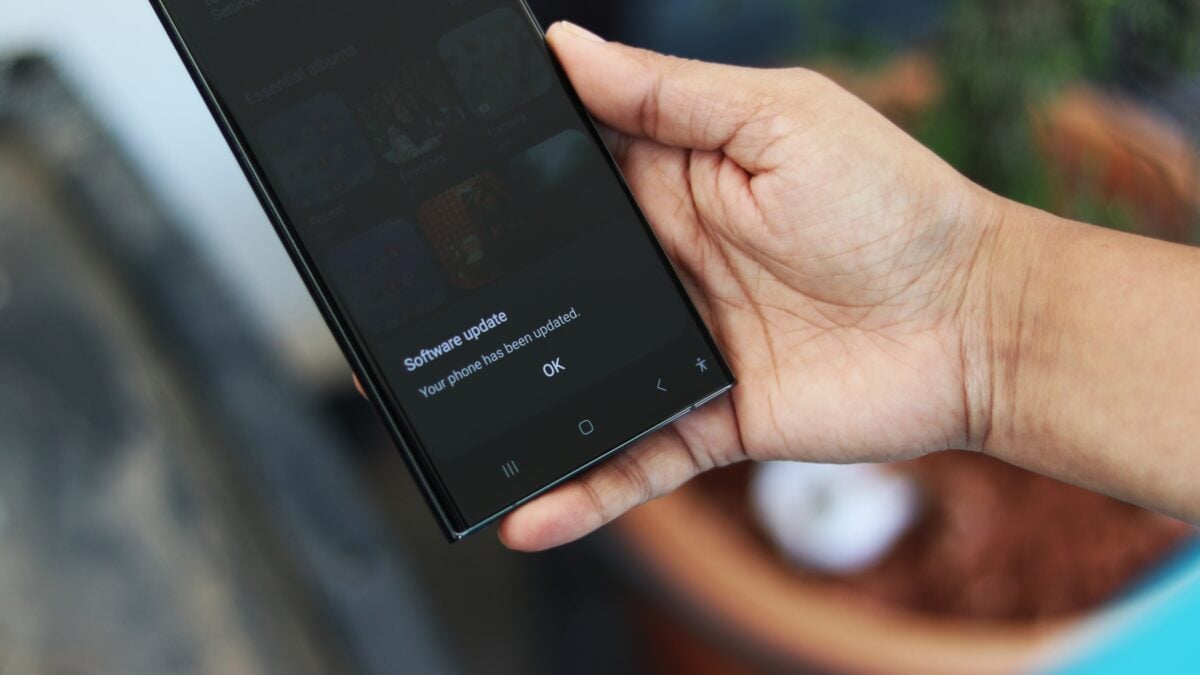
While most users are accustomed to seeing app updates in the Google Play Store or the Samsung Galaxy Store, core components like Google Play services and Android System WebView follow a different path. These are essentially the "glue" that holds the Android experience together, and their updates are often pushed silently or require a specific manual check within the device's deep settings menu.
Understanding the Latest Version Numbers and Changes
The latest update for Google Play services has been identified as version 26.16.31 (260400-900800821). Simultaneously, the Android System WebView has been bumped up to version 147.0.7727.55. As is often the case with these low-level system components, Google has not provided an exhaustive list of changes. However, these releases typically address critical vulnerabilities, optimize memory usage for web-based content within apps, and ensure compatibility with the latest Android security protocols.
Android System WebView is particularly important because it allows Android apps to display web content without opening a dedicated browser. An update to this component ensures that when you click a link inside an app like Facebook or Gmail, the internal browser remains secure and fast. Keeping these services updated is a proactive way to prevent system crashes and protect your personal data from emerging online threats.
How to Manually Update Your Samsung Galaxy Device
Because these updates are rolling out globally, they should be available for the vast majority of Samsung phones, from the flagship S-series to the more affordable A-series. If you haven't received a notification, you can trigger the update manually by following these steps:
- ✨ Open the Settings app on your Samsung device.
- ✨ Scroll down and select Apps.
- ✨ Locate and tap on Android System WebView or Google Play Services.
- ✨ Scroll to the bottom and select App details in store.
- ✨ If an update is available, tap the Update button.
What is the main role of Android System WebView on my Samsung phone?
This component is a system-level tool that enables Android applications to render web-based content directly within the app interface. Instead of forcing you to switch to Chrome or another browser, WebView allows for a seamless transition when viewing articles, login pages, or embedded web features inside your favorite apps.
Why do I need to update Google Play Services manually?
While Google Play Services often updates in the background, manual checks ensure you have the latest security patches and API supports immediately. It manages core functionalities like account authentication, contact synchronization, and location services, so keeping it current is essential for the smooth operation of almost every app on your device.
Will these updates delete any of my personal data?
No, these are system component updates that modify background files and code. They do not affect your personal storage, photos, or documents. They are designed solely to improve the performance and security of the Android framework that your apps rely on.
How often should I check for these specific system updates?
It is a good practice to check for these updates at least once a month, or whenever you notice that certain apps are behaving sluggishly when loading web content. Staying on top of these minor version bumps can prevent larger software issues down the road.
🔎 In conclusion, while these updates might seem minor due to the lack of a flashy changelog, they represent a critical part of device maintenance. By taking a few moments to manually verify that your Google Play services and WebView are up to date, you are ensuring that your Samsung Galaxy device remains a secure and efficient tool for your daily digital needs. Staying current with these background improvements is the best way to enjoy a stable and high-performing Android experience.
Post a Comment