
How to Fix Tiny Text and Icons in Samsung’s New One UI Tizen TV Update
Samsung has officially begun rolling out the highly anticipated Tizen 9 update, widely known as One UI for TVs, to several 2023 smart TV models across various regions. This significant software overhaul, which recently landed on Neo QLED models like the QN90C in Europe, aims to bring a unified aesthetic across Samsung's ecosystem, making your TV interface look and feel much more like your Galaxy smartphone.
Article Highlights
- ✨ Tizen 9 (One UI) is now reaching 2023 Samsung TV models globally.
- ✨ The update introduces a modern, mobile-inspired design for icons and menus.
- ✨ A common complaint is that the new UI elements appear significantly smaller.
- ✨ Users can easily fix visibility issues using a specific accessibility setting.
- ✨ 2026 models will feature even more advanced agentic AI capabilities.
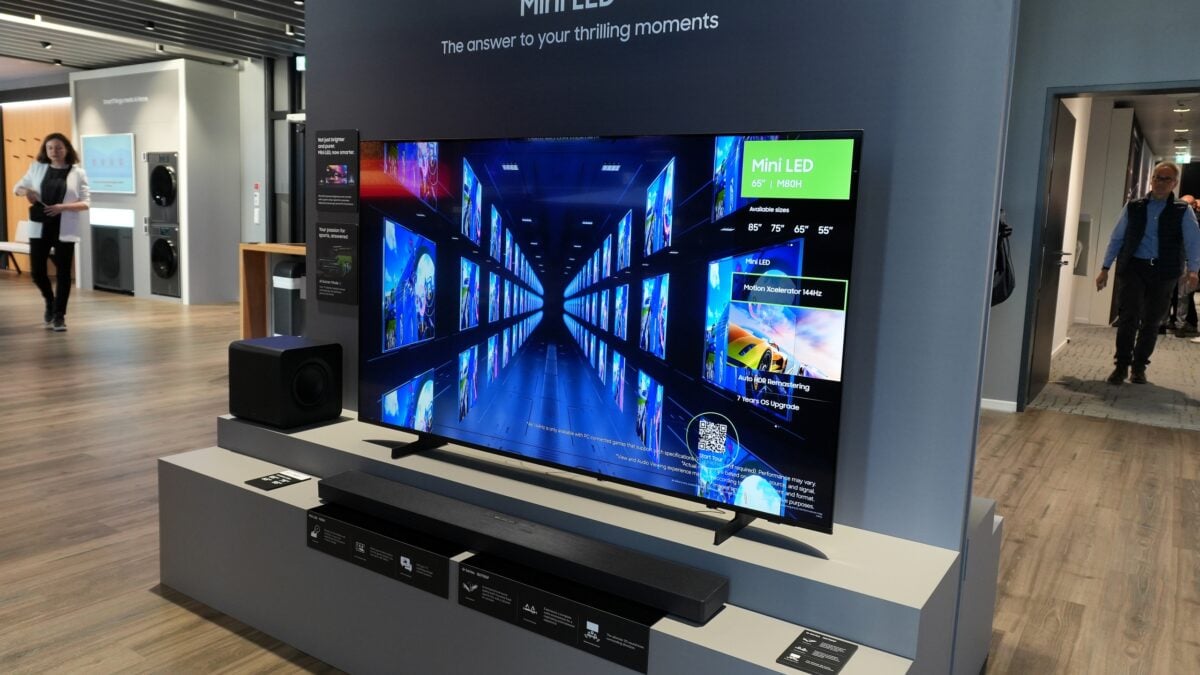
The primary goal of this update is to refresh the user experience with cleaner fonts, redesigned pop-ups, and more intuitive settings menus. For those who enjoy a consistent look across their tech gadgets, the transition is visually pleasing. However, this modern design direction has introduced a practical challenge: nearly every element of the user interface—from text to icons—is noticeably smaller than in previous Tizen versions.
On massive screens or in setups where you sit very close to the display, this change might go unnoticed. But for users with mid-sized TVs or those who prefer a comfortable viewing distance, the new menus can be frustratingly difficult to read. This has become a widespread observation among early adopters of the One UI Tizen update.
The Simple Solution for Better Visibility
Samsung was aware that the smaller UI might not suit everyone and fortunately included a built-in workaround within the system settings. While it doesn't offer granular scaling, it provides a significant boost for those struggling with legibility. To enlarge your interface, follow these steps:
- Navigate to Settings.
- Select All Settings.
- Go to General & Privacy.
- Open Accessibility.
- Toggle the Zoom Menu and Text option to "On".
Once enabled, the system will scale up the most critical interface elements, making it much easier to navigate from your couch. While the implementation is basic—offering only a single larger preset rather than a slider—it effectively solves the "tiny UI" problem for the majority of users.
How to Manually Check for the Update
If your 2023 or 2024 Smart TV hasn't received the notification yet, don't worry. The rollout is being deployed in phases and varies significantly by region and specific model number. If you want to check for the update manually, you can do so through the following path:
Open Settings > All Settings > Support > Software Update > Update Now.
For those looking even further ahead, Samsung's 2026 TV lineup is expected to ship with an even more advanced version of Tizen. These future models will lean heavily into "agentic AI," designed to proactively assist users and further streamline the Smart TV experience.
What exactly is the One UI Tizen update for Samsung TVs?
The One UI Tizen update (Tizen 9) is a major software refresh that brings the visual language of Samsung’s Galaxy smartphones to their Smart TVs. It updates icons, fonts, and menu layouts to create a more cohesive look across all Samsung devices.
Why do the menus look so much smaller after the update?
The new design philosophy prioritizes a "clean" look with more white space and smaller, refined assets. While it looks modern, it can reduce legibility on smaller screens or when viewed from a distance, leading many users to seek a way to enlarge the UI.
Does the Zoom Menu and Text setting affect picture quality?
No, enabling the Zoom Menu and Text feature only affects the size of the user interface elements, such as settings menus, volume bars, and app icons. It does not alter the resolution or quality of the video content you are watching.
Can I revert to the old Tizen interface if I don't like One UI?
Unfortunately, Samsung does not officially support rolling back to previous versions of Tizen OS once an update has been installed. Using the accessibility zoom features is the best way to bridge the gap if you prefer the larger style of the older interface.
Which TVs are eligible for this specific update?
Samsung is primarily rolling this update out to select 2023 and 2024 models, including the Neo QLED and OLED series. Older models may receive some features, but the full Tizen 9 experience is generally reserved for more recent hardware.
🔎 While Samsung’s move toward a unified One UI design across all platforms is a win for ecosystem consistency, the initial legibility hurdles prove that "one size" doesn't always fit every screen. By utilizing the built-in accessibility tools, you can enjoy the sleek new aesthetic of Tizen 9 without sacrificing the ease of use that makes a smart TV great. Keep an eye on your system updates, as Samsung continues to refine this interface based on user feedback and technological advancements.
Post a Comment