
Samsung One UI 8.5 Update: Why Your Custom Fonts Are No Longer Working
For many Samsung Galaxy enthusiasts, personalizing the user interface is a core part of the smartphone experience. If the default typography doesn't meet your aesthetic needs, One UI traditionally offers a selection of built-in alternatives or the option to purchase premium styles from the Galaxy Store. However, users looking for free customization often turned to third-party tools like zFont 3 to bypass these restrictions. That era appears to be coming to a close as Samsung tightens its software security.
- ✨ Samsung has officially patched the security loophole used by unauthorized font apps.
- ✨ The change is bundled with the One UI 8.5 update and the March 2026 security patch.
- ✨ Popular customization tools like zFont 3 are now confirmed to be incompatible.
- ✨ Users attempting to use custom fonts now face "unsupported font" error messages.
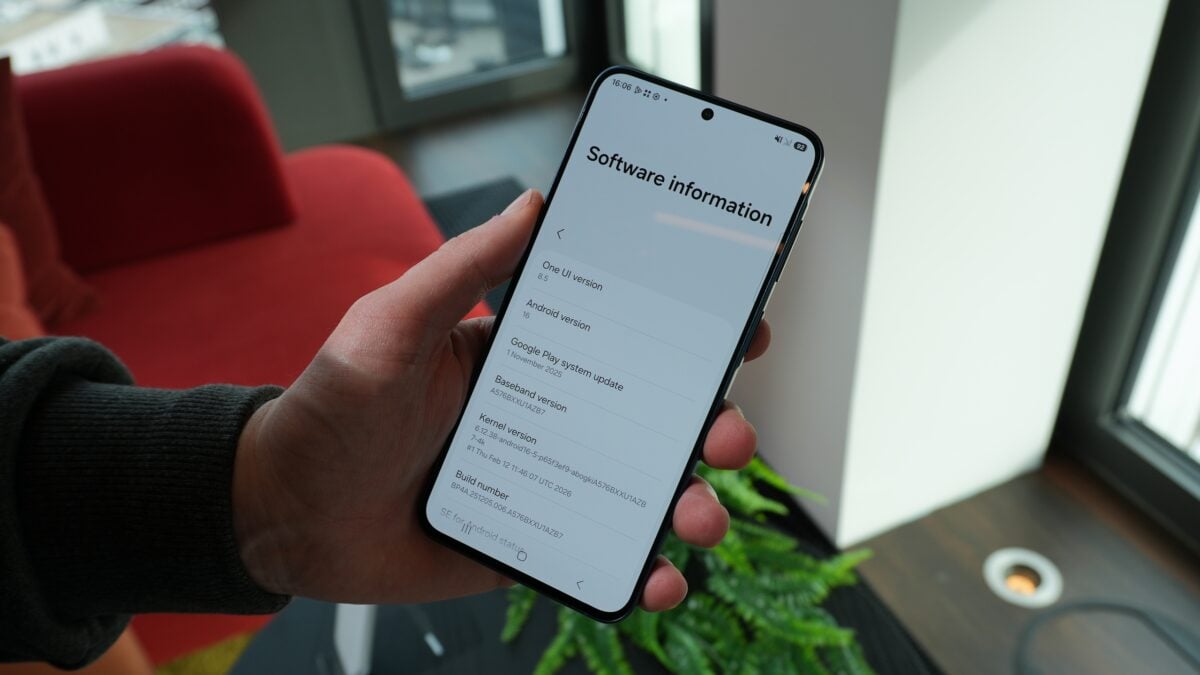
The End of Unauthorized Font Customization on Galaxy Devices
While Samsung provides official channels for font acquisition, it has never sanctioned the use of unauthorized third-party applications to inject custom typefaces into the system. These apps have historically relied on a specific software loophole to function. Recent reports indicate that with the rollout of One UI 8.5 and the March 2026 security patch, Samsung has successfully closed this vulnerability.
This shift means that once your device is updated to the latest firmware, applications like zFont 3 will no longer be able to modify the font selection menu. This move is seen as a step toward increasing system stability and ensuring that all active software components are verified by Samsung’s security protocols.
Impact on Galaxy S25 Users and the Beta Program
The first signs of this change emerged from the Samsung Galaxy S25 community. Participants in the eighth beta version of One UI 8.5 were the first to report that their custom fonts had stopped working. The issue is not limited to the flagship series; owners of various Galaxy models who have received the March 2026 security update are echoing these findings across platforms like Reddit and XDA Developers.
The symptoms are consistent: users who were using a default font find themselves unable to switch to a zFont 3 selection. Even more frustrating for some, those who were already using a custom font and temporarily switched to a stock font found they could not revert to their previous custom choice. When attempting to select an unauthorized font, the system now triggers a warning message stating: “This font is not supported. Contact the font provider. Uninstall this font?”
Official Confirmation from Developers
The developers of zFont 3 have taken to social media to confirm the situation. They acknowledged that the specific method used to integrate fonts into One UI has been neutralized by Samsung's latest software iterations. As a result, the current version of zFont 3 is officially incompatible with One UI 8.5 for non-rooted devices.
Why did my custom fonts stop working on my Samsung phone?
Samsung updated its security measures in One UI 8.5 and the March 2026 security patch, closing the loophole that allowed third-party apps like zFont 3 to install unauthorized fonts.
Can I still download fonts from the Galaxy Store?
Yes, fonts downloaded or purchased directly from the official Galaxy Store remain fully supported and functional on all versions of One UI.
Will there be a workaround for zFont 3 in the future?
Currently, the developers have confirmed incompatibility with the new software. Unless a new vulnerability is found, unauthorized font injection is unlikely to return for non-rooted users.
What happens if I already have a custom font installed?
The system may allow you to keep using it until you try to switch fonts. Once you switch back to a default or official font, you will likely be blocked from re-selecting the unauthorized one.
🔎 This latest security update underscores Samsung's commitment to a more controlled and secure ecosystem. While it limits the freedom of those who enjoy deep visual customization, it ensures that the core components of One UI remain stable and protected from unverified code. For users who still wish to change their look, the Galaxy Store remains the only official and reliable destination for new typography.
Post a Comment