
Samsung One UI 9 First Look: Next-Gen Features on the Galaxy S26
The future of the Samsung ecosystem is starting to take shape as the first leaks of the next major software update emerge. With the upcoming transition to Android 17, Samsung is preparing a significant overhaul of its interface, focusing on both aesthetic refinements and deeper AI integration. We have managed to get an early hands-on look at the software running on the next-generation hardware, revealing how the user experience is evolving for modern smartphone users.
- ✨ Dramatically redesigned Quick Panel featuring massive, high-visibility sliders for brightness and volume.
- ✨ Advanced AI-driven Photo Assist that provides intelligent creative prompts for image transformation.
- ✨ Enhanced Audio Eraser and organized Brief sections for superior content management.
- ✨ Streamlined Samsung DeX controls with a centralized toggle for taskbar and status bar automation.
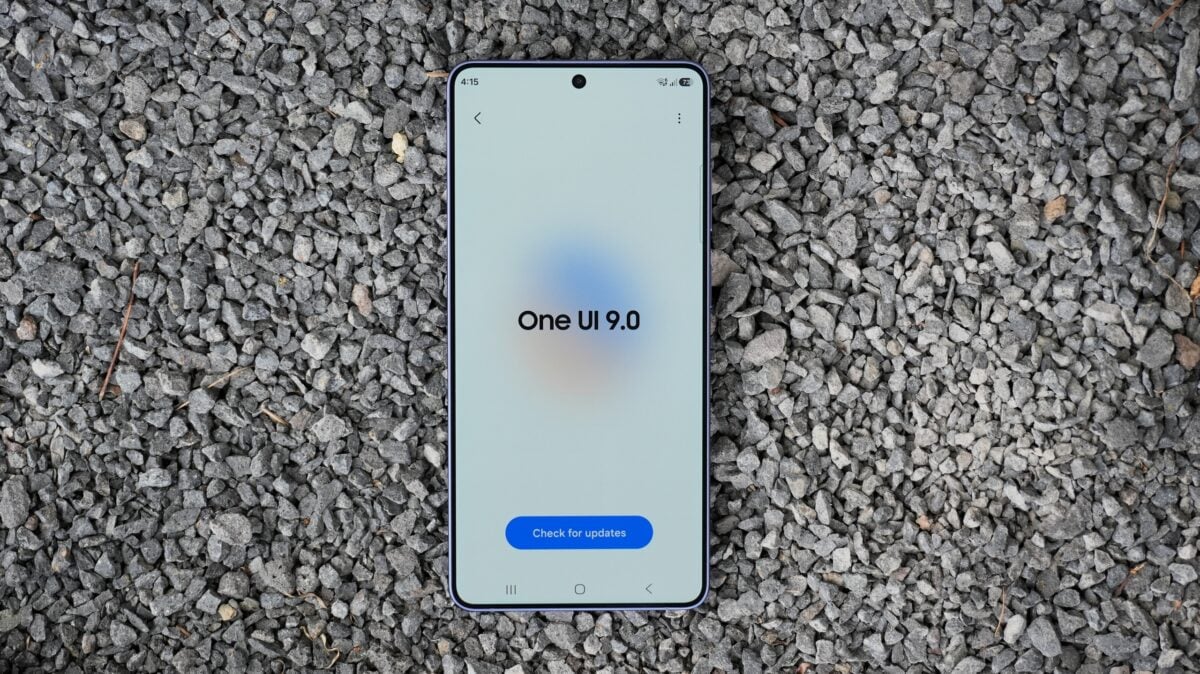
Recent leaks regarding the **One UI 9** Android 17 builds have surfaced, and we have had the opportunity to see this early software in action on a **Galaxy S26**. This early build gives us a glimpse into the design direction Samsung is taking for its 2026 flagship lineup.
This article explores the leaked One UI 9 build based on Android 17. Key highlights include a bold visual redesign of the Quick Panel, new AI-powered photo editing tools, and productivity enhancements for Samsung DeX and content organization.
Visual Overhaul: Thicker Sliders and Quick Panel Tweaks
The most immediate change in the Android 17-based One UI 9 build is found within the Quick Panel. Upon swiping down, users are greeted by brightness and volume sliders that are significantly more prominent. These massive sliders are much thicker than those found in previous versions, offering a more tactile and visually accessible interface. While no entirely new settings have been introduced to the Quick Panel in this specific build, it is expected that Samsung will continue to refine this space as the software moves closer to a public release.
AI Innovations and Content Management
Samsung continues to double down on artificial intelligence with new features designed to simplify creative tasks. The "Photo Assist" tool now includes an automated prompt suggestion system. By analyzing the content of a photo, the AI suggests creative ways to transform or edit the image, making high-level editing accessible to everyone. Furthermore, the "Audio Eraser" has been updated with a dedicated menu featuring toggles for all supported applications, effectively allowing users to clean up audio on almost any video-playing app.
For those who use their devices for organization, the "Brief" feature has been updated with new sections. These allow for better categorization of different styles of content, ensuring that your daily summaries are more organized and easier to digest at a glance.
Productivity Enhancements: Samsung DeX and Beyond
Productivity remains a core pillar of the Galaxy experience. In One UI 9, Samsung DeX receives a subtle but important update. A new toggle has been added to bring the existing auto-hide feature for the status and taskbar into a more central, easily accessible position. This allows users to maximize their screen real estate with a single tap, further bridging the gap between mobile and desktop-style computing.
Many other minor tweaks and stability improvements have been integrated into this build of One UI 9. For a comprehensive look at these features in motion, you can view the full hands-on demonstration below. To stay updated on the latest Samsung developments, make sure to follow the **SamMobile YouTube Channel** for more informative content.
What is the underlying Android version for One UI 9?
One UI 9 is built upon Android 17, representing the next major evolution of the Android operating system and Samsung's custom interface.
How have the brightness and volume controls changed?
In this new build, the brightness and volume sliders in the Quick Panel have been made much thicker and larger, making them easier to see and interact with compared to One UI 8.
What new AI features are included in Photo Assist?
Photo Assist now features an intelligent analysis tool that automatically suggests creative prompts to help users transform their photos in unique ways.
Can Audio Eraser be used with third-party apps?
Yes, the updated Audio Eraser includes a menu with toggles for virtually all apps that support video content, allowing for wider compatibility across the system.
What is the new productivity feature in Samsung DeX?
Samsung DeX has introduced a more centralized toggle for the auto-hide taskbar and status bar feature, allowing for a cleaner and more immersive desktop experience.
🔎 As we look toward the official release of One UI 9, it is clear that Samsung is focusing on a blend of bold visual changes and practical AI enhancements. While this early build on the Galaxy S26 is just a preview, the refinements to the Quick Panel, the expanded AI editing tools, and the improved DeX functionality suggest a software experience that is more intuitive and powerful than ever before. Stay tuned for more updates as we approach the final launch of this major firmware update.
Post a Comment