
Samsung One UI 9 Leaks: Exciting New Features and Android 17 Refinements Explored
The evolution of Samsung's mobile interface continues to gather pace as new details emerge regarding the next major software update. Recent activity on Samsung’s internal servers has provided a fascinating glimpse into the future of the Galaxy ecosystem, specifically focusing on the upcoming Galaxy S26 series and its software foundation.
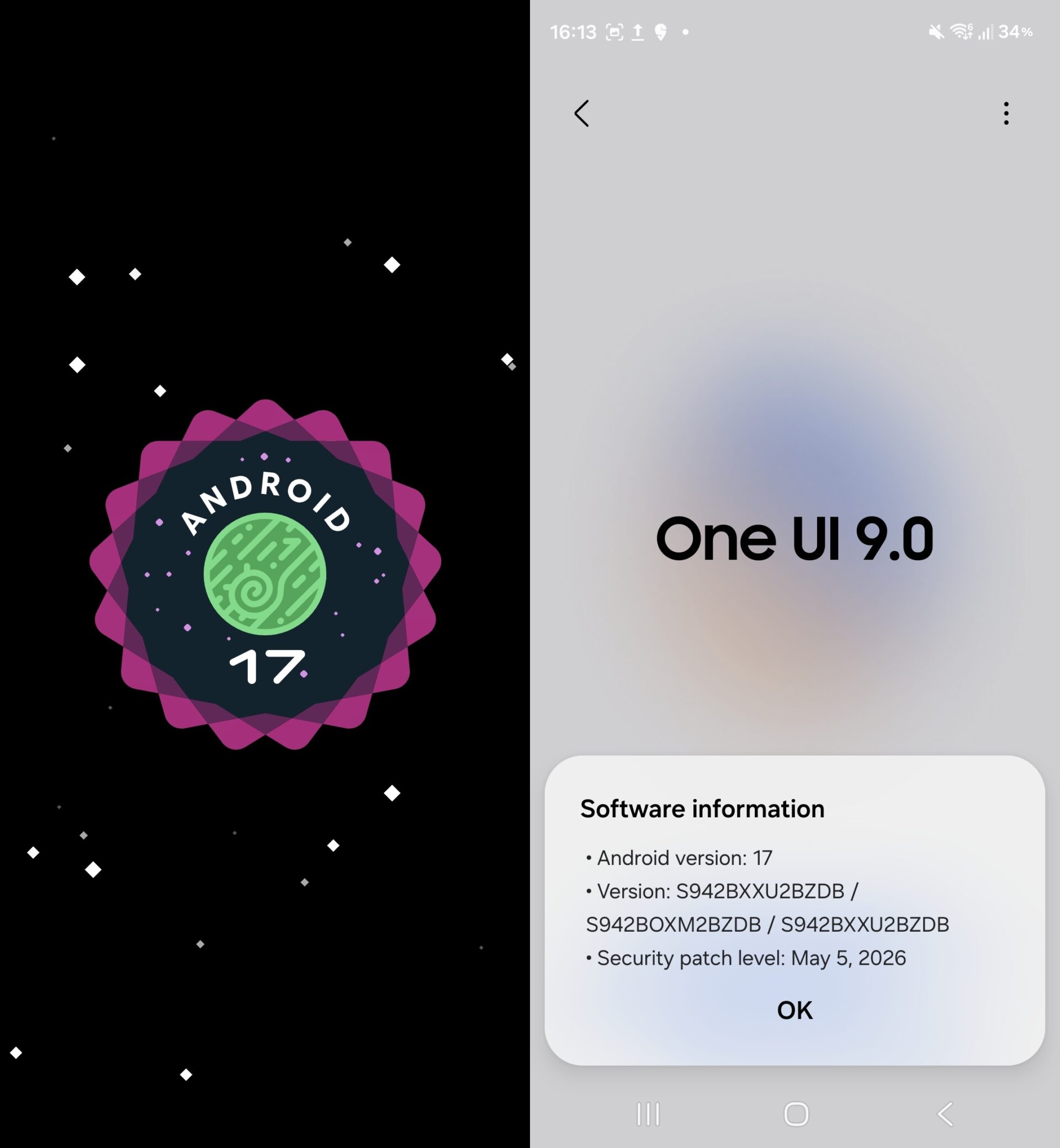
- ✨ Android 17 Base: The latest builds have officially transitioned from Android 16 to the much-anticipated Android 17.
- ✨ Tap to Share: A new NFC-powered file-sharing method allows for instant transfers by physically touching devices.
- ✨ Bixby Evolution: Interactive home screen widgets for Bixby are being introduced to streamline voice and text interactions.
- ✨ Warranty Hub: A centralized "Warranty and Care" menu provides diagnostic tools and repair details in one place.
- ✨ UI Refinements: Samsung is experimenting with larger, more accessible Quick Panel controls for volume and brightness.
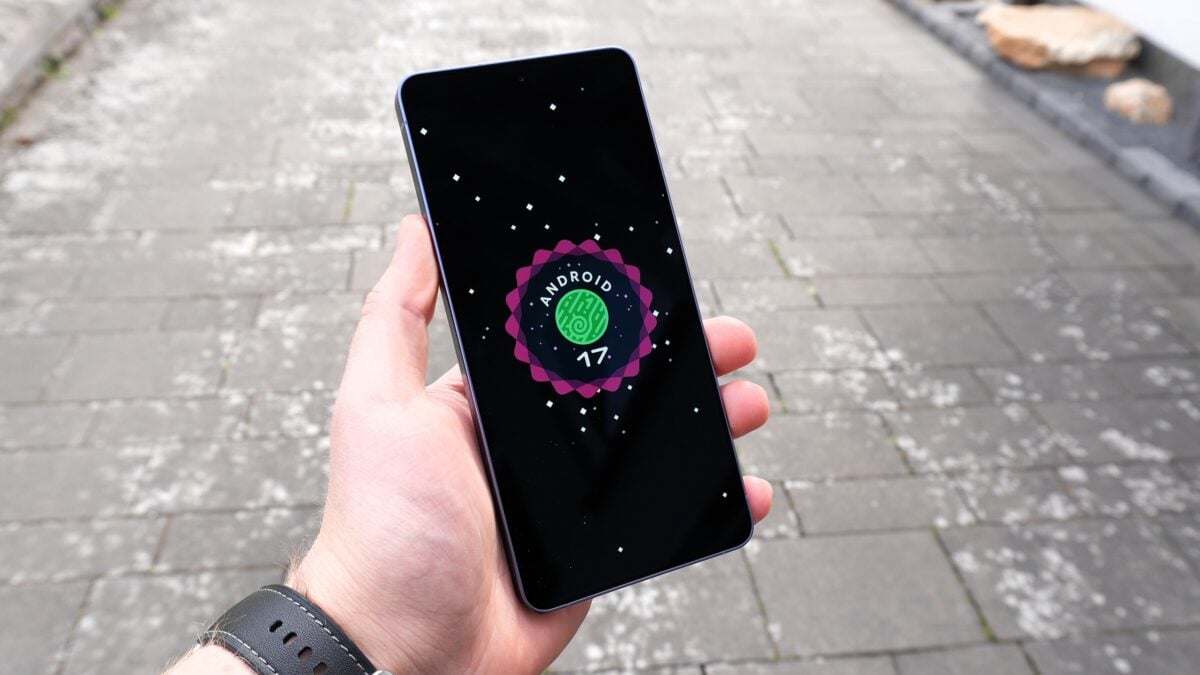
A month ago, the first One UI 9 builds for the Galaxy S26 series appeared on Samsung’s servers. It was still early days, so those builds didn’t reveal much in terms of new features or changes. Initially, they weren’t even based on Android 17 but were instead running on Android 16. That has now changed with newer builds we’ve been able to access and test on our Galaxy S26 devices.
These latest test builds are far more interesting. They line up with several leaks about the features Samsung was reported to be preparing for One UI 9. The shift to a newer Android base suggests that the development cycle is entering a more stable and feature-rich phase, allowing testers to see how Samsung's custom skin interacts with Google's latest core improvements.
New Features Include Tap to Share, Bixby Widgets, and More
Take Tap to Share, for example. References to the feature showed up in earlier builds, and it’s now available in the Quick Share menu on the latest firmware. This feature aims to simplify the peer-to-peer sharing experience, making it more intuitive for users who want to avoid navigating through multiple menus.
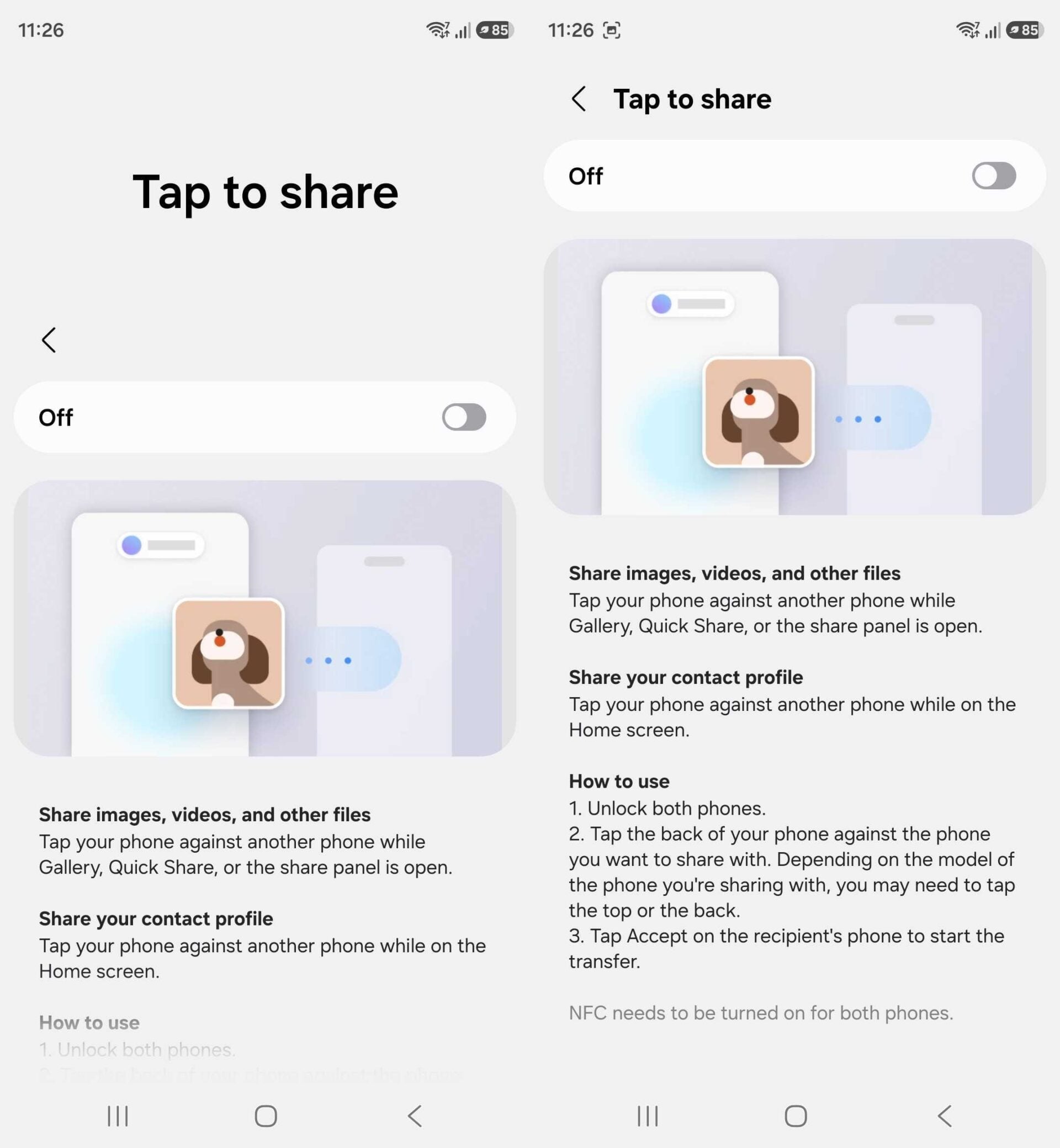
As the name suggests, Tap to Share lets you start transferring images, videos, and other files by simply tapping your phone against another device. On the Galaxy S26 series, you can also tap the top edge of the phone, as all three models include NFC antennas on both the top and the back. This hardware layout ensures that the "tap" action is responsive regardless of how you hold the device.
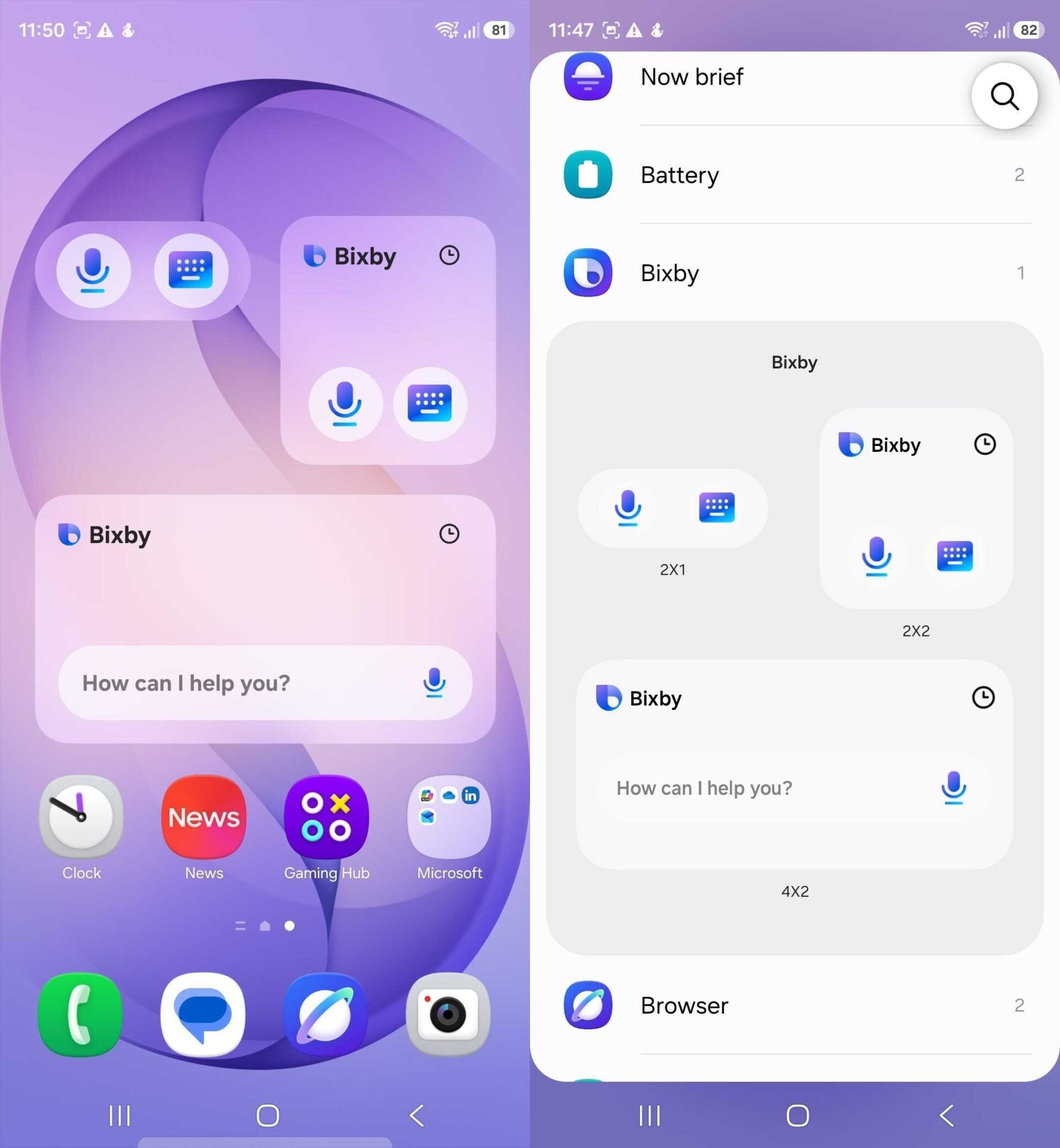
Samsung has also added home screen widgets for Bixby. These are fairly basic, offering voice/microphone and keyboard icons for quickly starting an interaction. The 4x2 widget goes a step further, adding a full text input bar with a microphone icon beside it, allowing for a more versatile way to engage with the digital assistant without needing to trigger it via a side button or voice wake-up.
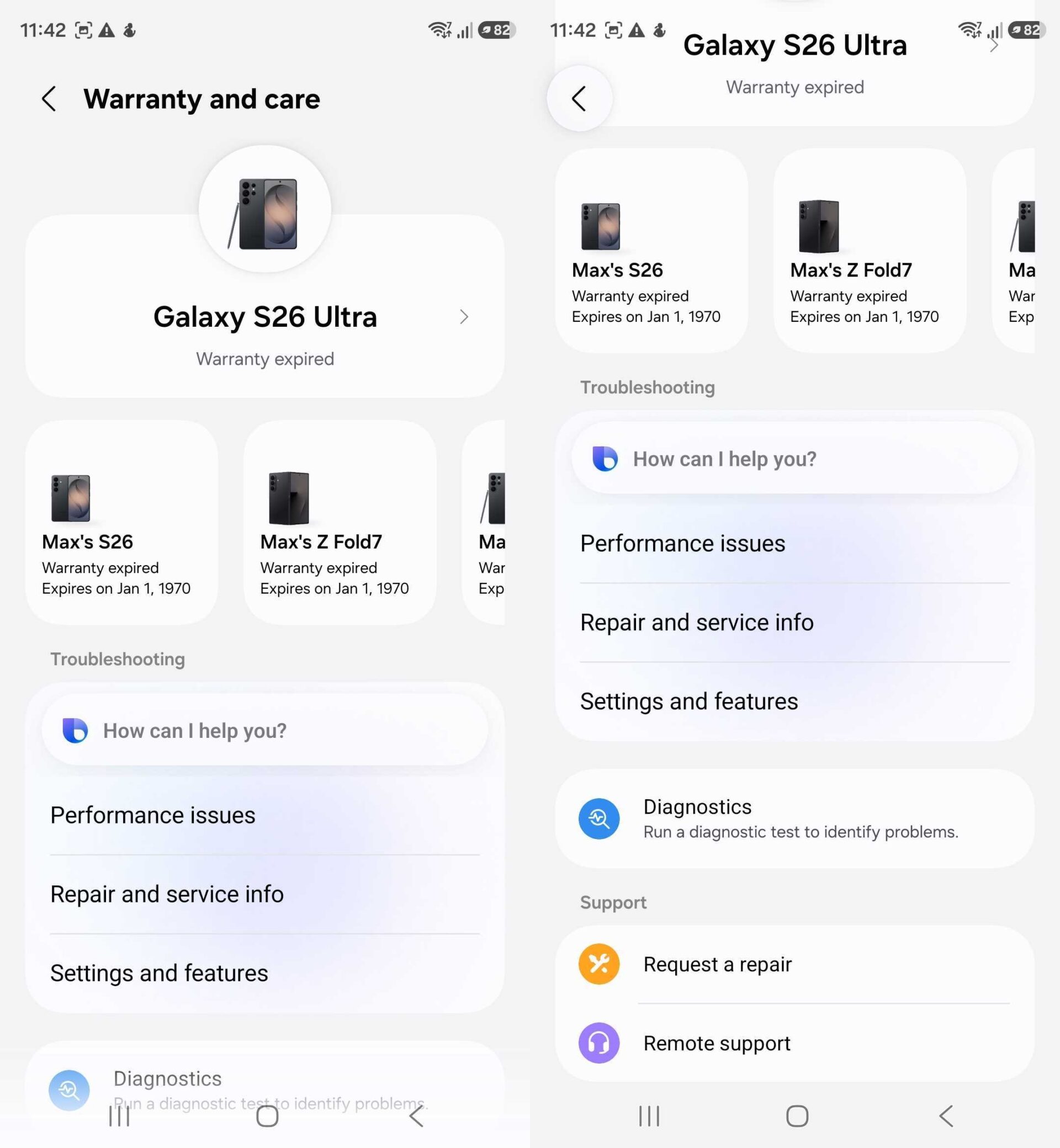
There’s also a new Warranty and Care menu in device settings. It serves as a central hub for support, providing warranty and repair details for all your devices, along with diagnostic tools and remote assistance options. It even integrates Bixby, letting you ask for help using voice commands. This move consolidates several support apps and web pages into a single, native interface.
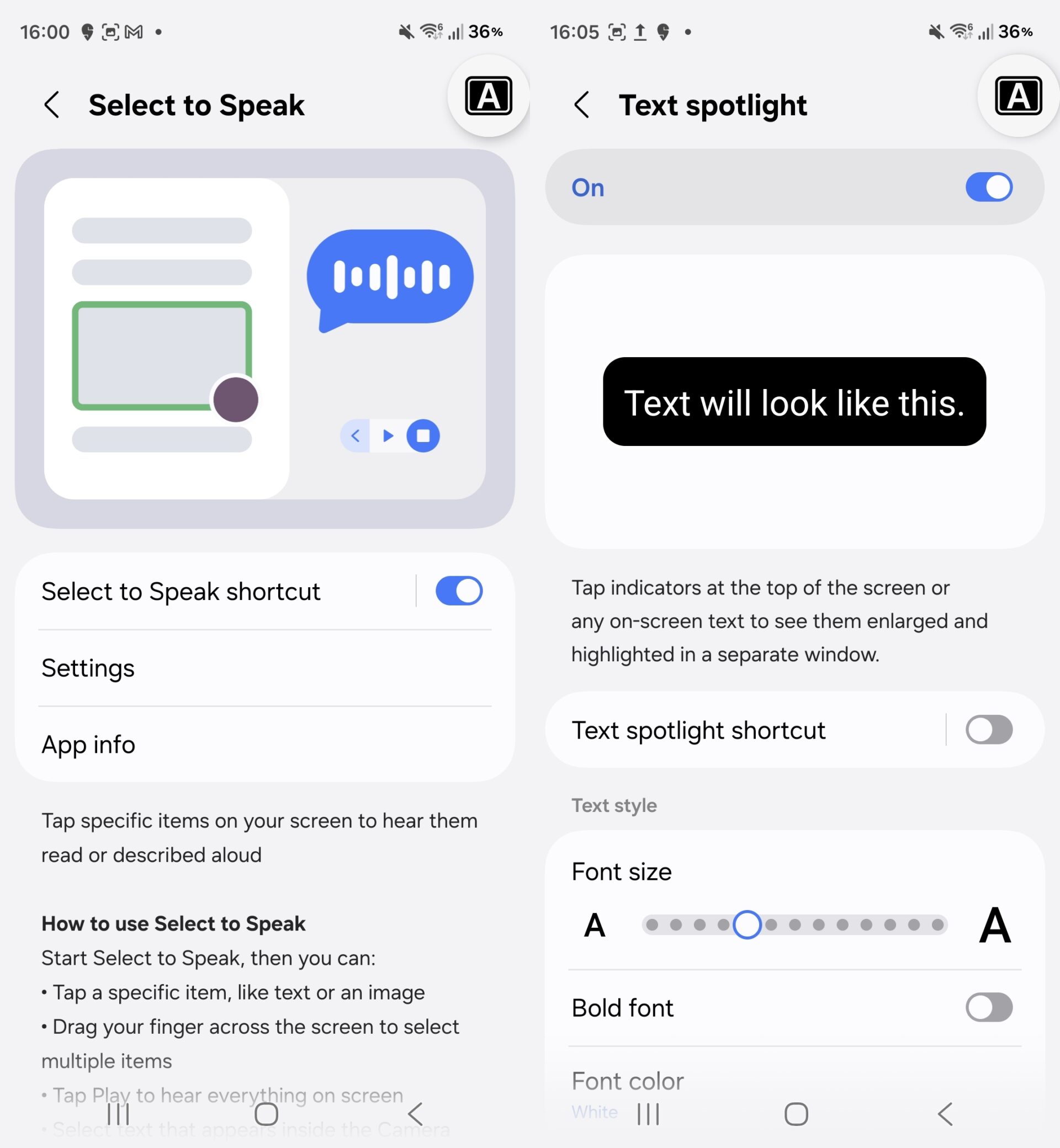
One UI 9/Android 17 also brings new accessibility options. Select to Speak lets you tap any item on the screen to have it read aloud. Text Spotlight makes text easier to read by increasing its size and contrast. Some of these accessibility features were previously available only after installing the Android Accessibility Suite app from the Google Play Store, but they are now baked directly into the system.
One UI 9 will bring various refinements to the user interface as well, though Samsung appears to still be experimenting with different changes. For example, the first One UI 9 builds introduced slightly larger volume and brightness controls in the Quick Panel, and those have been made even bigger in the latest build to improve one-handed usability and visual clarity.
One UI 9 is still in active development, so Samsung will no doubt continue refining existing features and adding new ones in the coming months. Some features, particularly new Galaxy AI capabilities, may not be revealed until much later in the development cycle. One UI 9's official debut will likely happen with the Galaxy Z Fold 8 and Galaxy Z Flip 8, which are expected to be unveiled in July.
What exactly is the new Tap to Share feature in One UI 9?
Tap to Share is an enhancement to Samsung's Quick Share system. It utilizes NFC (Near Field Communication) to initiate file transfers. Instead of selecting a contact from a list, users can simply physically tap their Galaxy device against another compatible device to start sending photos, videos, or documents instantly.
When can we expect the official release of One UI 9?
While Samsung has not announced a specific date, historical patterns suggest that One UI 9 will make its official debut alongside the next generation of foldables—the Galaxy Z Fold 8 and Galaxy Z Flip 8. This typically occurs during a Galaxy Unpacked event in July, with a broader rollout to the Galaxy S series following shortly after.
Are there any major changes to Bixby in this update?
Yes, Samsung is focusing on making Bixby more accessible through new home screen widgets. These include a 4x2 widget with a full text input bar and microphone icon, as well as smaller icons for quick voice or keyboard interactions. This allows users to use Bixby's capabilities without entering the full app interface.
What is the purpose of the new Warranty and Care menu?
The Warranty and Care menu is designed to be a centralized hub for all device maintenance and support. It provides real-time information on warranty status, repair history, and diagnostic tools to check hardware health. It also offers remote assistance options and voice-command support through Bixby integration.
Will older Galaxy devices receive these One UI 9 features?
While the testing is currently focused on the Galaxy S26 series, Samsung typically brings most One UI features to previous flagship generations, such as the Galaxy S25 and S24 series. However, hardware-specific features like the dual-NFC antenna support for top-edge tapping may remain exclusive to newer models.
🔎 As Samsung moves closer to the finalization of One UI 9, it is clear that the focus is on merging convenience with deep system integration. From the NFC-powered Tap to Share to the consolidation of support services in the Warranty and Care hub, the goal is a more seamless user experience. While we await the official unveiling in July, these early builds confirm that Samsung is not just updating the version number, but meaningfully refining how we interact with our devices every day.
Post a Comment