
Samsung Revolutionizes Mobile Photography: Massive Galaxy Enhance-X Redesign and New AI Features Unveiled
Samsung has officially raised the bar for mobile image editing with the release of a major update for its powerhouse application, Galaxy Enhance-X. This latest version isn't just a minor tweak; it introduces a comprehensive visual overhaul and a suite of advanced features that transform how users interact with their media. By moving away from the cluttered single-screen interface of the past, Samsung has implemented a streamlined three-tab system that prioritizes user experience and accessibility. Beyond the aesthetics, the update packs a punch with specialized tools for video, document scanning, and a new ecosystem of professional-grade plugins.
✨ Quick Summary: Samsung’s latest Galaxy Enhance-X update delivers a professional three-tab UI, introduces AI-powered plugins like CinematicGlow and SkyGuide, and adds robust document and batch editing capabilities for Android 16 users.
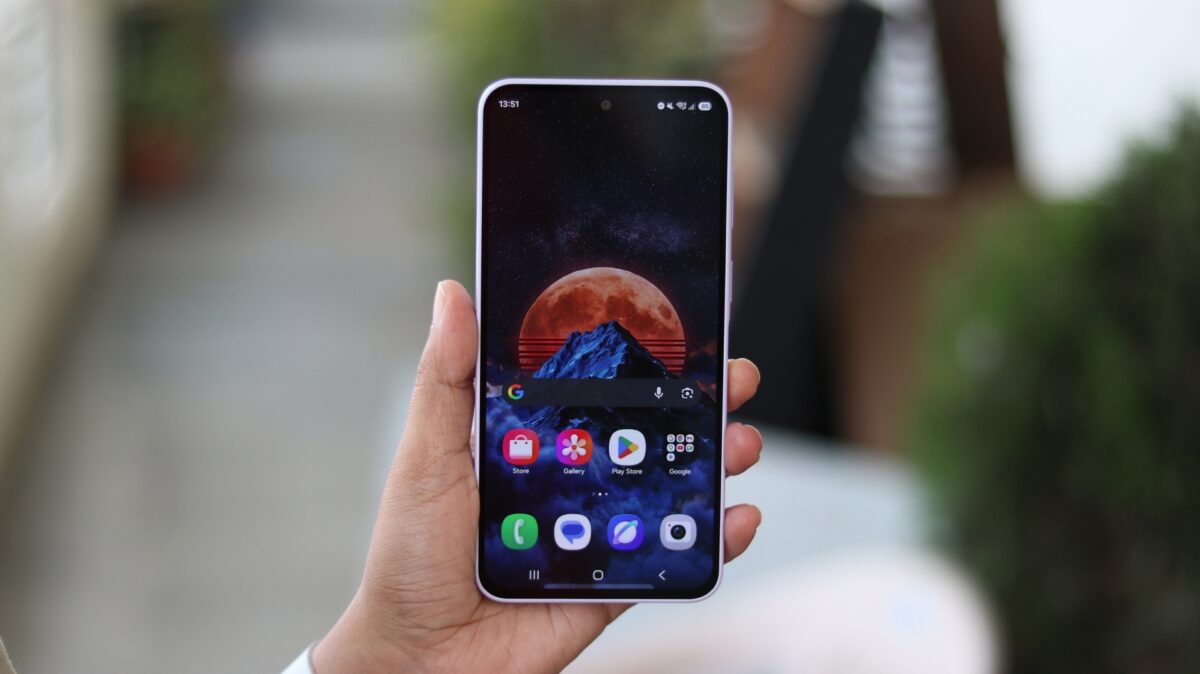
- ✨ A completely redesigned interface featuring Plugins, Home, and History tabs.
- ✨ Three new professional plugins: CinematicGlow, FilmStyle, and SkyGuide.
- ✨ Advanced document editing with PDF conversion and translation support.
- ✨ Time-saving batch editing for multiple photos and videos simultaneously.
A New Era of Interface Design and Professional Plugins
The latest iteration, version 16.3.00.31, is currently rolling out via the Galaxy Store with a footprint of roughly 173.5MB. It is important to note that this cutting-edge version is specifically optimized for the latest ecosystem, requiring Android 16 and One UI 8.5 to function. The heart of the redesign lies in the new "Plugins" tab, which allows Samsung to offer modular, high-end effects without bloating the main app. This modularity ensures that users only download the tools they truly need, keeping the app fast and efficient.
Currently, the app features three standout plugins that cater to different creative needs. CinematicGlow provides a professional diffusion effect, perfect for creating soft, ethereal portraits. FilmStyle brings the nostalgia of classic cinema to your pocket with nine distinct filters, including "Golden Hour" and "Timeless Chrome." Finally, the SkyGuide tool is a dream for astrophotographers, using AI to identify stars, planets, and constellations directly within your night sky captures.
Comprehensive Editing Tools for Photos and Documents
The "Home" tab remains the central hub for your creative workflow. Here, users can access an expanded "Photo Tools" suite. Beyond standard options like Fix Blur and Remove Shadows, the app now includes advanced correction utilities such as Denoise, Fix Lens Distortion, and Remove Moire. For those focused on portraiture, the Face editing tools offer granular control over skin smoothness, jawline definition, and eye clarity, ensuring every selfie looks its best.
Perhaps the most surprising addition is the robust document editing functionality. Galaxy Enhance-X has evolved into a productivity tool, allowing users to scan documents and convert them into high-quality JPEGs or PDFs. You can now annotate, translate text in real-time, and apply specialized filters to make scanned text more legible. Coupled with the new batch editing feature—which lets you apply the same edits to several files at once—Samsung has created an all-in-one solution for both creative and professional tasks.
Which Samsung devices are compatible with this update?
The latest version (16.3.00.31) of Galaxy Enhance-X requires devices running Android 16 and the One UI 8.5 skin. It is primarily targeted at newer flagship and mid-range devices like the Galaxy S and A series that have received these software updates.
What does the SkyGuide plugin actually do?
SkyGuide is an innovative tool designed for night photography. It analyzes your photos of the night sky and overlays information to help you identify specific stars, planets, and constellations that were visible when the photo was taken.
Can I use Galaxy Enhance-X to convert images to PDF?
Yes, the new document editing suite allows you to scan physical documents or use existing photos to create PDF files. You can also enhance the text, annotate the document, and even use the built-in translation feature before saving.
How does batch editing work in the new app?
Batch editing allows you to select multiple photos or videos at once and apply a single set of edits or enhancements to all of them simultaneously. This is a massive time-saver for users who need to process large groups of media with consistent settings.
🔎 This massive redesign of Galaxy Enhance-X proves that Samsung is committed to providing its users with professional-grade tools that are both powerful and easy to use. By integrating AI-driven plugins and productivity-focused document tools, the app has moved beyond simple photo filtering to become a comprehensive media workstation. Whether you are an aspiring astrophotographer using SkyGuide or a professional needing to scan and translate documents on the go, this update offers something for everyone. As Samsung continues to roll out One UI 8.5, Galaxy Enhance-X will undoubtedly become a staple for every Galaxy user's creative toolkit.
Post a Comment