
Samsung S90C OLED TVs Upgrade to Tizen OS 9.0: Discover the Massive New Feature Set
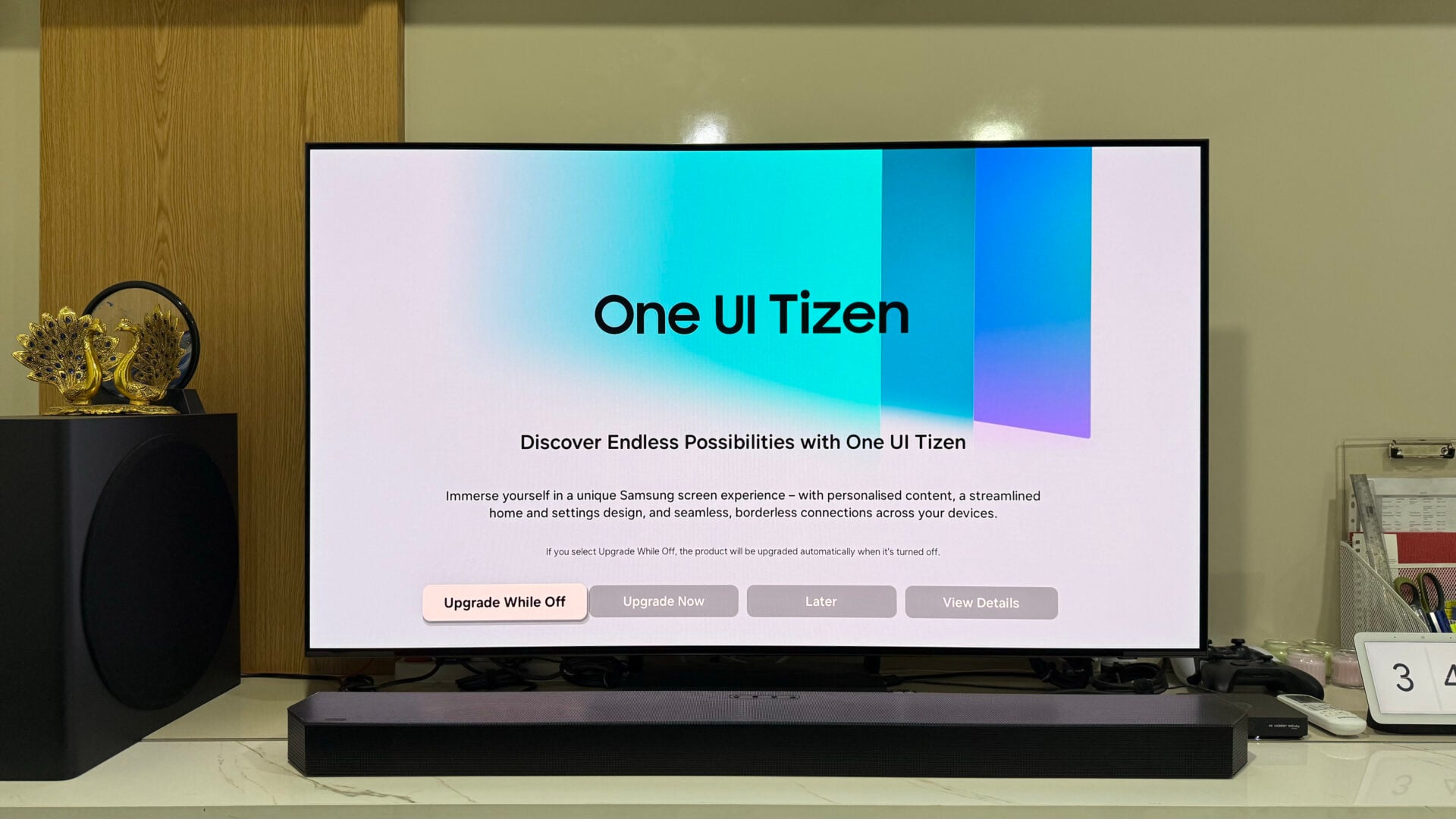
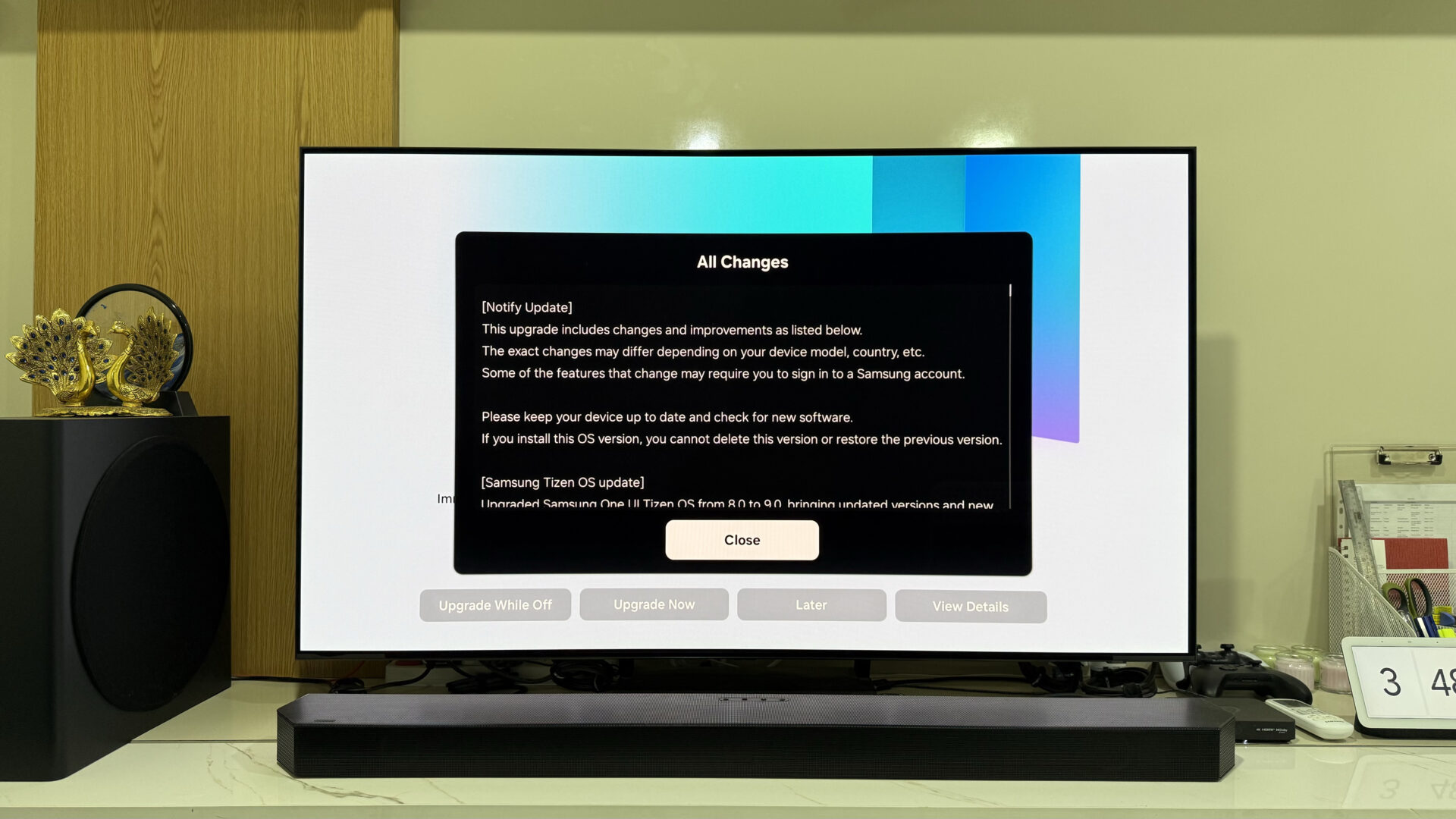
Today marks a significant milestone for owners of premium Samsung displays. The Samsung OLED TV lineup, specifically the S90C model, has begun receiving a major software overhaul in various regions, including India. This update transitions the device from the previous firmware to version 6500, effectively jumping from Tizen OS 8.0 to the highly anticipated Tizen OS 9.0. This isn't just a minor patch; it is a comprehensive system upgrade that redefines the user interface and adds a plethora of intelligent features designed to enhance your viewing and gaming experience.
- ✨ Major operating system upgrade from Tizen OS 8.0 to version 9.0.
- ✨ Complete redesign of the Home Screen and Gaming Hub for better discovery.
- ✨ Integration of Samsung Daily+ for a more versatile lifestyle experience.
- ✨ Advanced AI-optimized picture modes and Workspace 4K support.
- ✨ Improved connectivity with Galaxy Buds, Watches, and smart home devices.
A New Era for the Tizen OS Ecosystem
The jump to Tizen OS 9.0 brings the latest open-source components and a refined One UI aesthetic to the big screen. Samsung has focused heavily on making content discovery more intuitive while streamlining the settings menus to look more like the interface found on Galaxy smartphones. Whether you are a hardcore gamer, a remote professional, or a cinema enthusiast, this update has something specifically tailored for you.
Enhanced Home Screen and Discovery
The Home Screen has undergone a visual transformation. New designs now include ranking and keyword rows to help you find trending content faster. A highly requested auto-sorting feature for the app list is now available, ensuring your most-used applications are always front and center. Additionally, several service labels have been updated for clarity; for instance, the "Recent" section has been renamed to "Now Playing" to better reflect active usage.
Gaming Hub and Performance Upgrades
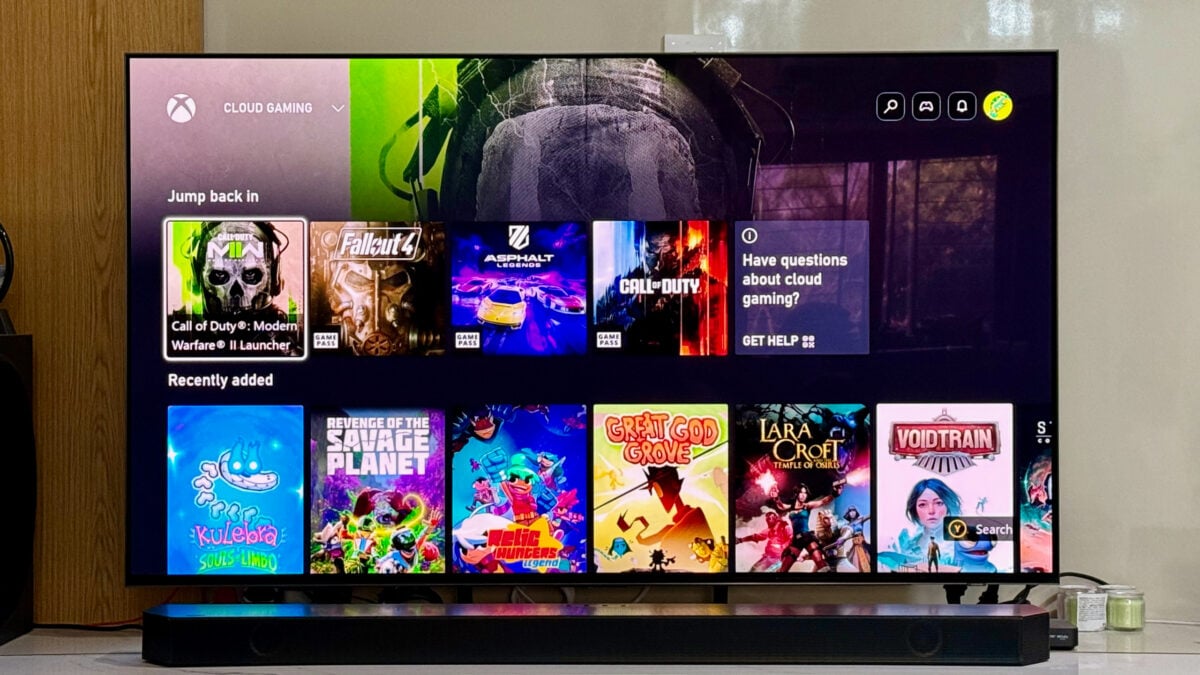
Gamers using the Samsung Gaming Hub will notice a layout update that aligns with the latest UI standards. The system now curates personalized content based on your gameplay surveys. This feature is currently supported in major regions including the US, UK, Australia, Korea, and several European countries. The Game Bar also receives new visual effects, providing a more immersive environment during intense sessions.
Productivity and Smart Features
For those using their TV as a workstation, the Workspace feature now supports up to 4K resolution when connecting to a Windows PC via Easy Connection. Security has also been bolstered with the introduction of Passkey support for Microsoft 365, allowing for password-less logins. The new Storage Share feature allows users to access files, photos, and videos from other Samsung devices logged into the same account directly on the TV.
Intelligent Lifestyle Integration
The introduction of Samsung Daily+ brings relevant lifestyle experiences to the home category. This includes the Daily Board, which allows you to display beautiful wallpapers and useful widgets even when the screen is technically off. Health enthusiasts can utilize the Workout Tracker widget, which syncs perfectly with a Galaxy Watch to display real-time fitness data on the large screen.
Audio and Visual Refinements
Samsung has addressed several technical issues with this update. The "AI Optimized" mode now includes real-time screen analysis to deliver superior image quality for every scene. On the audio front, improvements to Q-Symphony make it easier to set up soundbars and Music Frames, including an "Auto Set" feature for optimal placement. Occasional sound dropouts and screen blinking issues when using set-top boxes via HDMI have also been resolved.
Managing Your Subscriptions
A new Subscription Hub dashboard has been added, enabling users to easily view and manage all services paid through Samsung Checkout. This requires a Samsung account and is available in select countries.
How to Install the Update
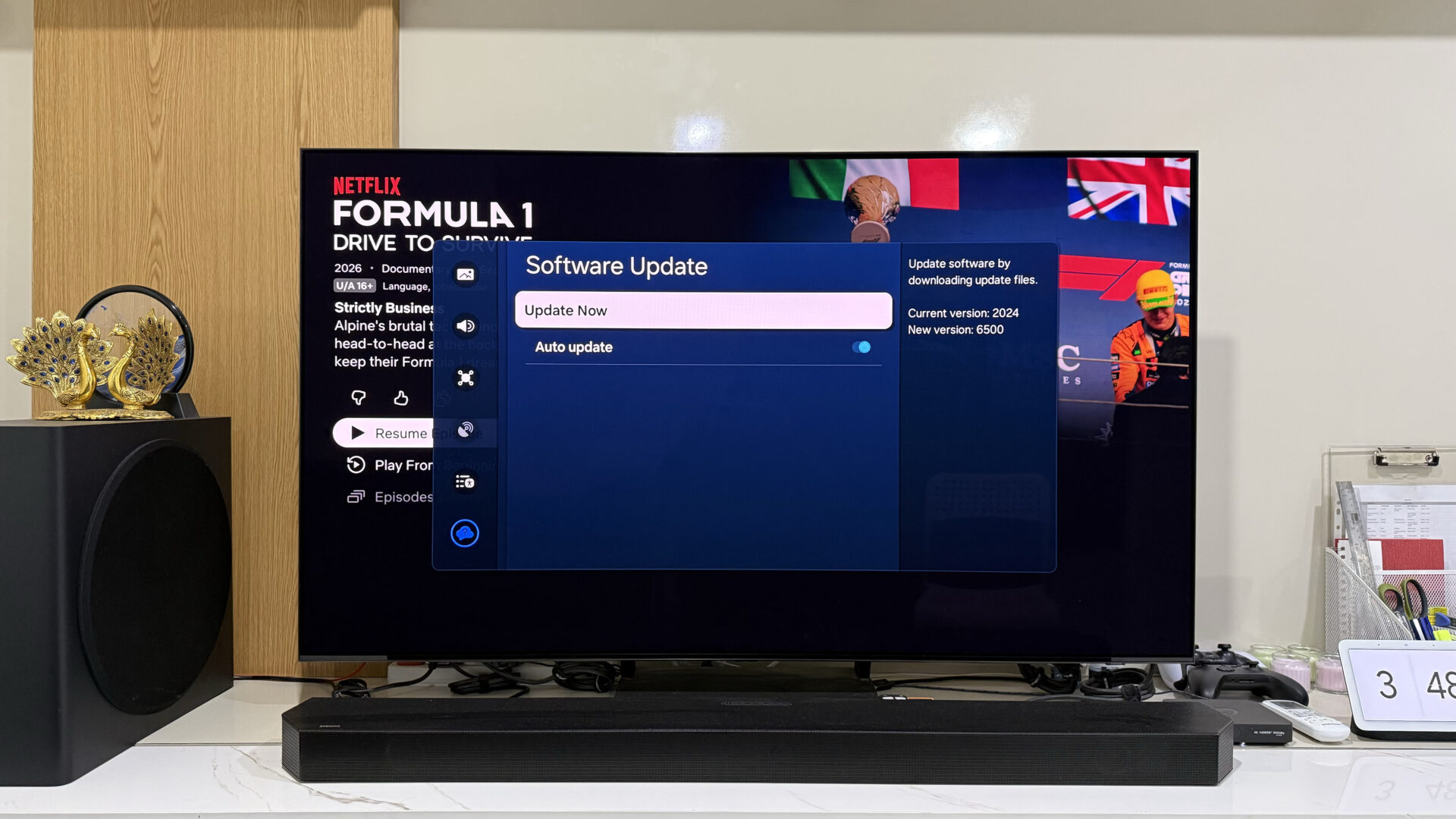
While the update is rolling out automatically, you can manually check for it to get the features sooner. Navigate to Settings > All Settings > Software Update and select Update Now. If the update is available in your region, follow the prompts to Upgrade Now.
Which Samsung TV models are eligible for the Tizen OS 9.0 update?
Currently, the update is confirmed for the S90C OLED TV. However, it is expected to roll out to most 2023 and 2024 models that were previously running Tizen OS 8.0, including the Neo QLED and higher-end Crystal UHD series.
What is the most significant change in the Tizen 9.0 Home Screen?
The most notable change is the addition of ranking and keyword rows for content discovery, along with an auto-sorting feature for the app list that organizes your applications based on usage patterns.
Does Tizen OS 9.0 improve gaming performance?
Yes, the Gaming Hub has been updated with a new UI and personalized content curation. Additionally, the Game Bar features new visual effects designed to make the gaming experience more immersive.
Can I use my TV for work more effectively with this update?
Absolutely. The Workspace feature now supports 4K resolution for Windows PC connections and includes Passkey support for Microsoft 365, making it a much more viable tool for remote work.
Is the Samsung account mandatory for the new features?
Many of the new features, including the Subscription Hub, Smart View improvements, Storage Share, and Workout Tracker, require you to be signed into a valid Samsung account.
🔎 This massive update to Tizen OS 9.0 represents Samsung's commitment to providing long-term value for its smart TV customers. By merging lifestyle features, professional productivity tools, and high-end gaming enhancements into a single, cohesive interface, the S90C OLED TV has become more than just a display—it is now a central hub for the modern smart home. If you haven't received the notification yet, keep checking your settings, as the global rollout is expected to reach all compatible devices in the coming weeks.
Post a Comment