
Samsung Sound App vs. SmartThings: Is This the New Audio Control Standard?
Samsung has been busy expanding its software ecosystem this year, recently launching two specialized audio applications. While one focuses on health and accessibility, the other, known as Samsung Sound, is designed specifically for power users looking to manage their home audio setups. Debuting on the Google Play Store earlier this year, it positions itself as the official hub for configuring and operating Samsung Wi-Fi speakers and soundbars. But does it offer enough to pull users away from the established SmartThings ecosystem?
- ✨ **Modern Aesthetic:** Features a completely redesigned user interface with soft gradients and translucent effects.
- ✨ **Independent Operation:** Works alongside or separately from SmartThings without syncing device lists.
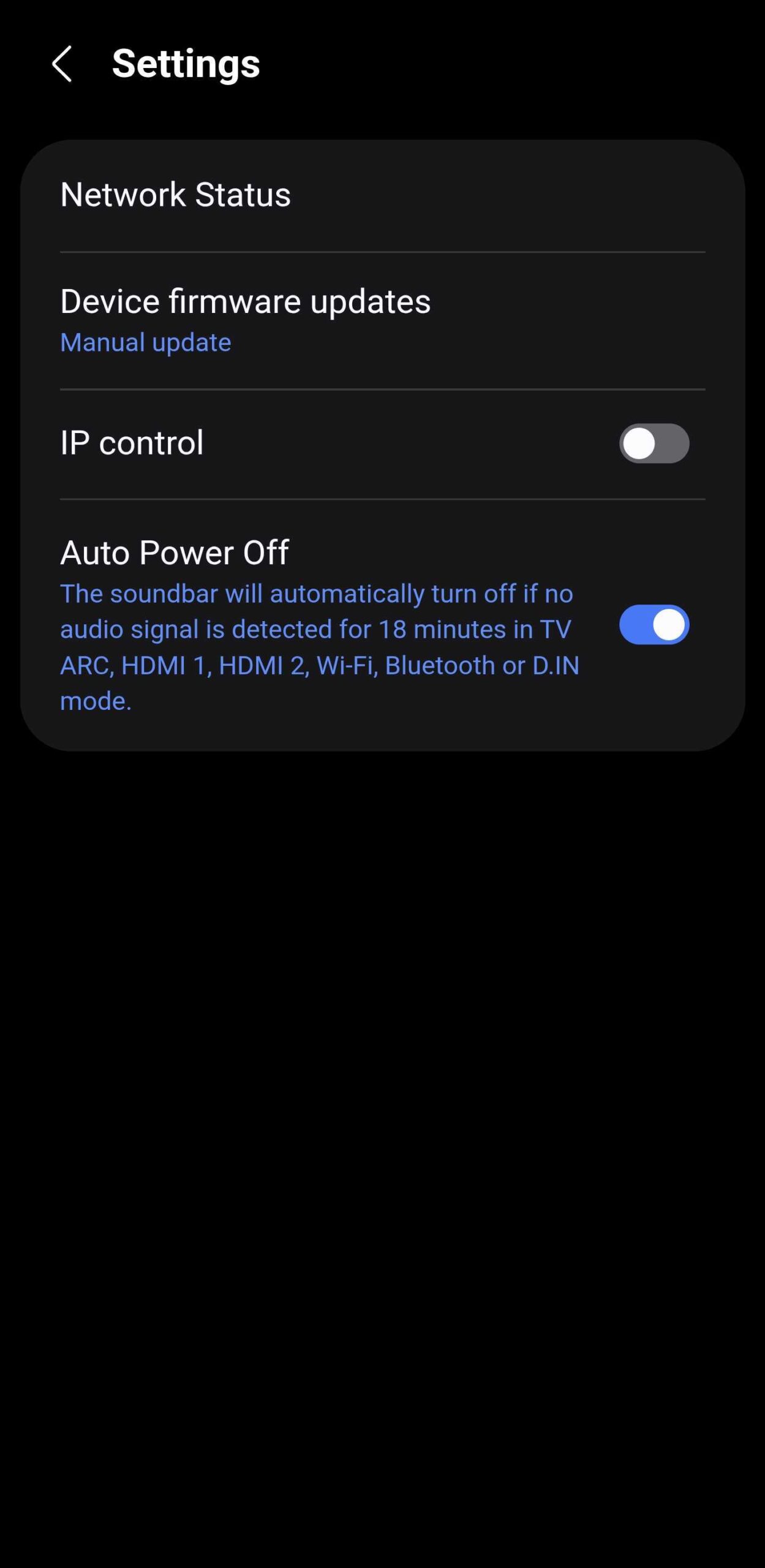
- ✨ **Limited Feature Set:** Currently lacks specific controls like IP control, Auto Power Off, and a remote "Power OFF" button.
- ✨ **Pairing Workaround:** A known bug requires removing devices from SmartThings before they can be added to the new app.
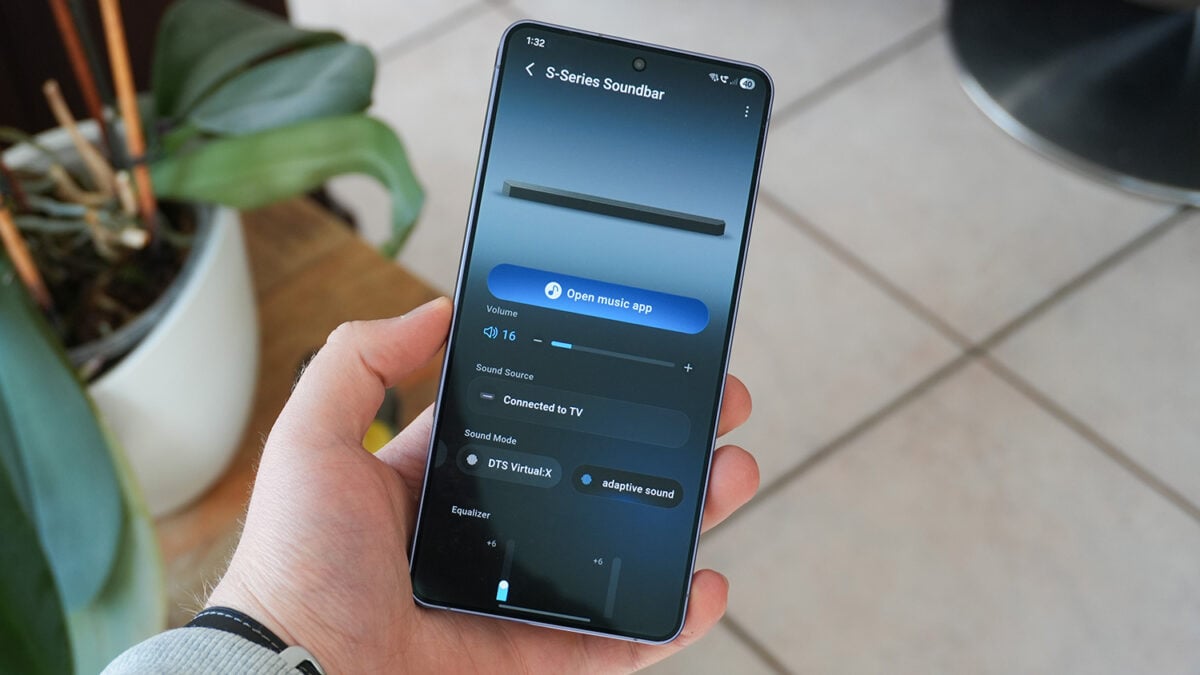
A Fresh Visual Direction for Samsung Audio
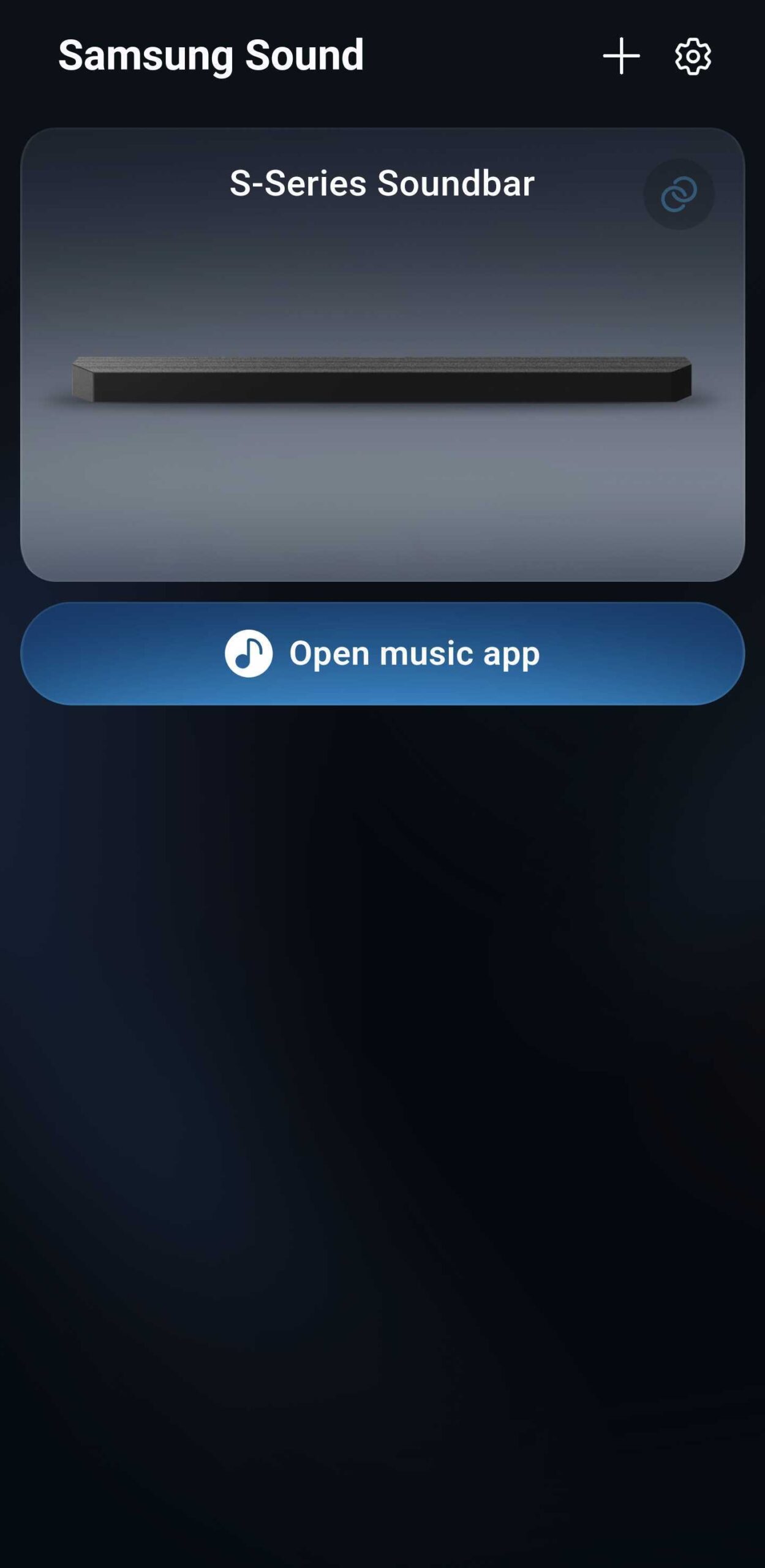
The most immediate change users will notice in the Samsung Sound app is its visual identity. Moving away from the utilitarian tile-based look of SmartThings, this new app embraces a modern design language filled with fluid gradients and sophisticated transparency. However, it is curious to note that the design doesn't strictly adhere to the One UI 8 standards seen in other system apps. It feels like a distinct entity, operating with a unique aesthetic that sets it apart from the broader Samsung software suite.
While the interface is undeniably cleaner and more focused on audio, it feels somewhat disconnected from apps like Samsung Music or the Galaxy Wearable manager. This lack of homogenization is surprising given Samsung's recent push for a unified user experience, but for those who find SmartThings too cluttered, this streamlined approach might be a breath of fresh air.
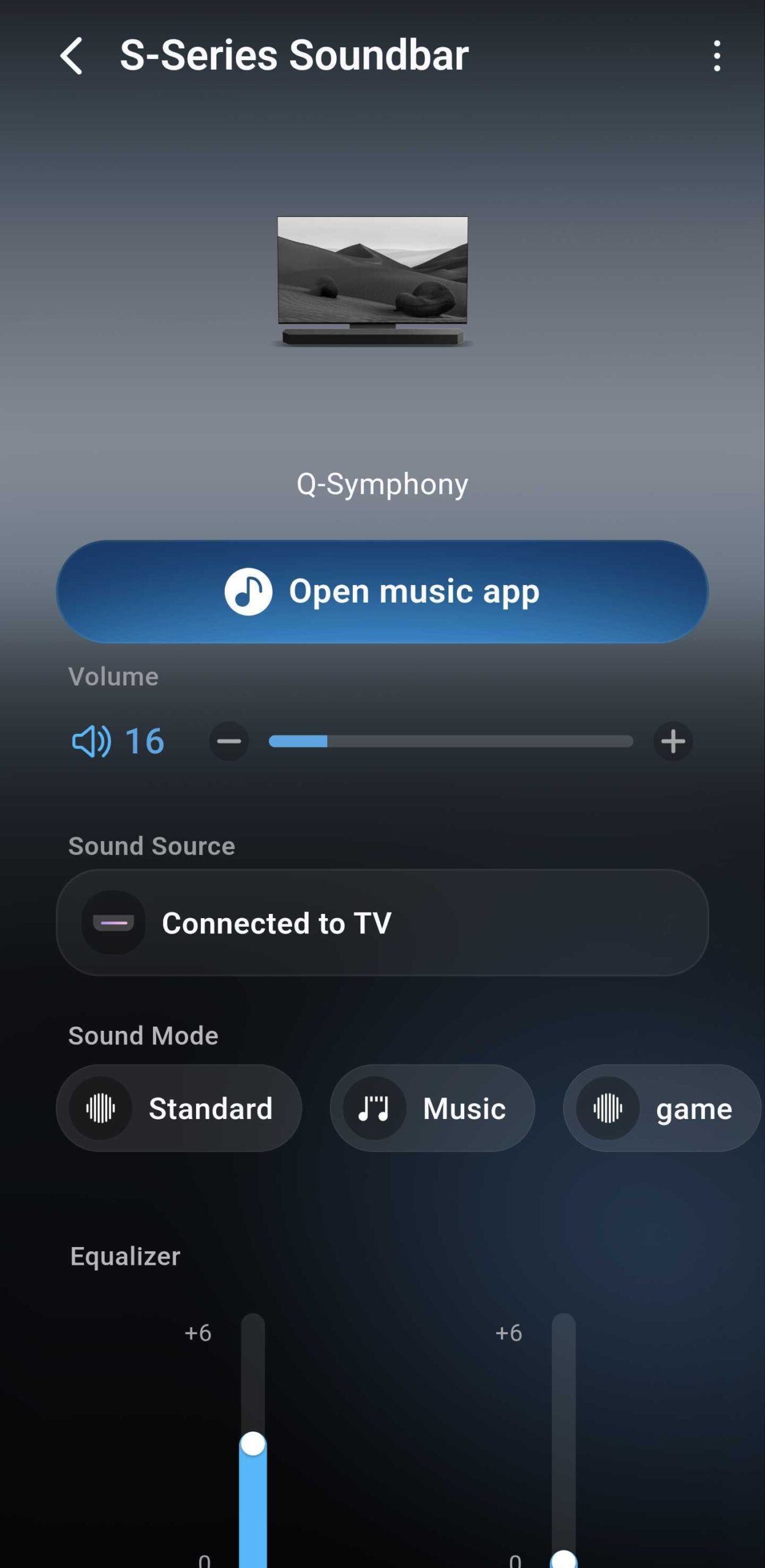
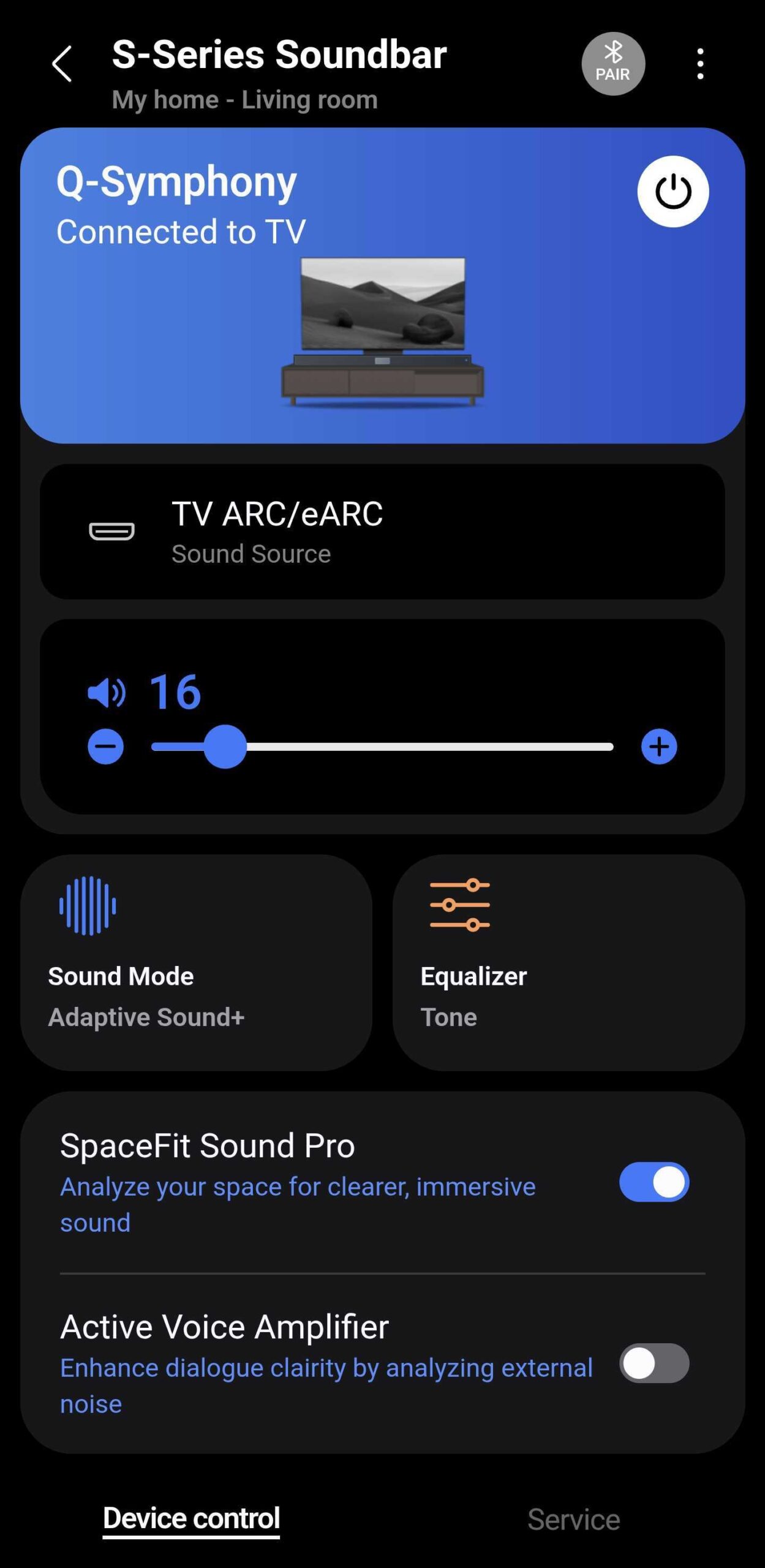
Samsung Sound vs. SmartThings: Feature Comparison
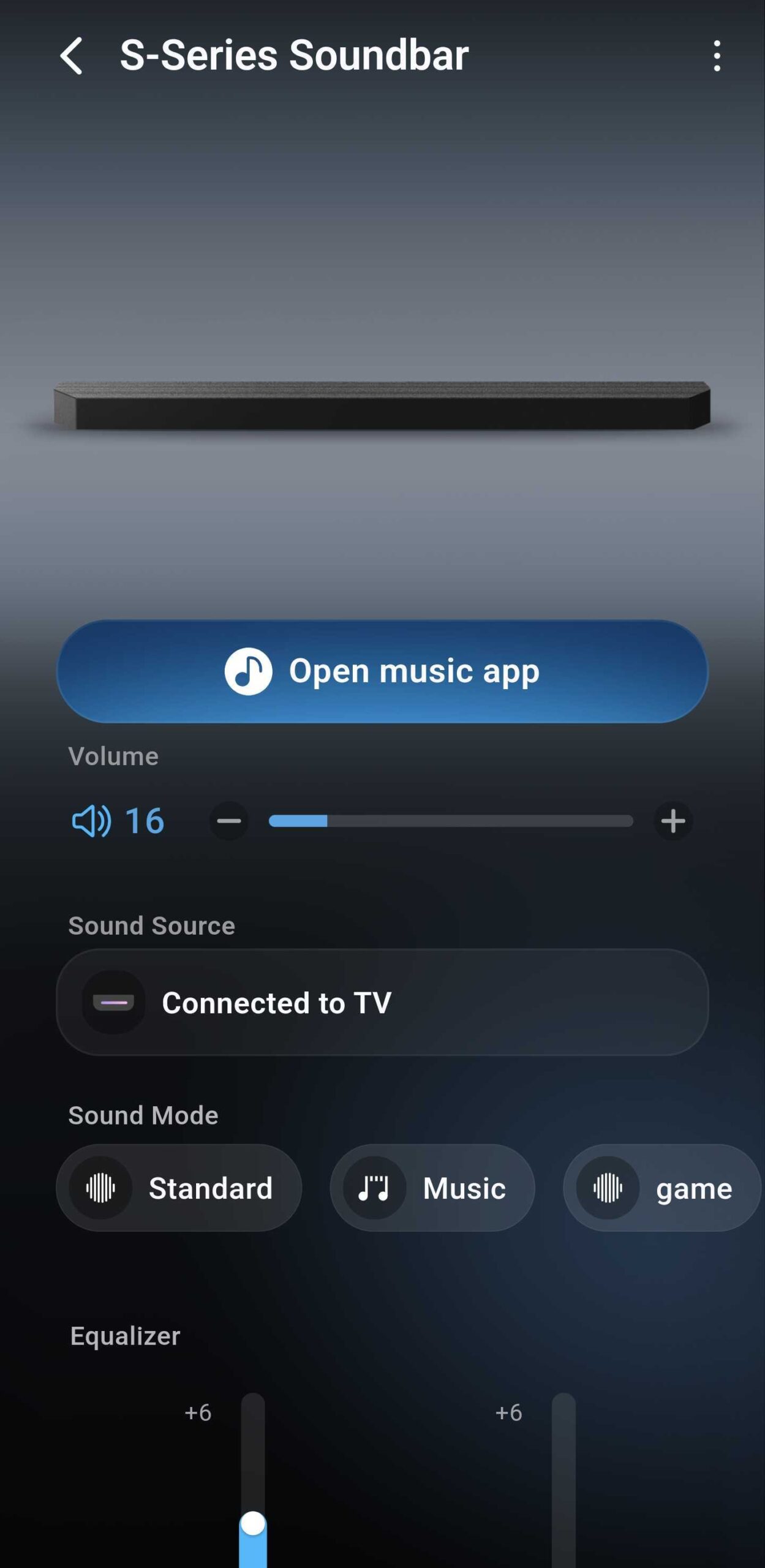
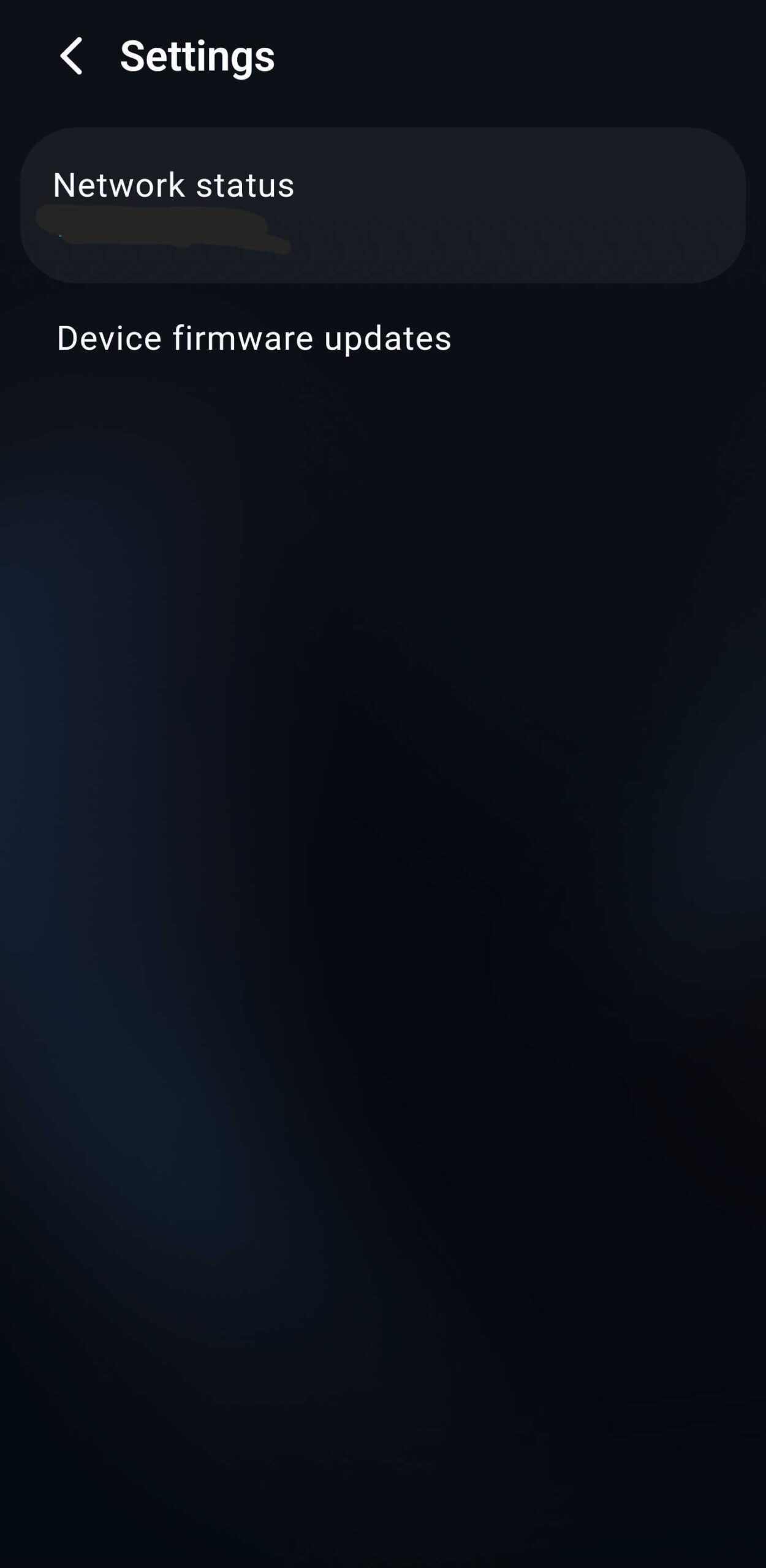
In terms of core functionality, the new app almost perfectly mirrors the soundbar management tools found within SmartThings. Most of the essential settings are present, including Sound Mode selection, Equalizer adjustments, Audio Sync, and Channel Level controls. You can also manage advanced settings like Voice Guide and toggle automatic firmware updates.
However, there are some glaring omissions that power users should be aware of. Currently, the app does not support IP control or the "Auto Power Off" feature. Perhaps the most baffling design choice is the inability to turn the soundbar OFF remotely. While the app allows you to power the system ON, the power button simply disappears from the interface once the device is active. This necessitates keeping SmartThings installed if you want full remote power management for your Samsung Soundbars.
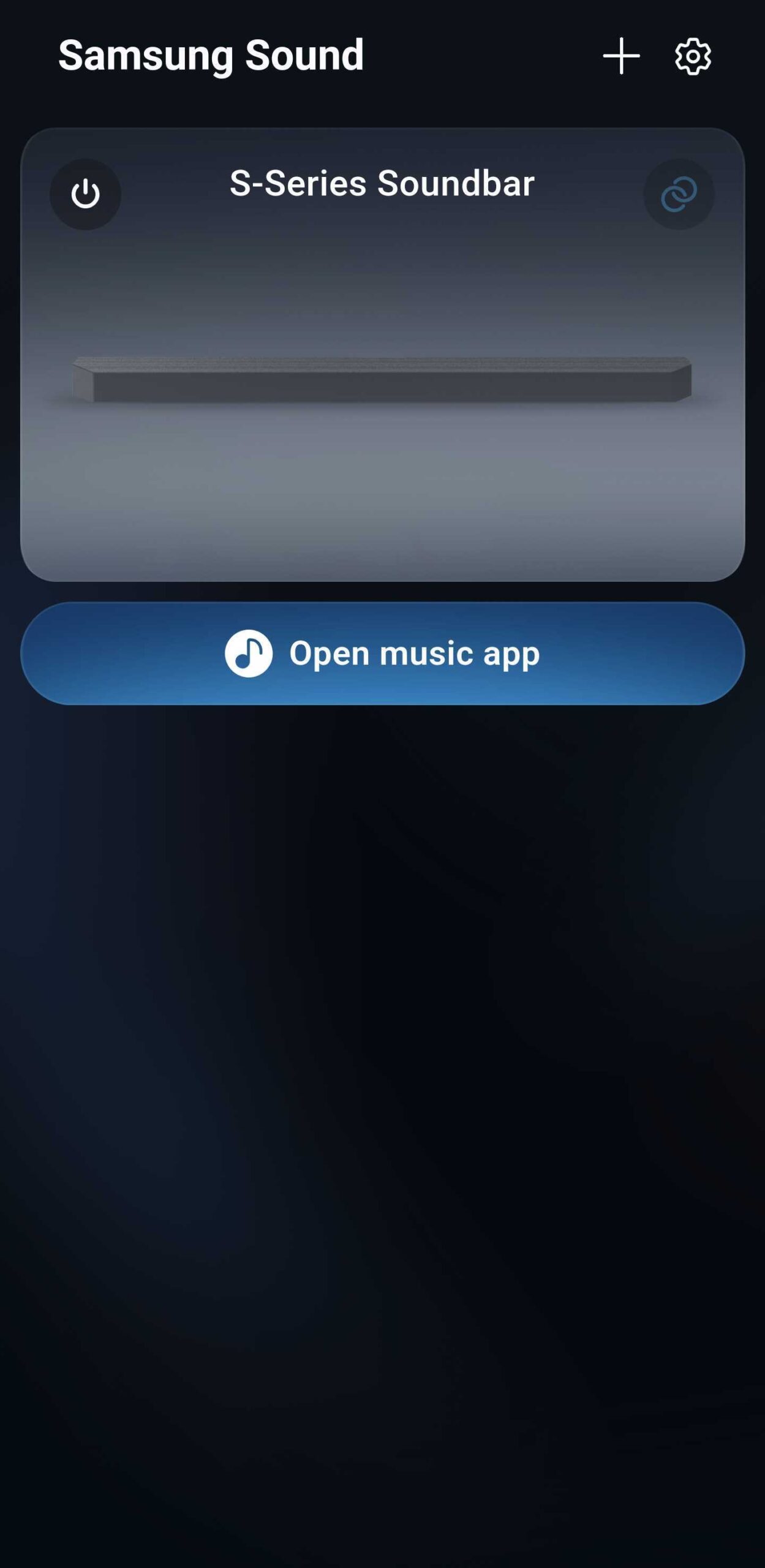
The "Open Music App" Mystery
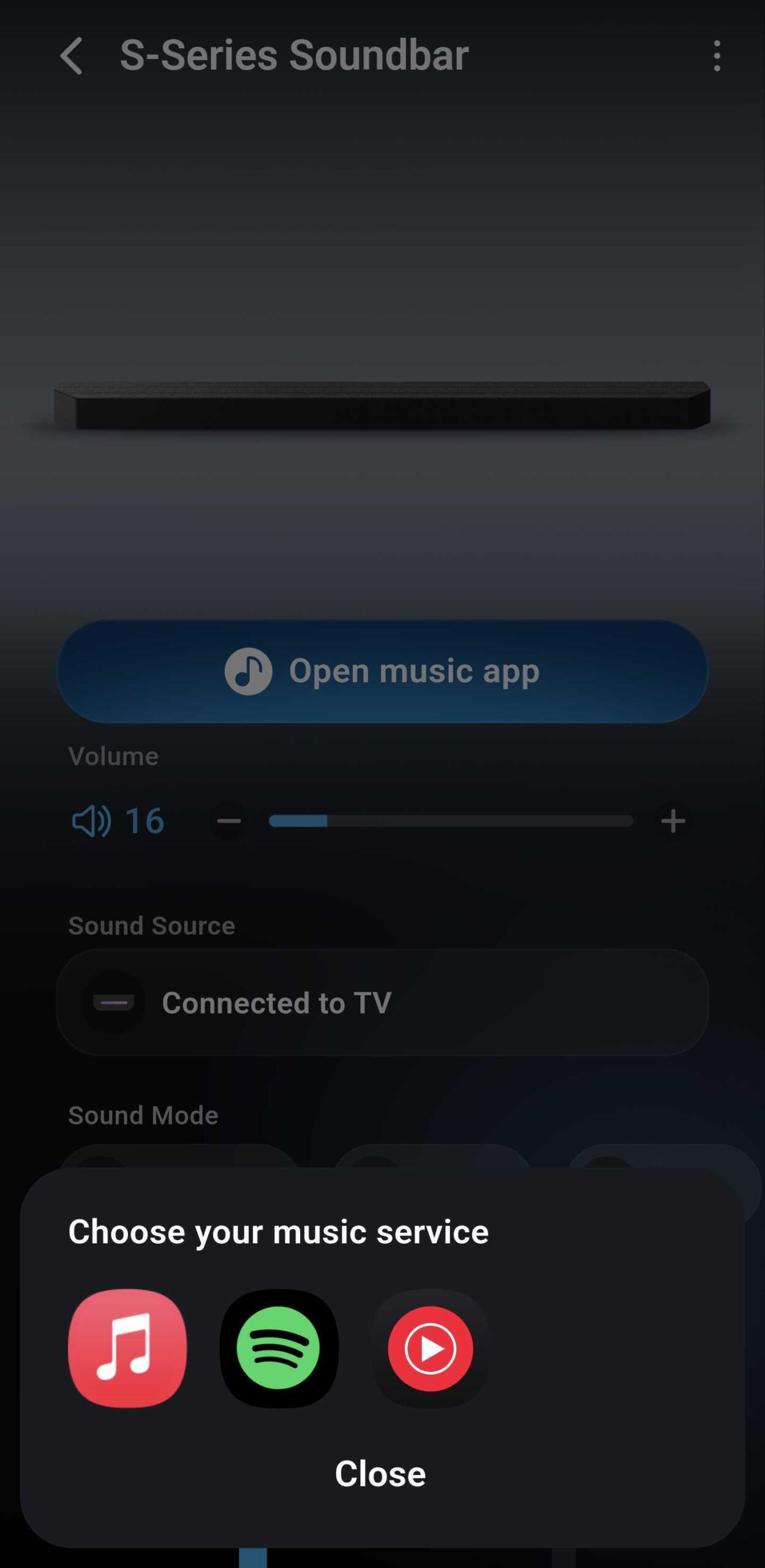
One of the most prominent features in the center of the UI is the "Open music app" button. While it sounds useful, its functionality is currently limited. It acts as a simple launcher for services like Spotify, YouTube Music, or Apple Music. It does not actually link the soundbar's internal streaming capabilities to these apps, nor can the list be customized. Surprisingly, Samsung's own Music app isn't even included in the default list, making the feature feel somewhat half-baked in its current iteration.
Troubleshooting the Pairing Process
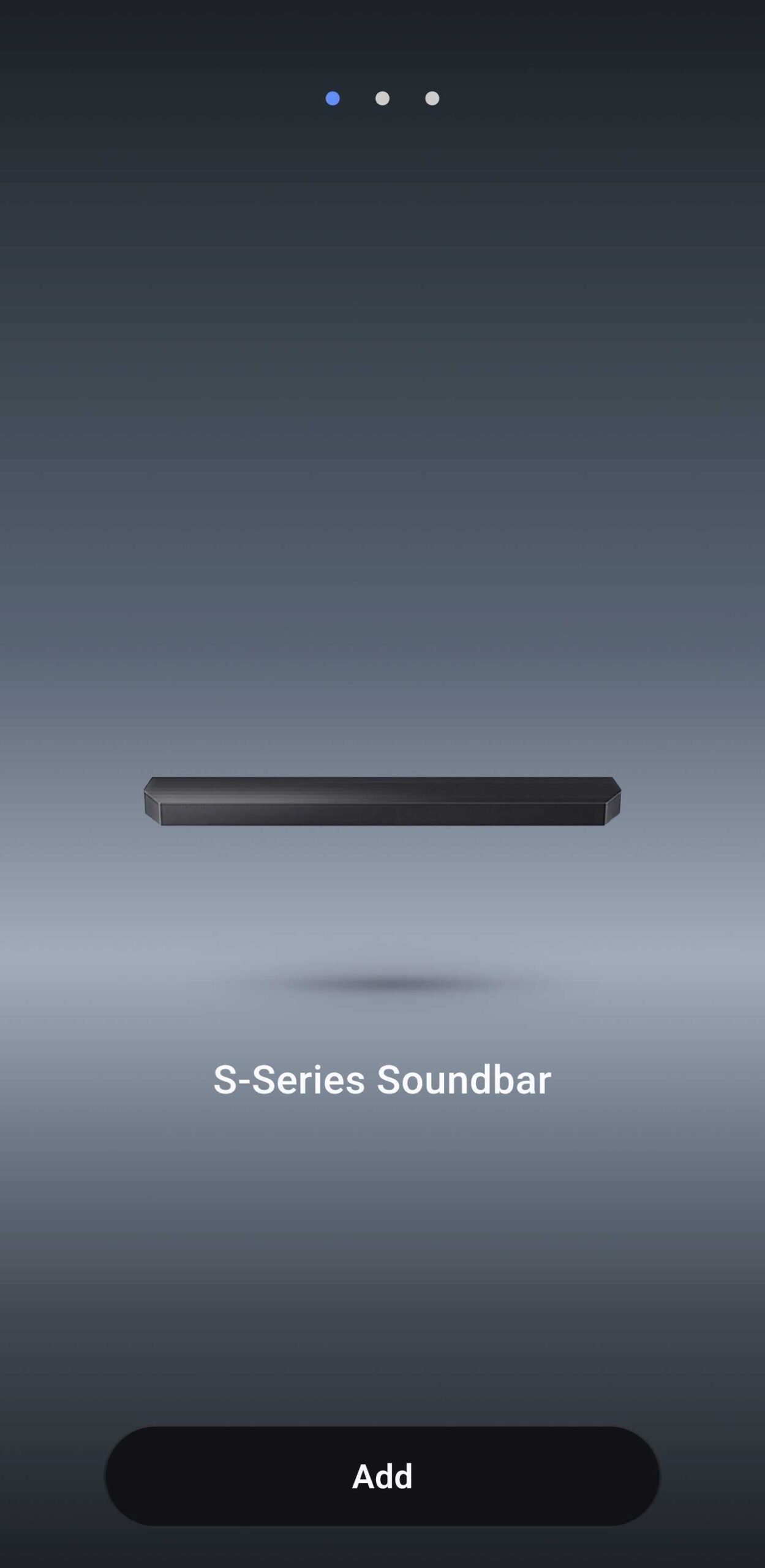
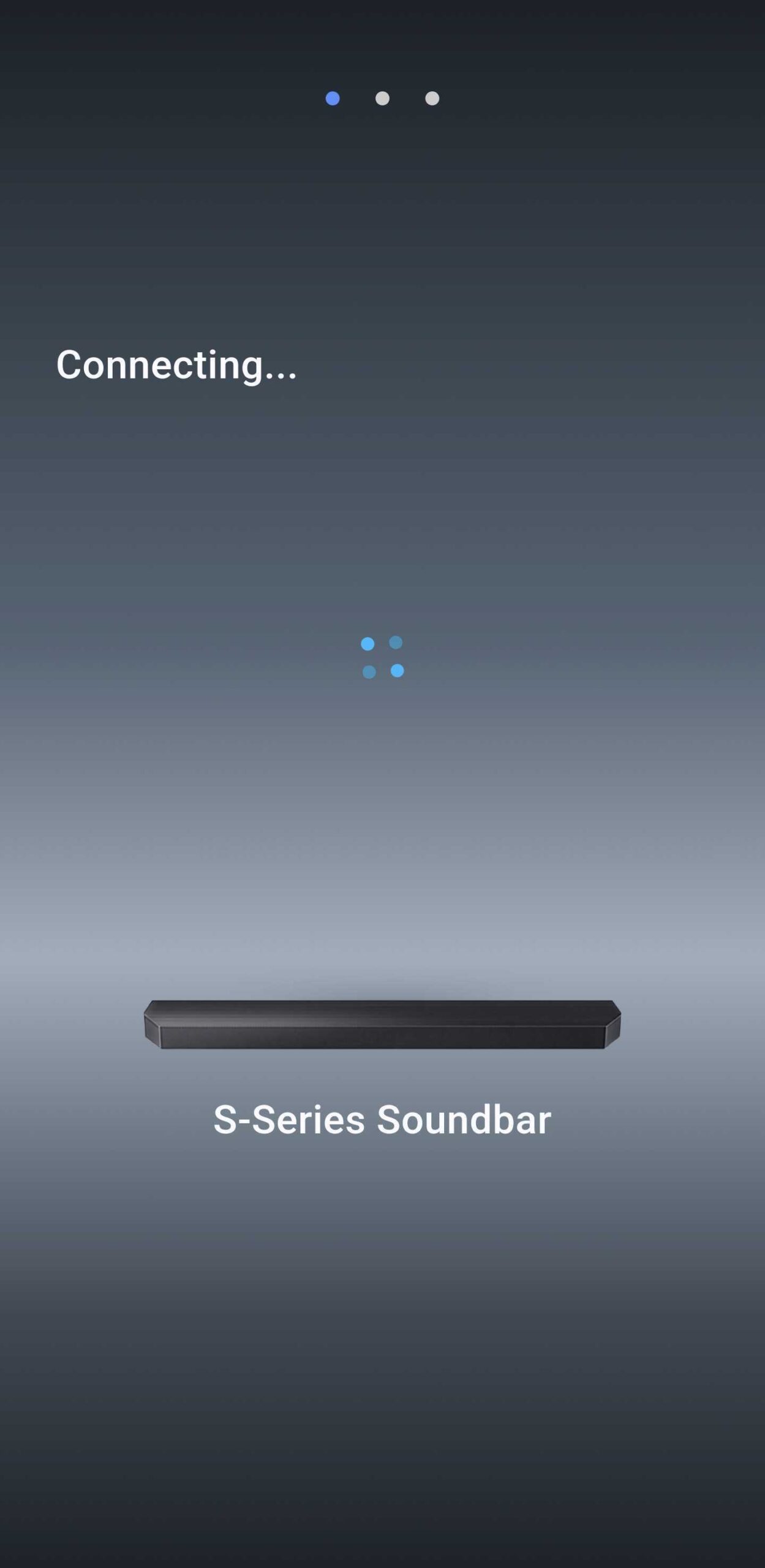
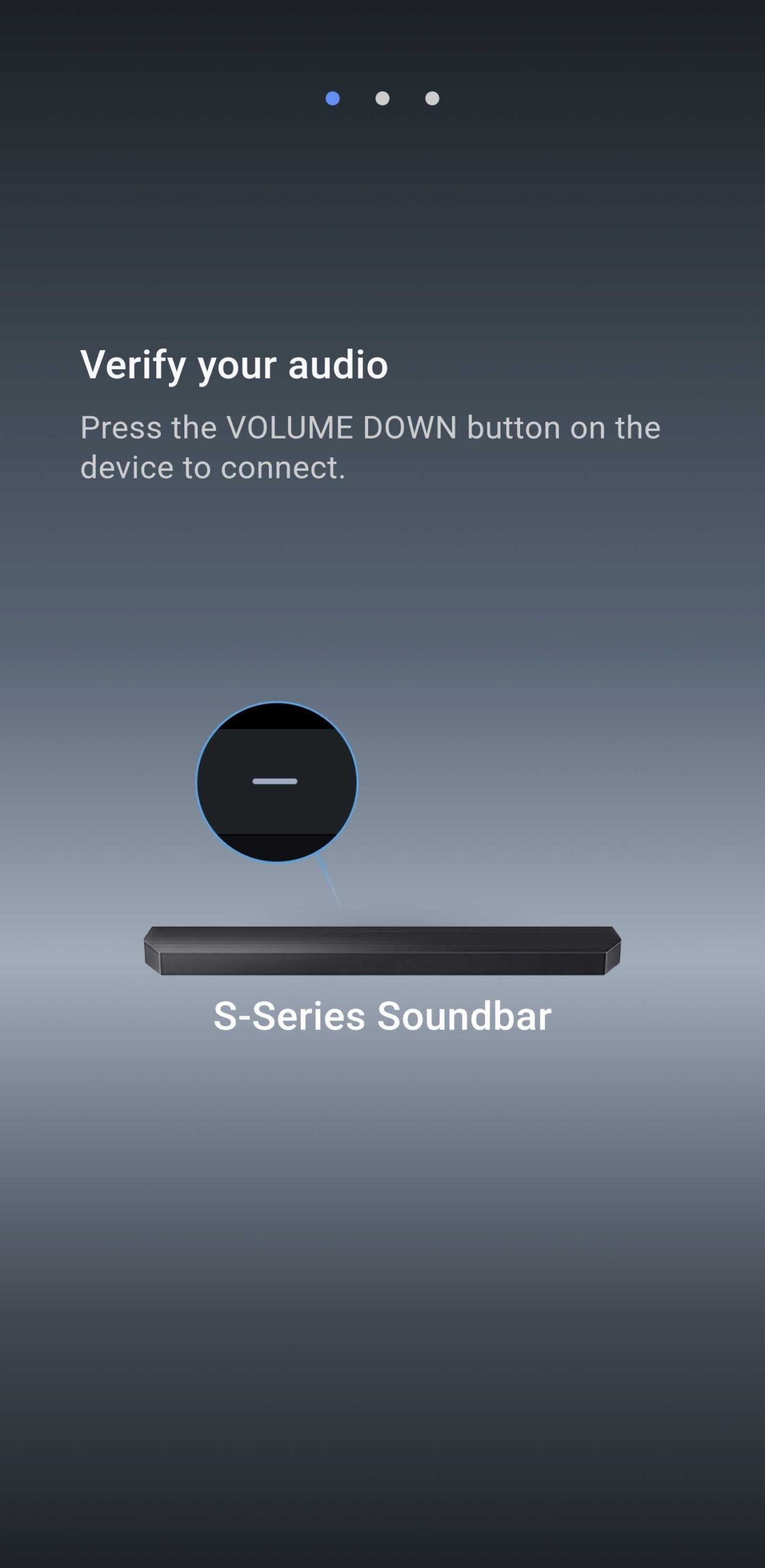
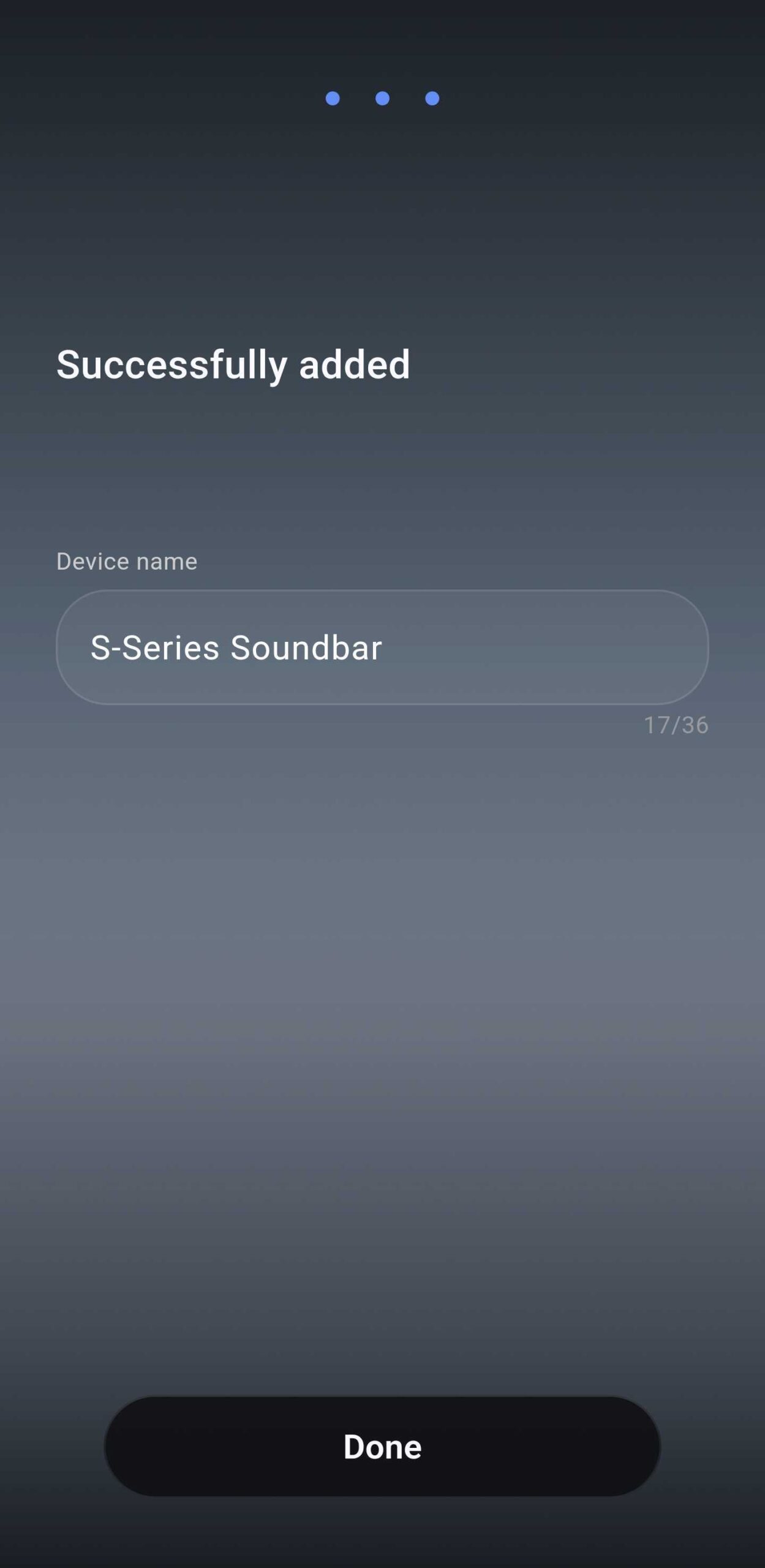
Because Samsung Sound and SmartThings operate independently, adding a device to one does not automatically populate it in the other. This independence is great for flexibility, but it has introduced a frustrating bug. Many users have reported that they cannot add their existing soundbars to the new app via manual setup or QR codes if the device is already registered in SmartThings.
The workaround is simple but slightly tedious: you must remove the soundbar from your SmartThings account first. Once the device is "free," the Samsung Sound app detects it immediately. After the initial setup in the new app is complete, you can safely add the device back to SmartThings without further issues. This friction is likely something Samsung will address in future patches.
The Verdict: Is it a Worthy Alternative?
Whether you should switch to Samsung Sound depends on your specific needs. If you manage multiple Samsung audio devices and want a faster, dedicated interface without the "smart home" clutter, it is definitely worth a try. The UI is objectively more attractive and feels more focused on the listening experience.
However, for those who rely on "Tap Sound," remote power-off capabilities, or advanced IP controls, SmartThings remains the superior tool. Most users will likely find themselves using both apps in tandem—Samsung Sound for daily adjustments and SmartThings for deeper system management. As Samsung continues to update the app, it has the potential to become a true replacement, but for now, it stands as a promising companion.
Can I use the Samsung Sound app if I don't have a Samsung phone?
Yes, the app is available on the Google Play Store for most modern Android devices, allowing users with different smartphone brands to control their Samsung Wi-Fi speakers and soundbars.
Will installing the new app delete my settings in SmartThings?
No, the two apps operate independently. However, you may need to temporarily remove your device from SmartThings to successfully pair it with the Samsung Sound app due to a current software bug.
Does the Samsung Sound app support older Bluetooth-only soundbars?
The app is specifically described as a tool for Wi-Fi enabled speakers and soundbars. Older models that rely exclusively on Bluetooth may not be compatible with this specific application.
Is there a version of this app available for iOS or the Galaxy Store?
Currently, the app is primarily distributed through the Google Play Store. It has not yet made a wide appearance on the Galaxy Store or the Apple App Store, though this may change with future updates.
Why can't I turn my soundbar off using the new app?
This appears to be a limitation or a design oversight in the current version of the app. While you can power the device ON, the OFF button is currently missing from the active interface.
🔎 In summary, the Samsung Sound app is a bold step toward a more specialized and visually appealing audio control experience. While it currently lacks the deep integration and full feature set of SmartThings, its streamlined performance and modern UI provide a glimpse into the future of Samsung's software ecosystem. For now, it serves as an excellent alternative for those who want quick, beautiful access to their audio settings, provided they are willing to navigate a few early-stage bugs.
Post a Comment