
Samsung Browser for Windows Level Up: Convert Your Favorite Websites into Desktop Apps
The Samsung Browser for Windows has come a long way since its initial debut. Originally launched in beta just a few months ago, Samsung quickly refined the experience, eventually moving out of testing to release a stable version to users across the globe. This transition marked a significant step in Samsung's efforts to unify the ecosystem between mobile and desktop environments.
- ✨ Install any website as a standalone application on your PC.
- ✨ Enhanced security protocols with version 30.0.1.40.
- ✨ Full compatibility with Windows 11 and Windows 10.
- ✨ Seamless data synchronization between Galaxy smartphones and computers.
- ✨ Integrated agentic AI capabilities for a smarter browsing experience.
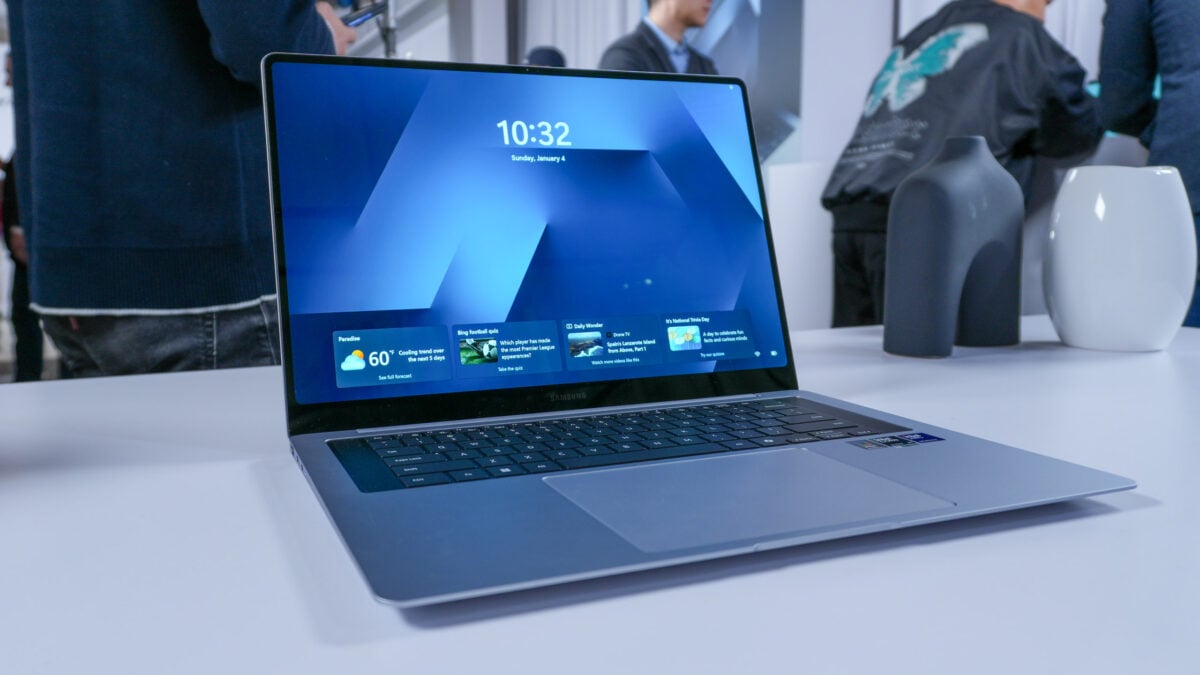
The tech giant has now introduced a fresh update for its PC-based internet browser, introducing a highly requested feature: the ability to install websites as dedicated apps. This functionality allows users to treat their most-visited portals as if they were native software installed on the operating system.
Version 30.0.1.40: Security and New Functionality
The latest iteration, Samsung Browser for Windows version 30.0.1.40, is now officially ready for users. Beyond the primary addition of website-to-app installation, this update serves a critical role in maintaining system integrity by patching several security vulnerabilities. While the official change log remains focused on these two pillars, the stability improvements are noticeable for daily users.
Compatibility remains broad, as the browser supports any machine running Windows 10 (specifically version 1809 or later) as well as the modern Windows 11. This makes it an accessible tool for a vast majority of PC users, especially those already invested in the Samsung hardware family.
One of the strongest arguments for switching to this browser is the cross-device continuity. For users who carry a Samsung Galaxy smartphone or tablet, the browser facilitates a bridge between devices, allowing for the syncing of bookmarks, open tabs, and browsing history. Additionally, Samsung has integrated "agentic AI" capabilities, aiming to make the browser more proactive and helpful during research or navigation tasks.
When you choose to install a website as an app, the experience is streamlined. While it doesn't fundamentally change the underlying code of the website, it removes the browser UI clutter (like the address bar and tabs), providing a focused, windowed experience. It functions as a sophisticated bookmark that lives in your Start menu or Taskbar, offering a cleaner way to access tools like social media or productivity suites.
It is encouraging to see Samsung actively developing its desktop browser rather than letting it stagnate. As the company continues to push its "Galaxy AI" initiative, we can likely expect even more robust feature upgrades that leverage artificial intelligence to further differentiate this browser from competitors like Chrome or Edge.
What is the main highlight of the latest Samsung Browser update for Windows?
The standout feature in version 30.0.1.40 is the ability to install websites as standalone apps on your PC, allowing for a cleaner and more accessible user experience for your favorite web pages.
Which versions of Windows are compatible with the Samsung Browser?
The browser is designed to work seamlessly on any computer running Windows 10 (version 1809 or later) and the latest Windows 11 operating system.
Does the Samsung Browser for PC sync with my Galaxy phone?
Yes, one of its primary benefits is cross-device continuity, which allows you to sync your browsing history, bookmarks, and even open tabs between your PC and Samsung mobile devices.
Are there any security improvements in this update?
Absolutely. Alongside the new app installation feature, version 30.0.1.40 includes vital fixes for several security vulnerabilities to ensure a safer browsing environment.
What are the "agentic AI" capabilities mentioned?
Samsung has integrated smart AI features within the browser to assist with tasks and provide a more intuitive navigation experience, moving beyond standard search functions.
🔎 In conclusion, the evolution of the Samsung Browser on Windows demonstrates Samsung's commitment to a truly connected ecosystem. By allowing websites to function as desktop apps and layering in AI-driven tools, they are providing Galaxy users with a compelling reason to move away from traditional browsers. Whether you are looking for better security or seamless continuity with your phone, this latest update makes the Samsung Browser a formidable contender in the PC space.
Post a Comment