
Samsung Galaxy S24 Ultra One UI 8.5 Update: Exploring the Latest Features and Enhancements
Samsung has officially begun the global rollout of the stable One UI 8.5 update for its premier flagship, the Galaxy S24 Ultra. This latest firmware release brings a host of refinements and new capabilities to an already powerful device, ensuring that users continue to enjoy the cutting edge of the Samsung One UI experience. As the update reaches more regions, it is clear that Samsung is focusing on personalization and aesthetic fluidity.
Article Highlights
- ✨ Complete overhaul of the Quick Panel for maximum customization.
- ✨ New floating menu bar in the Gallery app with modern blur effects.
- ✨ High-level feature parity with newer flagship releases.
- ✨ Specific chipset-based limitations regarding camera codecs.
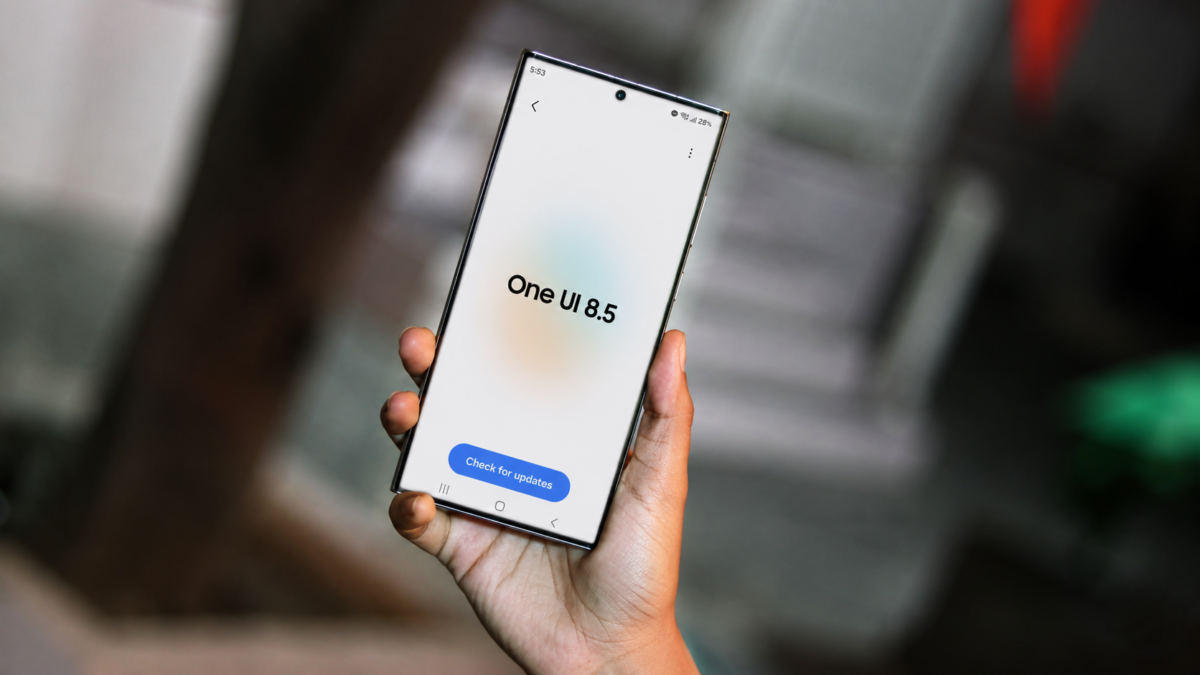
What’s New in One UI 8.5 for the Galaxy S24 Ultra
The most striking change in this update is the highly customizable Quick Panel. Users can now tap the edit icon to completely reshape their notification shade experience. Whether you want to resize specific toggles, rearrange their placement, or remove unused functions entirely, One UI 8.5 provides the flexibility to make the interface truly yours. This level of control is a significant step forward in Samsung's mission to provide a user-centric Android Update experience.
The Gallery app has also received a visual facelift. It now features a sleek floating menu bar at the bottom, enhanced by a sophisticated blur effect that matches the modern design language of the OS. While the core functionality remains familiar, the redesigned aesthetic makes browsing through your photos and videos more immersive and visually appealing.
Camera Performance and Limitations
While One UI 8.5 brings many improvements, the camera experience on the Galaxy S24 Ultra remains largely consistent with previous versions. It is important to note that a few niche features found on newer models are absent here. For instance, the 24-megapixel support and the horizontal lock feature have not been included in this specific build. Furthermore, the APV codec remains missing, which is a result of the hardware chipset limitations inherent to the device rather than a software oversight.
Despite these minor omissions, the overall stability and performance of the device feel more polished than ever. Samsung has ensured that the headline features of One UI 8.5 are present, keeping the S24 Ultra relevant and powerful in a competitive market.
Is the One UI 8.5 update available for the Galaxy S24 Ultra globally?
Yes, Samsung has started rolling out the stable version of the One UI 8.5 update for the Galaxy S24 Ultra across various regions globally. Users can check for the update in their system settings.
What are the biggest visual changes in this update?
The most notable visual changes include a redesigned, fully customizable Quick Panel and a new floating menu bar in the Gallery app that utilizes a modern blur effect for a more premium look.
Are there any camera features missing for the S24 Ultra?
Yes, some features like 24-megapixel support and the horizontal lock feature are missing. Additionally, the APV codec is not supported due to the device's specific chipset limitations.
Can I customize the size of the toggles in the Quick Panel?
Absolutely. One UI 8.5 allows users to edit the Quick Panel to customize the size and placement of various toggles, as well as remove ones that are not frequently used.
🔎 In conclusion, the One UI 8.5 update for the Galaxy S24 Ultra is a substantial refinement that focuses on personalization and aesthetic consistency. While some hardware-specific limitations prevent every single new feature from appearing, the vast majority of the "headline" improvements are here, making the user experience smoother and more beautiful. If you own an S24 Ultra, this is an update you certainly won't want to miss.
Post a Comment