
Samsung Galaxy S26 Series Receives New May 2026 Security Update for One UI 8.5 Users
Samsung has officially begun rolling out a fresh software update for its current flagship titans: the samsung galaxy s26, S26+, and S26 Ultra. This latest release is designed to bolster device security and ensure that users who haven't yet made the jump to the experimental beta versions remain fully protected with the most recent patches available.
- ✨ New security patch specifically for the Galaxy S26 flagship series.
- ✨ Update package size is approximately 560MB for European models.
- ✨ Addresses critical security vulnerabilities and improves system stability.
- ✨ Essential for users currently running one ui 8.5 update.
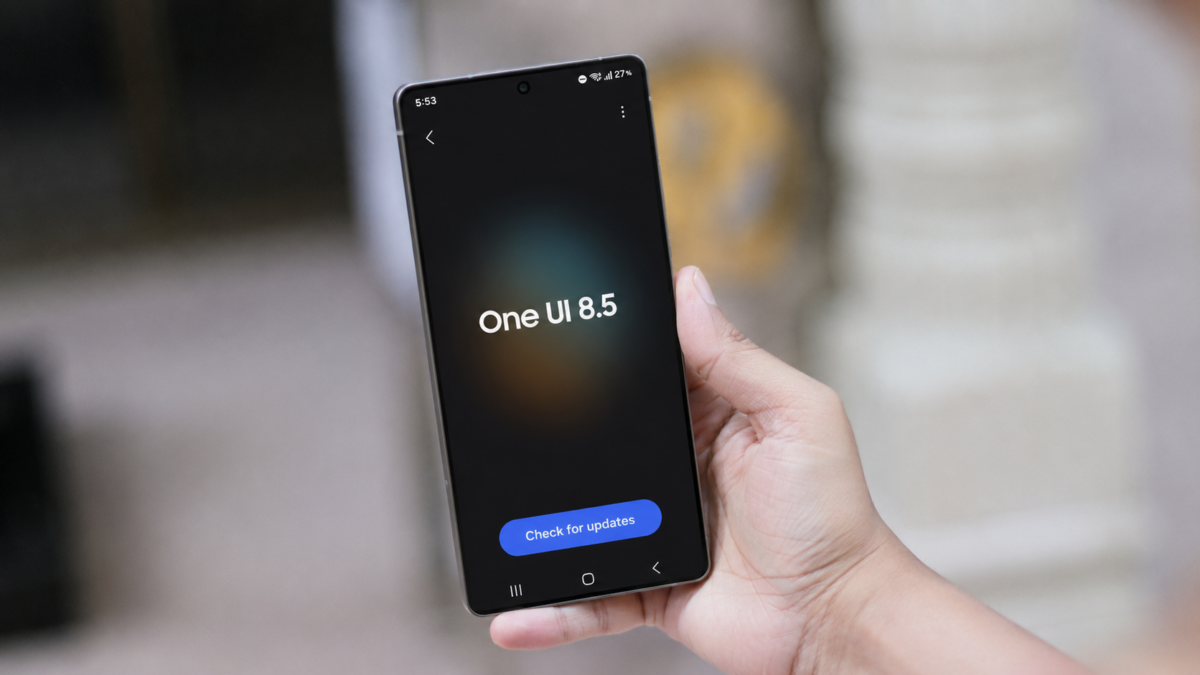
Boosting Security for the Galaxy S26 Lineup
While Samsung typically initiates its software deployments in its home market of South Korea, the May 2026 update for the samsung galaxy s26 series has made its initial landfall in Europe. This suggests a shift in deployment strategy or a specific focus on European network stability. Users in other regions, including North America and Asia, can expect the update notification to appear on their devices within the coming days as the rollout expands globally.
The update carries a package size of roughly 560MB and is identified by the build number S94xBXXS2AZE2. Given its size and the "S" designation in the build string, this is a security-focused release rather than a feature-heavy overhaul. Its primary objective is to integrate the may 2026 security patch, which fixes various vulnerabilities found within the Android OS and Samsung's proprietary software layer.
Focusing on One UI 9.0 and Android 17
The relatively small size of this update is understandable, as Samsung’s engineering teams are currently heavily invested in the development of One UI 9.0, based on Android 17. For enthusiasts who want to experience the next generation of Samsung’s interface, the One UI 9.0 beta program is already live in several key markets. Users in the UK, Germany, USA, South Korea, India, and Poland can enroll via the Samsung Members app to test early features.
If you are not interested in the potential bugs of a beta program, staying on the stable one ui 8.5 update path with these monthly security patches is the highly recommended choice for daily drivers. It ensures that your biometric data, personal files, and financial applications remain shielded from emerging digital threats.
How to Download the May 2026 Update
If you haven't received a push notification yet, you can manually trigger the update process. Navigate to Settings, scroll down to Software update, and select Download and install. We recommend performing the update while connected to a stable Wi-Fi network and ensuring your battery is charged to at least 50% to prevent any interruptions during the installation process.
What is the build number for the new Galaxy S26 update?
The latest security update for the Galaxy S26, S26+, and S26 Ultra is identified by the build number S94xBXXS2AZE2.
How large is the download file for this security patch?
The update file is approximately 560MB, making it a relatively quick download over a standard broadband or 5G connection.
Which countries can currently access the One UI 9.0 beta?
The beta program for the next major Android version is currently available in the UK, Germany, USA, South Korea, India, and Poland.
Does this update include any new AI features?
No, this specific update is focused strictly on enhancing device security and system stability rather than introducing new Galaxy AI features.
Is it safe to skip this update if I am waiting for One UI 9.0?
It is not recommended to skip security updates. These patches protect your device from known exploits, and having the latest stable firmware often makes the eventual transition to a major OS update much smoother.
🔎 Staying updated with the latest security patches is the best way to maintain the longevity and performance of your Galaxy S26. While the excitement for One UI 9.0 continues to build, these monthly refinements provide the necessary foundation for a secure and reliable mobile experience. Be sure to check your settings today to ensure your flagship remains at the forefront of Samsung's latest protective measures.
Post a Comment