
Samsung Galaxy Z Fold 7 and Flip 7 Receive First Post-One UI 8.5 Update
Samsung is moving at an impressive pace with its software support for its latest foldable devices. Just two weeks after the global rollout of the stable One UI 8.5 version, the tech giant has already begun pushing a new firmware update to the Galaxy Z Fold 7 and the Galaxy Z Flip 7. This rapid turnaround highlights Samsung's commitment to maintaining device security and performance immediately following major OS transitions.
- ✨ First software improvement following the worldwide One UI 8.5 release.
- ✨ Includes the May 2026 security patch for enhanced data protection.
- ✨ Initial rollout started in South Korea for all flagship foldable models.
- ✨ Build number ends in BZE1 with a file size of approximately 400 MB.
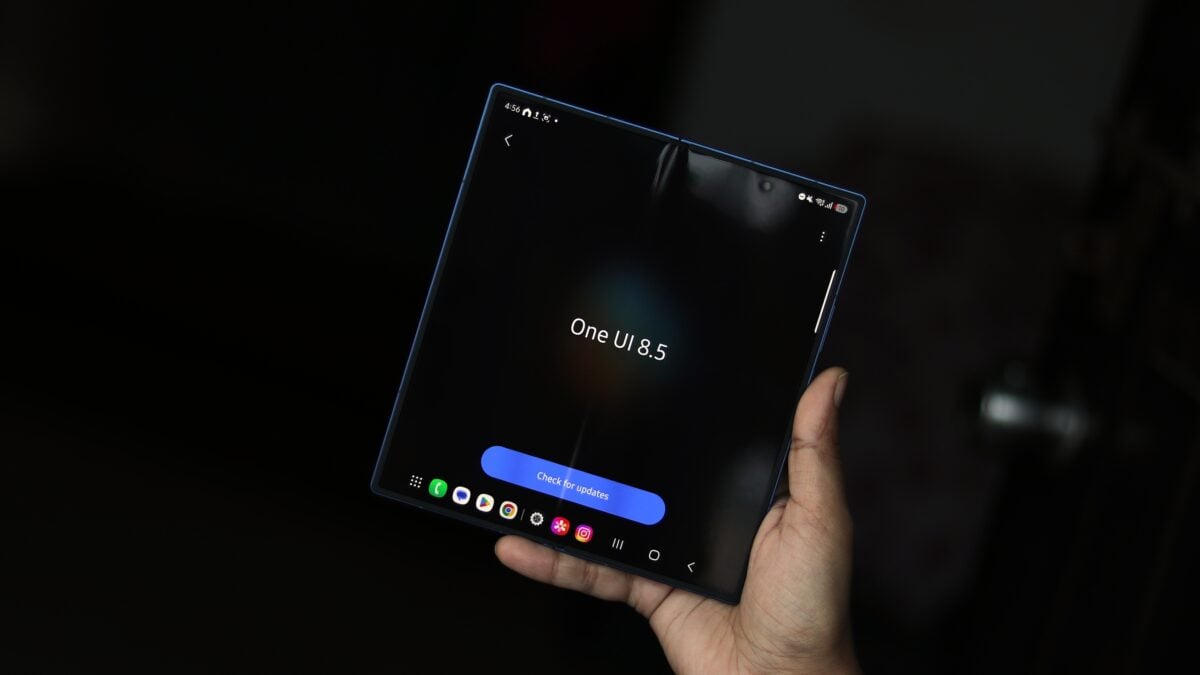
Samsung’s Rapid Update Cycle: What’s New for Foldables?
The Samsung software updates cycle is often the fastest in the Android ecosystem. Making its debut in South Korea, the May 2026 security update is designed to fortify the system against newly discovered vulnerabilities. While One UI 8.5 introduced a host of new features and AI capabilities, this specific update focuses on stability and security, ensuring that the cutting-edge hardware remains protected.
Beyond the primary flagships, the update is also expected to become available for the innovative Galaxy Z TriFold and the more accessible Galaxy Z Flip 7 FE in the coming days. This suggests that Samsung is synchronizing its security efforts across the entire foldable family.
How to Identify and Install the Update
Owners of the Galaxy Z Fold 7 and Flip 7 can identify this latest release by checking the build number, which ends in BZE1. The update package is relatively light, weighing in at just over 400 MB, making it a quick download for most users. As always, it is recommended to download the update over a stable Wi-Fi connection to avoid unnecessary data charges.
To check for the update manually, users can navigate to the phone's Settings > Software update menu and tap on "Download and install." While the rollout is currently concentrated in Korea, history suggests that European and North American markets will likely see the update go live within the next few days.
Global Availability and Expectations
Because South Korea typically receives One UI features and security patches slightly ahead of other regions, the brief delay for international users is standard. This phased rollout allows Samsung to monitor for any unforeseen bugs in a smaller market before a wider release. If you own a premium Samsung foldable, keep an eye on your notifications, as the May 2026 patch is just around the corner.
What is included in the new update for Galaxy foldables?
This update primarily focuses on security. It integrates the May 2026 security patch, which addresses various vulnerabilities within the Android operating system and Samsung's custom software to ensure user data remains safe.
Which regions are currently receiving the BZE1 firmware?
The rollout has officially started in South Korea. It is expected to expand to other global markets, including Europe, Asia, and North America, within a few days.
How can I check if the update is available for my device?
You can check for the update by going to Settings, selecting Software Update, and then tapping on Download and Install. If the update is available for your specific model and region, it will appear there.
Is this update available for the Galaxy Z TriFold?
Yes, the May 2026 security update is expected to be released for the Galaxy Z TriFold and the Galaxy Z Flip 7 FE shortly, following the initial release for the Fold 7 and Flip 7.
🔎 In conclusion, Samsung continues to set the gold standard for post-launch support. By delivering a security patch so closely following the massive One UI 8.5 update, the company ensures that its most expensive and experimental devices remain the most secure. Whether you are using the Z Fold 7 for productivity or the Z Flip 7 for its compact style, this update is a vital step in maintaining the longevity and safety of your device.
Post a Comment