
Samsung One UI 8.5: Transforming Your Galaxy Phone into a Silent Disco Powerhouse
Samsung continues to refine its ecosystem with the release of One UI 8.5, bringing a host of user-centric features to the forefront. Among these enhancements, a particularly exciting addition has appeared in the Connected Devices menu: Audio Broadcast. While the underlying technology has existed in previous versions, Samsung has now rebranded and prioritized this feature, making it easier than ever for users to share their favorite sounds with the world around them.
- ✨ One UI 8.5 introduces a simplified "Audio Broadcast" menu for seamless sound sharing.
- ✨ The feature utilizes advanced Bluetooth LE Audio and Auracast technology.
- ✨ Users can host "silent disco" parties with an unlimited number of nearby listeners.
- ✨ Broadcasters can share either their device's media or their live voice.
- ✨ Compatible with flagship Galaxy phones and the latest Samsung earbuds.
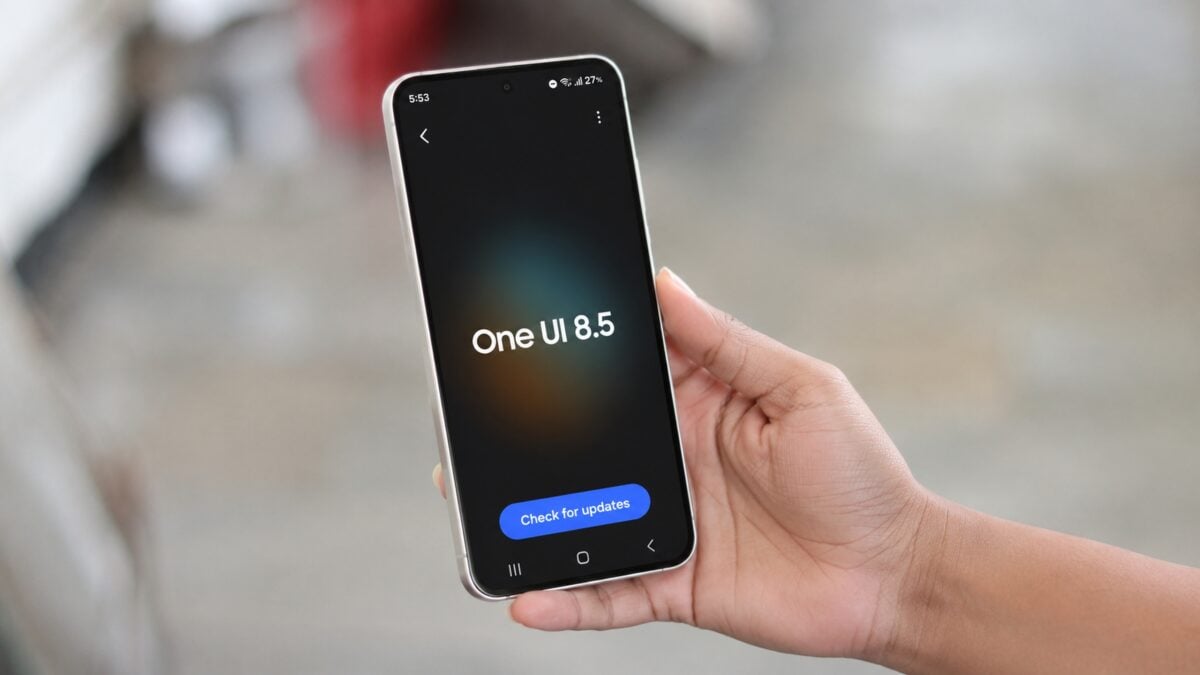
If you are an eagle-eyed One UI 8.5 user, you might have noticed the new "Audio Broadcast" option nestled within your settings. This isn't just a minor cosmetic change; it is a strategic move to make Auracast broadcasting more discoverable. Audio Broadcast allows you to stream music or your own voice directly from your phone to anyone in the vicinity who has compatible equipment. It’s a game-changer for social gatherings, public speaking, or even just sharing a movie with a friend without splitting physical earbuds.
The most impressive aspect of this system is its scalability. Unlike traditional Bluetooth pairing, which is limited to one or two devices, Audio Broadcast has no hard limit on the number of participants. As long as listeners are within range of the Auracast signal, they can tune in and enjoy the high-quality stream. This makes Galaxy phones the perfect tool for hosting headphone parties or "silent discos," where the music is broadcasted wirelessly to everyone’s ears instead of through loud speakers.
How to Set Up and Start Your Own Audio Broadcast
Setting up your own broadcast on a device running One UI 8.5 is remarkably straightforward. To begin transmitting your audio or voice, follow these steps:
- Navigate to Settings.
- Select Connected devices.
- Tap on Audio broadcast.
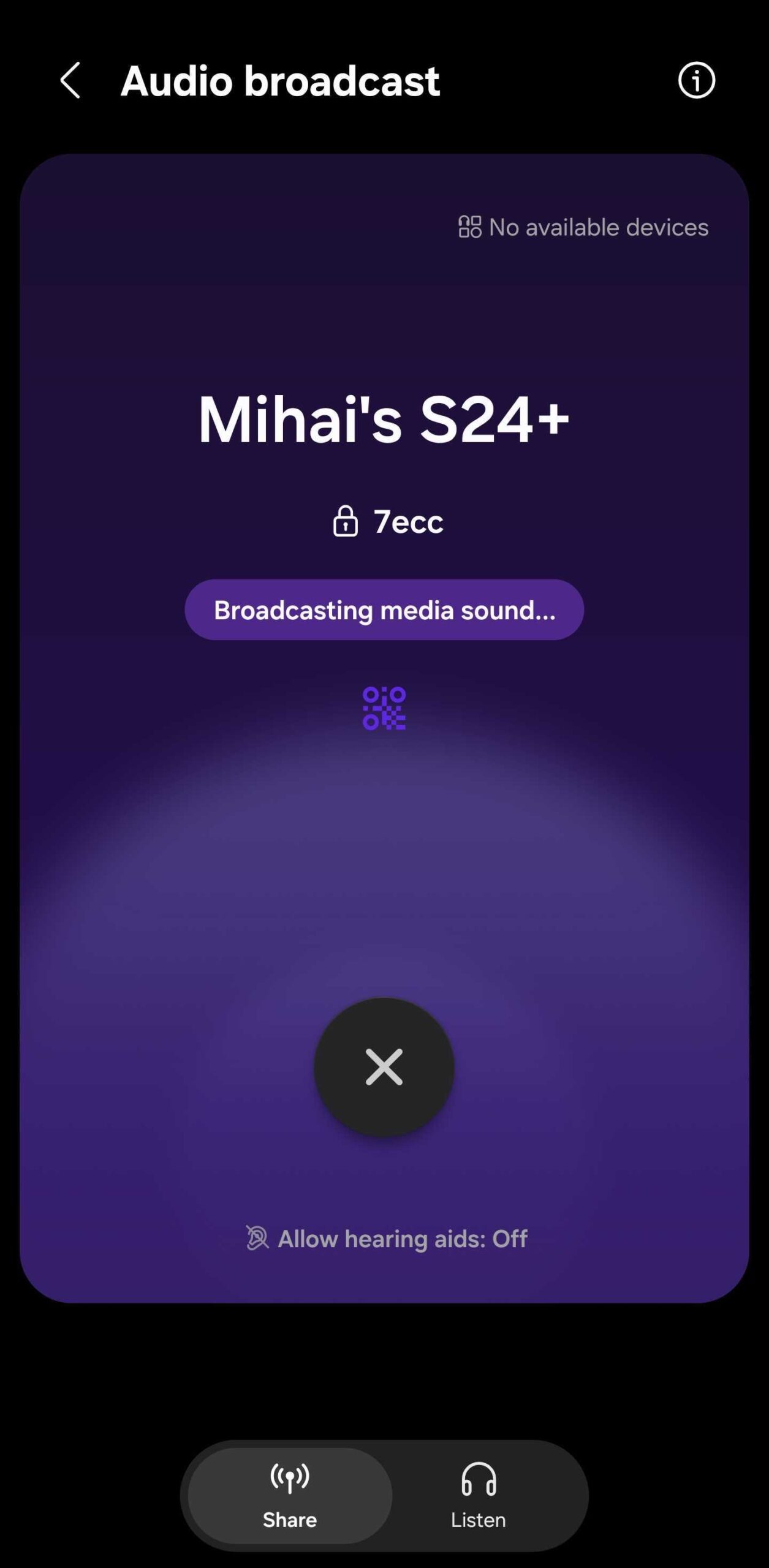
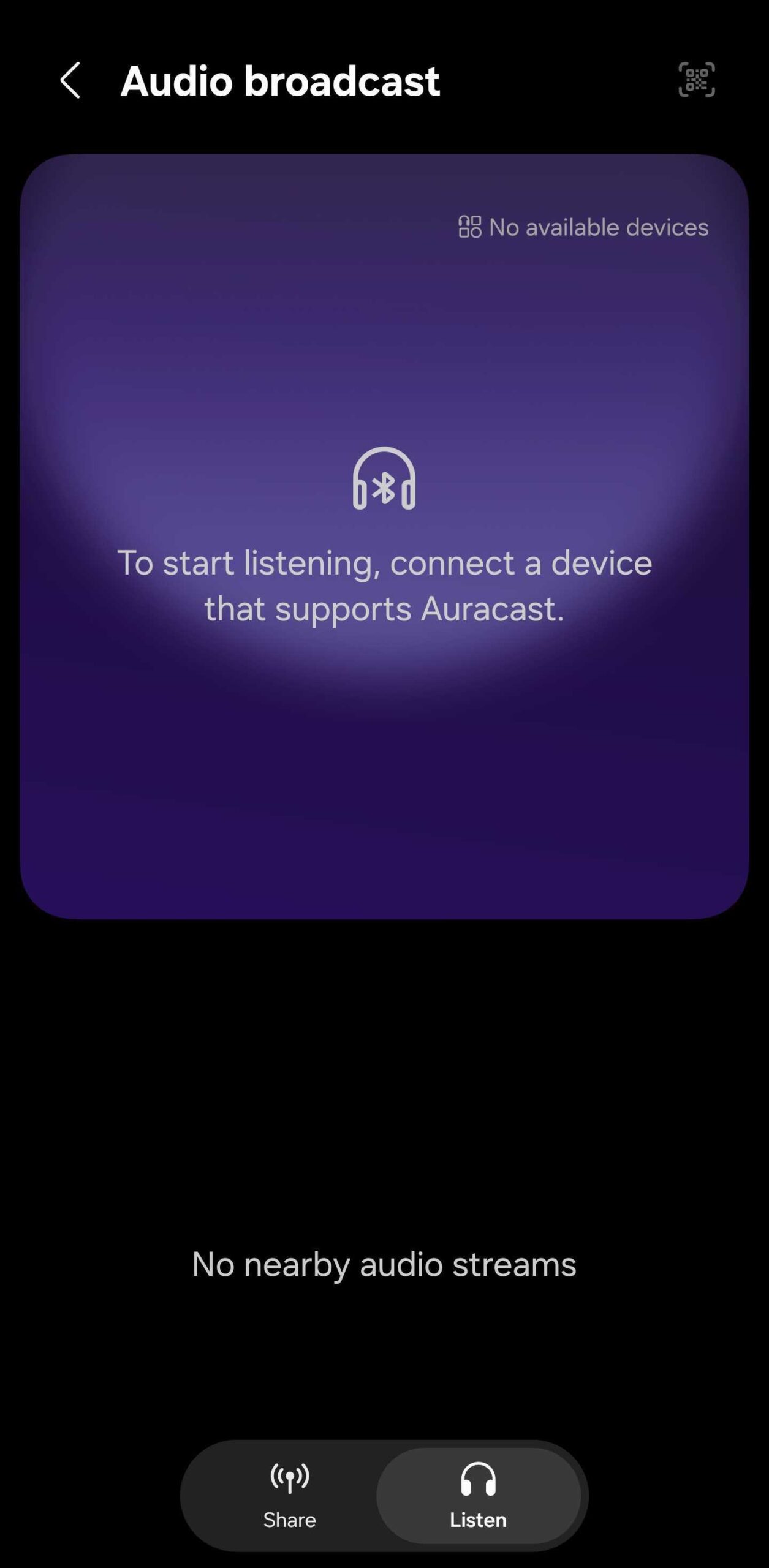
Once inside this menu, you have several customization options. You can choose a unique name for your device so others can identify your stream, set a secure password to keep your party private, and decide whether you want to broadcast the media currently playing on your phone or use the microphone to stream your voice live. For those wanting to join a broadcast, the process is just as simple: they just need to navigate to the Listen tab in the same menu or scan a QR code generated by the host device.
Critical Compatibility and Technical Requirements
While One UI 8.5 makes the feature more accessible, there are some technical prerequisites to keep in mind. The system relies heavily on Bluetooth LE Audio technology. This means that both the broadcasting device and the receiving headphones must support this standard. Currently, the Galaxy Buds 2 Pro and all subsequent Samsung earbud models are fully compatible. On the device side, the Galaxy S23 series, Z Fold 4/Flip 4, Galaxy A54, and the Galaxy Tab S9 series (and newer) are all equipped to handle these broadcasts.
It is also worth noting that users on older firmware versions aren't entirely left out. While One UI 8.5 offers the most intuitive interface, devices running versions as old as One UI 6.1 can still access Auracast features through a slightly deeper menu: Settings > Connections > Bluetooth > More options > Broadcast sound using Auracast. Additionally, Samsung’s latest laptops, including the Galaxy Book 3 Pro and Ultra models, are also part of this growing ecosystem of connected audio.
As One UI 8.5 continues its global rollout to more Galaxy devices, we expect to see even more creative uses for Audio Broadcast. Whether you're a tech enthusiast looking to try the latest Bluetooth features or someone who just wants to share music with friends in a new way, this update is a significant step forward. For a deeper dive into everything this new firmware has to offer, check out our comprehensive video overview below.
What exactly is the Audio Broadcast feature in One UI 8.5?
Audio Broadcast is a feature based on Auracast and Bluetooth LE Audio technology that allows a Galaxy device to stream music or voice to an unlimited number of nearby compatible Bluetooth receivers simultaneously.
Do I need special headphones to listen to an Audio Broadcast?
Yes, the receiving headphones or earbuds must support Bluetooth LE Audio and Auracast. For Samsung users, this includes the Galaxy Buds 2 Pro and any newer earbud models released by the company.
How many people can join a single broadcast?
There is no technical limit to the number of listeners. Anyone with compatible hardware who is within the range of the host's Bluetooth signal can join the broadcast.
Can I use this feature on older Samsung phones?
The feature is available on devices running One UI 6.1 or newer, though One UI 8.5 provides the most accessible menu. Compatible hardware includes the Galaxy S23 series, Galaxy A54, and Z Fold 4/Flip 4 and newer models.
Is it possible to password-protect my audio stream?
Absolutely. In the Audio Broadcast settings menu, hosts have the option to set a password so that only people with the code can listen to the broadcast.
🔎 Samsung's decision to bring Audio Broadcast to the forefront of the One UI 8.5 experience highlights the brand's commitment to social and flexible technology. By leveraging the power of Auracast, Galaxy users are no longer limited by traditional Bluetooth constraints, opening up a world of possibilities for shared listening experiences. As more devices and accessories adopt the LE Audio standard, we can expect "silent discos" and shared media moments to become a standard part of our digital social lives.
Post a Comment