
Samsung One UI 8.5 Update: Breathing New Life into Classic Graphical Wallpapers
The latest **One UI 8.5** update is officially expanding its reach to more Galaxy devices globally. After landing on the Galaxy S24 series, users are discovering subtle yet delightful additions that haven't received much spotlight. Among these is a significant modernization of Samsung's legacy wallpaper collection, proving that even "old" features can feel fresh again with the right touch of technology.
✨ Article Quick Summary:
- ✨ One UI 8.5 revamps the legacy "Graphical" wallpaper section first introduced in One UI 5.0.
- ✨ All eight graphical wallpapers are now interactive, featuring parallax effects and touch responses.
- ✨ Wallpapers are now optional downloads, helping users save precious internal storage space.
- ✨ New sports-themed designs, including basketball and tennis, have been added to the collection.
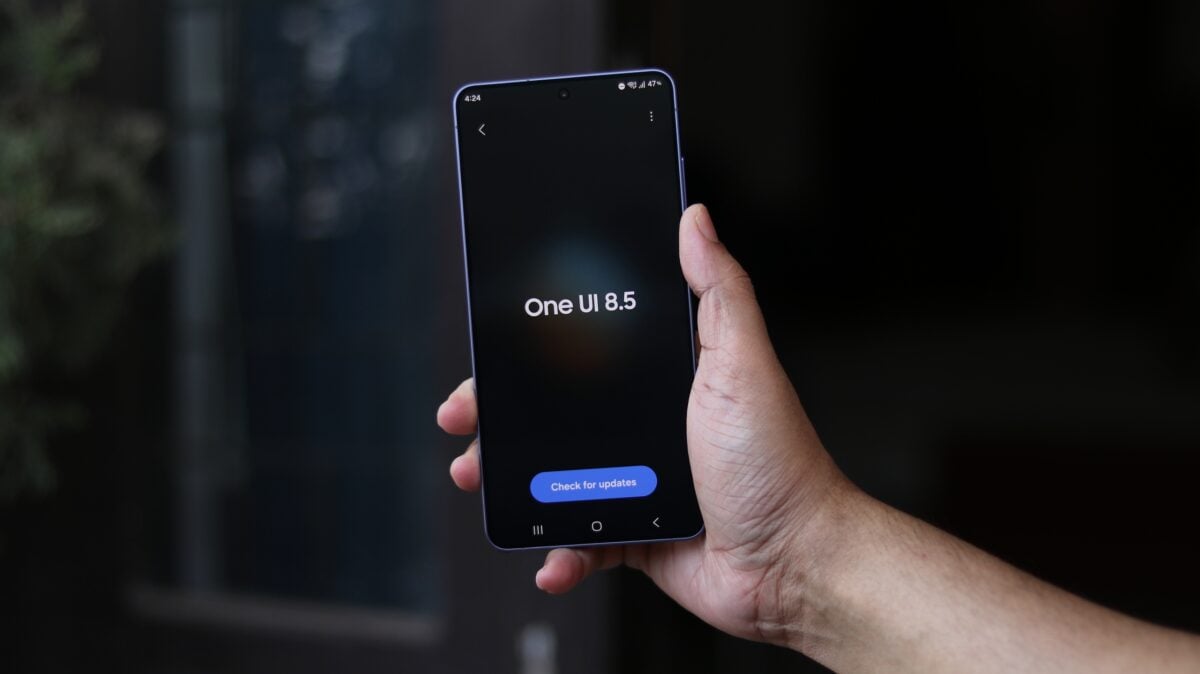
The introduction of downloadable wallpapers in **Samsung Galaxy Update** history marks a shift in how the company manages system aesthetics. While it might seem like a minor tweak, these refreshed designs have a long history within the Samsung ecosystem, and their return with interactive elements provides a much-needed modernization to the user interface.
Understanding the New Downloadable Wallpaper System
At first glance, the wallpaper customization menu in One UI 8.5 remains familiar. You still have the AI-powered Creative Studio for generating unique backgrounds. However, the real change lies within the "Graphical" section. Samsung has transitioned these from pre-loaded system files to optional downloads. According to the official changelog, this move ensures that wallpapers "don't use up your storage space when not in use."
Upon closer inspection, the Graphical section—which debuted years ago with One UI 5.0—has been completely overhauled. Every wallpaper now features a download icon. This includes the original set and two brand-new designs, bringing the total to eight interactive options.
What Makes These Wallpapers "Interactive"?
The term "interactive" in One UI 8.5 refers to dynamic animations that respond to user input or device movement. Some wallpapers utilize parallax effects that shift based on the phone's motion sensors, while others react directly to screen taps. It is important to note that these animations are exclusive to the lock screen; the wallpapers remain static on the home screen to preserve battery life and reduce visual clutter during app usage.
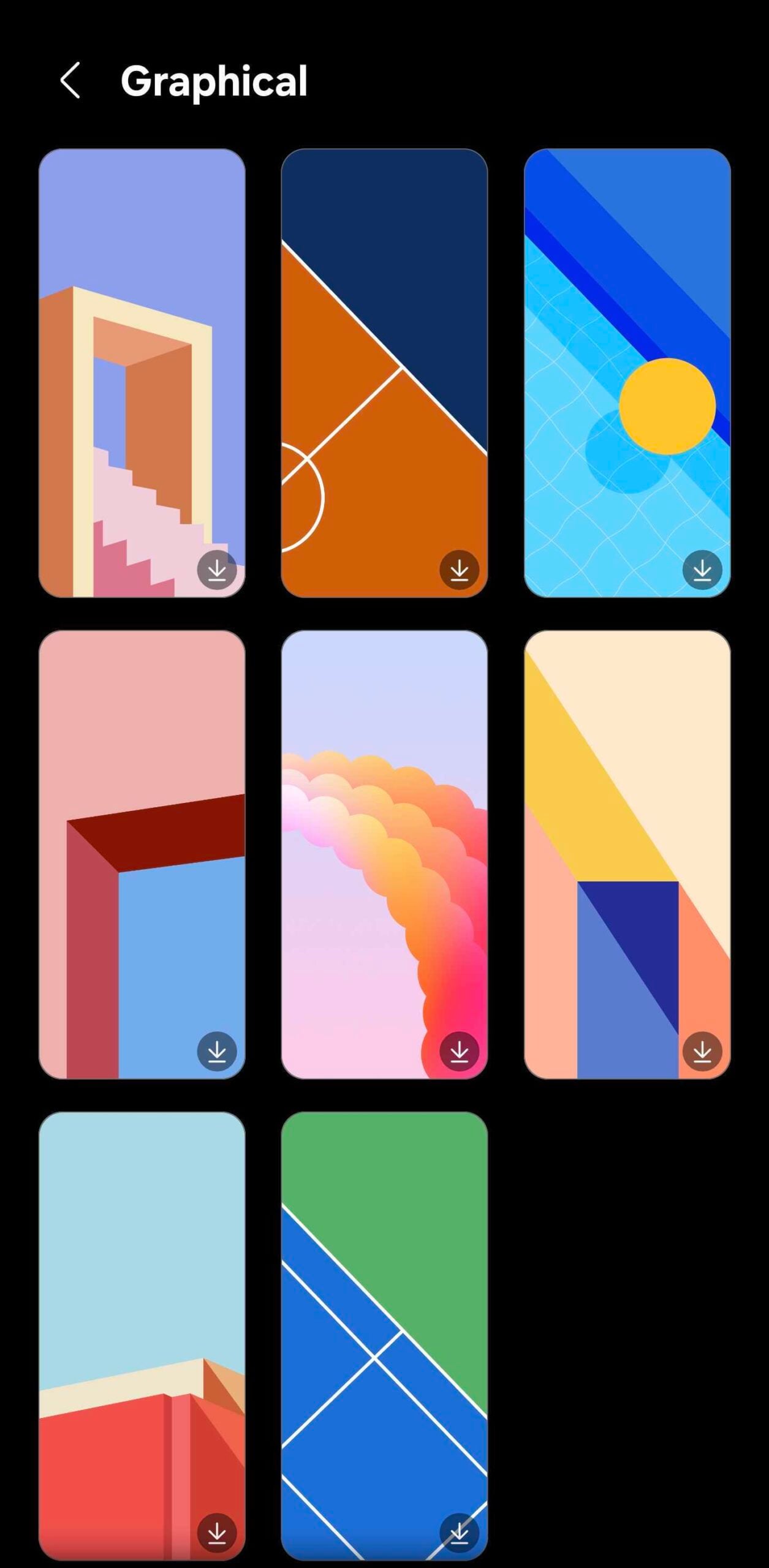
For instance, the classic tennis court wallpaper now features a bouncing ball that moves when you touch the screen. Samsung has also added a basketball-themed variant that follows the same interactive logic. Because high-quality animations require more data than simple JPEG files, making them optional downloads is a smart way to offer premium features without bloating the system firmware.
How to Try the New Wallpapers
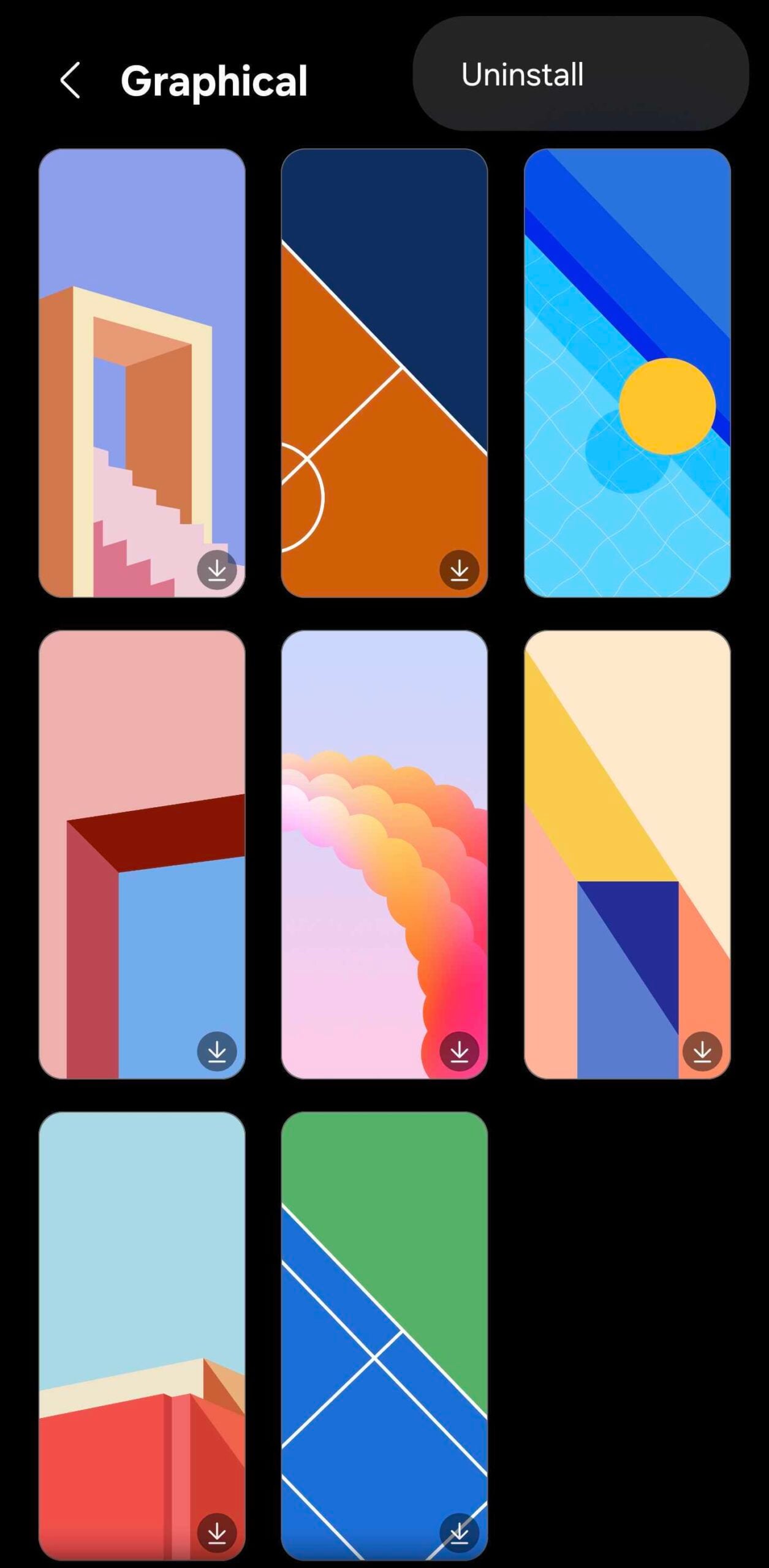
If you have updated your device to **One UI 8.5 Features**, you can explore these new options by following these steps: Pinch the home screen, select **Wallpaper and style**, tap **Change wallpapers**, and scroll down to the **Graphical** section. From there, you can download, apply, or uninstall any of the eight available designs at your convenience.
Where can I find the new interactive wallpapers in One UI 8.5?
You can find them by long-pressing or pinching your home screen, navigating to "Wallpaper and style," selecting "Change wallpapers," and scrolling down to the "Graphical" category. You will see icons indicating they are available for download.
Do these animated wallpapers drain the battery quickly?
Samsung has optimized these wallpapers by only enabling animations on the lock screen. On the home screen, they remain static images, which significantly reduces battery consumption compared to traditional live wallpapers that run constantly.
Can I delete the wallpapers after downloading them?
Yes, one of the main benefits of this new system is that these wallpapers are modular. If you no longer want them or need to free up storage, you can easily uninstall the downloaded wallpaper files through the same customization menu.
What kind of interactive effects are included?
The effects vary by design. Some use the phone's accelerometer to create a 3D parallax effect as you tilt the device, while others, like the sports themes, respond with specific animations (like a bouncing ball) when you tap the display.
🔎 In conclusion, the modernization of Graphical wallpapers in One UI 8.5 is a testament to Samsung's attention to detail. By transforming legacy static designs into interactive, optional downloads, the company has successfully balanced nostalgia with modern functionality and storage efficiency. Whether you are a fan of the classic One UI 5.0 aesthetic or looking for something new to spice up your lock screen, these refreshed wallpapers are a small but impactful upgrade that enhances the overall Galaxy experience.
Post a Comment