
Samsung One UI 9 Features Revealed: Everything New for Galaxy Users
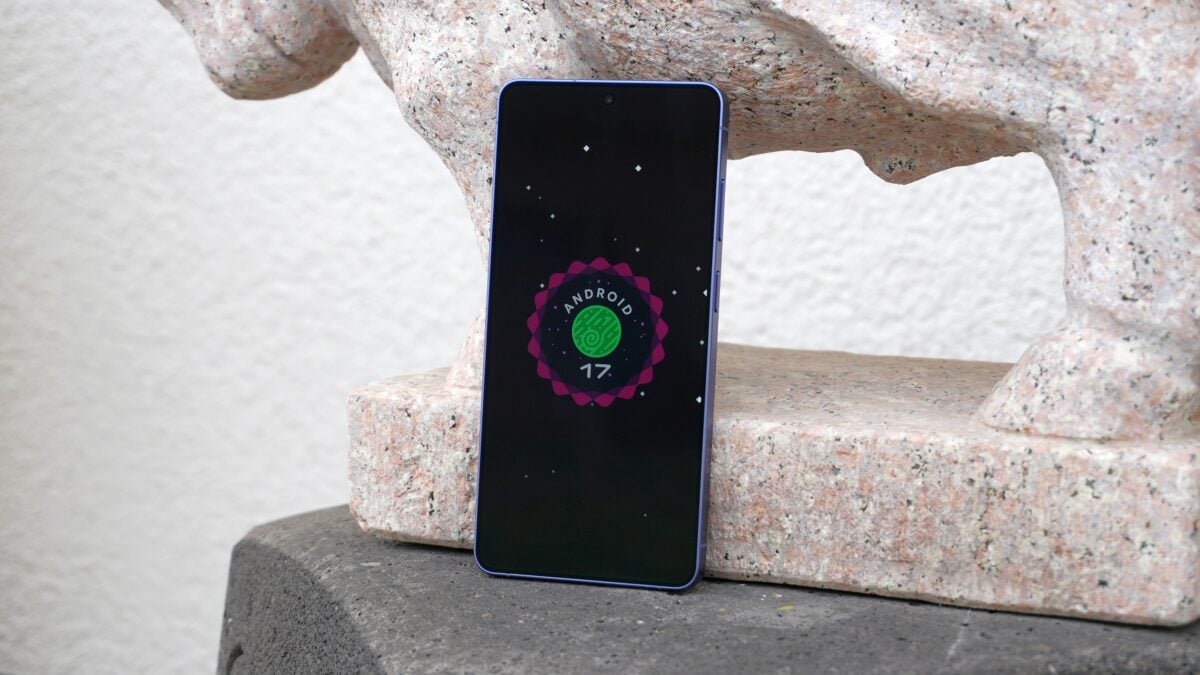
Samsung is already setting the stage for the future of its mobile ecosystem. Following the rollout of the stable One UI 8.5 update, the tech giant has officially announced the first wave of features for One UI 9.0. Built on the foundation of Android 17, this upcoming software version promises to elevate the user experience through deeper customization, smarter stock applications, and a reinforced commitment to privacy and security.

- ✨ Advanced Quick Panel layout controls for personalized brightness and volume management.
- ✨ Creative upgrades for Samsung Notes including new pen styles and decorative tapes.
- ✨ Seamless integration of Creative Studio into the stock Contacts app for profile customization.
- ✨ Proactive security warnings and AI-driven protection against high-risk applications.
- ✨ Enhanced accessibility features, including unified TalkBack and adjustable cursor speeds.
The Evolution of Customization in One UI 9.0
The Quick Panel undergoes a significant transformation in this update. While One UI 8.5 introduced high levels of flexibility, One UI 9.0 takes it a step further by allowing users to independently resize and rearrange sections for display brightness, volume levels, and media playback. This ensures that the most frequently used controls are always exactly where the user wants them, regardless of screen size.
For the creative community and students, the Samsung Notes app receives a substantial boost. The addition of decorative tapes and expanded pen line styles transforms the app from a simple note-taking tool into a powerful platform for journaling and creative documentation. These features are designed to make digital handwriting feel more personal and expressive on Galaxy devices.
Smarter Integration and Enhanced Security
Integration is a key theme for One UI 9.0. The Creative Studio app, which was previously a standalone tool, is now baked directly into the stock Contacts application. This allows users to design and update personalized profile cards for their contacts without ever leaving the app, streamlining the social experience across the interface.
Security remains a top priority. One UI 9.0 introduces a more aggressive defense system against suspicious software. The OS now actively monitors for high-risk behaviors; if a threat is detected, the system will block the installation or execution of the app and provide a direct recommendation for its removal. This proactive approach aims to keep user data safe in an increasingly complex digital landscape.
Inclusive Design and Accessibility Upgrades
Accessibility sees meaningful improvements with the introduction of adjustable Mouse Key speeds, allowing for finer cursor control for those using external pointing devices. Furthermore, the collaboration between Google and Samsung has resulted in a unified TalkBack experience. By merging their respective screen-reading technologies, they have created a more consistent and reliable tool for visually impaired users.
The new Text Spotlight feature is another highlight, allowing users to magnify selected text within a floating window or a dedicated area. This makes reading long-form content or small fonts significantly easier, proving that Samsung is focusing on the finer details of the user interface.
What is the core operating system for One UI 9.0?
One UI 9.0 is built upon Android 17, representing the latest collaboration between Samsung and Google to bring the newest Android features to the Galaxy ecosystem.
How does the new security system protect my phone?
The system uses real-time monitoring to identify high-risk applications. If an app is deemed suspicious, One UI 9.0 will prevent it from running or being installed and will guide the user through the process of deleting the potential threat.
Can I customize the Quick Panel more than before?
Yes, One UI 9.0 allows for independent adjustment of the brightness, volume, and media player blocks. You can choose from various size options to better fit your personal navigation style.
When can we expect the first devices to launch with this software?
While the update will eventually come to many existing devices, new high-end hardware like the Galaxy Z Flip 8 and Galaxy Z Fold 8 are expected to debut with these features around July 2026.
What is the Text Spotlight feature?
Text Spotlight is an accessibility tool that magnifies selected text into a floating window or a larger designated area on the screen, making it much easier to read content without straining your eyes.
🔎 In conclusion, Samsung One UI 9.0 represents a thoughtful step forward in mobile software design. By focusing on granular customization, deeper app integration, and robust security measures, Samsung is ensuring that Galaxy users remain at the cutting edge of technology. As we move toward the expected release in mid-2026, the anticipation for these features continues to grow, promising a more refined and inclusive experience for all.
Post a Comment