
Samsung One UI 9 Official Changelog: Everything New for Galaxy S26 Series
Samsung has officially kicked off the future of its mobile experience by launching the first One UI 9 beta update. Currently rolling out in Germany for the Galaxy S26 Ultra, Galaxy S26+, and the standard Galaxy S26, this massive 3.6GB update is built upon the foundations of Android 17. Including the May 2026 security patch, the update focuses on refining user interactions, enhancing accessibility, and providing deeper customization across the system.
- ✨ Advanced Quick Panel customization for brightness, volume, and media.
- ✨ Seamless app window transitions and previews in Samsung DeX.
- ✨ New "Tape" feature and expanded pen styles for Samsung Notes.
- ✨ Integrated TalkBack updates via the Play Store for improved accessibility.
- ✨ Real-time location access transparency with blue status indicators.
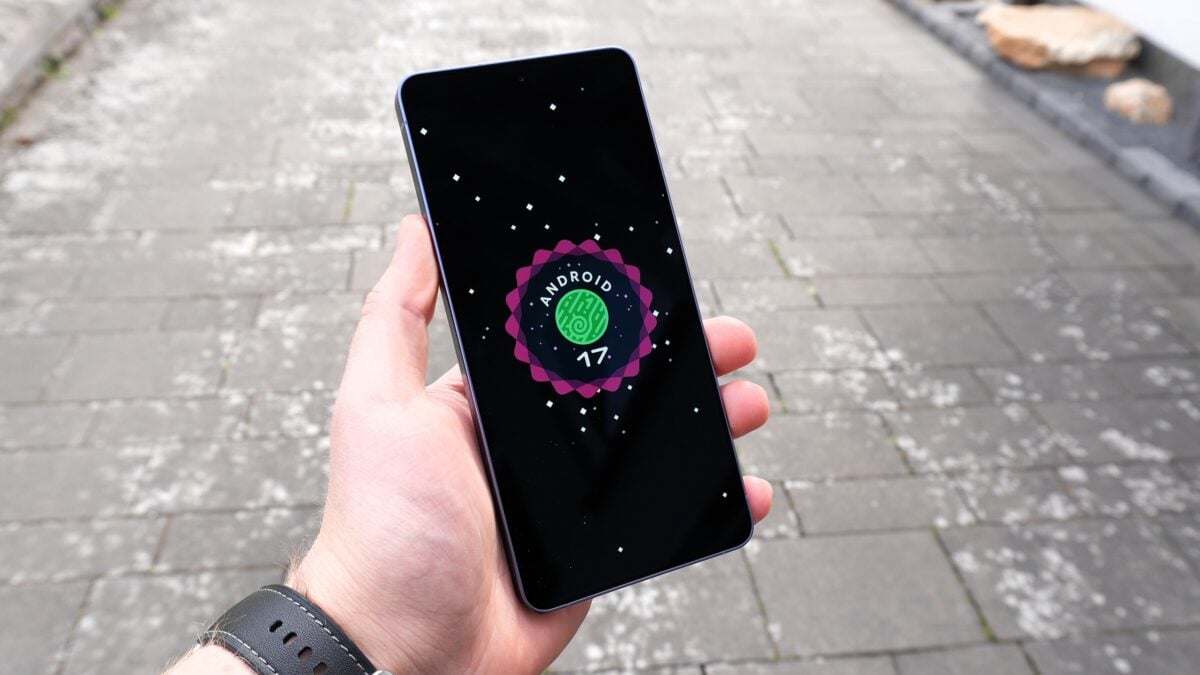
While One UI 9 might appear iterative compared to the visual overhaul of One UI 8.5, many of the most significant improvements are hidden under the hood. Samsung has prioritized system stability and transparency, ensuring that Android 17 runs flawlessly on its latest flagship hardware. Below is the detailed breakdown of the official changelog provided for the Galaxy S26 series.
Comprehensive One UI 9 Changelog for Galaxy S26 Series
More customizable quick panel: The quick panel is now more flexible than ever. Users can rearrange and customize controls with greater precision, including resizing the brightness and volume sliders. The media player is also resizable, and the sound mode button can now be separated from the volume slider for quicker access.
Samsung DeX enhancements: Multitasking in DeX mode is significantly smoother. Moving app windows between different desktops is easier thanks to a new menu at the top of each window. Furthermore, desktop previews are now integrated at the top of the Recents screen, allowing for one-tap switching between tasks.
Do more with notes: Samsung Notes introduces the "Tape" feature, allowing you to hide specific parts of a note and reveal them only when needed—perfect for study or presentations. Additionally, several new pen styles have been added to enhance the writing and drawing experience.
More settings in Game Booster panel: Gamers can now tweak their experience without pausing the gameplay. Settings such as screen resolution and screenshot formats are now accessible directly from the Game Booster panel.
Location access transparency: Privacy remains a core focus. A new blue indicator appears at the top of the screen whenever an app is actively accessing your location. Users can tap this indicator in the quick panel to identify exactly which app is tracking them.
Text spotlight for easier reading: For those who need visual assistance, the new Text Spotlight feature allows you to tap any text to see it enlarged and highlighted in a dedicated window. Font sizes, colors, and contrast can be fully customized.
Accessibility and Interaction Improvements:
- ✨ Physical keyboard shortcuts: Access accessibility settings instantly using keyboard commands.
- ✨ Mouse keys enhancements: New speed and acceleration controls for keyboard-based mouse movement.
- ✨ Select to speak: Hear specific items or images described out loud without enabling full TalkBack.
- ✨ Unified TalkBack: Samsung and Google have unified their TalkBack features, which can now be updated directly through the Play Store.
Upgrade To Galaxy S26 Ultra
Experience the full power of One UI 9 on the latest Samsung hardware.
Click here to Check Deals On Samsung StoreWhat is the size of the One UI 9 beta update for the Galaxy S26?
The first One UI 9.0 beta update is approximately 3.6GB in size. It is recommended to download the update over a stable Wi-Fi connection to ensure a smooth installation process.
Which security patch is included in this update?
The update includes the May 2026 security patch, ensuring that the latest flagships remain protected against the most recent vulnerabilities while testing the new software.
How does the new "Tape" feature work in Samsung Notes?
The Tape feature allows users to "mask" or cover parts of their handwritten or typed notes. This is particularly useful for students who want to quiz themselves or for professionals who want to reveal information progressively during a presentation.
Can I customize the Quick Panel more in One UI 9?
Yes, One UI 9 offers significantly more customization for the Quick Panel. You can now resize individual sliders for brightness and volume, and even separate the sound mode toggle from the volume control for a more personalized layout.
Is Samsung DeX getting any new features?
Samsung DeX has been improved with easier window management. You can move apps between desktops via a new top-of-window menu and use the Recents screen to see live previews of all active desktops.
🔎 In conclusion, the One UI 9 beta represents a thoughtful evolution of Samsung’s software ecosystem. By focusing on user-requested features like deeper Quick Panel customization, privacy transparency, and enhanced accessibility, Samsung is ensuring that the Galaxy S26 series remains the gold standard for Android flagships. As the beta progresses, we expect to see even more refinements and feature additions before the final stable release later this year.
Post a Comment