
Samsung One UI 9 Update: This Subtle Security Tweak Stops Thieves in Their Tracks
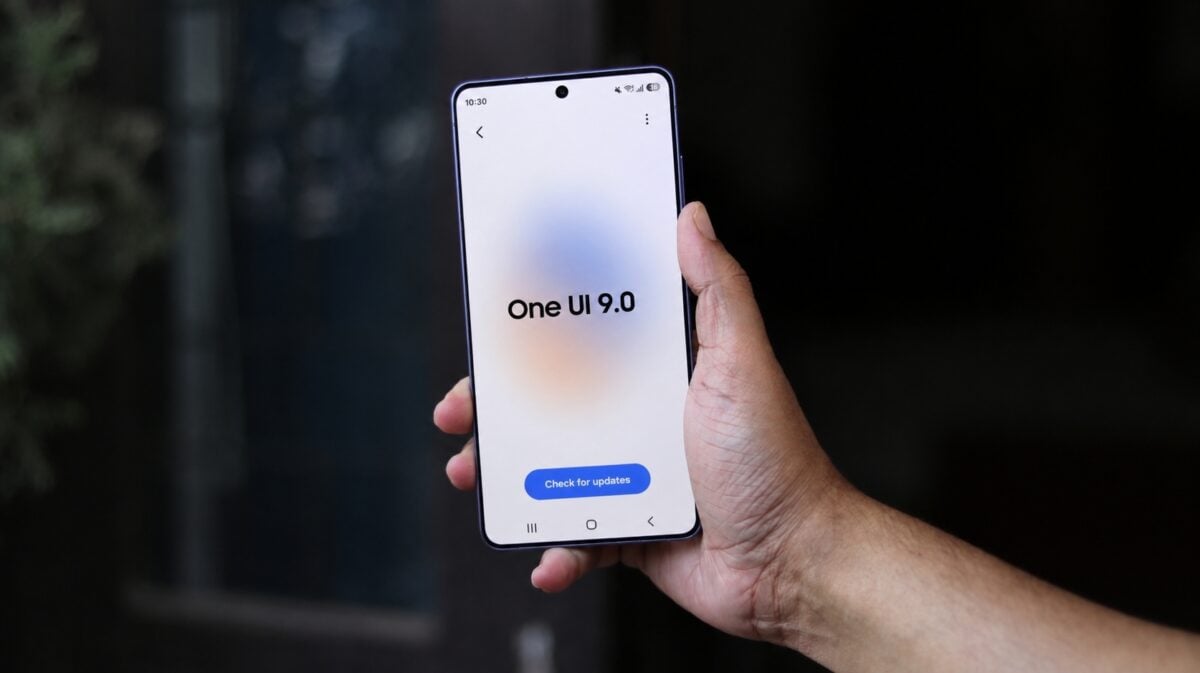
While the tech world often focuses on flashy new features and visual overhauls, Samsung is proving that sometimes the most significant upgrades are the smallest ones. The upcoming One UI 9.0 update, based on Android 17, is currently making waves as it rolls out to the Galaxy S26 series. Although it may appear to be a minor iteration compared to its predecessor, it introduces a profound change in device behavior that significantly bolsters your Galaxy phone security.
- ✨ Advanced Power Menu Protection: Accessing the power menu now triggers a mandatory security check upon exit.
- ✨ Lockscreen Redirection: Exiting the menu no longer returns you to your previous app, but forces a lockscreen state.
- ✨ Theft Deterrence: Makes it significantly harder for unauthorized users to turn off the device or access data.
- ✨ PIN Requirement: Re-entering the device requires your secure credentials, even if the phone was previously unlocked.
Enhanced Protection via the Power Menu
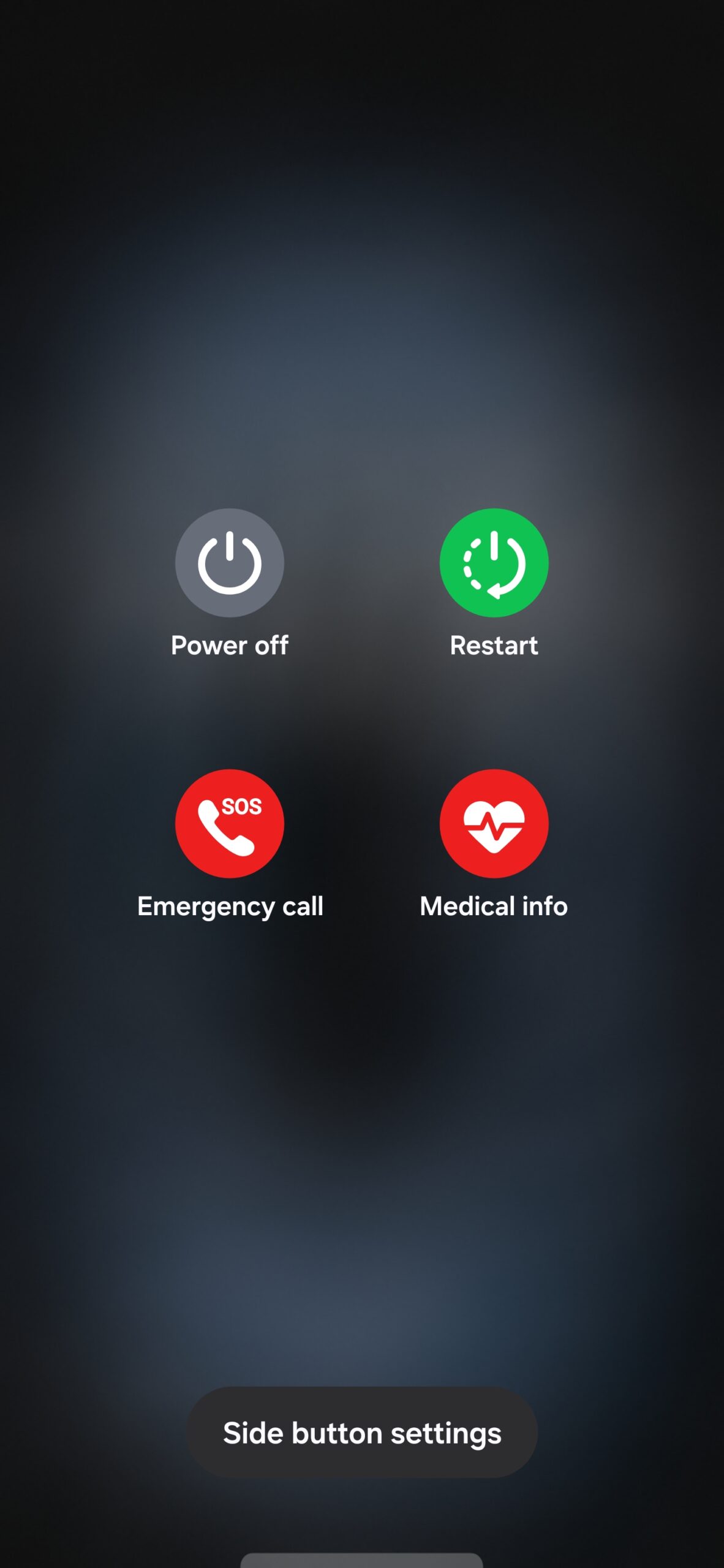
The core of this update lies in how the Android 17 environment handles the power menu interface. In previous versions, such as One UI 8.5, accessing the power menu and then swiping back or tapping "Cancel" would return you directly to the application or screen you were using. This created a potential vulnerability if a device was snatched while unlocked.
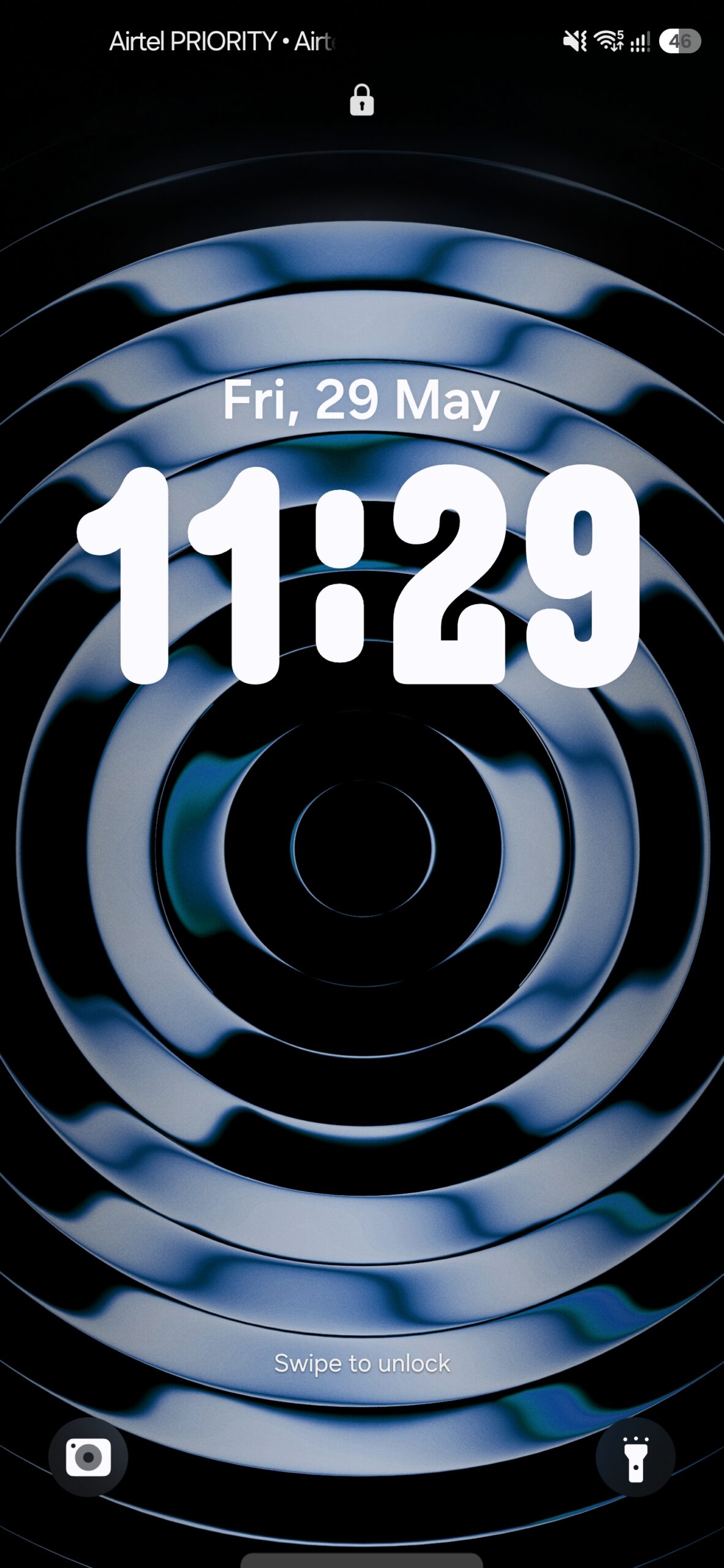
With the new Samsung security features in One UI 9.0, the power menu still displays the standard four options: Power Off, Restart, Emergency Call, and Medical Info. However, the moment you decide to exit this menu without selecting an option, the system immediately redirects you to the lockscreen. This ensures that the phone remains protected and requires a PIN, password, or biometric authentication to regain access.
Why This Change Matters for Galaxy Users
This behavior is specifically designed to combat phone snatching and unauthorized access. If your phone is lost or stolen, the first instinct of a thief is often to turn the device off to prevent tracking via "Find My Mobile." By forcing the device to the lockscreen upon any interaction with the power menu, Samsung makes it significantly harder for others to turn off the phone or navigate through your private information.
For a deeper dive into the full capabilities of this software version, you can click on the One UI 9 Everything to Know link to explore more details. This change has already been spotted in the second beta version released for the Galaxy S26 series, suggesting it will be a standard feature in the final stable release.
Furthermore, this works in tandem with Google's improved theft protection systems, creating a multi-layered defense for your digital life. Whether your phone is snatched off your hands or simply left unattended, the One UI 9.0 update ensures that your data remains behind a secure wall.
What exactly has changed in the One UI 9 power menu?
The visual options remain the same (Power Off, Restart, etc.), but the exit behavior has changed. Instead of returning to your active app, the phone now automatically locks itself and sends you to the lockscreen.
Does this require a manual setting to be enabled?
Currently, in the One UI 9.0 Beta, this appears to be a default system behavior designed to increase security without requiring user intervention.
Will this feature work if I use biometric unlock?
Yes. Once the phone redirects to the lockscreen, you will need to use your fingerprint, face unlock, or PIN/Password to access the device again, just like any other time the phone is locked.
Is this available on older Galaxy models?
This feature is part of the One UI 9.0 (Android 17) update. It is currently available for the Galaxy S26 series in beta and will likely roll out to other compatible Galaxy devices once the stable version is released.
How does this help if my phone is stolen?
It prevents a thief from quickly accessing the power menu to turn off the device or manipulate settings without immediately triggering the lockscreen, giving you more time to track or remote-wipe the device.
🔎 In conclusion, while One UI 9.0 might be viewed as a "polishing" update, the inclusion of such targeted security measures proves Samsung's commitment to user safety. By transforming the power menu into a security checkpoint, Galaxy users can enjoy an extra layer of peace of mind, knowing that their device is actively working to stay locked against unauthorized hands. As the beta progresses, we expect to see even more of these intelligent tweaks that make the Samsung ecosystem the most secure choice for mobile users.
Post a Comment