
Samsung Releases Stable One UI 8.5 Update for Galaxy Tab S11 Series
Samsung has officially entered the next phase of its software evolution by rolling out the stable version of the One UI 8.5 update for its premium tablet lineup. This major software milestone brings a refined user experience and a host of new features designed to maximize the potential of large-screen devices. As expected, the first devices to receive this update are the brand's latest flagship models, marking a significant transition from the testing phase to a full public release.
- ✨ Samsung launches the stable One UI 8.5 firmware for flagship tablets.
- ✨ The Galaxy Tab S11 and S11 Ultra are the first to get the update.
- ✨ New features include Apple AirDrop compatibility and visual UI refinements.
- ✨ The rollout has initially commenced in South Korea with a global expansion expected soon.
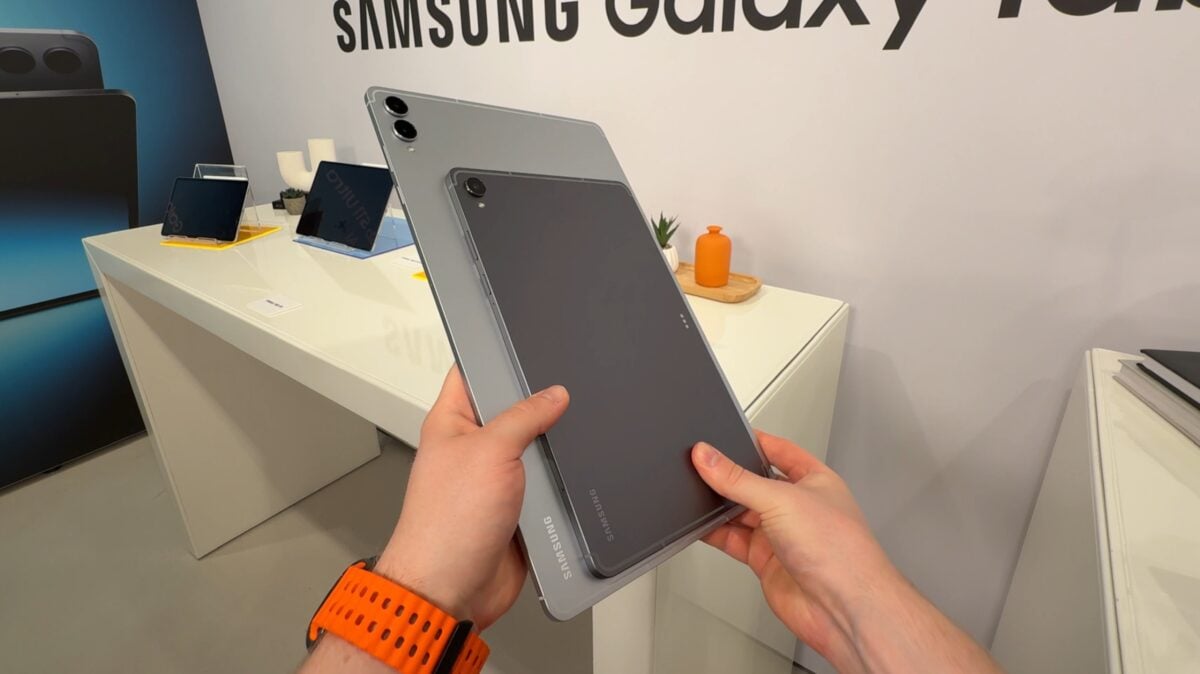
A New Era for Samsung Tablets
The wait is finally over for owners of the Galaxy Tab S11 and the Galaxy Tab S11 Ultra. Samsung has begun the stable deployment of One UI 8.5, starting in its home market of South Korea. This release follows a month-long beta program where enthusiasts helped fine-tune the system. The base version of the tablet is receiving firmware version X736NKOU5BZE3, while the Ultra variant is being updated to X936NKOU5BZE3.
This software update is not just a minor patch; it represents a significant overhaul of how Samsung tablets handle multitasking and ecosystem connectivity. By transitioning from beta to stable, Samsung ensures that everyday users can now enjoy the latest innovations without the bugs typically associated with experimental software versions.
What New Features Should You Expect?
One UI 8.5 focuses heavily on visual consistency and cross-platform utility. One of the most talked-about additions is the improved interoperability, which surprisingly includes support for technologies that bridge the gap with other ecosystems, such as Apple AirDrop-like functionality for easier file sharing. The Quick Settings panel has also been redesigned to be more customizable, allowing users to access their most-used tools with fewer taps.
Beyond functionality, the interface looks more sophisticated. Animations are smoother, and the overall design language is more uniform across all native applications. For users who rely on their Samsung tablets for productivity, these changes contribute to a more professional and streamlined workflow.
Regional Rollout and How to Install
While the update is currently live in South Korea, Samsung historically expands its flagship rollouts to North America, Europe, and other parts of Asia within a matter of days. If you own a device in the Galaxy Tab S11 series, you can manually check for the update. Simply navigate to Settings, select Software update, and tap on Download and install to see if the stable One UI 8.5 build is ready for your device.
Which specific models are receiving the One UI 8.5 update first?
The rollout is currently focused on Samsung's flagship tablet series, specifically the Galaxy Tab S11 and the Galaxy Tab S11 Ultra.
Where has the stable update been launched so far?
The stable version of One UI 8.5 has officially launched in South Korea, with other global regions expected to follow shortly.
What are the main visual and functional changes in this version?
The update introduces a more consistent and sophisticated UI design, a revamped Quick Settings panel, and new connectivity features like support for Apple AirDrop-style sharing.
How can I download the update on my Samsung tablet?
You can check for the update by going to Settings > Software update > Download and install on your Galaxy device.
Does this update mark the end of the beta testing program?
Yes, the release of these stable firmware versions signals the successful conclusion of the One UI 8.5 beta program that lasted for approximately one month.
🔎 The arrival of stable One UI 8.5 on the Galaxy Tab S11 series proves Samsung's commitment to maintaining its lead in the Android tablet market. By prioritizing flagship hardware and delivering a more mature, feature-rich interface, Samsung continues to blur the lines between mobile devices and desktop-class productivity tools. Users worldwide should keep a close eye on their update notifications as this rollout gains momentum across more territories.
Post a Comment