
Samsung Wallet Upgrade: How to Add Your US Passport for Paperless Travel
The days of fumbling for your physical passport at the airport might soon be over for Galaxy users in the United States. Samsung has officially announced a major update to its digital ecosystem, allowing users to carry a secure, TSA-approved version of their identification right on their smartphones. This move marks a significant step forward in the evolution of digital wallets, transforming the Samsung Wallet into a truly all-in-one travel companion.
- ✨ Samsung has partnered with CLEAR to integrate US passport data into the Samsung Wallet app.
- ✨ The digital ID is verified by CLEAR and accepted at over 250 TSA checkpoints nationwide.
- ✨ Users can use this mobile ID for domestic travel and entry into select sports stadiums.
- ✨ This feature is available at no extra cost for US passport holders with compatible devices.
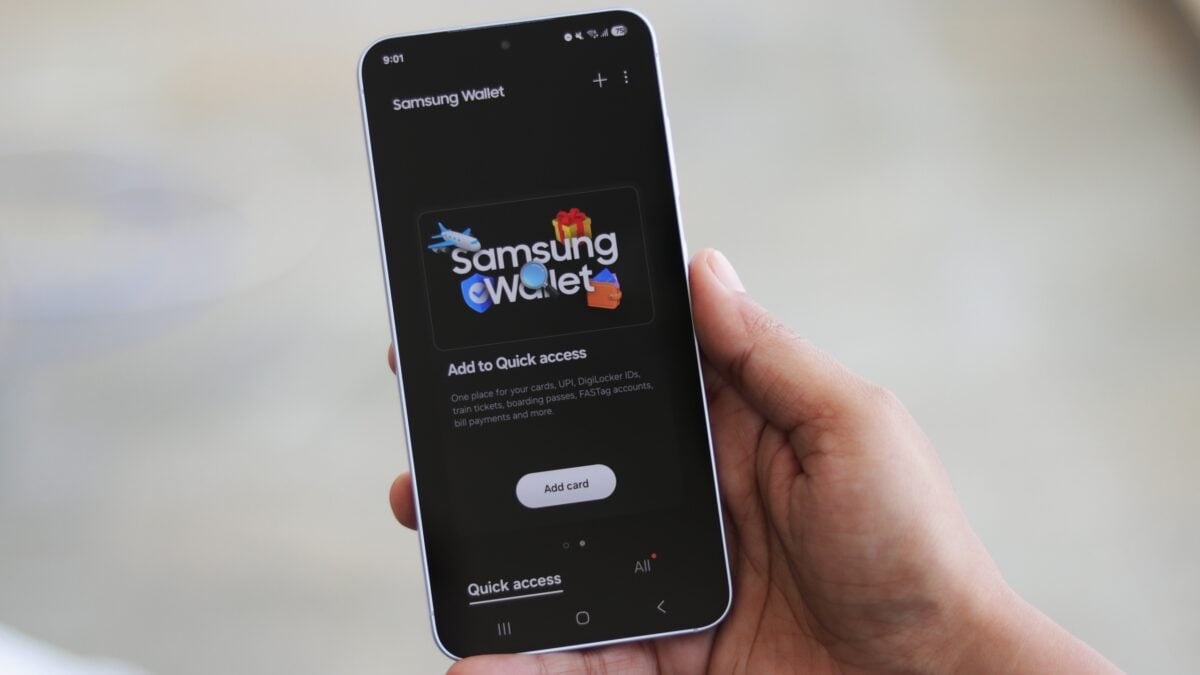
A Strategic Partnership for Frictionless Travel
Samsung has recently announced a strategic partnership with CLEAR, a leader in biometric identity verification, to bring secure access to mobile digital IDs in the USA. As part of this collaboration, Galaxy users can now add a digital version of their passport to the Samsung Wallet app. This integration is designed to streamline the travel experience, allowing for a more modern approach to identity verification.
The two tech giants have worked together to introduce "Samsung ID with CLEAR" within the wallet ecosystem at no additional cost to the consumer. This innovative feature allows you to securely digitize and store information from your US passport directly on your Galaxy phone.
Where Can You Use Your Digital Samsung ID?
The information stored in the app is verified by CLEAR’s robust biometric systems. Once set up, it can be used to confirm your identity at more than 250 Transportation Security Administration (TSA) checkpoints across the country. This means you can move through security without the immediate need to present a physical passport for domestic flights.
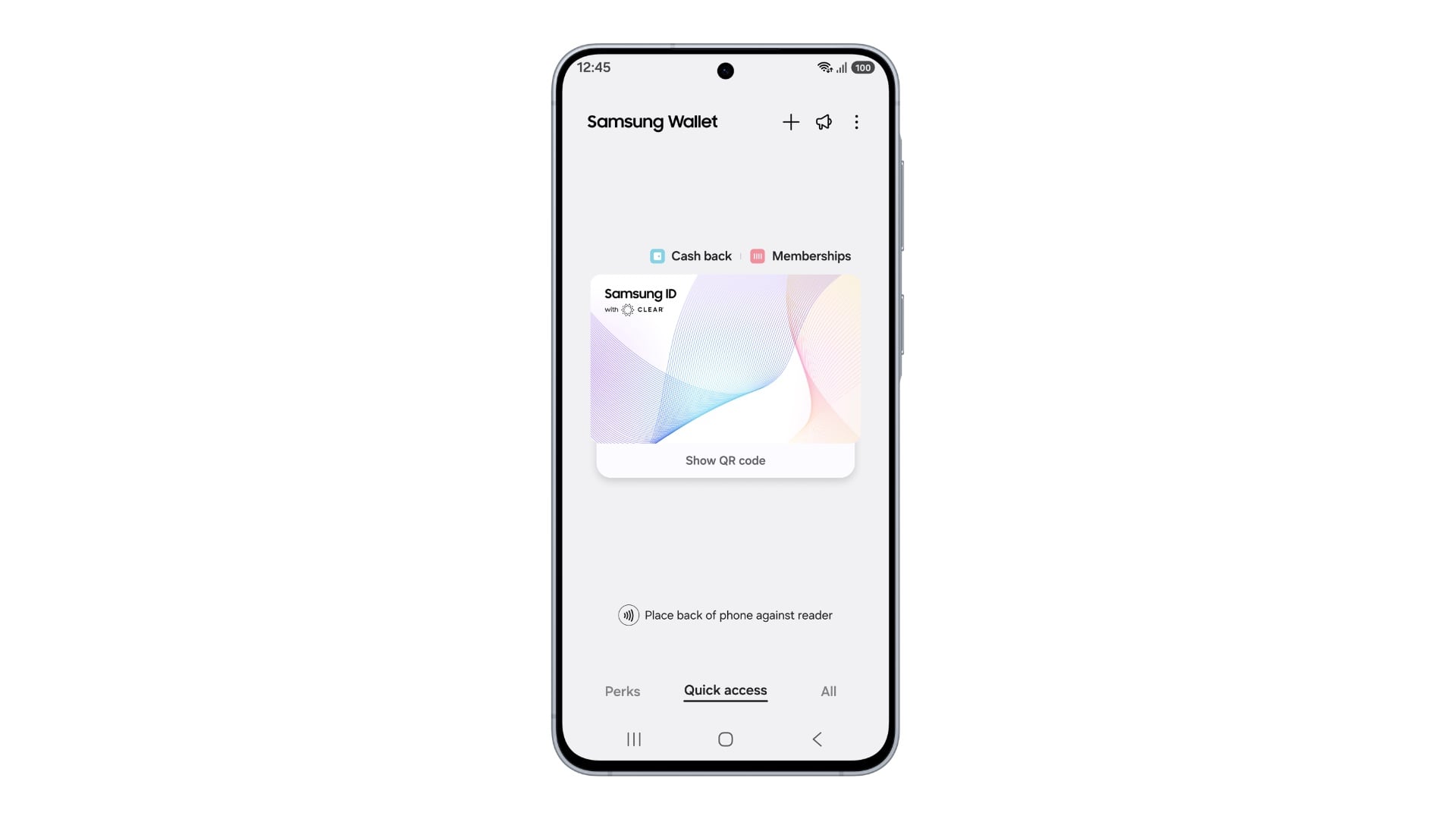
Beyond the airport, the utility of this digital ID extends to entertainment venues. If you are a US passport holder, you can now create and securely store a TSA-approved digital ID that is also accepted at select stadiums, including the BMO Stadium. This allows for faster entry and a more seamless experience during major events.
Biometric Security and Executive Insights
CLEAR is a renowned US-based company specializing in biometric identity verification systems at major airports and sports venues. By leveraging their technology, Samsung ensures that the digital ID remains highly secure and authenticated.
Woncheol Chai, Executive Vice President and Head of the Digital Wallet Team at Samsung MX, expressed his enthusiasm for the launch: “We’re thrilled to partner with CLEAR to bring CLEAR ID to Samsung Wallet, making airport travel and other identity verification experiences easier and frictionless for our users.”
Can I use this digital passport for international flights?
Currently, the digital passport in Samsung Wallet is intended for identity verification at TSA checkpoints for domestic travel within the United States. You will still need your physical passport for international border crossings and customs.
Is there a fee to add my passport to Samsung Wallet?
No, Samsung and CLEAR have made this feature available at no additional cost for Galaxy users who hold a valid US passport.
Which devices support the new digital ID feature?
The feature is available on most modern Galaxy phones that support the latest version of the Samsung Wallet app, including the Galaxy S series and Z Fold/Flip series.
How does CLEAR verify my passport information?
CLEAR uses advanced biometric identity verification and secure data processing to ensure that the digital information matches the official document provided by the user.
What happens if I lose my phone?
Samsung Wallet is protected by Samsung Knox security. You can remotely lock or wipe your wallet using Samsung's "Find My Mobile" service to ensure your digital ID remains private.
🔎 This partnership between Samsung and CLEAR represents a significant milestone in the transition toward a paperless society. By integrating government-grade identification into the Galaxy phone, Samsung is not just providing a convenience but is also setting a new standard for how we interact with security infrastructures in our daily lives. As more venues and airports adopt these digital standards, the physical wallet may soon become a relic of the past.
Post a Comment