
Say Goodbye to the Walled Garden: How Switching from iPhone to Samsung Galaxy Just Got Effortless
The long-standing barriers surrounding Apple’s ecosystem are finally beginning to crumble. Over recent years, a significant collaboration between Apple and Google has focused on streamlining the migration process between iOS and Android. This ongoing effort aims to eliminate the friction users face when moving their digital lives to a new platform, making the transition to a **Samsung Galaxy** device smoother than it has ever been in the history of smartphones.
- ✨ Google and Apple have expanded their partnership to support deeper data migration features.
- ✨ Users can now wirelessly transfer home screen layouts and specific app data from iOS to Android.
- ✨ The new features are expected to debut alongside **Android 17** and One UI 9.0.
- ✨ Initial support will be prioritized for Google Pixel and Samsung Galaxy flagship devices.
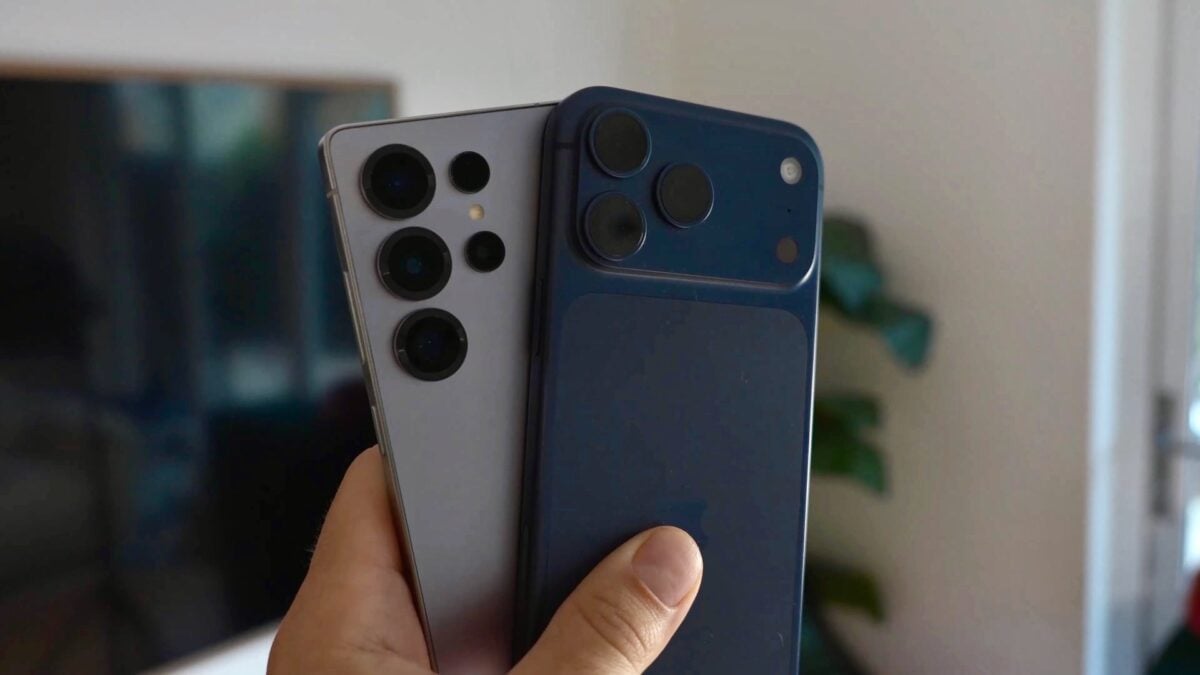
Breaking Down the New Wireless Data Transfer Features
During the recent keynote at **The Android Show | I/O Edition 2026**, Google revealed a major breakthrough in cross-platform mobility. The latest update to the switching process now supports an even wider array of data types that can be moved wirelessly. While basics like contacts and photos have been supported for a while, the new system now handles complex elements such as home screen layouts and internal app data, significantly reducing the time required to set up a new phone.
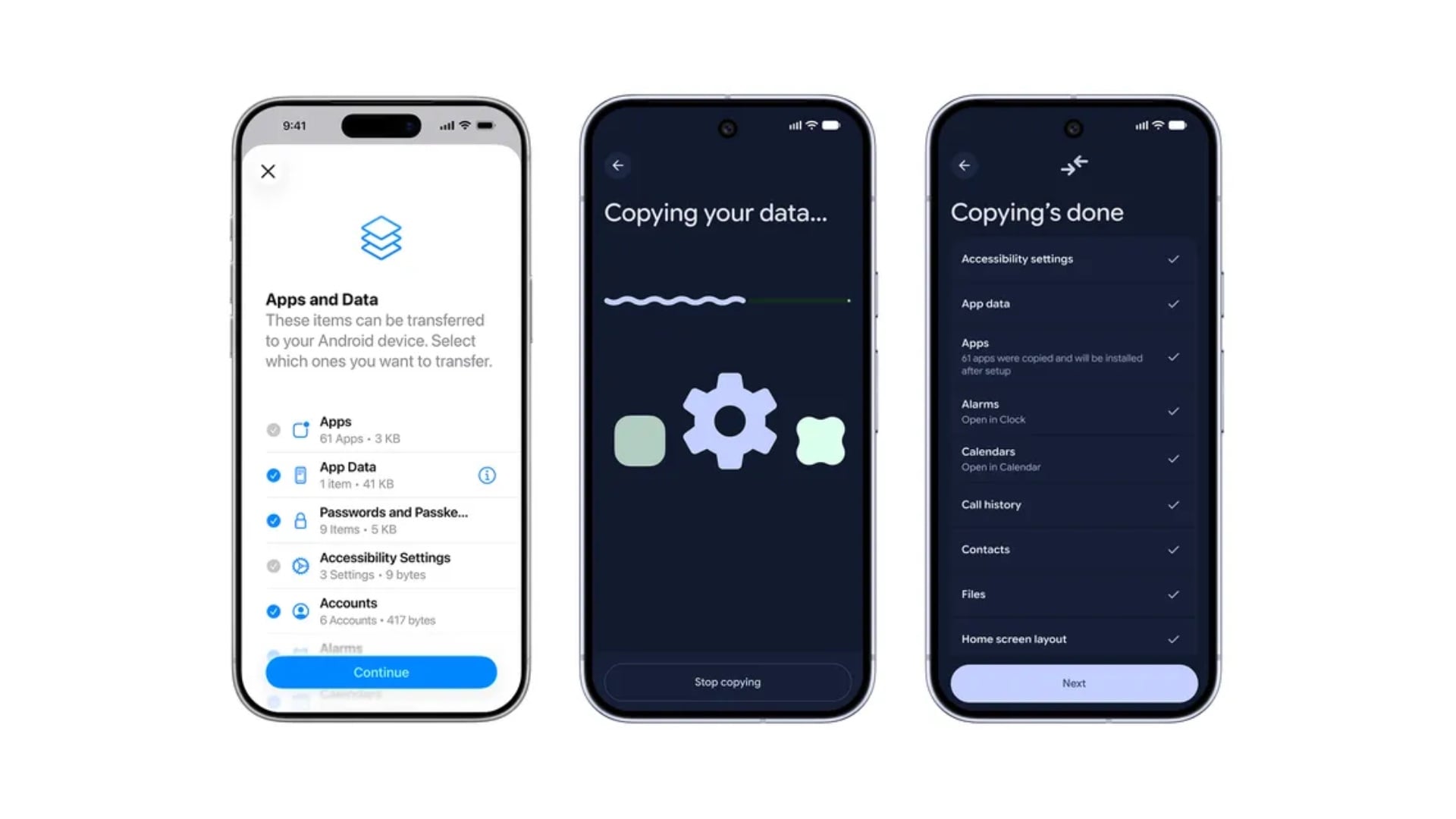
The following data types are now fully supported for transfer from an iPhone to an Android device:
- Accessibility settings and personalized configurations
- Saved alarms and clock settings
- Free apps and their associated data (for compatible applications)
- Calendar entries and scheduled events
- Complete call history and logs
- Contact lists and digital business cards
- Email account configurations
- eSIM profiles for seamless cellular migration
- Files including documents, images, and high-resolution videos
- Custom home screen layouts and icon placements
- Text messages and multimedia threads
- Personal notes and lists
- Saved passwords and login credentials
- Wallpapers and aesthetic customizations
- Comprehensive WhatsApp chats and media backups
Release Timeline and Device Compatibility
This enhanced migration experience is slated to arrive on Google Pixel and Samsung flagship devices later this year. It is highly anticipated to make its official debut alongside the launch of **One UI 9** and Android 17. Specifically, rumors suggest the Galaxy Z Flip 8 and Galaxy Z Fold 8 series, expected in July 2026, will be the first to feature the upgraded Smart Switch tool.
Furthermore, Samsung has initiated the **One UI 9.0 beta program** this week. Developers and early adopters participating in the beta may get an early look at these iPhone-to-Android switching improvements before the stable rollout reaches the broader public.
What specific app data can be moved from an iPhone to a Galaxy phone?
While not every app is supported, many major applications that store data locally or via specific cloud APIs can now transfer their settings and content. This includes significant progress in migrating WhatsApp databases and free applications where the Android equivalent can automatically download and sign you in.
Will my iPhone home screen layout look the same on my new Samsung?
The new transfer process attempts to replicate your iOS home screen layout as closely as possible on the Android launcher. It maps your app icons and folders to their Android counterparts, so you don't have to spend hours reorganizing your most-used apps after the switch.
Does the data transfer require a cable or is it wireless?
The latest announcement emphasizes that these transfers can now be performed wirelessly. By connecting both devices to the same Wi-Fi network or using a direct peer-to-peer connection, the upgraded Smart Switch and Google migration tools can move gigabytes of data without needing a physical Lightning or USB-C cable.
When can Galaxy users expect to see these features?
The features are expected to be integrated into the One UI 9.0 update. While new foldable devices in mid-2026 will likely have them out of the box, existing flagship models like the Galaxy S25 and S26 series should receive these capabilities via software updates shortly thereafter.
🔎 The evolution of mobile technology is finally prioritizing user freedom over ecosystem lock-in. By allowing for the seamless transfer of everything from eSIMs to home screen layouts, Google and Apple are acknowledging that the hardware should be the primary choice for the consumer, not the difficulty of moving data. As we look forward to the release of One UI 9.0, the "switch" to a Samsung Galaxy has never looked more inviting.
Post a Comment