
The Future of Laptops: Everything You Need to Know About Googlebooks and Gemini AI Integration
Google has officially pulled back the curtain on a revolutionary new category of computing devices known as Googlebooks. Introduced during the latest "The Android Show" presentation, these laptops represent a significant shift in the portable PC landscape. By merging the versatility of Android with the efficiency of ChromeOS and the power of Gemini AI, Google aims to redefine what a premium laptop experience looks like for the modern user.
- ✨ A brand-new laptop category combining Android, ChromeOS, and Gemini AI.
- ✨ High-end hardware featuring metal builds, high-resolution screens, and the "Glowbar" RGB light.
- ✨ AI-powered "Magic Pointer" that provides context-aware suggestions for tasks.
- ✨ Unprecedented integration with Android smartphones for app casting and file management.
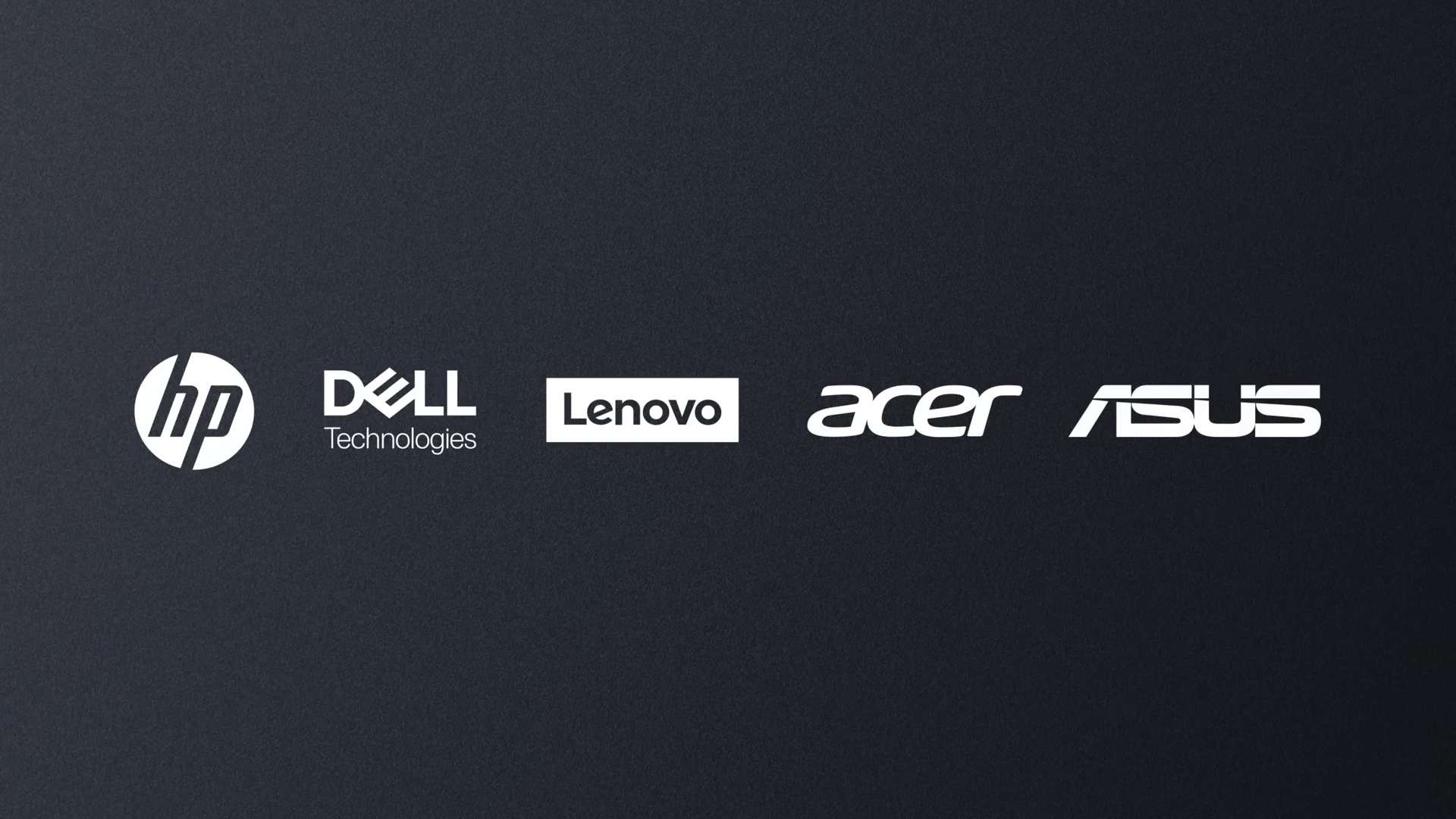
- ✨ Initial launch partners include Acer, ASUS, Dell, HP, and Lenovo starting in Fall 2026.
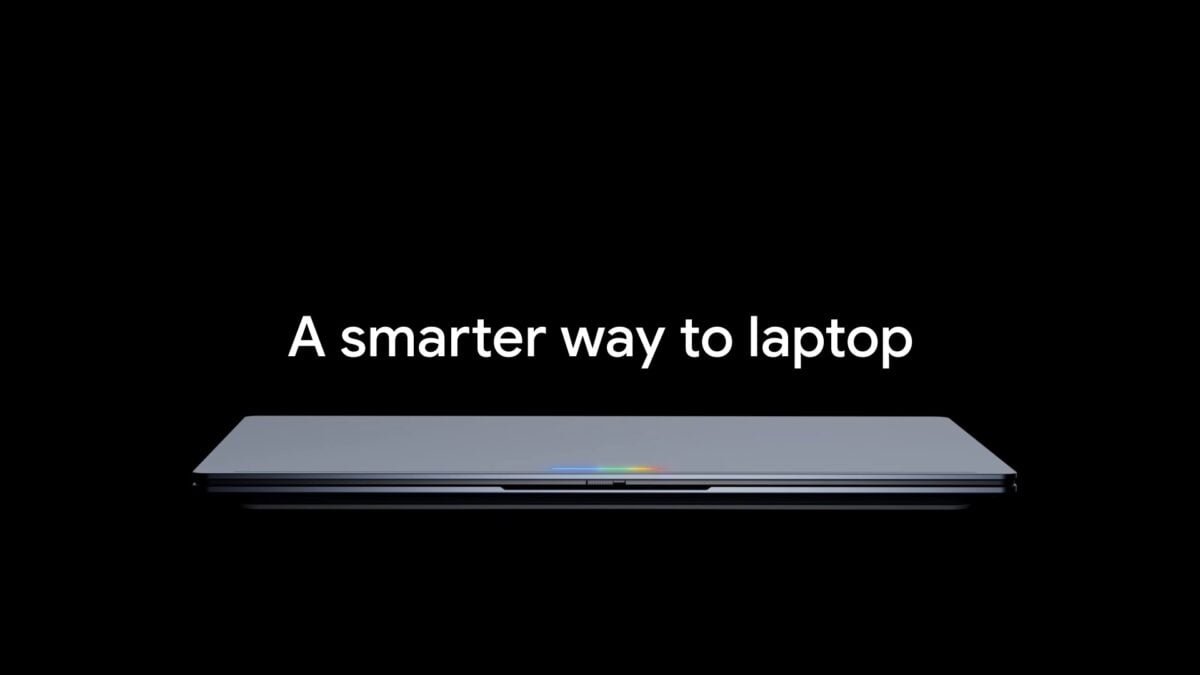
Bridging the Gap: Android-Based ChromeOS Meets Gemini Intelligence
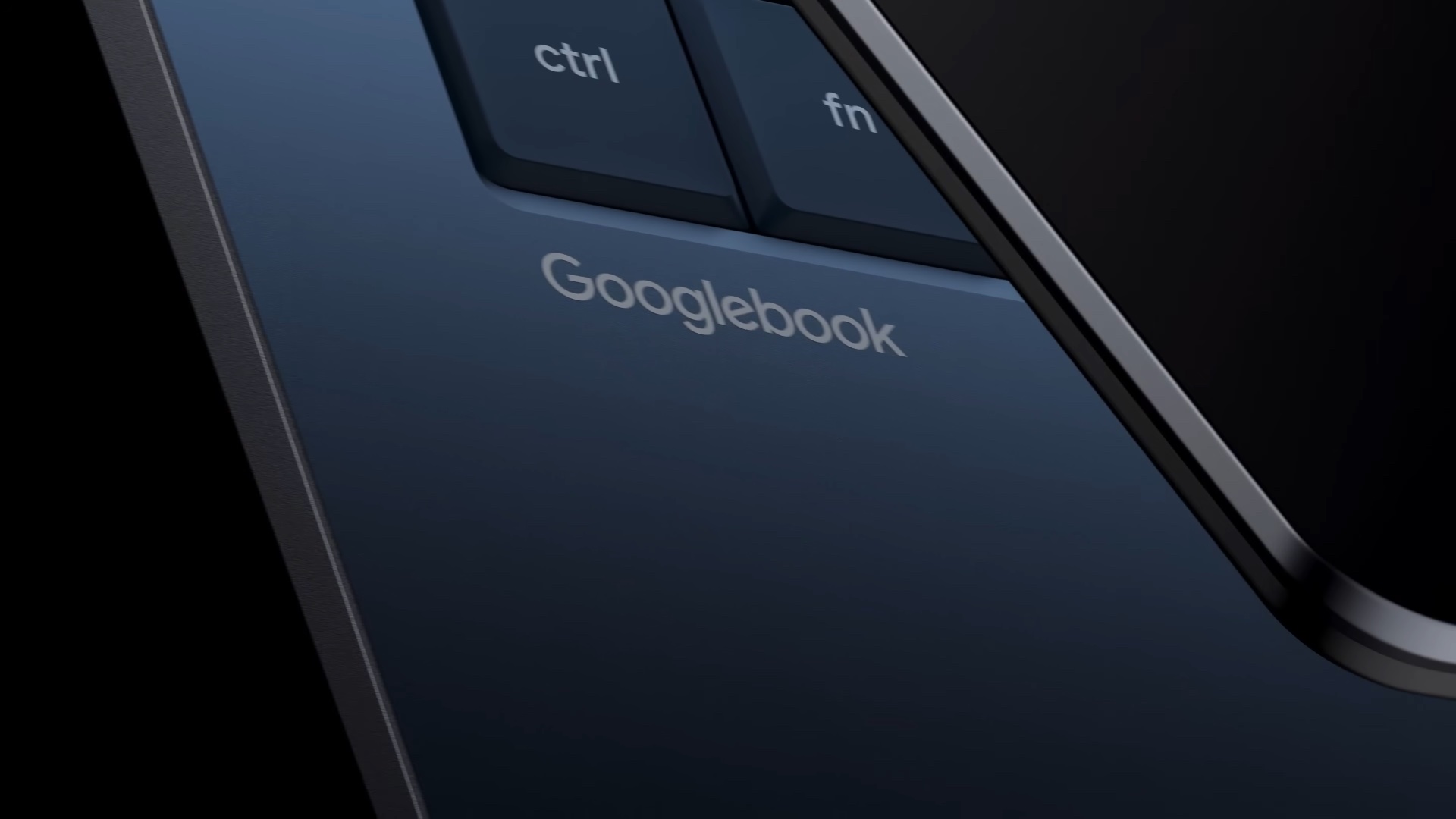
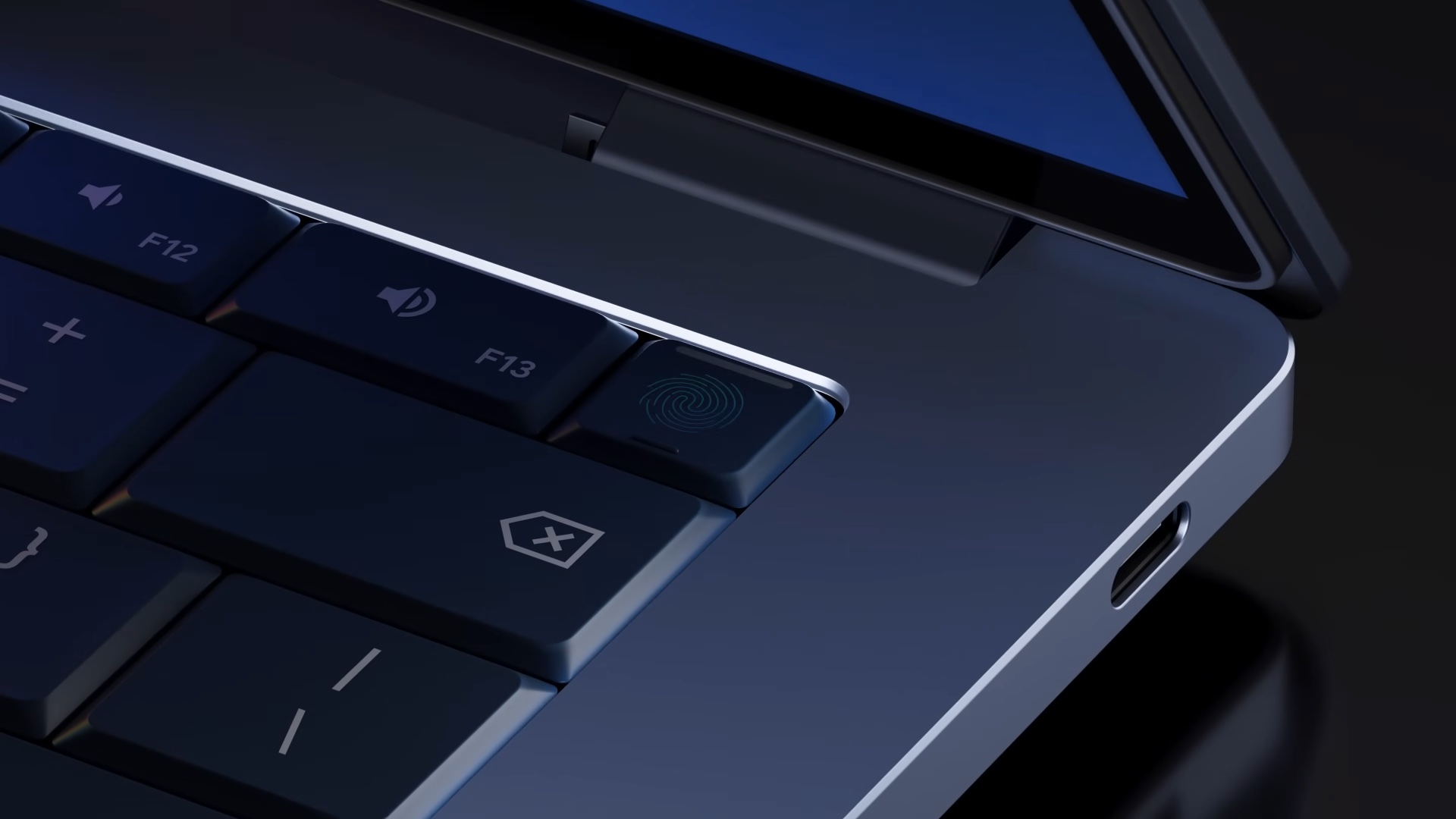
Unlike traditional Chromebooks, which are often associated with education and basic tasks, Googlebooks are built for the premium market. These devices utilize a new version of ChromeOS built on an Android foundation, offering a familiar interface but with much deeper system-level capabilities. The hardware matches this ambition, featuring full-metal chassis, stunning high-resolution displays, and high-performance processors from Intel, MediaTek, and Qualcomm.
A unique aesthetic feature across all Googlebooks is the "Glowbar"—an RGB light bar that adds a distinct visual flair. However, the true soul of these machines is Gemini Intelligence. As the first laptops designed with AI at their very core, Googlebooks offer proactive assistance by utilizing data from your Google account and the web to help you finish projects faster than ever before.
The Magic Pointer: Your New AI Assistant
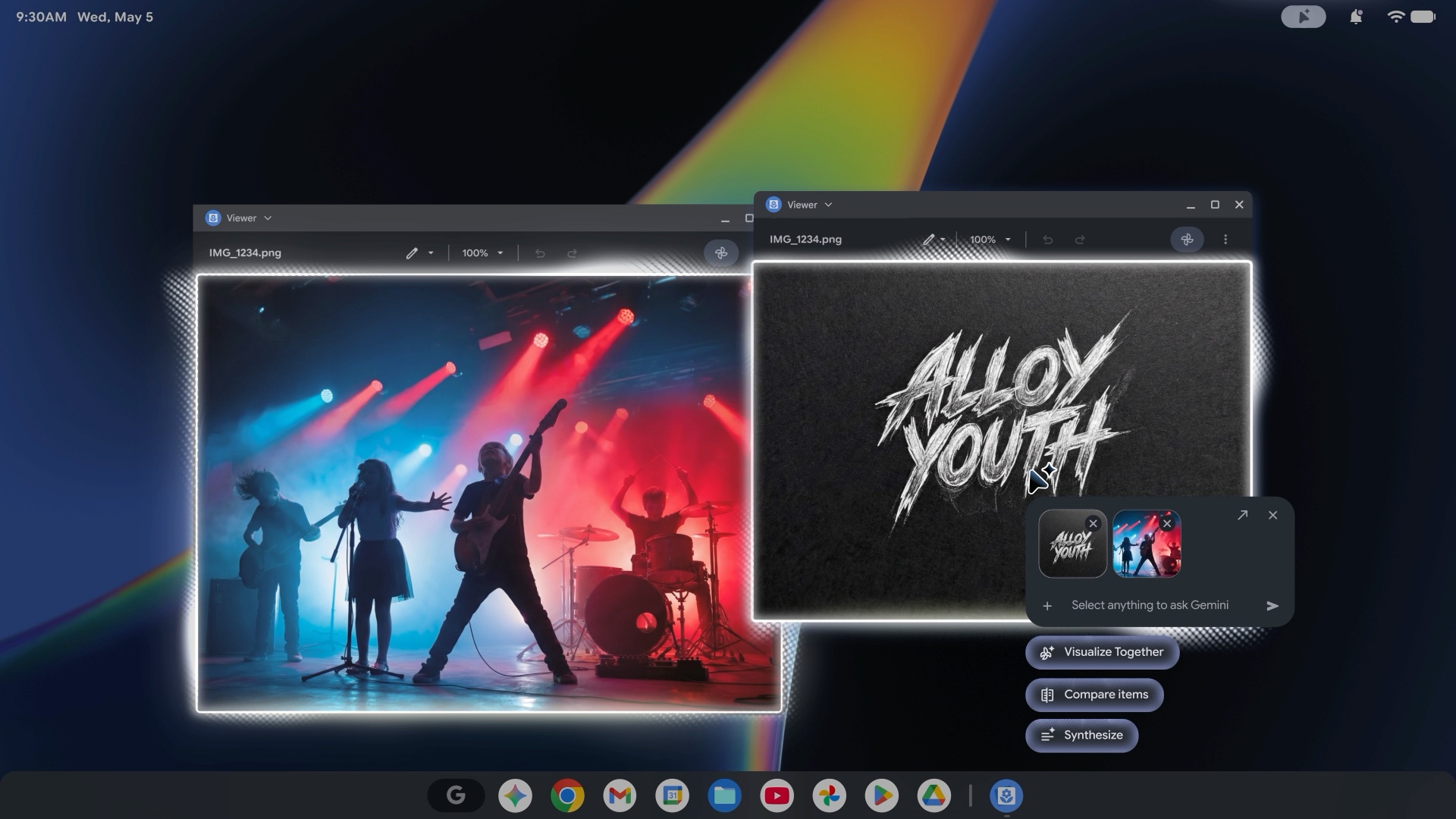
One of the most impressive features demonstrated was the Magic Pointer. By simply wiggling the mouse cursor over specific content, Gemini provides smart options. For instance, hovering over a date in an email can trigger a suggestion to create a Google Calendar event. If you select multiple photos, the Google Gemini AI can offer to merge them into a completely new AI-generated composition. It even works within text boxes to suggest better phrasing or grammar improvements.
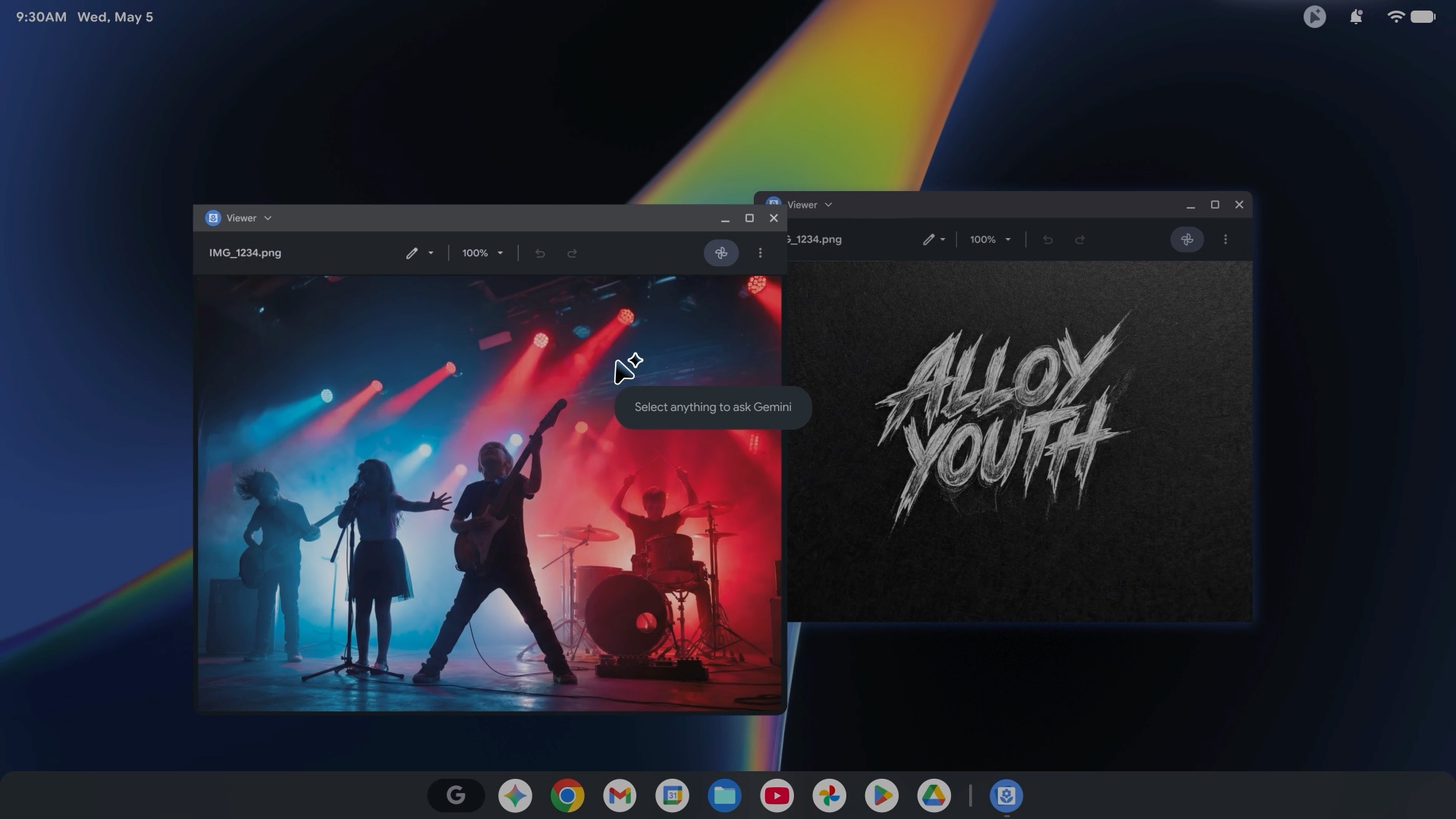
The capabilities of the Magic Pointer extend to document management and creativity:
- Hover over a PDF to generate an instant bulleted summary.
- Point at a data table to instantly transform it into a visual pie chart.
- Ask AI to adjust recipe ingredients directly from a webpage.
Customization with 'Create My Widget'
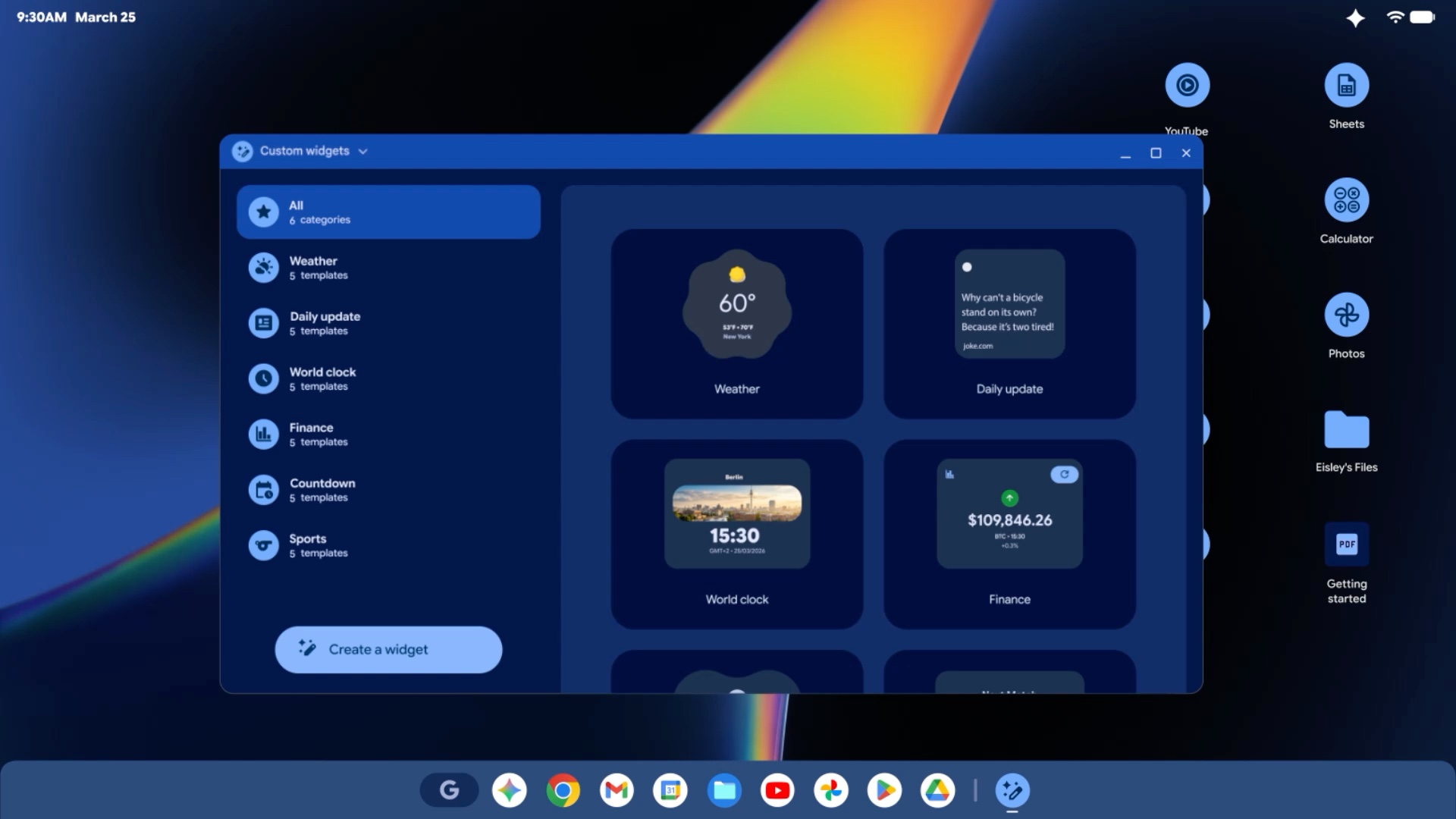
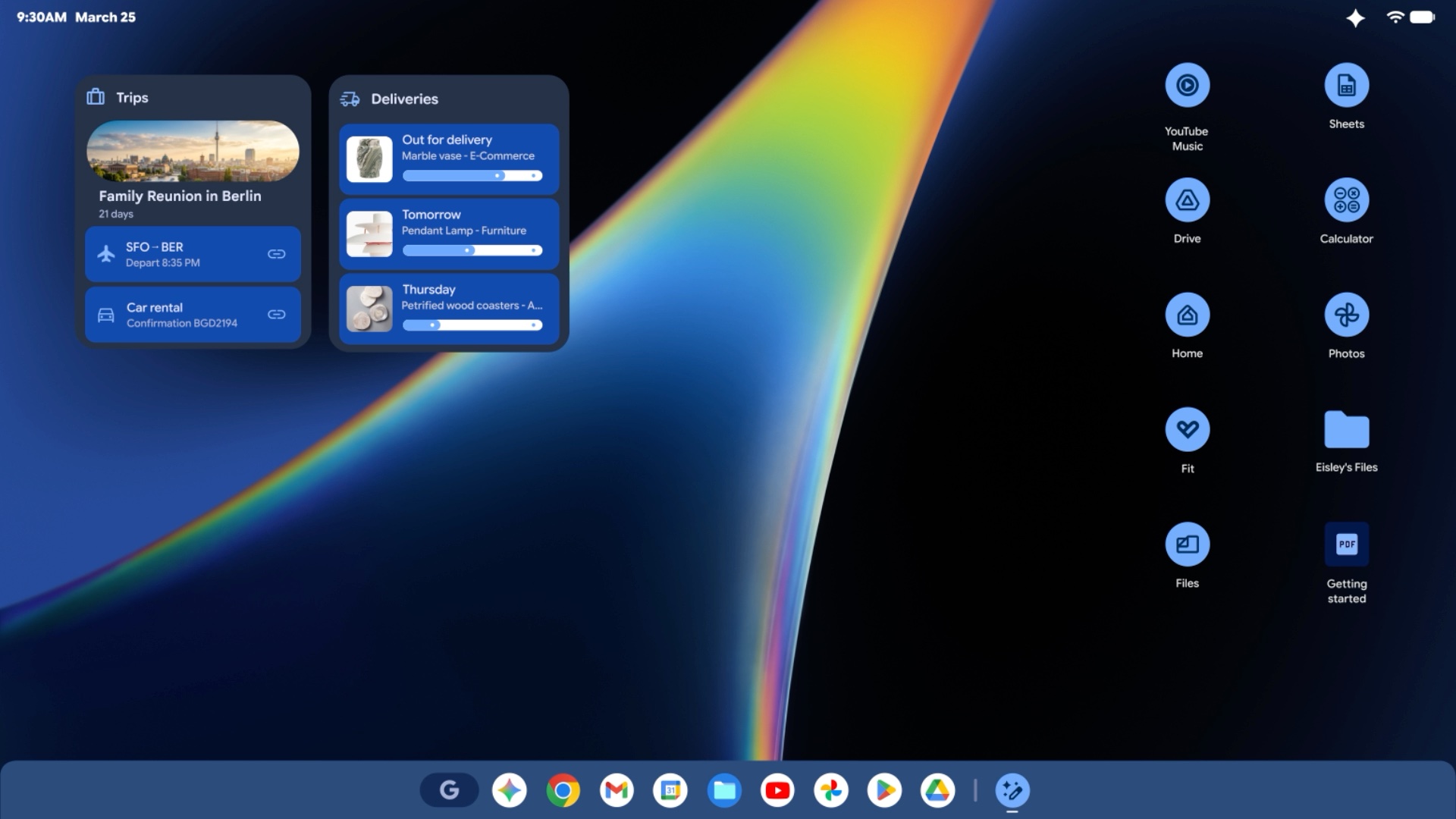
Taking a cue from the upcoming Android 17, Googlebooks feature a "Create My Widget" tool. Users can describe a widget they need using natural language, and Gemini will build it. Whether it's a combined tile for weather, wind speed, and air quality for your morning bike commute, or a specific stock tracker, these custom widgets can be resized and placed anywhere on your home screen.
Seamless Ecosystem Integration
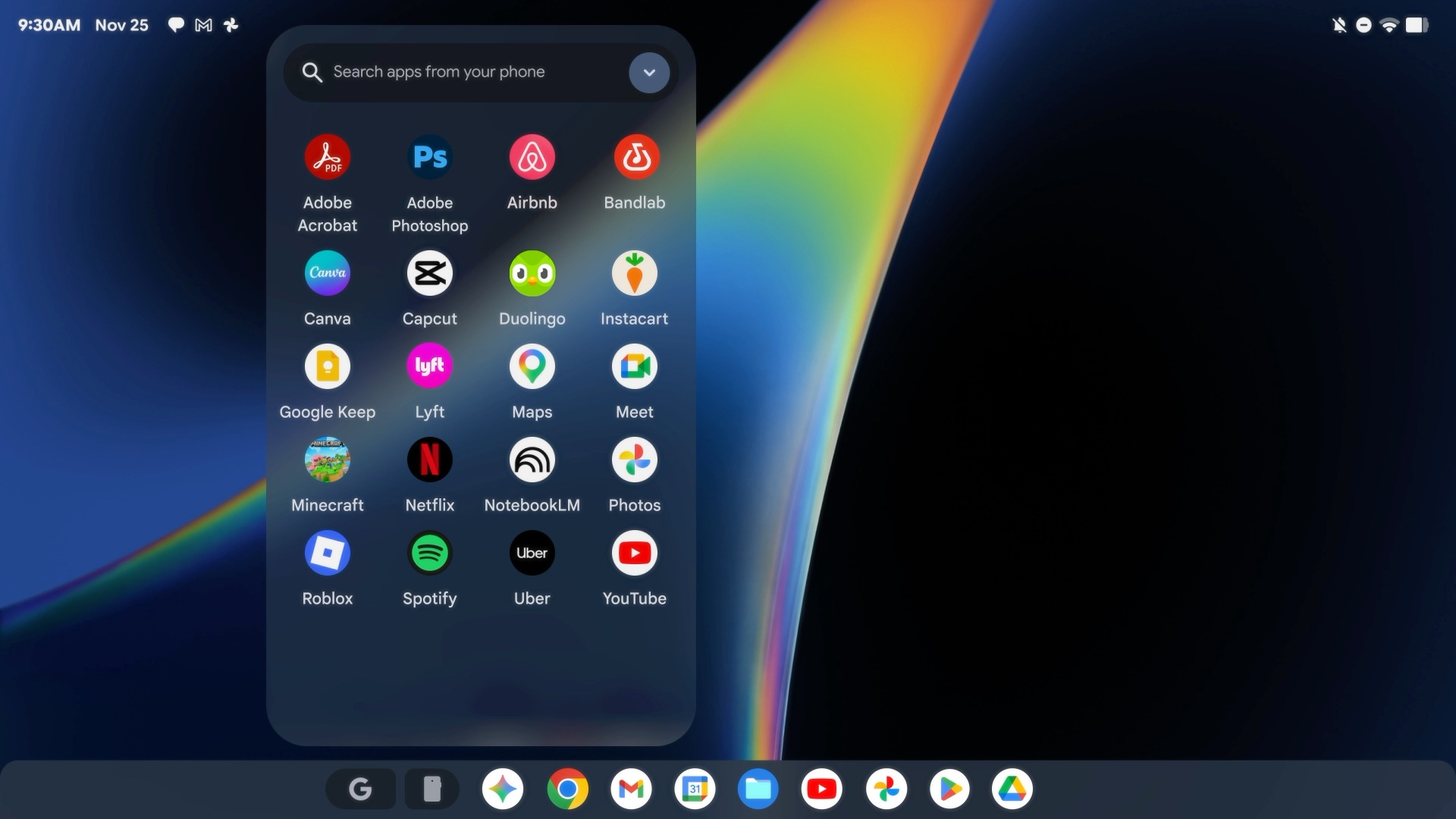
Googlebooks are designed to work in perfect harmony with your phone. By clicking the phone icon on the persistent taskbar, you can mirror any app from your Android device directly onto the laptop screen. This allows you to handle mobile-only tasks, like ordering food or responding to specific app notifications, without ever picking up your phone. Furthermore, the integrated File Manager provides a unified view of your local files, Google Drive storage, and files stored on your connected smartphone or tablet.
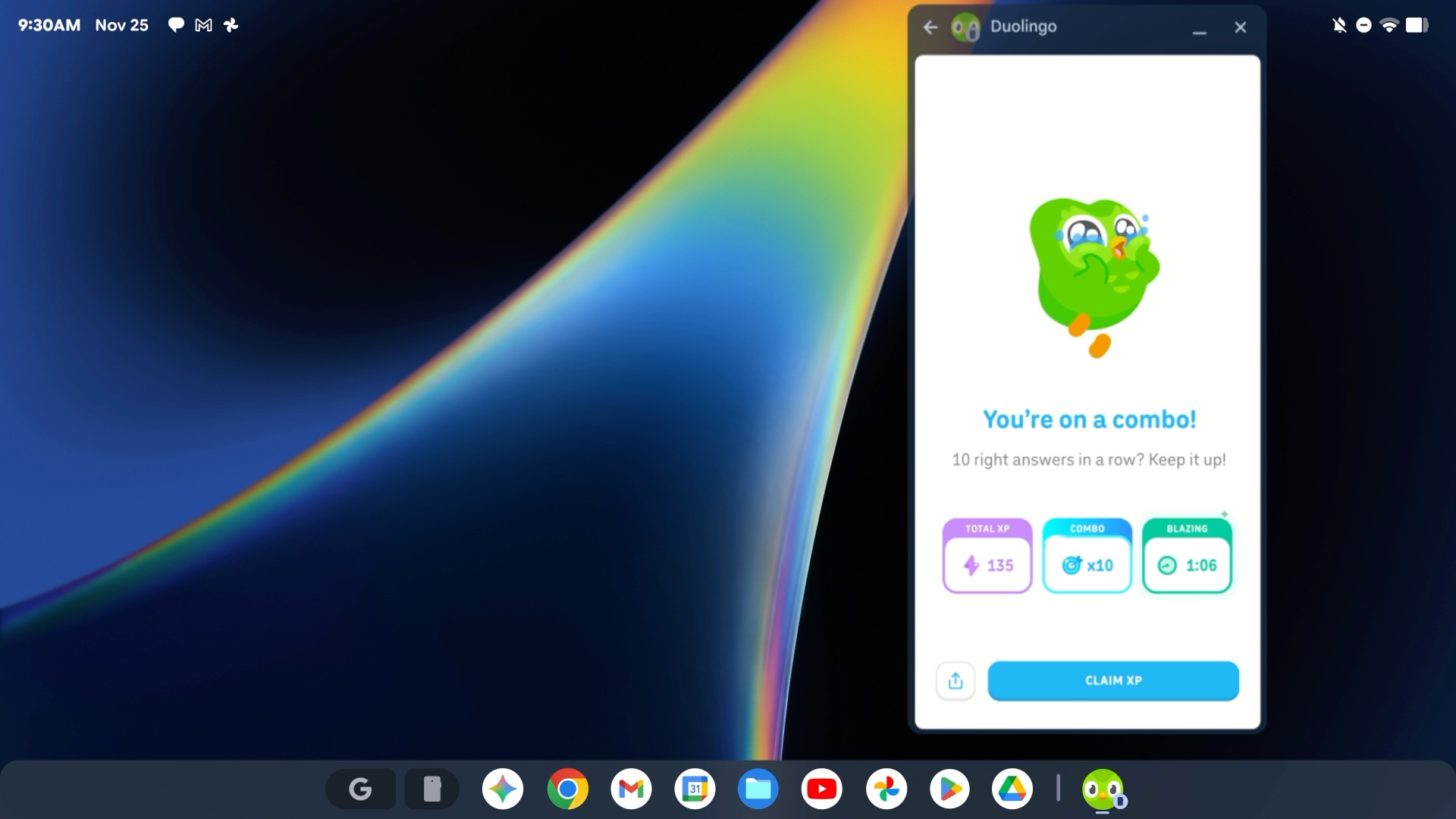
A Modern UI Built for Productivity
The user interface of Googlebooks is a blend of mobile flexibility and desktop power. It features a taskbar with a central Google Search box and shortcuts to essential apps. The top-right corner houses a Quick Settings panel, while the system status (Wi-Fi, battery, etc.) is clearly visible. Users can customize the OS with Material You-style color themes that sync across icons and windows. Every app window includes the standard minimize, maximize, and close buttons for a familiar multitasking experience.
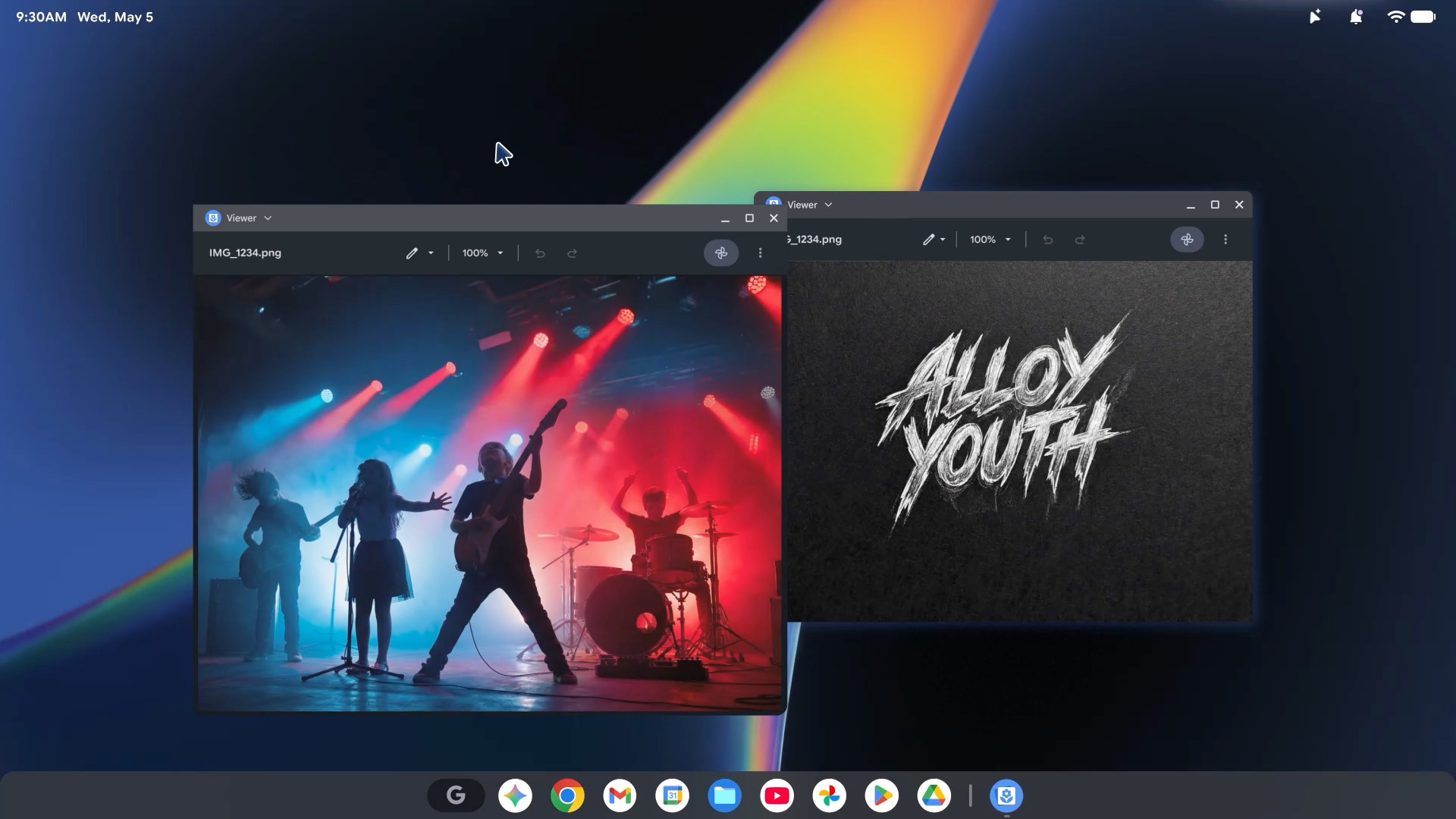
Out of the box, Googlebooks come with optimized versions of Chrome, Gmail, Photos, and the Google Play Store. This ensures that users have access to millions of apps and games that are already optimized for larger screens.
When Can You Buy a Googlebook?
The first wave of Googlebooks is scheduled to arrive in Fall 2026, produced by major hardware partners including Acer, ASUS, Dell, HP, and Lenovo. While Samsung was not explicitly named in the initial presentation, there are strong indications that a Galaxy-branded Googlebook is in the works. Previous exclusive reports have suggested Samsung is developing laptops running Android with One UI 9, which fits perfectly into this new category.
What makes a Googlebook different from a standard Chromebook?
While Chromebooks run ChromeOS, Googlebooks use a more advanced, Android-based version of the operating system. They are strictly premium devices with high-end metal builds and are the first laptops to have Gemini AI integrated at the core level for proactive assistance.
Can I run my favorite Android apps on these laptops?
Yes. Googlebooks feature the Google Play Store natively. Additionally, you can "cast" apps from your Android phone directly to the laptop screen to use them without needing to install them on the computer.
What is the purpose of the Glowbar?
The Glowbar is a signature RGB light bar found on all Googlebook laptops. It serves as a visual identifier for the category and can likely be customized to show notifications or system statuses through light patterns.
Will Samsung release a Googlebook?
Although not officially confirmed during the announcement, Google executives have hinted at more partners joining soon. Reports indicate Samsung is working on Galaxy-branded laptops running Android, making them a likely candidate for the Googlebook family in the near future.
When will these laptops be available for purchase?
The first models from Acer, ASUS, Dell, HP, and Lenovo are expected to hit the market in the Fall of 2026.
🔎 The introduction of Googlebooks marks a pivotal moment in the evolution of the personal computer. By successfully merging the strengths of the world's most popular mobile OS with a desktop-class interface and cutting-edge AI, Google is creating a product that feels both familiar and futuristic. As we move toward the Fall 2026 launch, it will be fascinating to see how these devices transform our daily productivity and whether they can finally bridge the gap between our smartphones and our workstations.
Post a Comment