
Top 10 Hidden Gems in Samsung One UI 8.5 You Need to Try Right Now
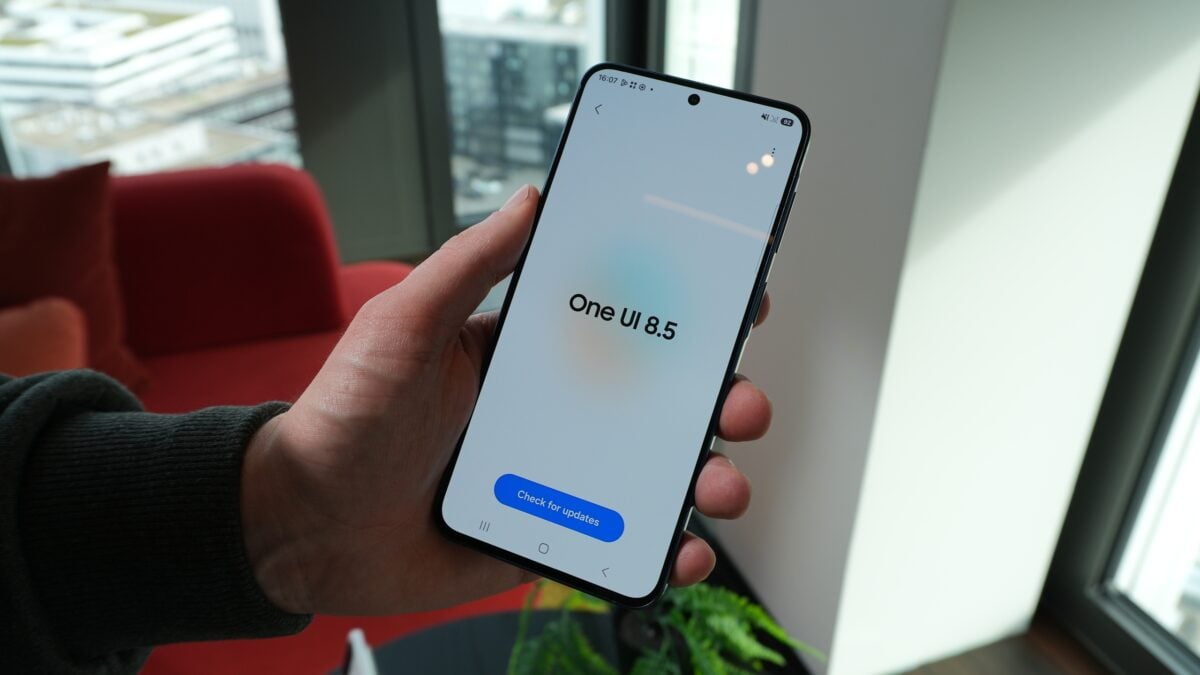
Samsung has officially rolled out the much-anticipated stable One UI 8.5 update following an extensive five-month beta testing phase. This major software refresh is currently reaching eligible Samsung Galaxy devices across the globe, bringing a suite of innovative features designed to enhance daily productivity and user experience. Whether you are using a flagship smartphone or a Galaxy tablet, this update introduces significant improvements in artificial intelligence, cross-platform connectivity, and system-wide customization.
- ✨ Complete Personalization: A fully overhauled Quick Panel with resizable toggles and custom layouts.
- ✨ Cross-Platform Freedom: Native AirDrop support for effortless file sharing with Apple devices.
- ✨ Next-Gen Intelligence: A revamped Bixby powered by Large Language Models and Perplexity integration.
- ✨ Pro-Grade Utilities: Enhanced document scanning and partial screen recording for better privacy.
1. A Highly Customizable Quick Panel
The Quick Panel has undergone a massive transformation, making it more flexible than ever. Users can now add or remove shortcuts with ease, resize specific toggles, and even modify the layout of essential sliders like brightness and volume. For those who prefer a cleaner look, the "Modes" and "Nearby Devices" sections can be completely hidden. If you are a fan of Good Lock, the QuickStar module now allows you to set custom background images for individual Quick Panel items, offering a truly bespoke interface.
2. The Smarter Bixby Evolution
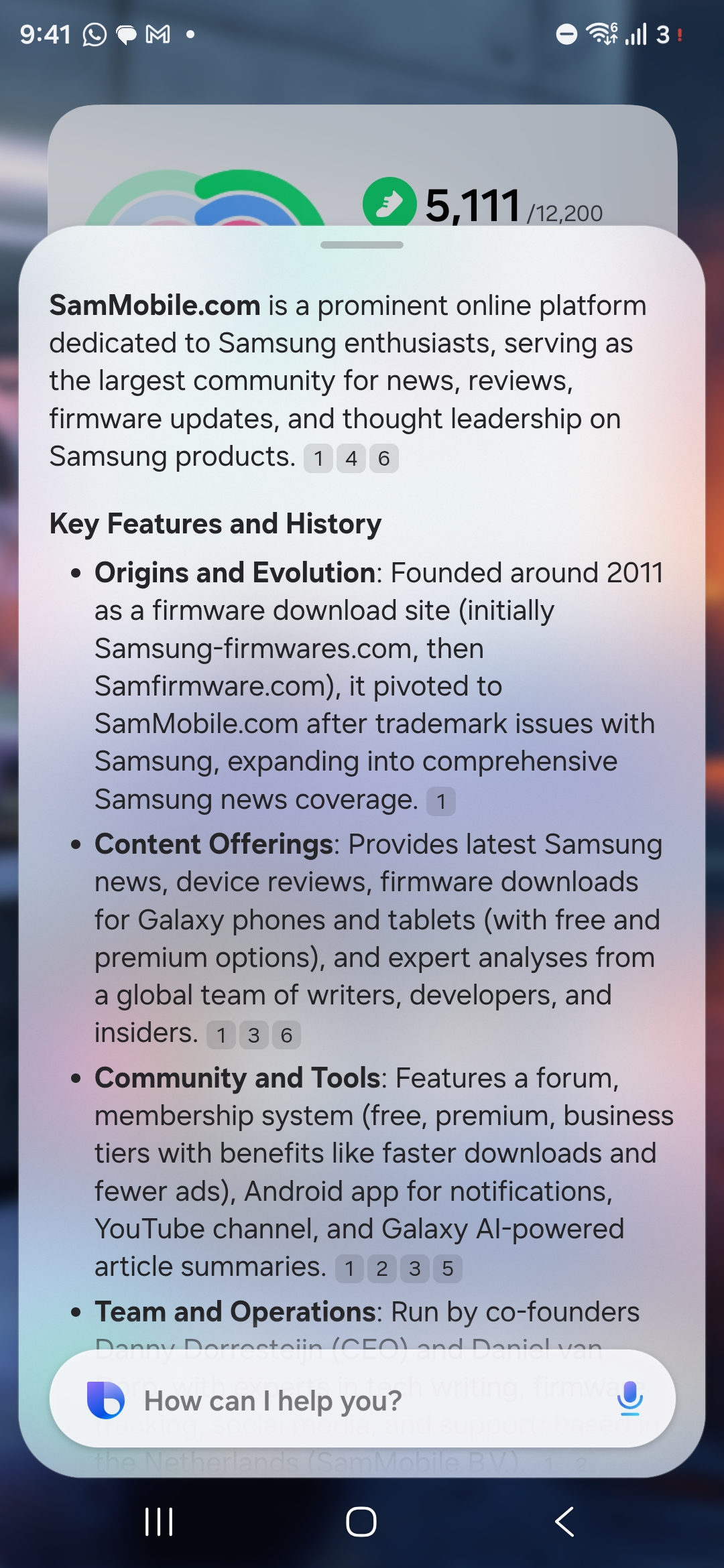
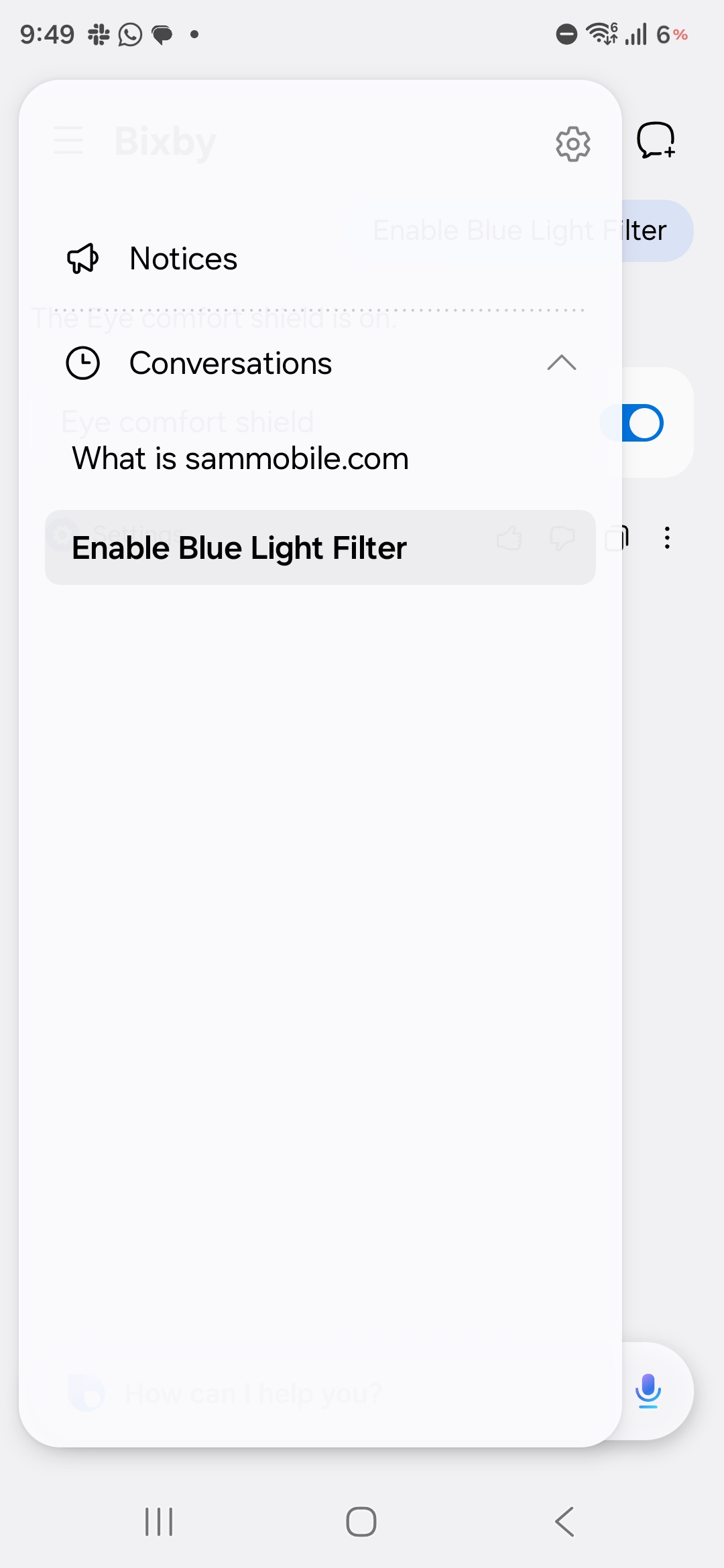
Bixby is no longer just a basic voice assistant; it has received a significant intelligence boost through Large Language Models (LLMs). This allows the assistant to understand complex, natural language queries even if you don't use specific commands. One of the standout additions is the conversation history, similar to ChatGPT, which allows you to track previous interactions. Furthermore, the integration of Perplexity AI enables Bixby to fetch real-time, accurate information from the web to answer your most challenging questions.
3. Seamless AirDrop Support via Quick Share
In a move that breaks down the walls between ecosystems, One UI 8.5 brings Quick Share compatibility with Apple’s AirDrop. You can now transfer high-quality photos, videos, and large files between your Samsung Galaxy device and an iPhone, iPad, or Mac without needing third-party apps or cables. This feature effectively ends a decade-long barrier to sharing, making it effortless to collaborate with friends and family regardless of their device choice.
4. Advanced Lock Screen Customization
Lock screen personalization reaches new heights in this update. When setting a portrait as wallpaper, the system smartly adjusts the clock and widgets to avoid overlapping with the subject. Additionally, users can now apply live weather effects directly to their wallpapers and choose from a new collection of interactive wallpapers that react to touch and movement.
5. Integrated Time Zone Converter
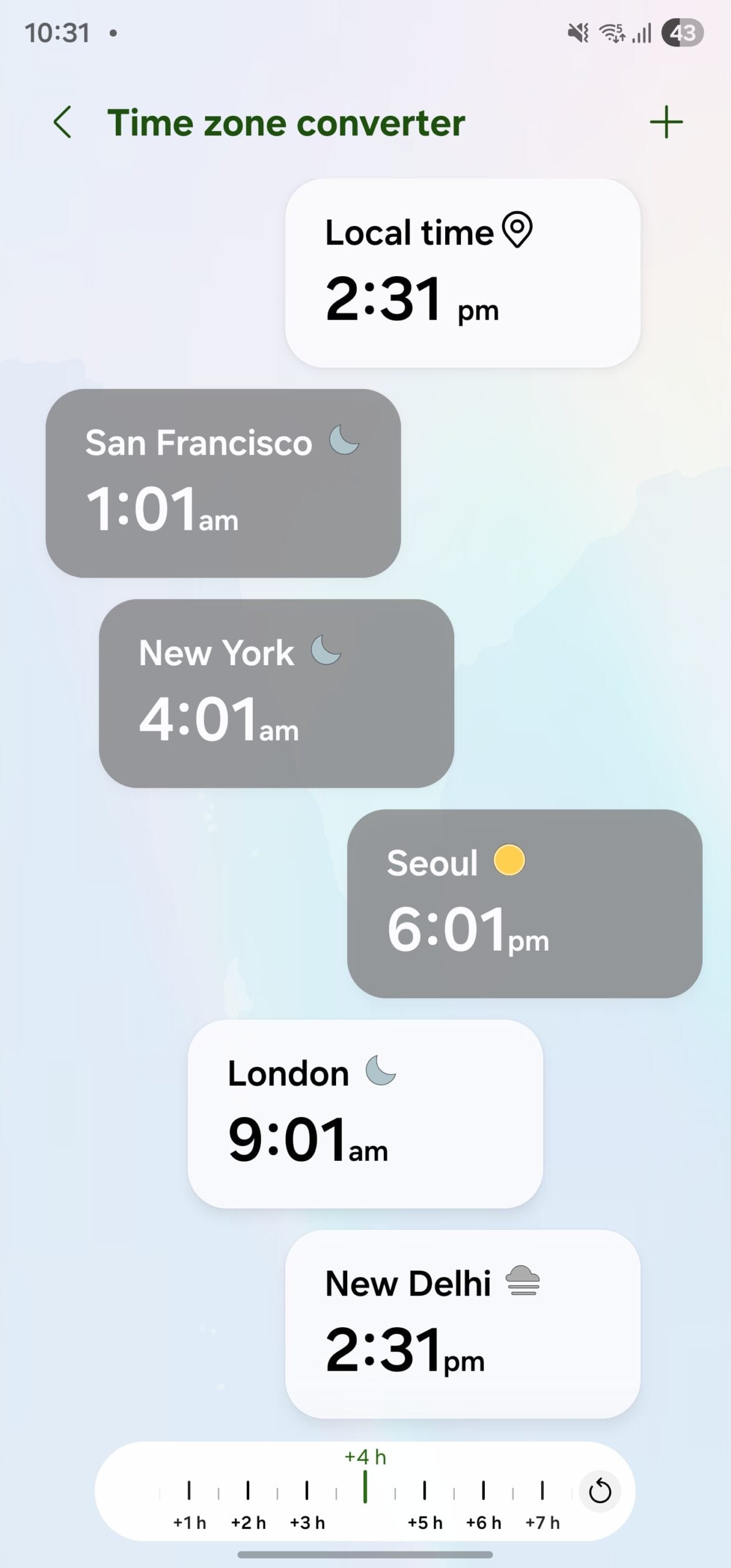
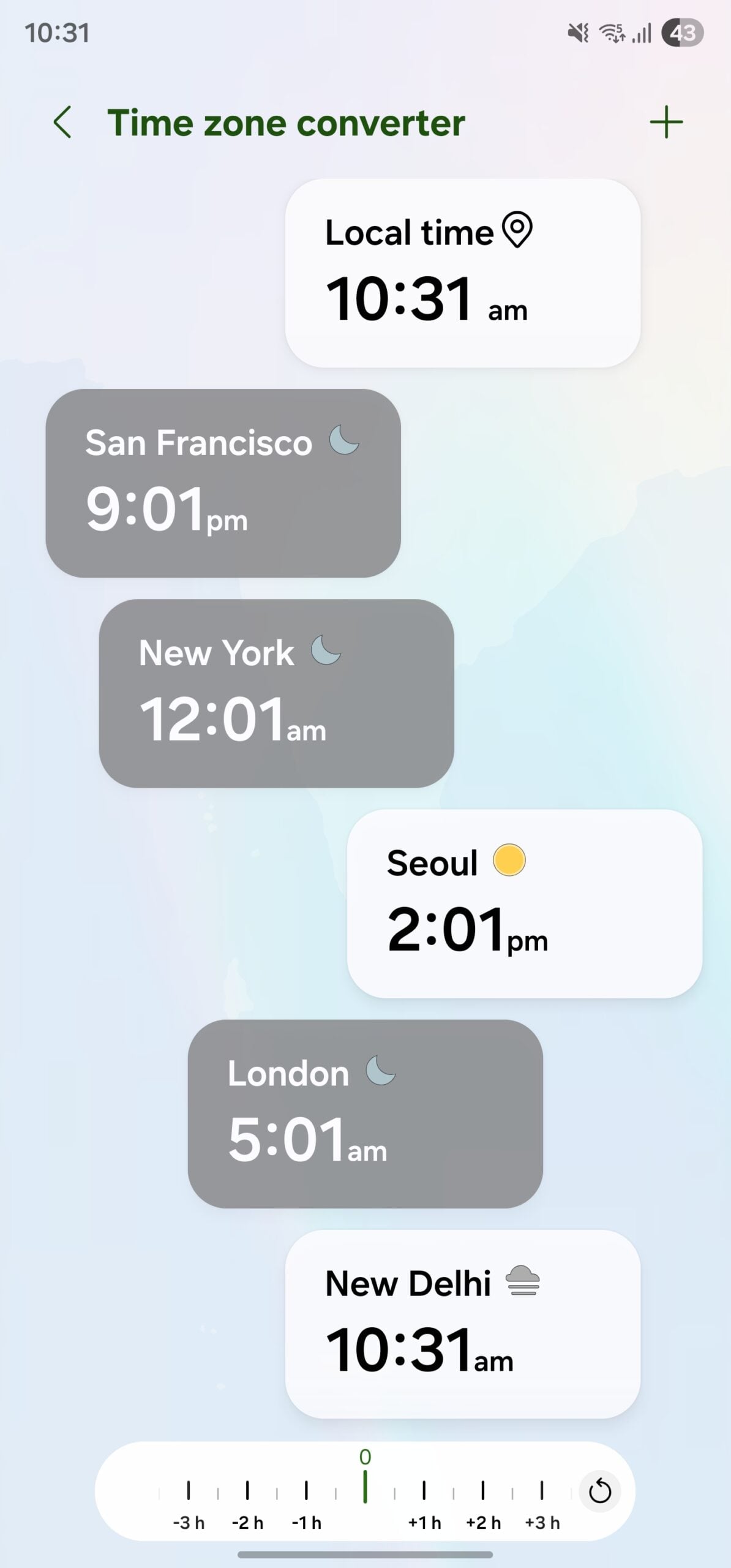
For professionals working across different regions, the stock Clock app now includes a built-in time zone converter. Using a simple interactive slider in the World Clock section, you can instantly see the time difference between multiple locations, removing the need for external converter websites or apps.
6. Partial Screen Recording
Privacy and efficiency get a boost with the new partial screen recording feature. Instead of capturing your entire display and cropping it later, you can now select a specific area of the screen to record. This is perfect for hiding sensitive notifications or status bar information while sharing a tutorial or a clip.
7. Persistent DeX Window Layouts
Samsung DeX users will appreciate that the system now remembers the exact position and size of app windows from previous sessions. This "memory" feature ensures that your desktop-like workspace is exactly how you left it every time you reconnect to a monitor or launch DeX mode.
8. Temporary Auto Blocker Suspension
While the Auto Blocker is vital for security, it can sometimes interfere with legitimate APK installations. One UI 8.5 introduces a toggle to temporarily suspend this feature for 30 minutes. Once the time is up, the system automatically reactivates the security layer, ensuring you stay protected after your manual update is complete.
9. Cross-Device Browsing with Storage Share
The new Storage Share feature allows for seamless file browsing across the Samsung ecosystem. You can access files from your Galaxy tablet on your phone, or even view photos stored on your smartphone directly on your Samsung Smart TV. This eliminates the need for USB drives or cloud uploads for quick file viewing.
10. AI-Powered Intelligent Document Scanner
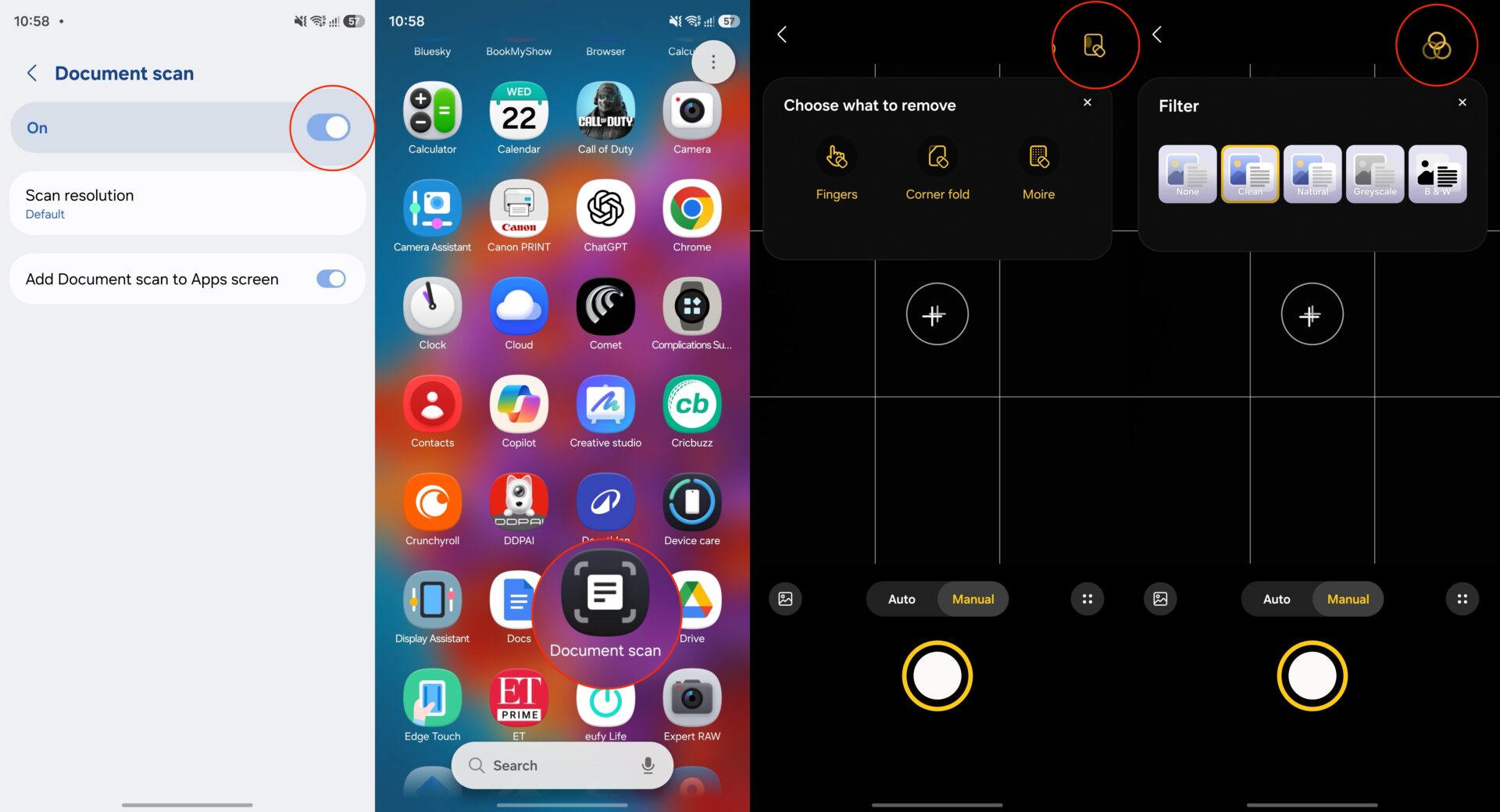
The Camera app’s document scanner is now a powerhouse. It supports multipage scanning, shadow and finger removal, and automatic straightening of skewed documents. You can save your scans as JPEGs or PDFs and apply filters to enhance text clarity. You can even add a dedicated shortcut for the scanner to your home screen for instant access.
Does One UI 8.5 really allow file sharing with iPhones?
Yes, the new update makes Quick Share compatible with Apple's AirDrop protocol, allowing seamless wireless transfers between Galaxy and Apple devices for the first time natively.
How has Bixby changed in this update?
Bixby now utilizes Large Language Models (LLMs) to understand natural language better and includes Perplexity integration for real-time web searching and a history feature for past conversations.
What is the benefit of Partial Screen Recording?
It allows you to record only a specific portion of your screen, which helps in protecting your privacy by hiding notifications, personal data, or the status bar during a recording.
Can I customize the Quick Panel more than before?
Absolutely. You can now resize toggles, remove sections like "Nearby Devices," and even add custom background images to icons using the Good Lock QuickStar module.
What is Storage Share?
Storage Share is a new ecosystem feature that lets you browse and open files stored on one Samsung device (like your phone) directly from another (like a tablet or Samsung TV) without transferring them first.
🔎 The One UI 8.5 update is a testament to Samsung's commitment to refining the user experience through meaningful AI integration and cross-platform openness. By bridging the gap between Android and Apple sharing and supercharging productivity tools like Bixby and the Document Scanner, Samsung ensures that older Galaxy devices remain competitive and highly functional. If you haven't checked for the update yet, head over to your settings and enjoy these ten game-changing features today.
Post a Comment