
Master Your Galaxy: Top 5 Essential Samsung Apps You Need to Use
Samsung's Galaxy devices are packed with a wide array of native applications. While some of these apps might seem to overlap with the standard Google offerings that come pre-installed on every Android device, Samsung has meticulously integrated unique capabilities that make their own software remarkably powerful. These tools are designed to work in harmony with the hardware, providing a level of utility that often surpasses generic alternatives.
- ✨ Discover why Samsung's native ecosystem often outperforms standard Google applications.
- ✨ Explore the visual and functional overhauls introduced in the latest Gallery update.
- ✨ Learn how AI is revolutionizing file management with document summarization.
- ✨ Unlock the potential of location-based reminders and deep system integration.
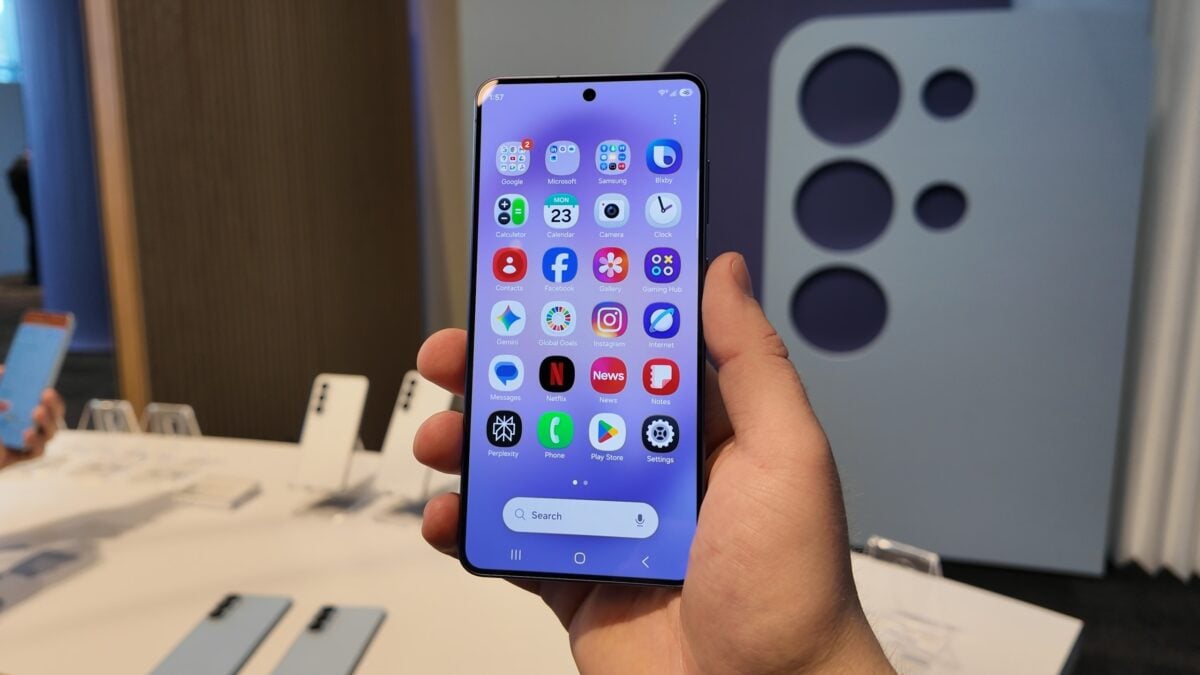
To help you get the most out of your smartphone, our team has curated a specialized guide highlighting the top five Samsung applications that deserve a permanent spot on your home screen. These apps are not just bloatware; they are essential productivity and lifestyle tools that define the Samsung Galaxy experience.
The Power of One UI: Gallery and Reminders
The Samsung Gallery app is perhaps the finest example of functional design. It is practical and features a highly intuitive user interface. With the arrival of One UI 8.5, the app received a complete visual refresh, introducing floating menus, elegant subtle blur effects, and other modern design elements that make browsing through your memories a delight.
Similarly, the Samsung Reminder app stands out for its deep integration into the operating system. Unlike many third-party apps, it is baked directly into the system-wide functions. This allows users to set highly specific reminders based on geographic locations or quickly dictate new tasks using Bixby, ensuring you never miss a beat regardless of where you are.
Advanced Productivity with My Files and AI
One of the most robust tools in the Samsung arsenal is "My Files." Recent updates have transformed this file manager into a productivity powerhouse. It now features AI-driven capabilities that can provide concise summaries of documents stored within your folders. Furthermore, it offers seamless connectivity for external cloud storage accounts, allowing you to manage all your digital assets from a single, unified interface.
For a comprehensive look at how these apps function in real-time, we encourage you to watch our detailed video breakdown. If you find these tips helpful, make sure to join our community for more updates on Android apps and Samsung features.
Are Samsung's native apps better than Google's default apps?
While Google apps offer a clean, universal experience, Samsung's native apps are specifically optimized for Galaxy hardware. They often include features like S-Pen support, deep Bixby integration, and specialized UI elements that follow the One UI design language, providing a more cohesive experience for Galaxy users.
What are the main changes in the Gallery app with One UI 8.5?
The One UI 8.5 update focused on a more immersive visual experience. Key changes include the introduction of floating menus that stay within reach, subtle background blurs to keep focus on the content, and faster navigation between albums and media types.
How does the AI document summary work in the My Files app?
The My Files app uses on-device or cloud-based AI (depending on your settings) to scan the text within documents like PDFs or Word files. It then generates a bulleted summary, allowing you to understand the content of a file without opening it, which is a massive time-saver for students and professionals.
Can the Reminder app trigger alerts based on where I am?
Yes, one of the strongest features of the Samsung Reminder app is its location-based triggering. You can set a reminder to alert you when you arrive at or leave a specific location, such as "remind me to buy milk when I leave the office."
Is it possible to manage Google Drive or OneDrive through Samsung My Files?
Absolutely. Samsung's My Files app allows you to link several cloud services, including Google Drive, OneDrive, and even network storage (FTP/SFTP). This lets you move files between your phone's internal storage and the cloud as if they were local folders.
🔎 Embracing Samsung's native application suite is the key to unlocking the true potential of your Galaxy device. From AI-enhanced file management to a visually stunning gallery, these tools are designed to make your digital life more efficient and enjoyable. By integrating these apps into your daily routine, you move beyond basic smartphone usage and into a world of curated, high-performance mobile computing.
Post a Comment