
New Google Play System Update Hits Samsung Galaxy Phones: Here is What You Need to Know
Samsung users are witnessing a significant shift in software support strategy this year. After a period in 2025 where Google Play System updates seemed to stall for several months, the tech giant has accelerated its release cycle. Galaxy device owners are now reporting the arrival of yet another system update, marking a consistent effort to keep devices secure and optimized.
Update Quick Summary:
- ✨ Update Size: A lightweight 14MB download.
- ✨ System Version: Remains labeled as May 1, 2026, post-installation.
- ✨ Availability: Currently rolling out to Samsung Galaxy S25 series.
- ✨ Key Improvements: Focuses on bug fixes and background security enhancements.
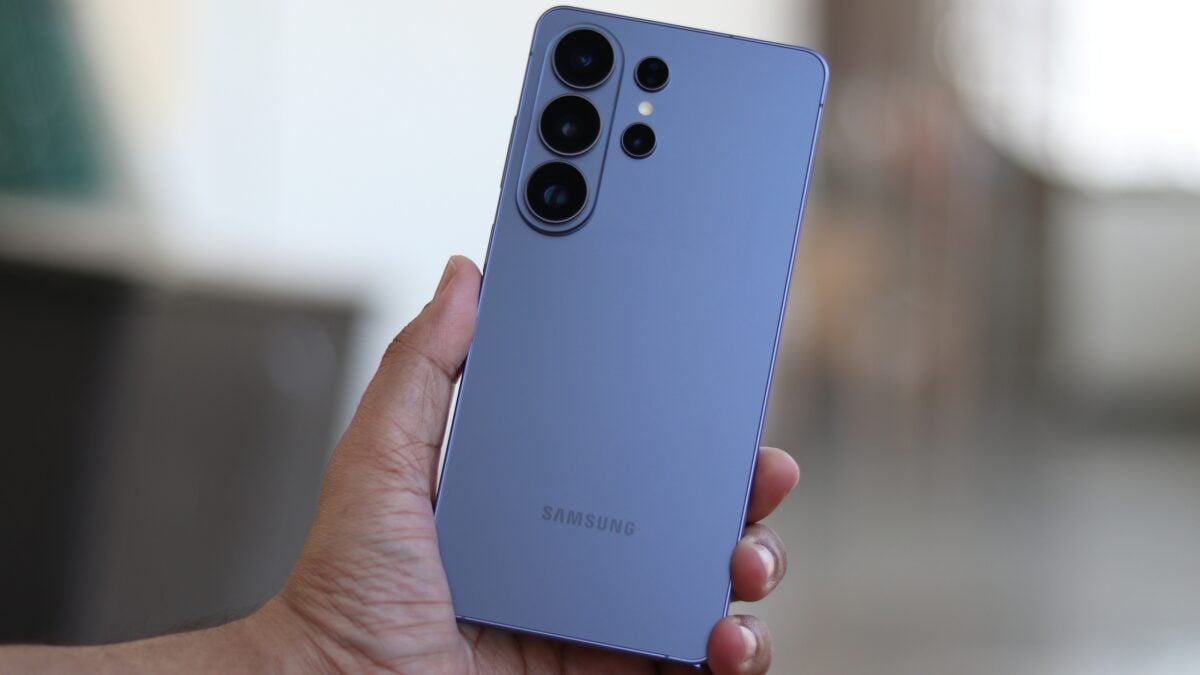
The latest package is notably small, weighing in at just 14MB. Interestingly, users have noted a technical quirk: after the installation is complete and the device restarts, the Google Play System update version displayed in the settings menu still reflects the date May 1, 2026. This follows a pattern seen in the previous three minor updates, suggesting that while the underlying components are being patched, the primary version string remains unchanged for this cycle.
Device Compatibility and Regional Rollout
The update has been confirmed on the Samsung Galaxy S25 running One UI 8.5 in regions like India. While Google rarely provides an exhaustive changelog for these specific system components, they are vital for the healthy operation of the Android ecosystem. These updates typically include critical patches for Google Play services, the Play Store, and various core system modules that handle everything from cryptography to media processing.
For those looking to stay on the cutting edge of security, these rapid-fire updates are a welcome change from the delays experienced in the previous year. They ensure that even between major Android OS upgrades, the core Google-managed parts of the phone stay resilient against emerging threats.
How to Manually Check for the Update
If you haven't received a notification for the update yet, you can manually trigger a check through your device settings. There are two primary paths to find this:
- ✨ Navigate to Settings > About phone > Software information > Google Play System update.
- ✨ Alternatively, go to Settings > Security and privacy > Updates > Google Play System update.
Once the system identifies the available 14MB patch, simply tap Download and install. Your device will require a reboot to finalize the changes.
What exactly is included in this 14MB update?
While there is no official changelog provided by Samsung or Google for this specific patch, updates of this size typically focus on background stability, minor bug fixes within the Google Play framework, and essential security patches that don't require a full firmware overhaul.
Why does my phone still show the May 2026 date after updating?
This is a common occurrence with Google Play System updates. Sometimes, Google updates specific sub-modules that do not trigger a change in the primary "version date." As long as the system says your device is up to date after checking, the patches have been applied successfully.
Is this update mandatory for all Galaxy users?
While not mandatory in the sense that your phone will stop working without it, it is highly recommended. These updates improve the integration between Google services and Samsung's hardware, ensuring better app compatibility and security.
Will this update change my One UI version?
No, the Google Play System update is independent of Samsung's One UI firmware. This update specifically targets the Android system components managed by Google, whereas One UI updates are delivered separately by Samsung.
🔎 Keeping your smartphone updated is the most effective way to ensure a smooth and secure user experience. With Samsung delivering these Google Play System patches at an accelerated pace, users can enjoy the latest Android enhancements and security protections with minimal downtime. Be sure to check your settings menu today to ensure your Galaxy device is running the latest available version.
Post a Comment