
Next-Gen Control: 3 Essential Upgrades to Perfect the Samsung SolarCell Remote
The evolution of home entertainment has transformed the humble remote control from a simple plastic tool into a sophisticated piece of technology. Samsung has been at the forefront of this change, particularly with the introduction of its eco-friendly SolarCell Remote. While this device has already redefined convenience by eliminating the need for disposable batteries, the quest for the ultimate user experience never truly ends. Even the best gadgets have room for refinement, and there are specific enhancements that could elevate Samsung's control interface from great to indispensable.
Article Highlights
- ✨ Samsung SolarCell Remote leads the market in eco-friendly design and charging.
- ✨ Backlit buttons would solve the common frustration of navigating in dark home theaters.
- ✨ Integration with SmartThings Find and built-in speakers could eliminate lost remotes.
- ✨ Gyroscope-powered pointer modes would drastically improve web browsing and menu navigation.
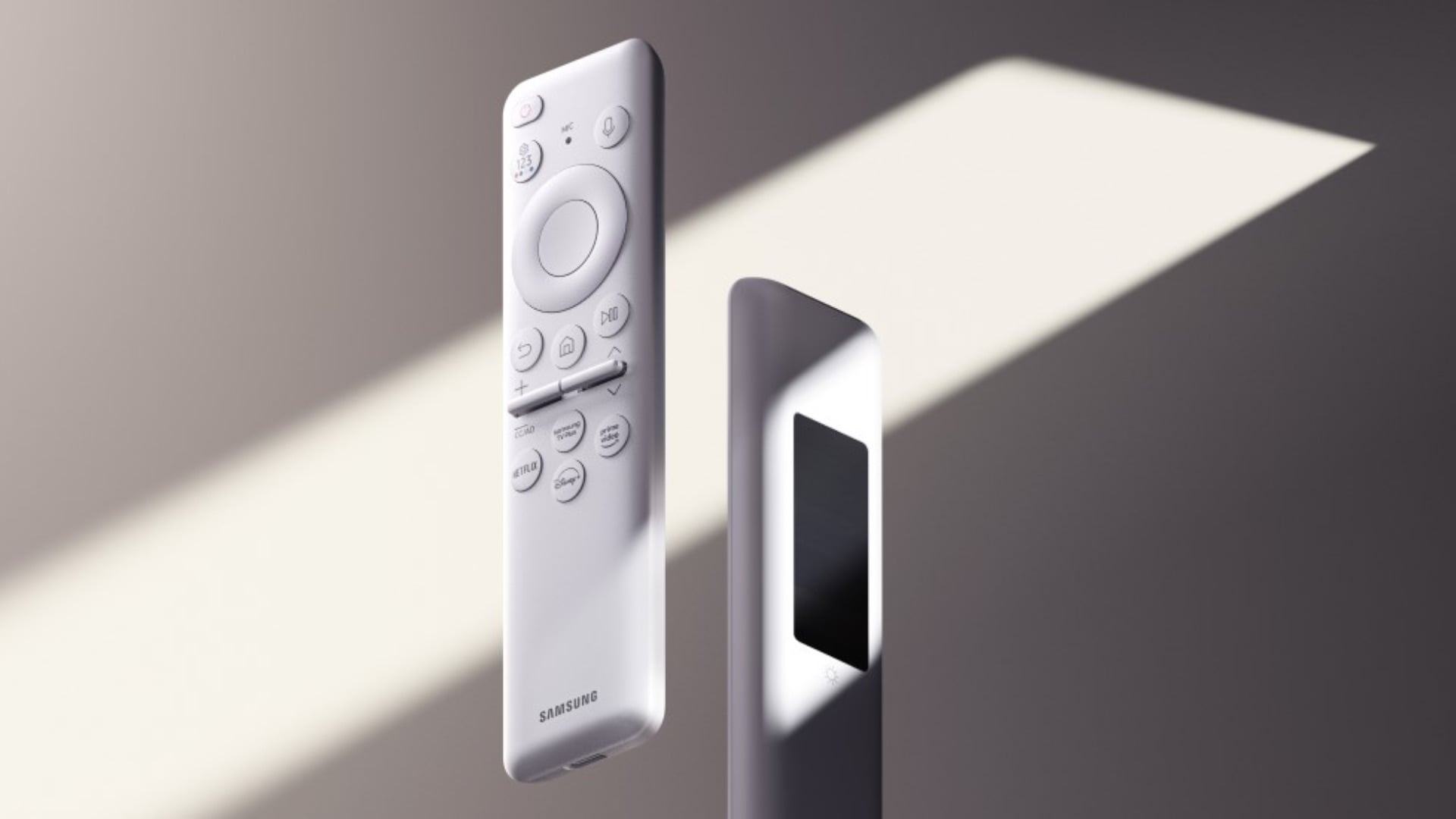
Samsung TV peripherals have seen significant innovation, with the SolarCell Remote standing out as a pinnacle of sustainable design. It charges via ambient light, indoor lighting, and even radio waves from routers, ensuring it rarely loses power. However, to maintain its lead against competitors, Samsung could implement a few thoughtful features that address everyday user pain points.
1. Backlit Buttons for Enhanced Low-Light Visibility
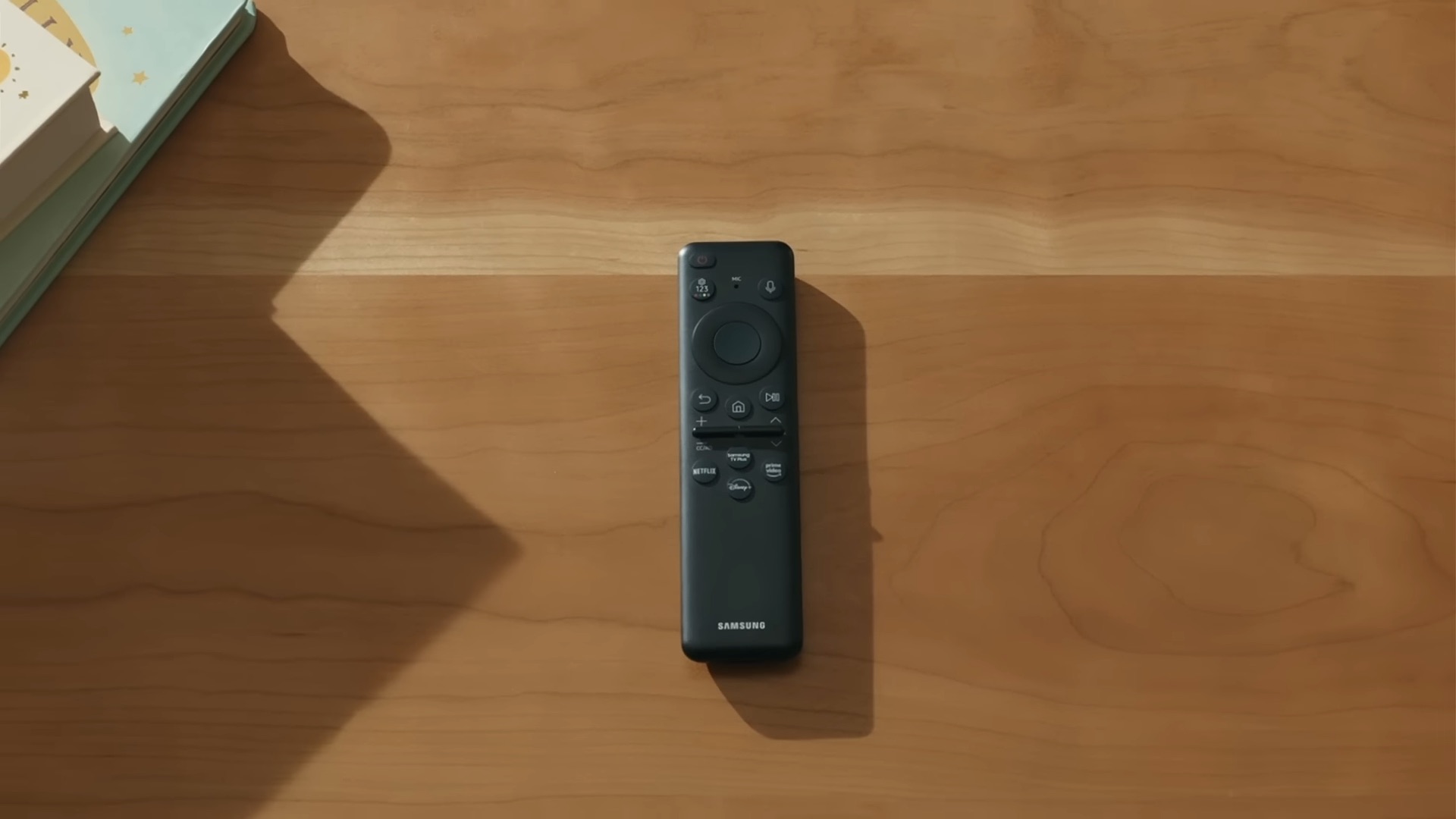
One primary challenge with the current iteration of the remote is the difficulty of identifying buttons in a darkened room. Most movie enthusiasts prefer a dim environment, which makes the tactile but unlit buttons of the SolarCell Remote hard to find. Adding a gentle backlight that activates upon movement or a button press would revolutionize late-night viewing. While illumination requires more power, the remote's existing USB Type-C and solar charging capabilities are more than sufficient to handle the extra energy draw without compromising the device's longevity.
2. Built-in Speaker and SmartThings Find Integration
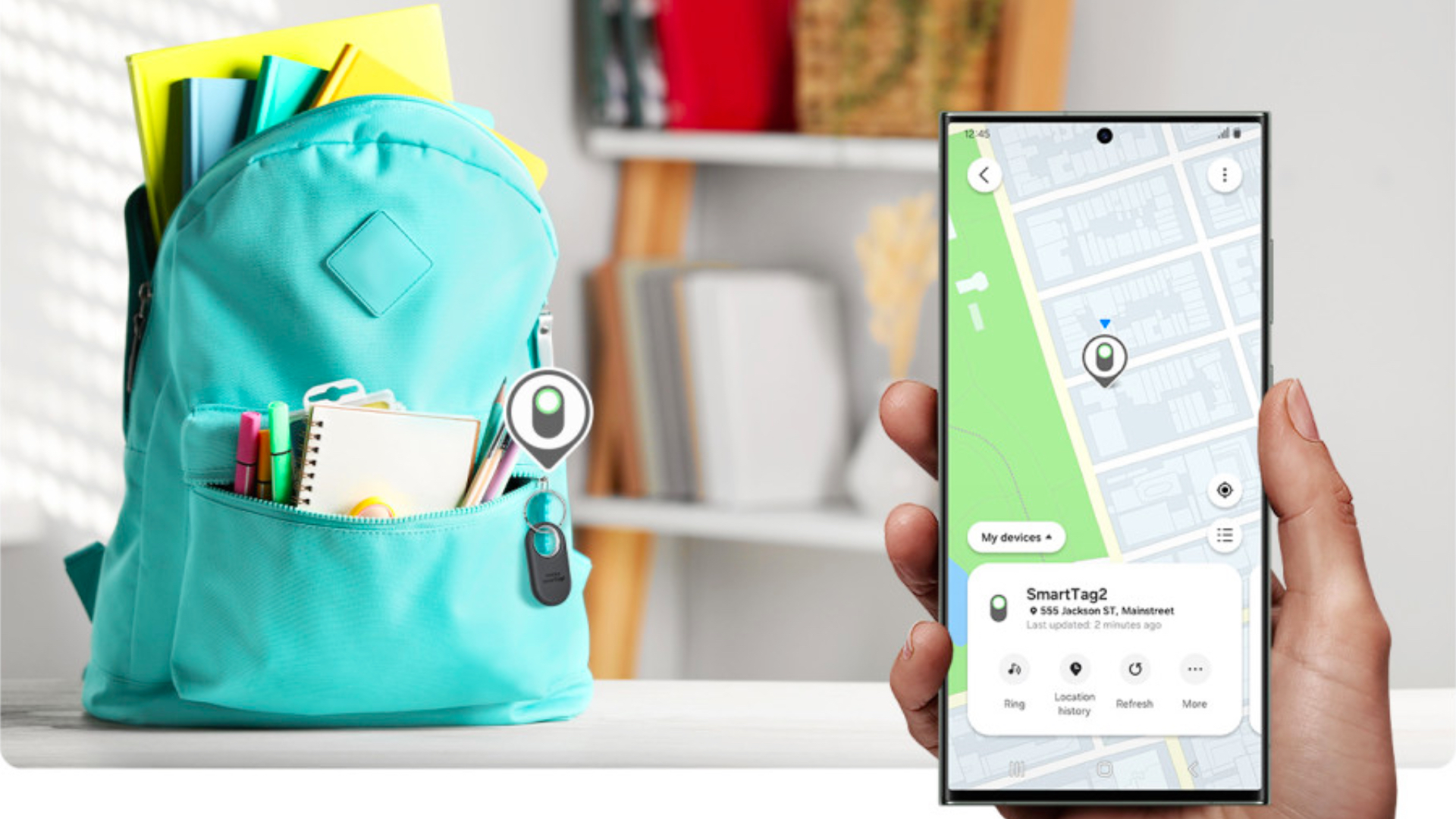
Misplacing a remote between sofa cushions is a universal experience. Samsung could easily solve this by adding a small beeper or speaker to the remote. By integrating this with Bixby or the SmartThings ecosystem, users could simply say, "Find my remote," causing the device to emit a sound. Taking it a step further, including an Ultra-Wideband (UWB) chip would allow for precision tracking via a Galaxy smartphone, turning a frantic search into a simple task of following an on-screen arrow.
3. Gyro-Powered Pointer Mode for Fluid Navigation
While the standard D-pad is reliable for basic menus, it can feel sluggish when navigating complex streaming apps or the built-in web browser. A gyroscope-enabled pointer mode—similar to the "air mouse" functionality seen on other premium brands—would allow users to move the remote in the air to control a cursor. This would make selecting apps, entering URLs, and scrolling through content much faster and more intuitive. For traditionalists, Samsung could provide a simple toggle in the settings to disable this feature if preferred.
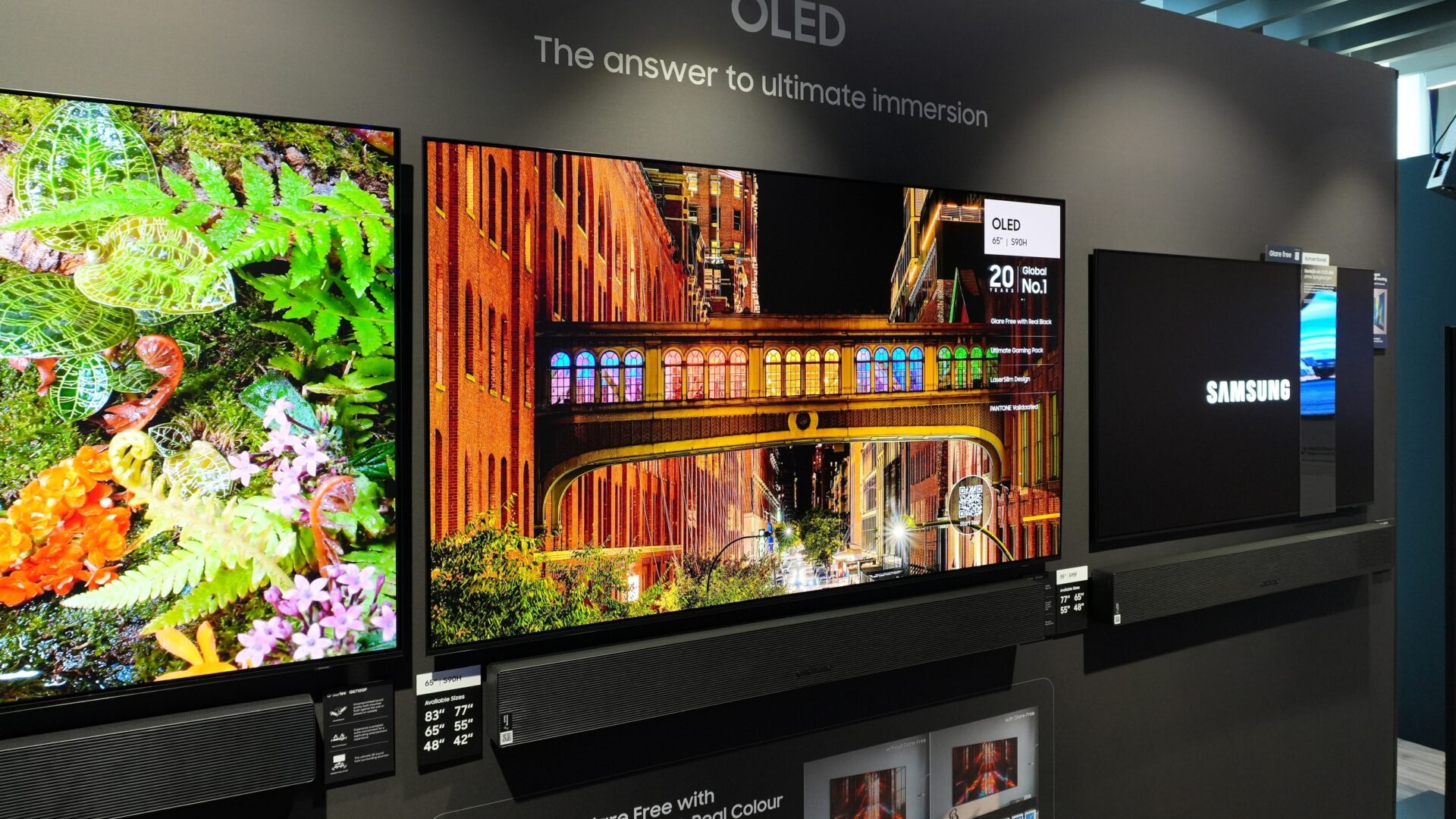
Samsung has already proven its willingness to innovate where others remain stagnant. By addressing these three minor yet impactful areas—visibility, findability, and navigation speed—the company can ensure its Best Samsung TVs are paired with the world's most advanced and user-friendly remote control.
What makes the Samsung SolarCell Remote environmentally friendly?
The SolarCell Remote eliminates the need for thousands of disposable batteries by using a built-in rechargeable battery that can be powered by indoor light, sunlight, or USB-C charging.
Why are backlit buttons being requested for the new models?
Many users watch television in dark or dimly lit rooms. Backlit buttons would allow for much easier navigation without needing to turn on external lights or memorize the remote's layout perfectly.
How would a pointer mode change the way I use my Samsung TV?
A pointer mode uses a gyroscope to let you move the remote like a mouse. This is especially helpful for browsing the web or quickly selecting apps from a large grid, making the interface feel more responsive.
Can I currently find my lost Samsung remote using my phone?
Currently, standard Samsung remotes do not have built-in speakers or UWB tracking. The article suggests this as a future feature that would integrate with the SmartThings Find service for easy recovery.
🔎 Ultimately, Samsung’s commitment to sustainability with the SolarCell Remote is commendable and sets a high bar for the industry. By listening to user feedback regarding backlit buttons, tracking capabilities, and pointer navigation, Samsung can transform a great accessory into the gold standard for home entertainment control. These upgrades would not just be luxury additions but practical solutions to common frustrations, ensuring that the interaction with their world-class displays remains as seamless as the picture quality itself.
Post a Comment