
Samsung Galaxy A25 Receives Official One UI 8.5 Update: What’s New and How to Download
Samsung has officially kicked off the next phase of its software roadmap by releasing the stable version of the One UI 8.5 update for the Galaxy A25. This significant milestone brings a host of visual refinements and performance optimizations to the mid-range device, ensuring users have access to the latest features in the Samsung ecosystem.
- ✨ Stable One UI 8.5 rollout has officially commenced.
- ✨ Initial availability starts in the South Korean market.
- ✨ New firmware version identified as A256NKSU9EZE8.
- ✨ Includes major visual overhauls and new interactive features.
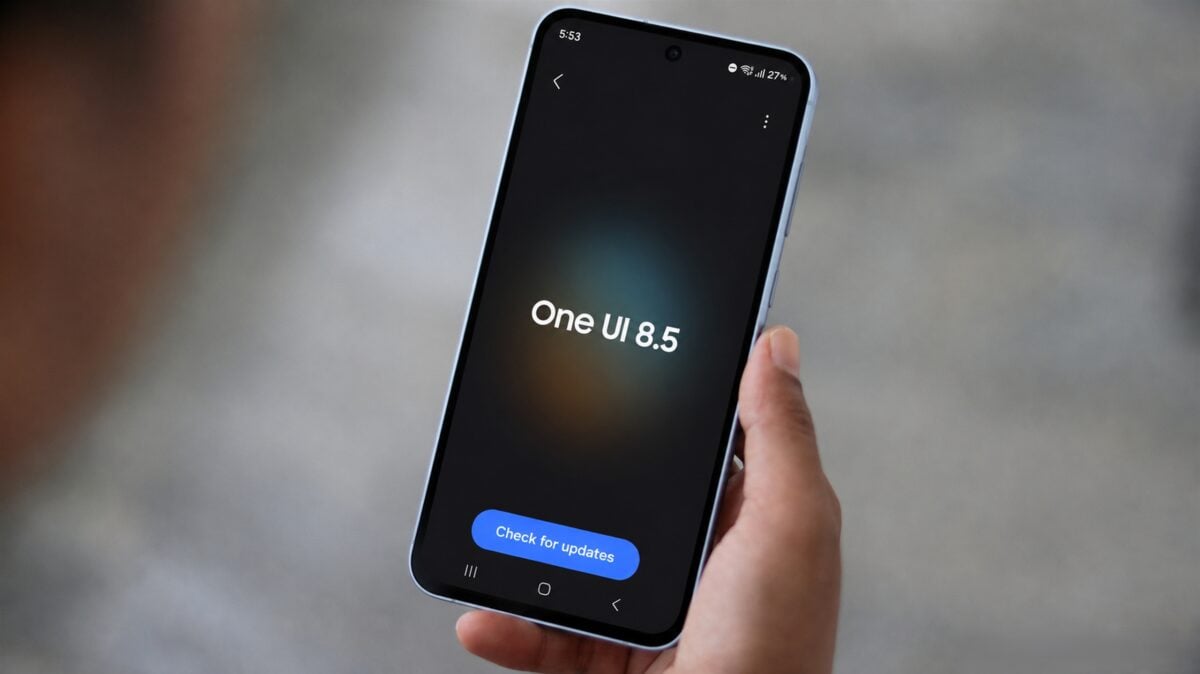
Details of the One UI 8.5 Rollout for Galaxy A25
The South Korean tech giant is prioritizing its home market for the initial release. Owners of the Galaxy A25 in South Korea are the first to report receiving the OTA (Over-The-Air) notification. The update is bundled with the firmware version A256NKSU9EZE8, marking a major jump in the device's software capabilities.
This latest iteration of One UI focuses on enhancing the user interface with more fluid animations, updated iconography, and deeper integration of AI-driven tools. While the update is currently limited to specific regions, it is expected that Samsung will expand the availability to international markets, including Europe, Asia, and North America, in the coming weeks.
As this is a developing story, more details regarding the specific changelog and the global release schedule are expected to surface shortly. Users are encouraged to check for the update manually by navigating to Settings > Software Update > Download and Install.
Which specific model is receiving the update first?
The stable One UI 8.5 update is currently being deployed to the Samsung Galaxy A25 (model A256N) specifically in South Korea.
What is the firmware version for this release?
The update carries the build number A256NKSU9EZE8, which includes the latest security patches and system improvements.
What are the main features of One UI 8.5?
One UI 8.5 introduces various visual changes, smoother transitions, and several new features designed to improve multitasking and overall system stability.
When will the update be available in other countries?
While the rollout started in South Korea, Samsung typically expands such updates to other regions within a few weeks of the initial launch.
How can I install the update on my device?
You can check for the update by going to your phone's Settings, selecting "Software update," and tapping on "Download and install."
🔎 The arrival of One UI 8.5 on the Galaxy A25 demonstrates Samsung's commitment to maintaining its mid-range lineup with modern software. As the update spreads globally, users can look forward to a more refined and feature-rich experience that bridges the gap between hardware and high-end software functionality.
Post a Comment